[ Driver coaching ]
Turn Events Into Focused Fleet Driver Coaching
Assign coaching from confirmed events, guide the discussion and track what happens next.
START WITH WHAT HAPPENED. FINISH WITH WHAT CHANGES
Driver Coaching That Ends in Agreed Action.
01
Assigned
Coaching is raised from a confirmed event, with a focus area, priority and due date, then assigned to a coach.
02
Scheduled and in progress
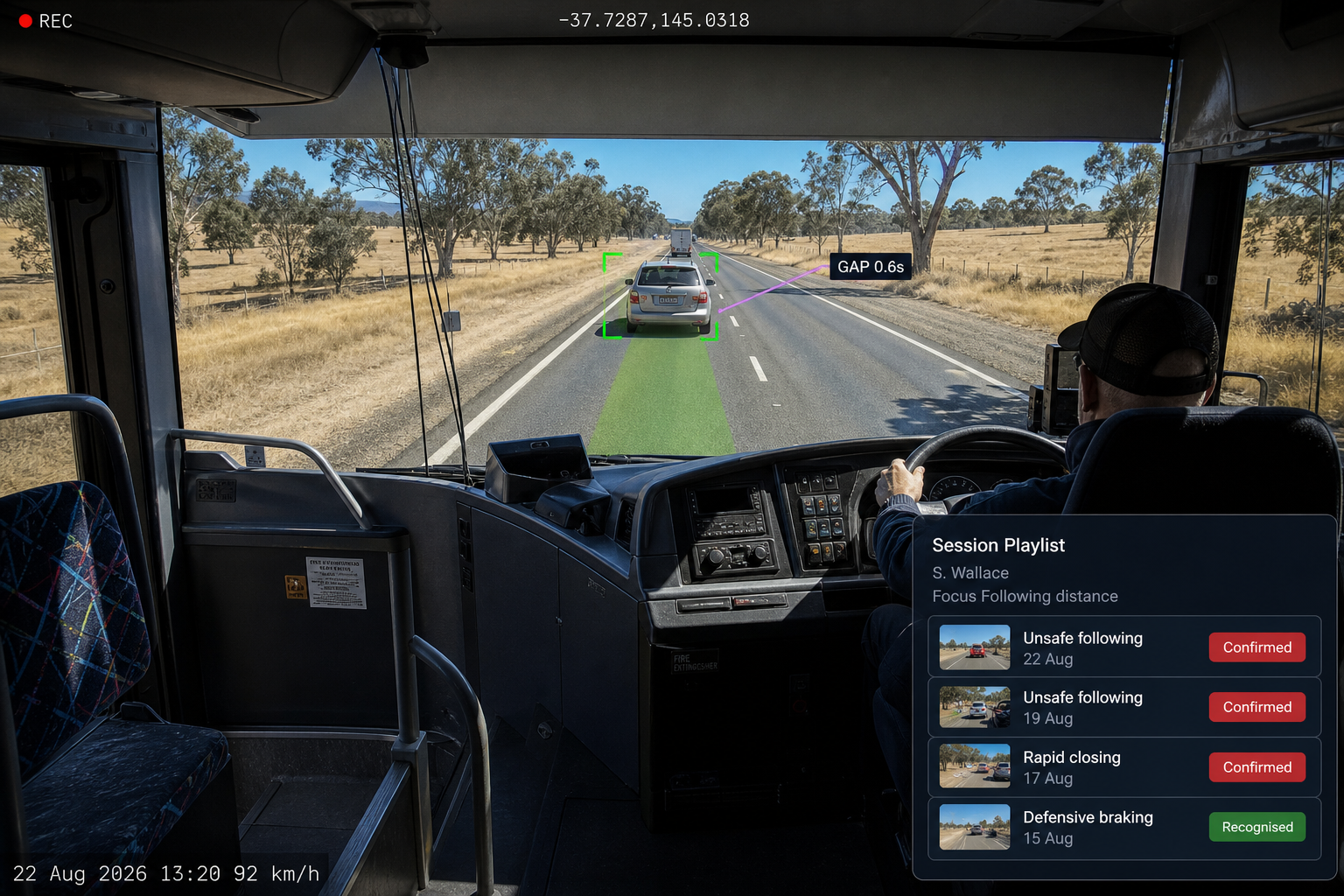
The session includes an event playlist, keeping the discussion focused on specific moments rather than general impressions.
03
Awaiting acknowledgement
The driver acknowledges the session and can add their own comments, which remain part of the record.
04
Follow up and completed
Agreed actions, such as refresher training or a manager check in, are tracked to completion before the session is closed.
THE GUIDED CONVERSATION
Four questions. One consistent approach.
What happened?
The driver describes what they saw and did before the event is characterised.
What risk was present?
Discuss the risk created and what could have happened.
What could be done differently?
Agree on safer alternatives and behaviours for next time.
What do we agree to do?
Record the agreed action, capture the driver's acknowledgement and track the follow up to completion.
FAIR, TRANSPARENT AND EVIDENCE BASED
The Full Record, From Event to Outcome
Coach Notes and Driver Comments
Record what was discussed and agreed, alongside the driver's own comments and timestamped acknowledgement.

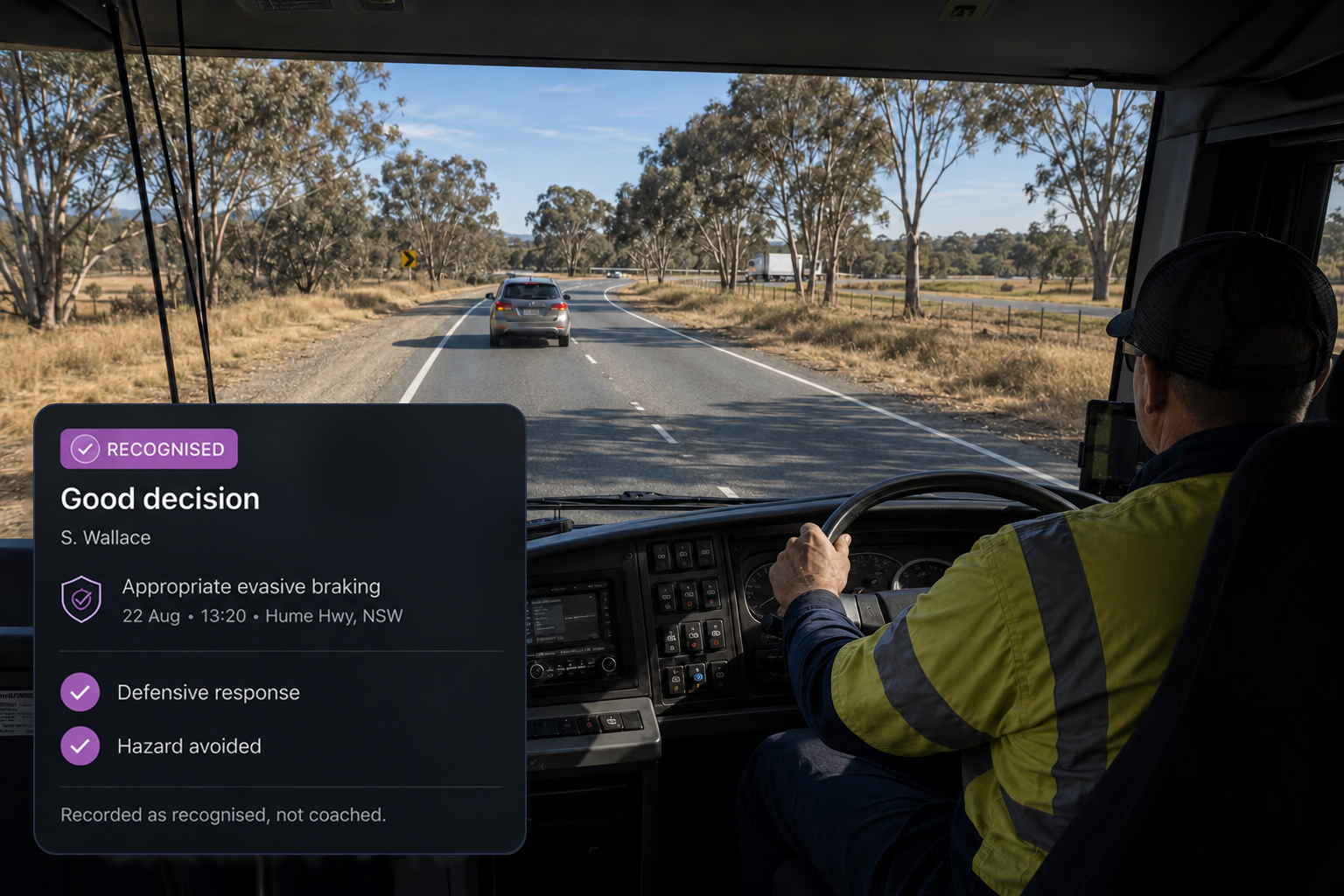
Positive recognition
Recognise defensive responses and good decisions in the same workflow, so coaching captures what went right as well as what needs to improve.
Additional features
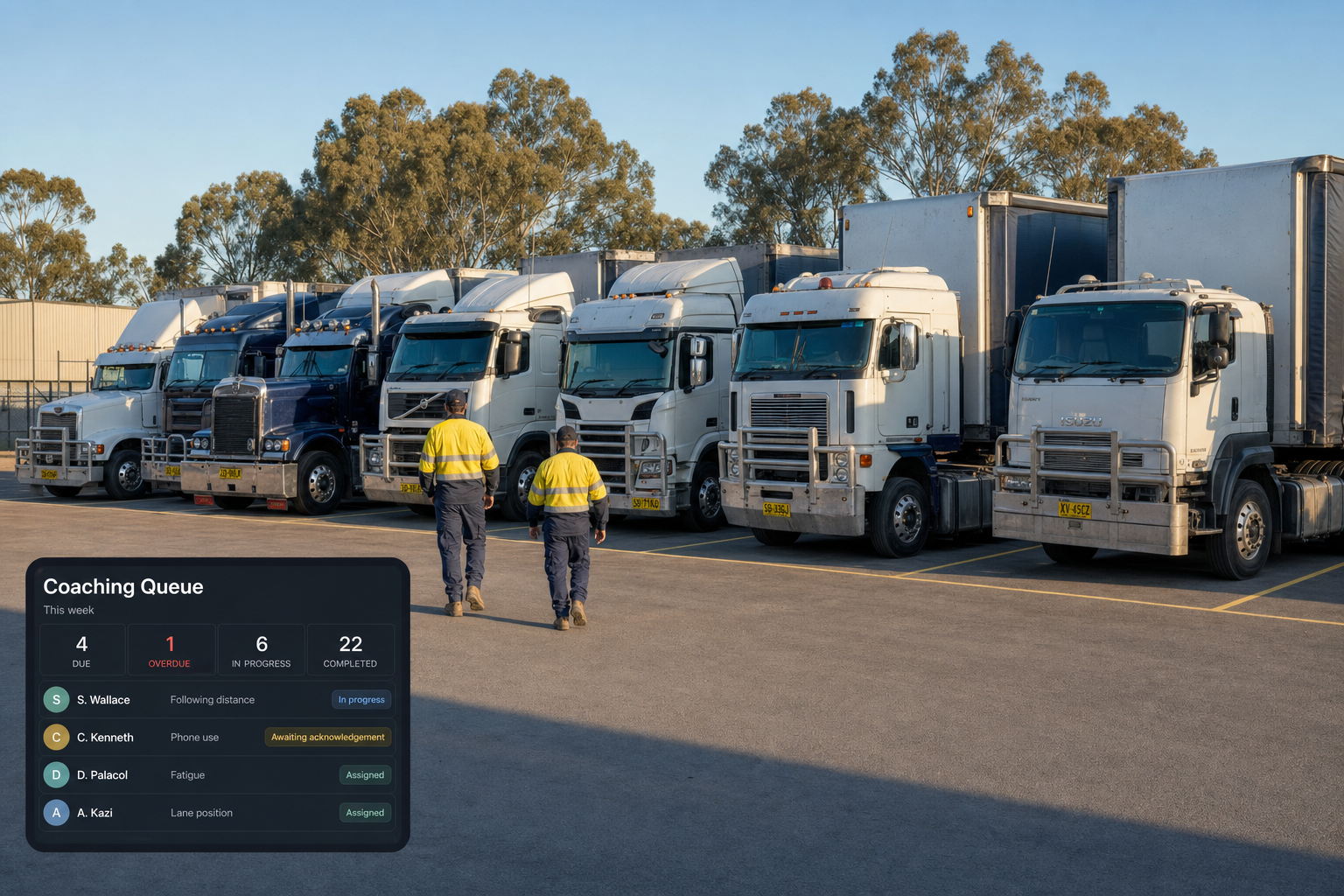
Coaching Queue
Sessions organised by what needs attention.
Focus Areas
Following distance, distraction, fatigue, braking and cornering.
Priority
High, medium and low, shaping the coaching queue.
Coach Assignment
Filter sessions by coach, fleet or priority.
Event Playlists
Bring multiple events into one coaching session.
Add or Reorder Events
Shape the session before it takes place.
Session Status
Assigned, scheduled, in progress, awaiting acknowledgement, follow up and completed.
Reschedule and Reassign
Move sessions without losing their history.
Previous Coaching
See what the driver was previously coached on and when.
Follow Up Actions
Track refresher training, manager check-ins and other agreed actions.
Coaching Snapshot
See drivers coached, events discussed and actions still open.
Coaching Report
Track improvement over time rather than assume it.
Start With the Evidence. Build the Conversation From There.
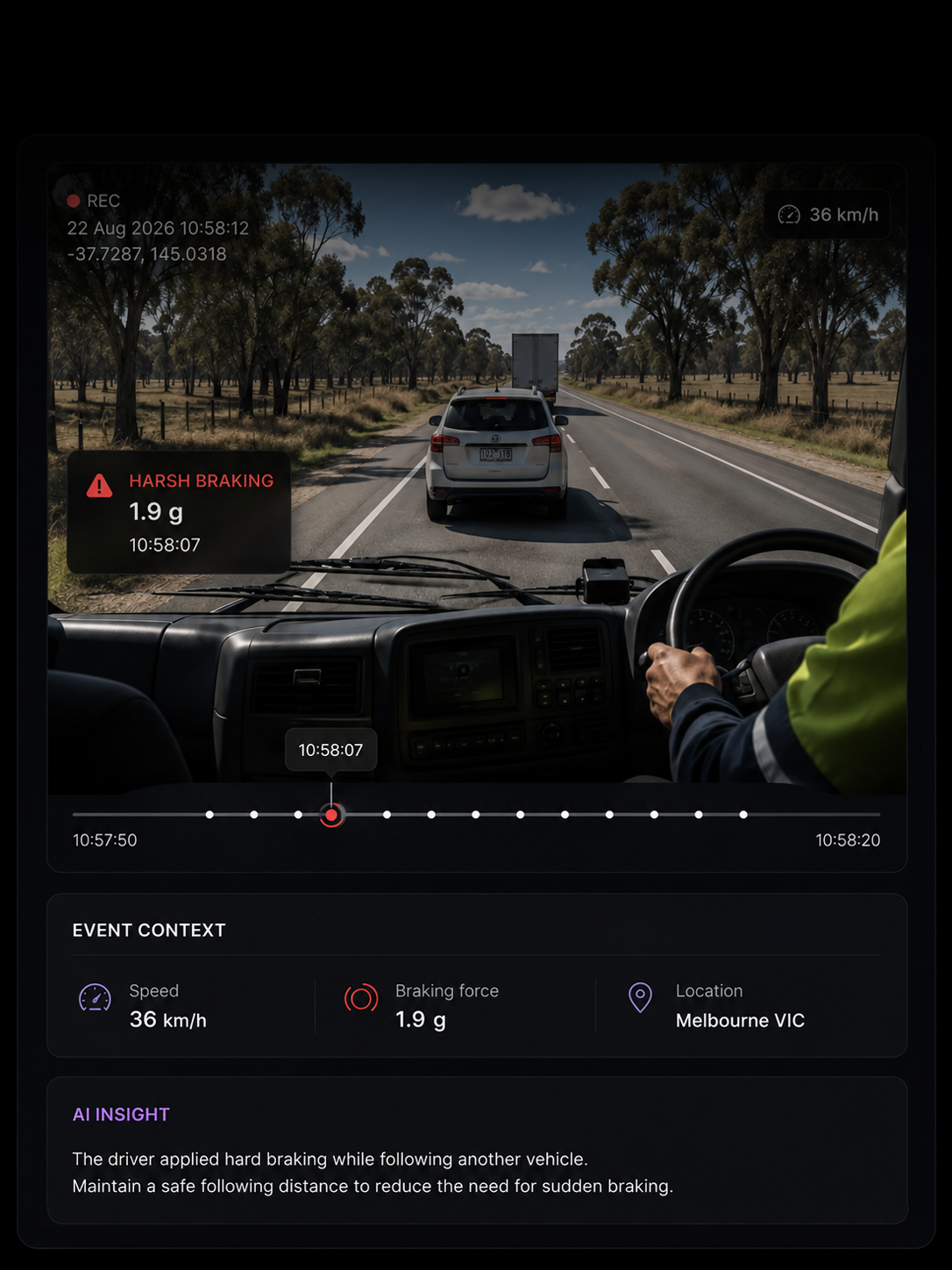
The event
A specific moment, grounded in evidence
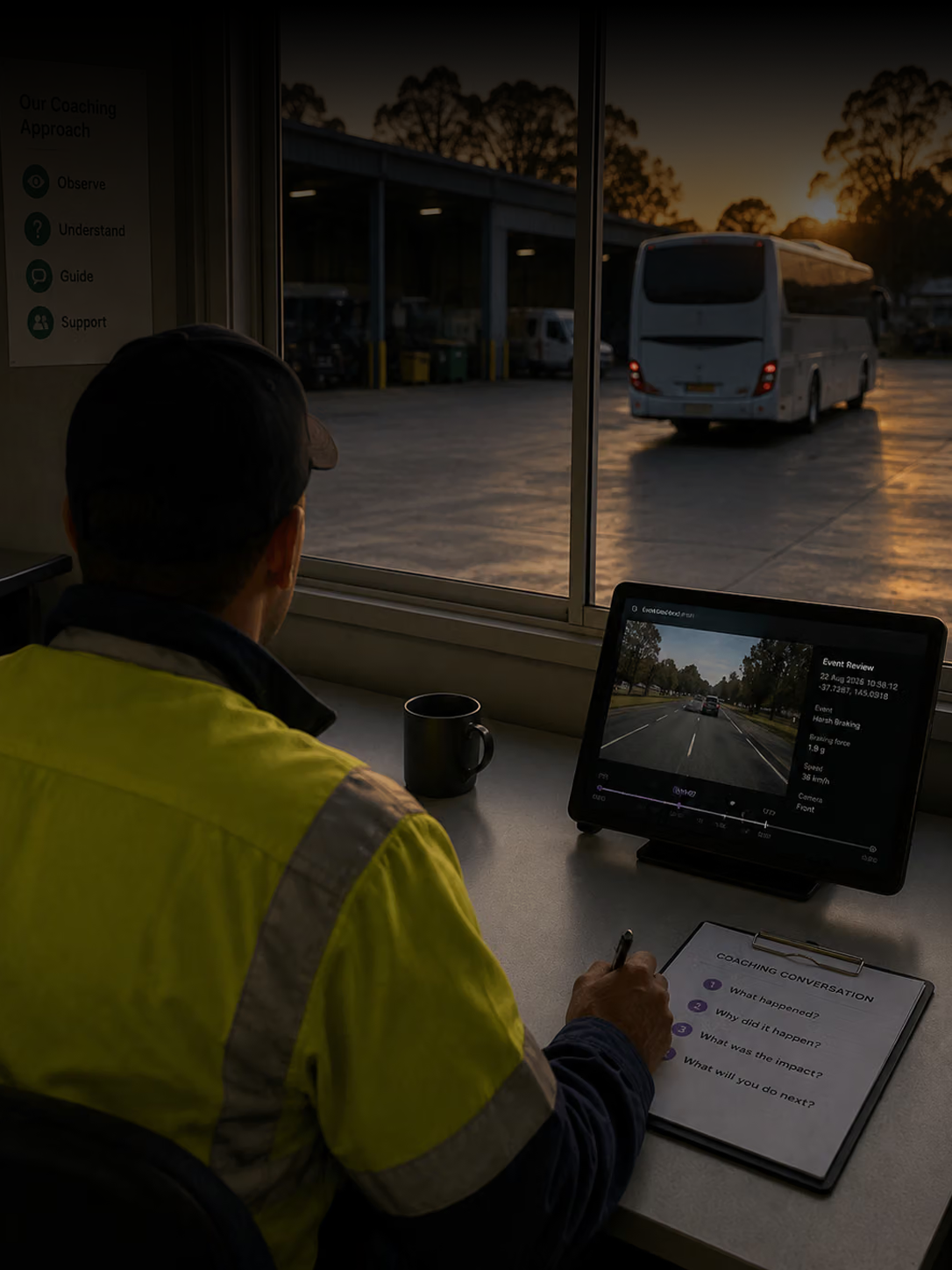
The conversation
Four questions. One consistent approach.
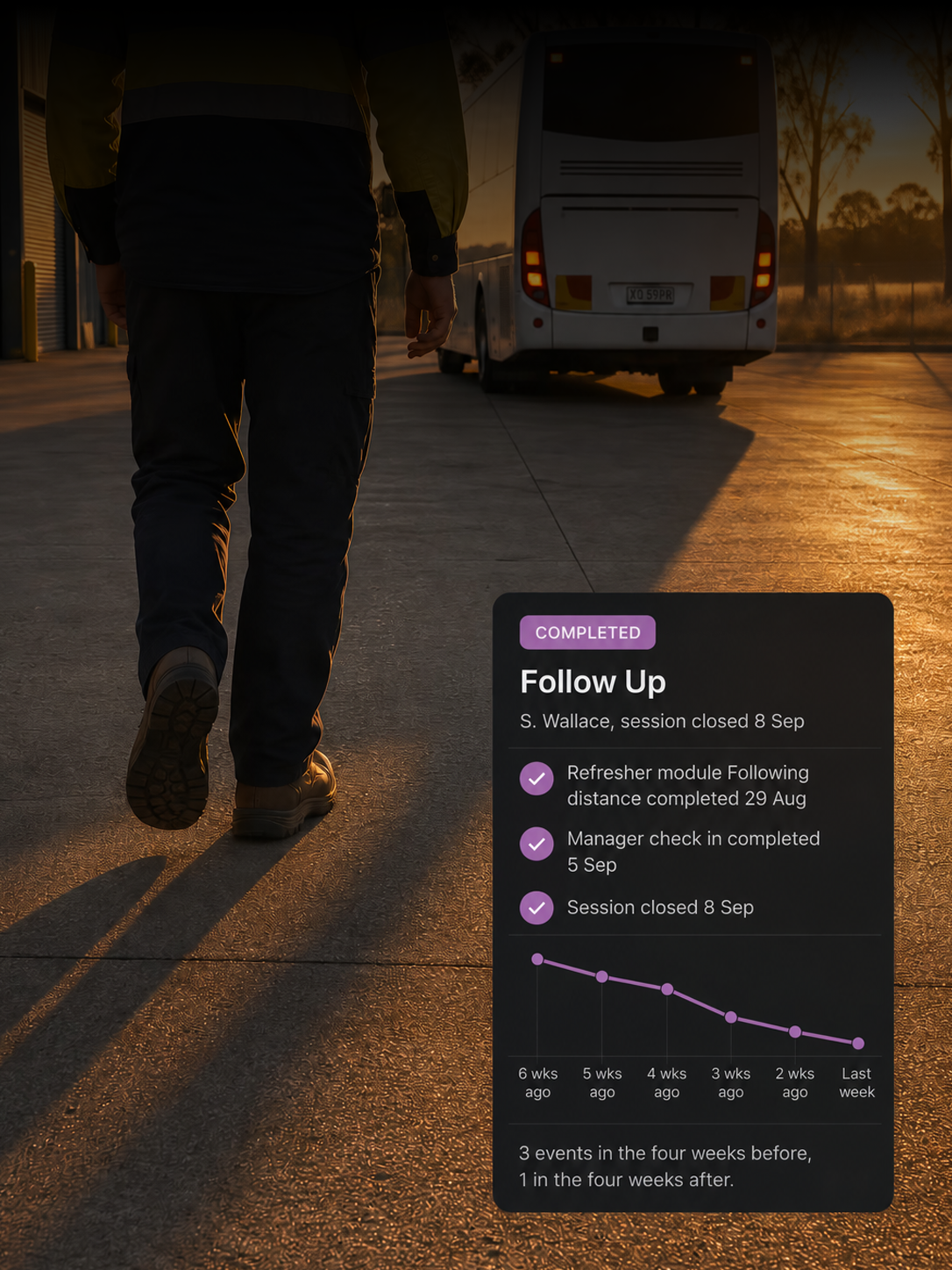
The habit
Follow up that turns agreement into change
Where does coaching come from?
From confirmed events. Each event is reviewed first and can be confirmed, dismissed or reclassified, so coaching follows a decision rather than a raw detection.
Does coaching only cover things that went wrong?
No. Positive recognition sits in the same workflow, so appropriate defensive responses and good decisions are recorded too.
What makes the conversation consistent?
A guided structure covering what happened, what risk was present, what could be done differently and what is agreed. The same four questions provide a consistent approach across every session.
How is the driver's side captured?
The driver acknowledges the session with a timestamp and can add their own comments, kept alongside the coach's notes.
What happens after the session?
Agreed actions, such as refresher training or a manager check in, are tracked with due dates and statuses until completed.
Can we tell whether coaching is working?
Coaching reports track actions and improvement over time, while previous coaching shows which focus areas have already been addressed.
Coach From the Evidence. Build Better Habits.
Structured conversations, driver acknowledgement and follow up that stays on track.