Connected Operations
Connected Operations, Wherever the Work Takes You
Manage the operation with Drive360, plan and execute with Route360 and monitor and protect with Vision360. All working together as one connected system.
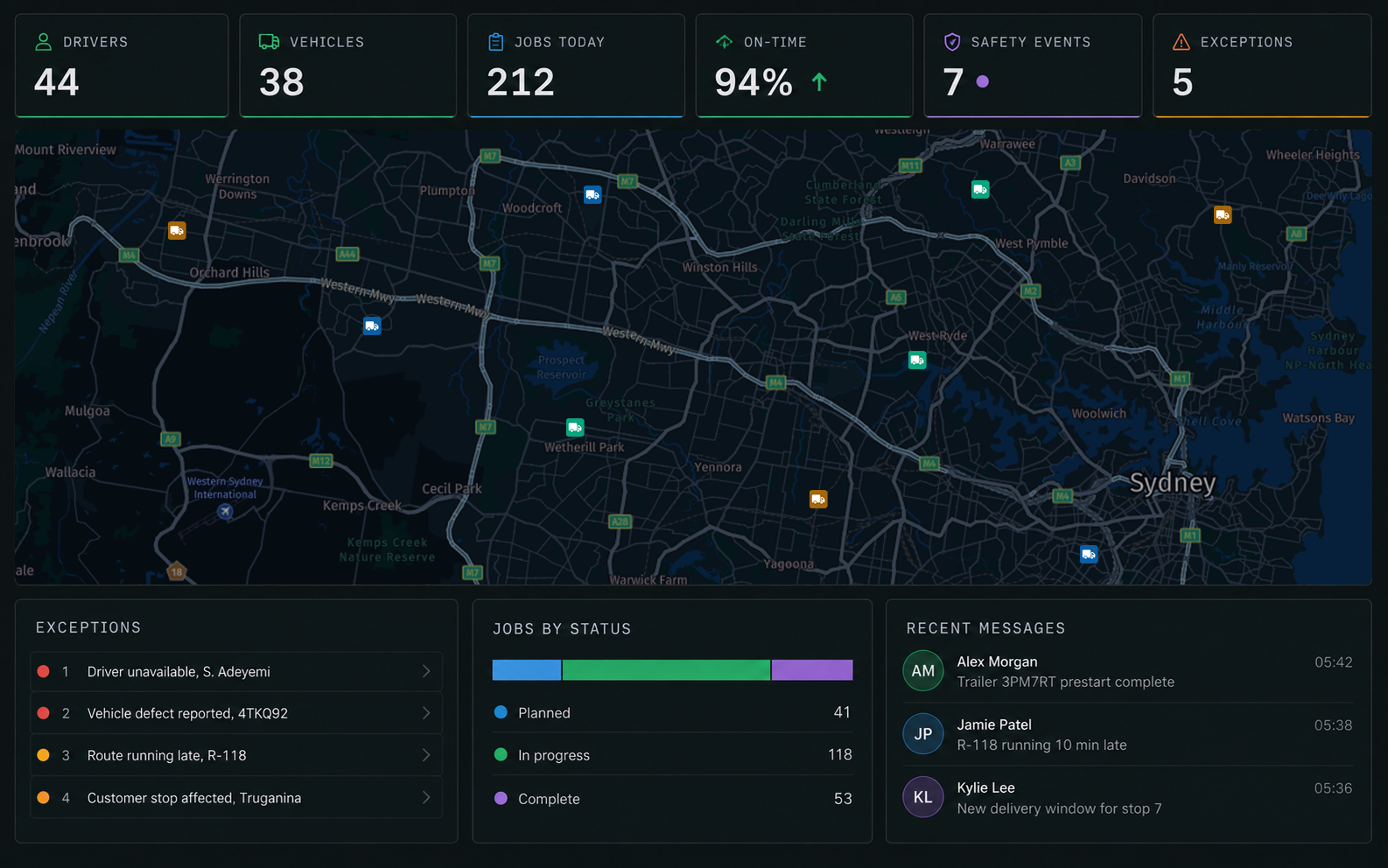
The Connected Workflow in Four Steps
From work coming in to evidence captured along the way, every part of the operation stays connected.
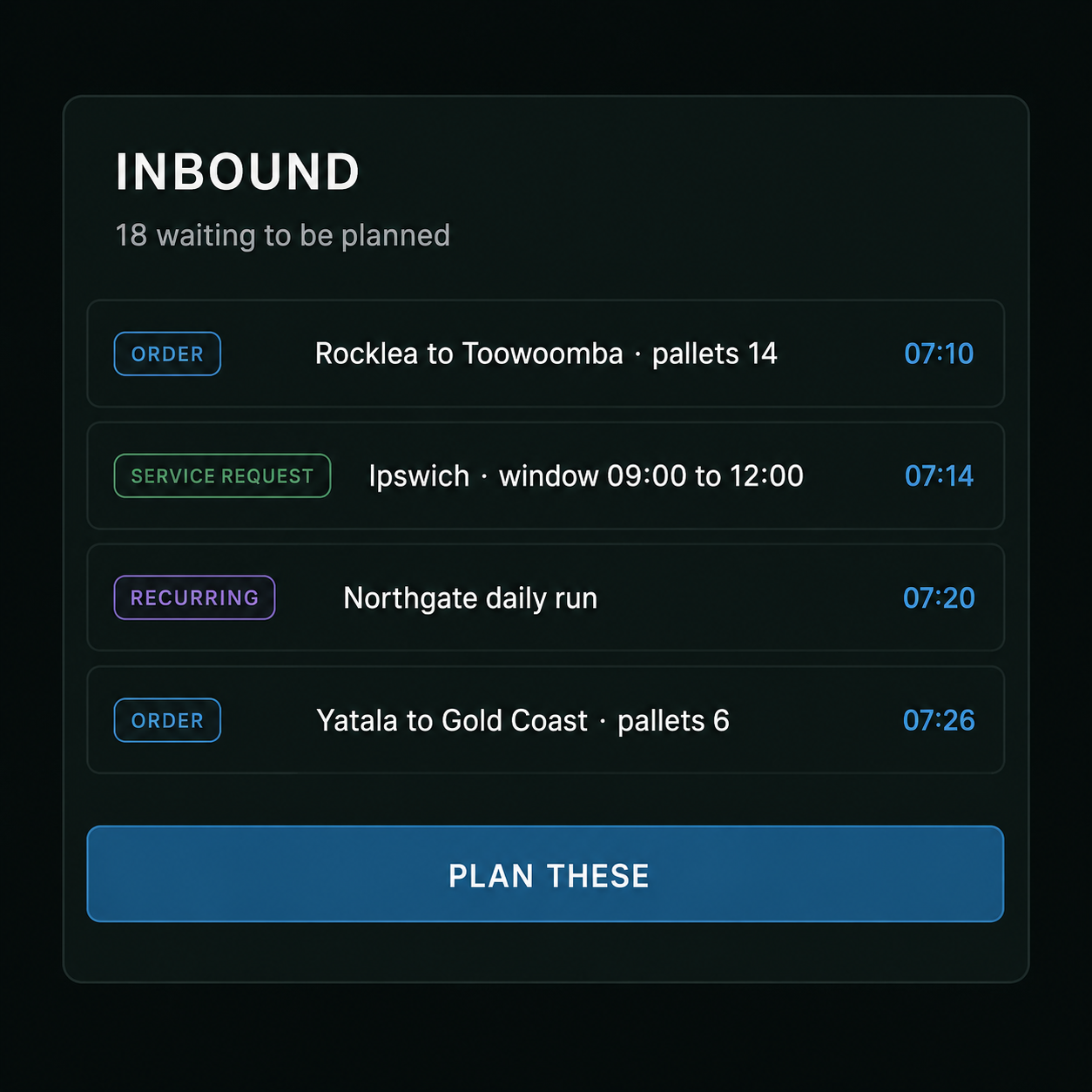
1Work Comes in
Orders, service requests and recurring work come together in one place, ready to be planned.
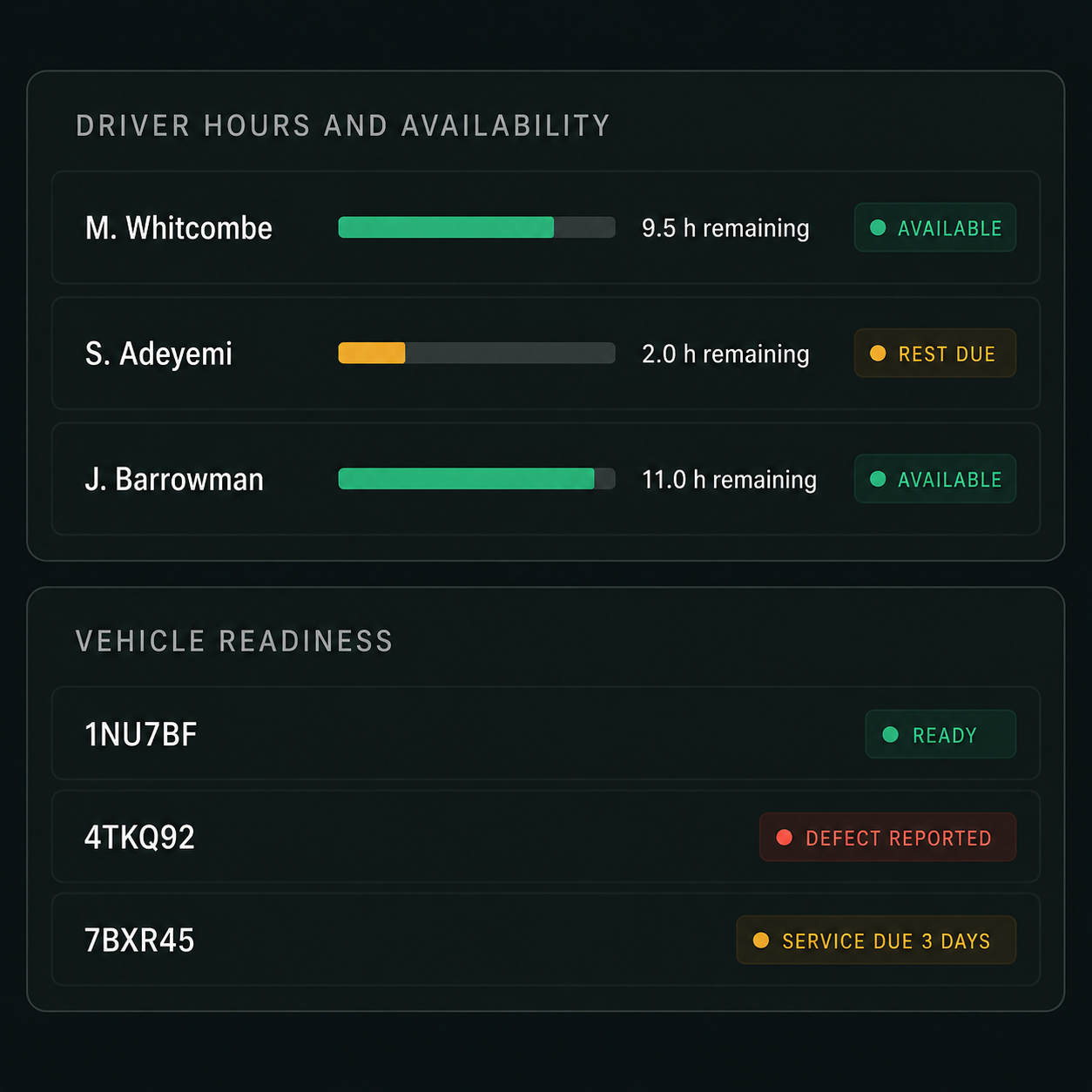
2Prepare People and Vehicles
Drive360 gives you a clear view of driver and vehicle readiness, so you can assign work to the right resources.
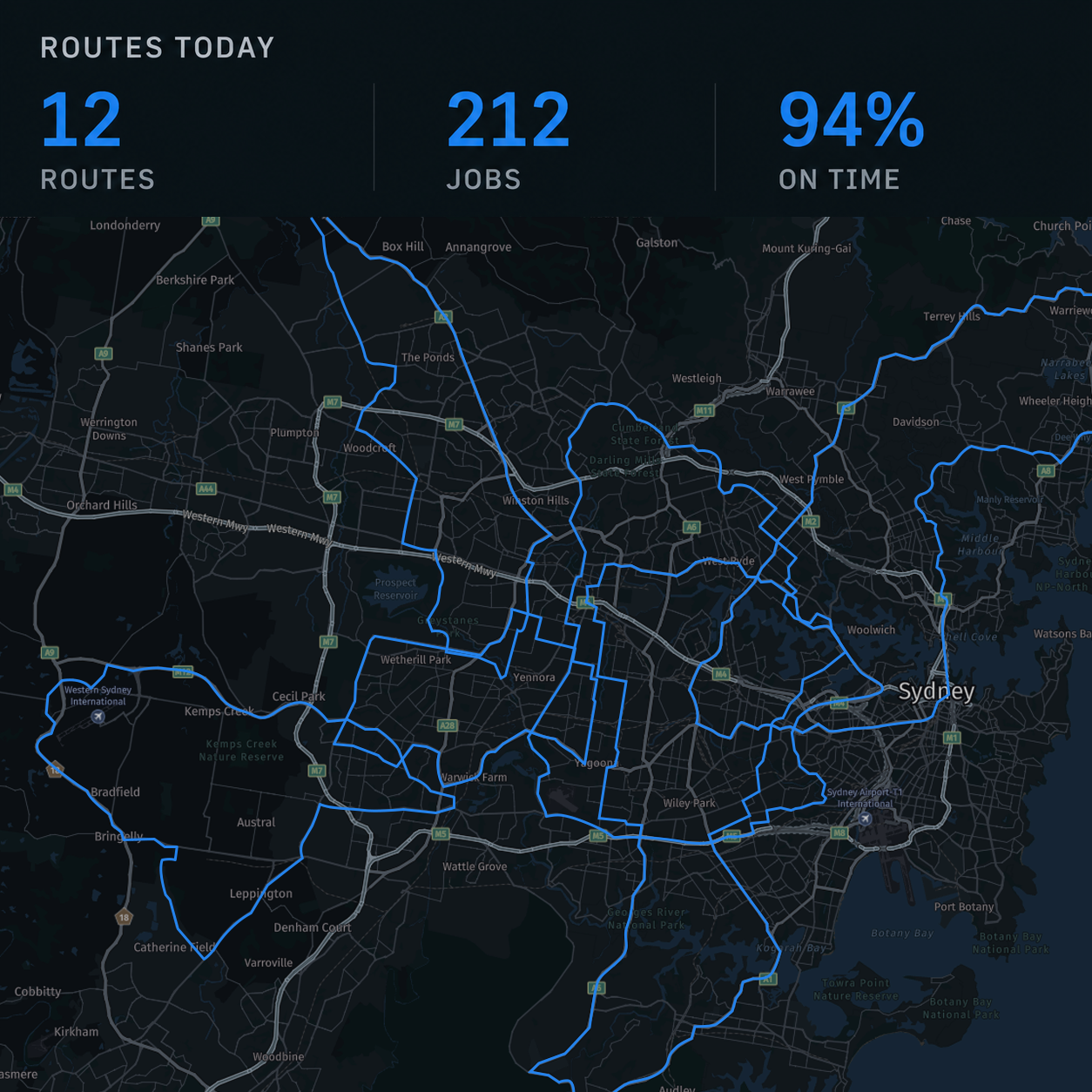
3Plan, Assign & Dispatch
Route360 builds the best routes against skills and capacity, then matches the right job, driver and vehicle.
4Execute, Monitor & Review
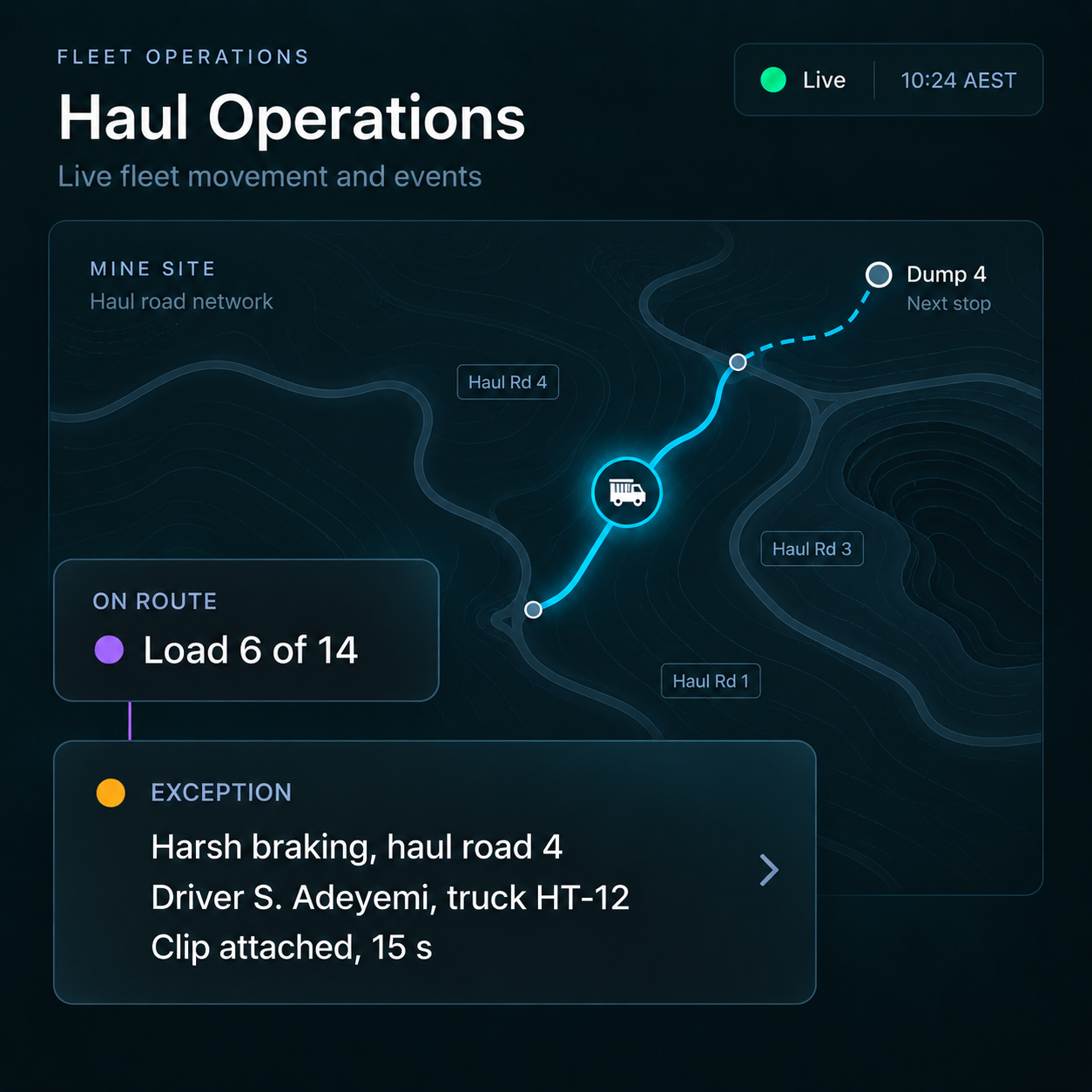
Monitor work as it runs, resolve issues as they arise and use operational data to review performance.
Control centre
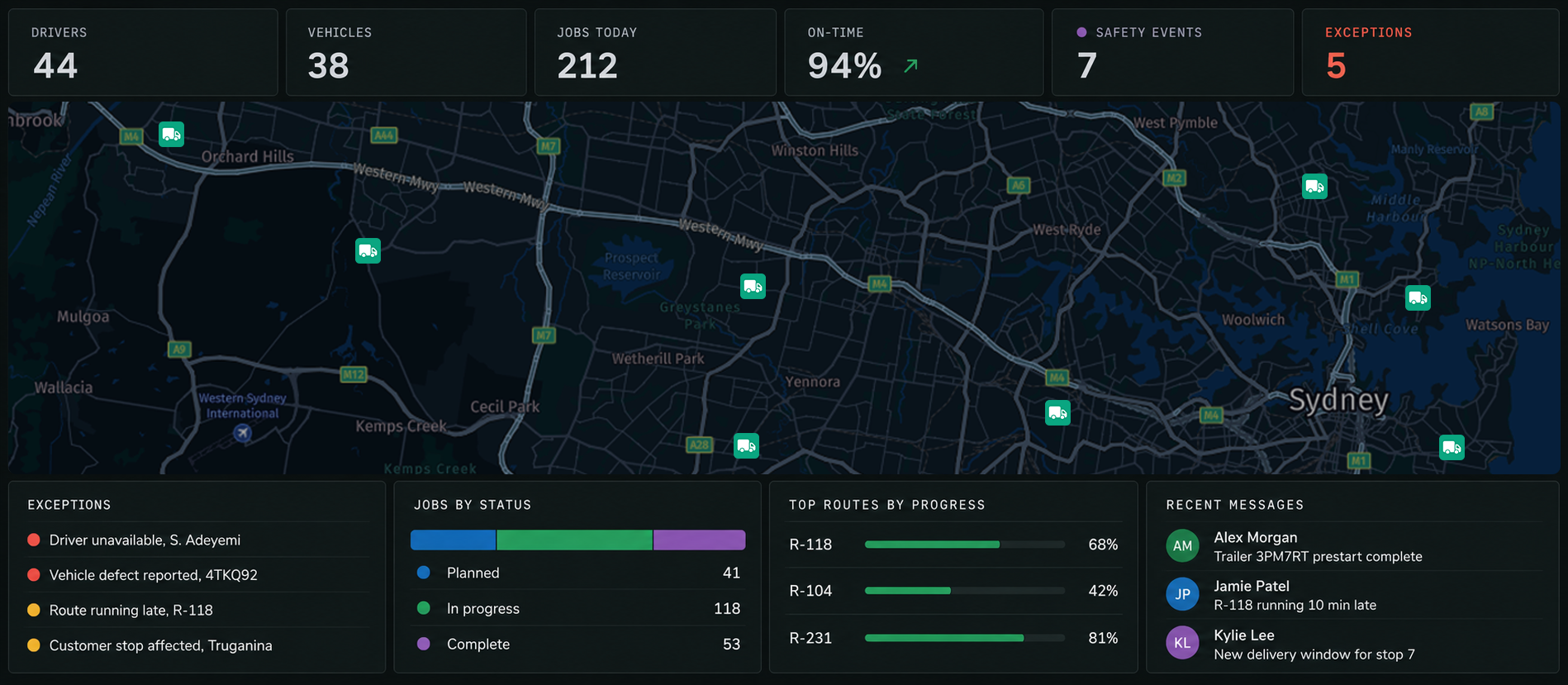
One Exception. All the Context. One Place to Resolve It.
When Vision360 captures an event, the route, job, driver and video come with it. Assess what happened, take action and resolve the event without pulling information from multiple systems.
Industries We Serve
Built for the operators who move the real world.

Protect passengers and drivers with AI video and automated safety workflows.
- Passenger counting
- Optimise routes
- Incident capture
Bus & Passenger Transport
Protect passengers and drivers with AI video and automated safety workflows.

Mining
Reliable technology and worksite safety built for the toughest terrains.

Logistics & Delivery
Plan every route with confidence and deliver with certainty.

Construction
Track vehicles, equipment and job sites in real time from one connected platform.

Haulage & Transport
Optimise long haul operations with smarter routes and safer drivers.

Waste & Recycling
Improve every collection with safer operations and smarter routes.
Hardware
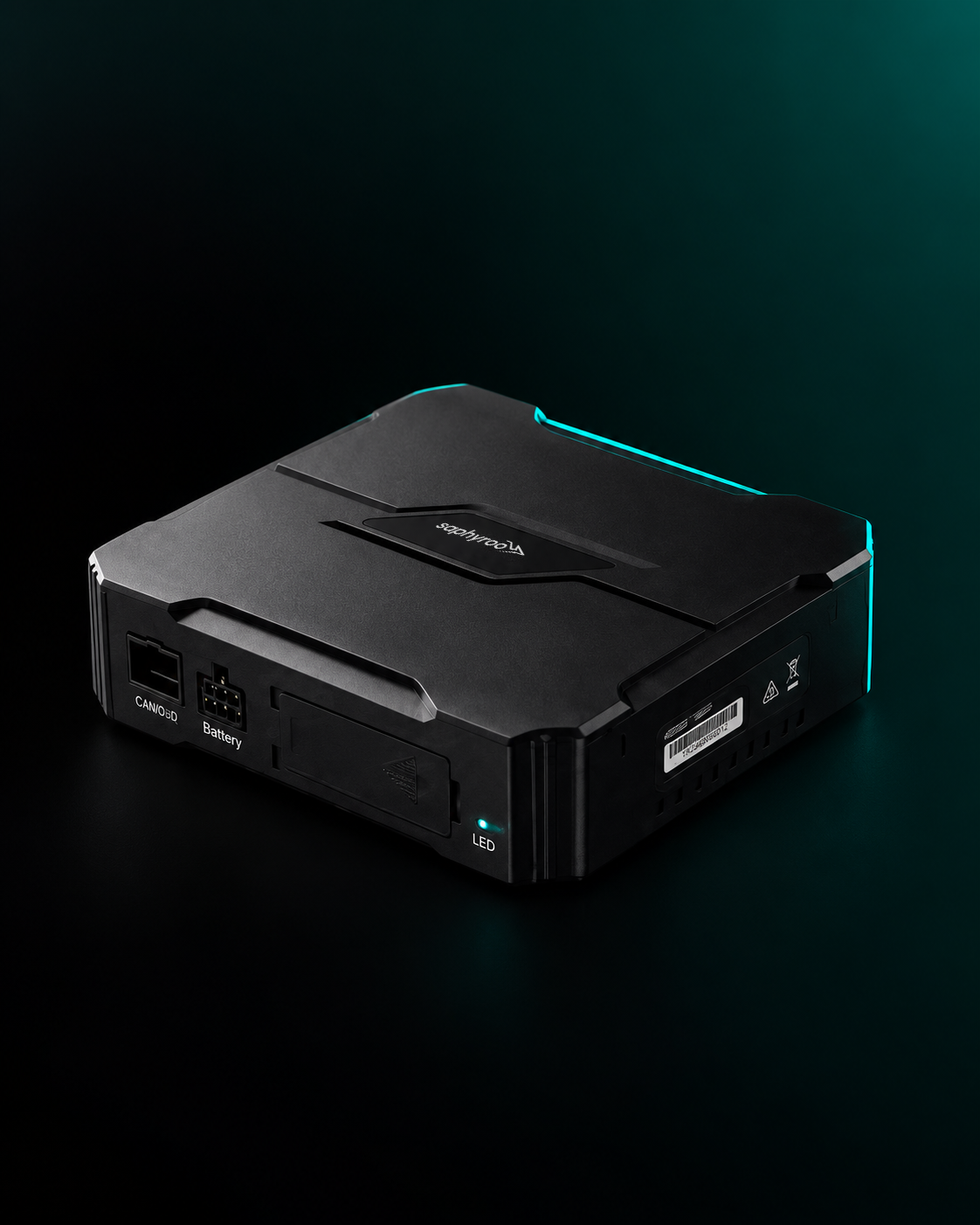
The Hardware Behind a Connected Operation
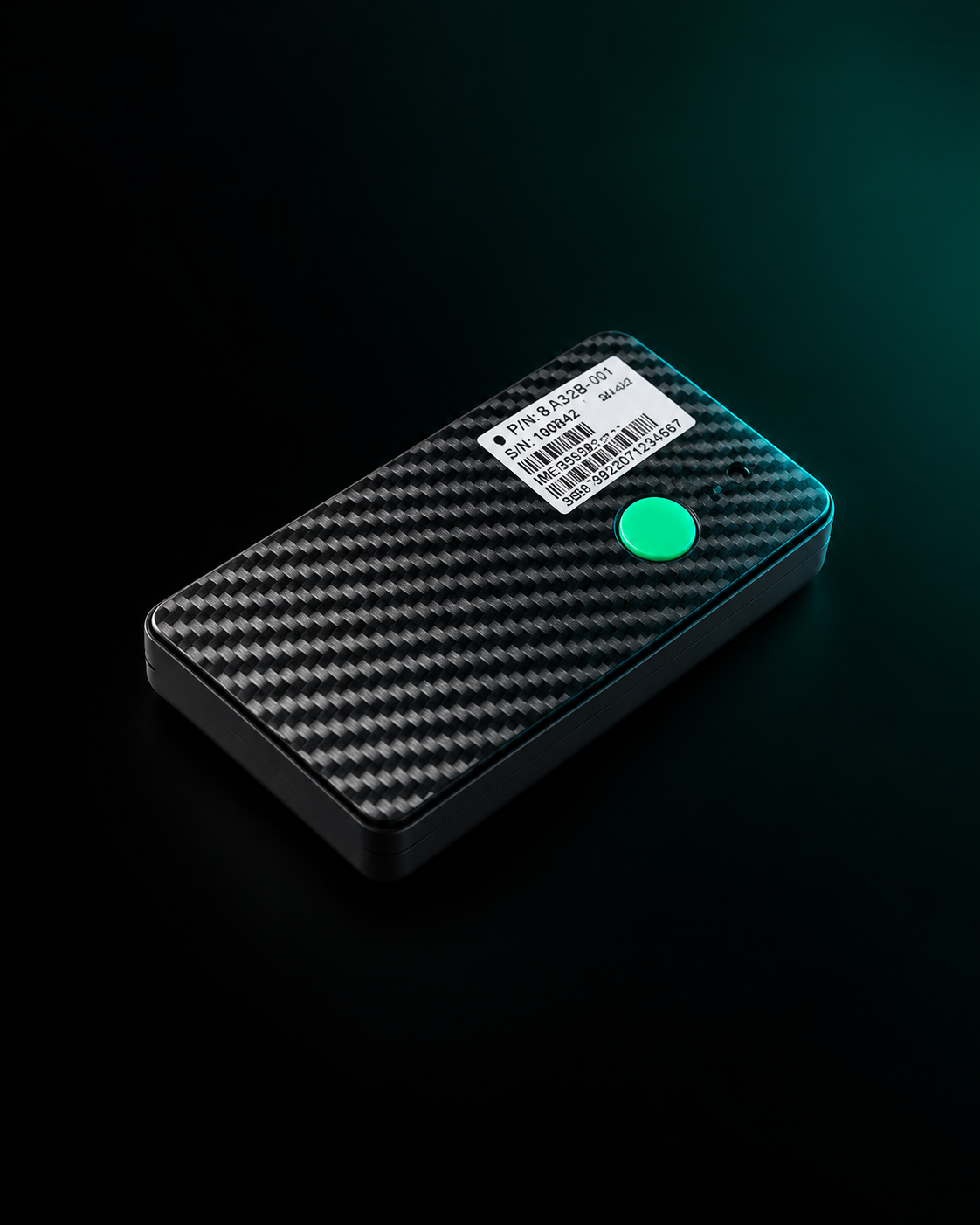
Cameras, trackers and displays that bring real world data into the same operational picture your team works from.
Explore all hardware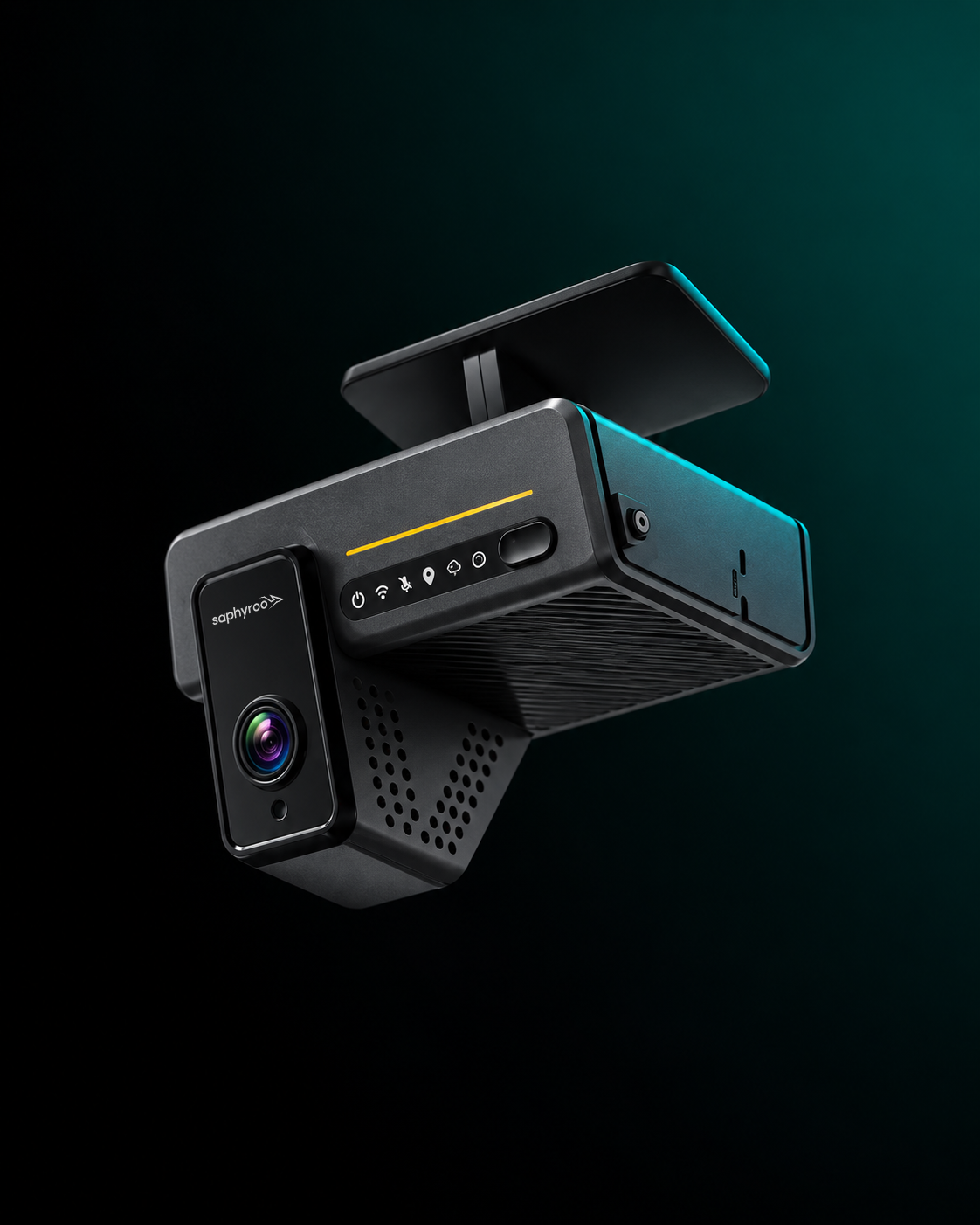

Built for the Teams That Keep Operations Moving
Who it is for
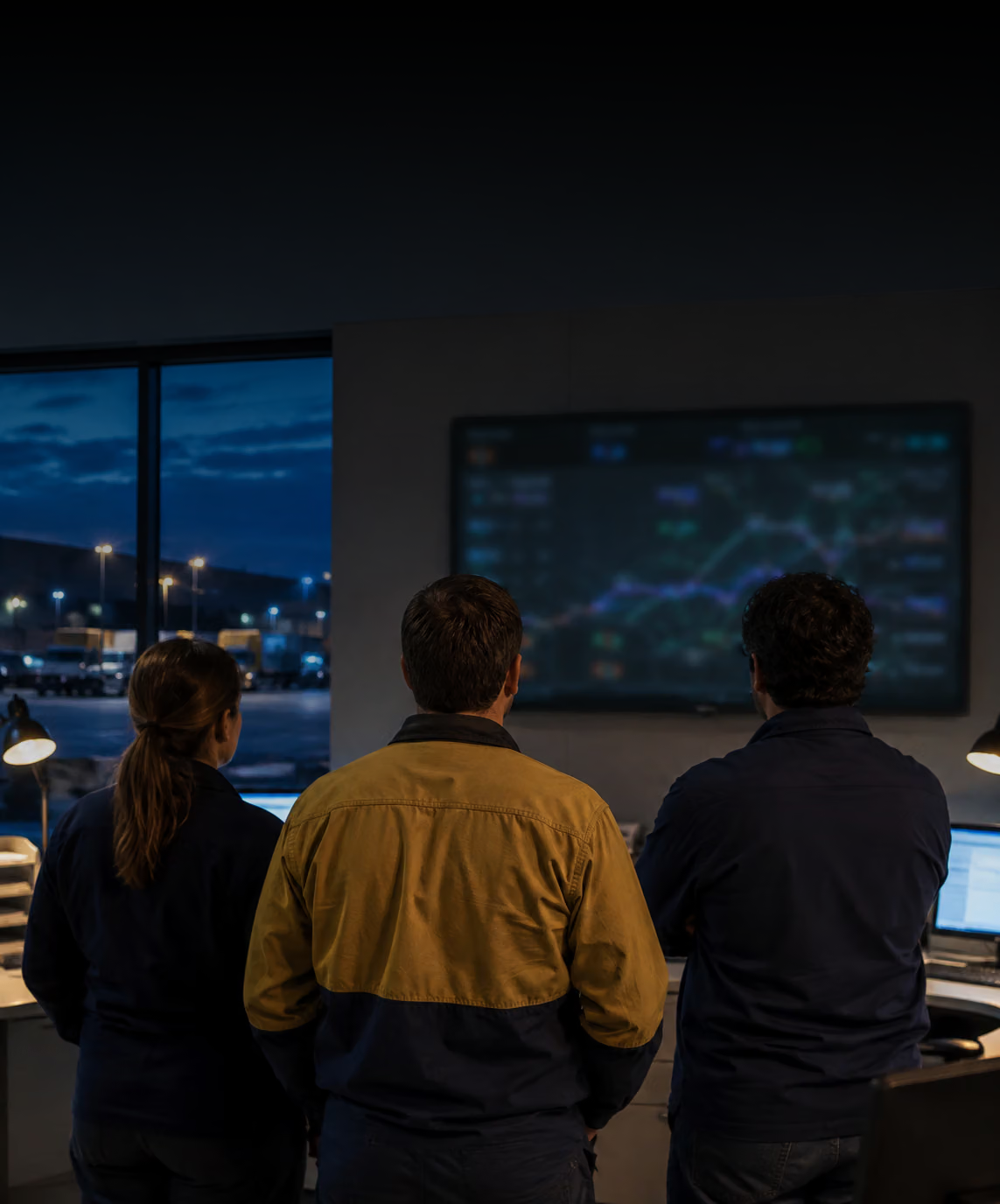
Operations, Fleet, Dispatch, Safety, Customer Service and Finance
Systems
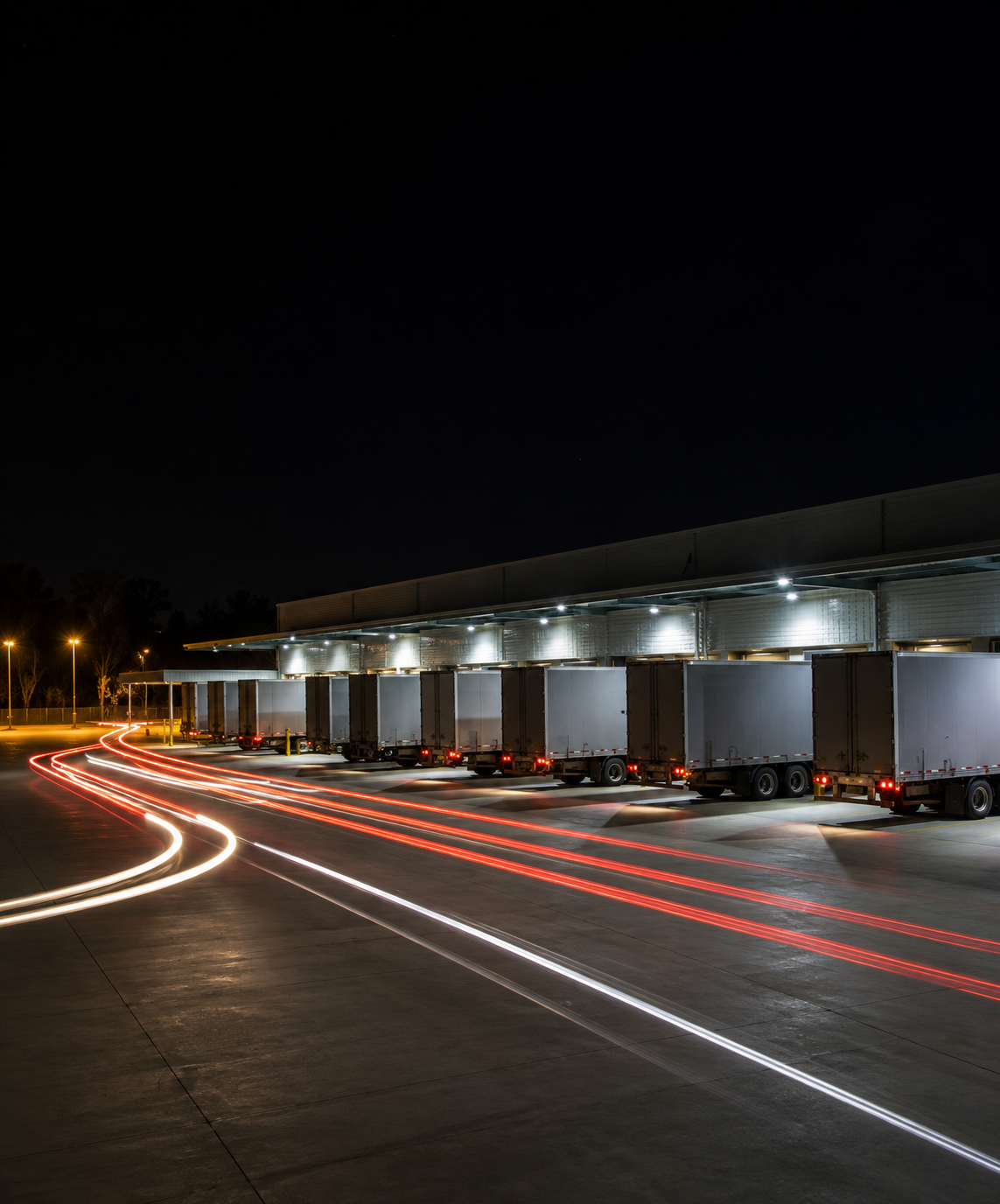
ERP, TMS, WMS, CRM, Payroll, Maintenance, Telematics and Open API
Trust
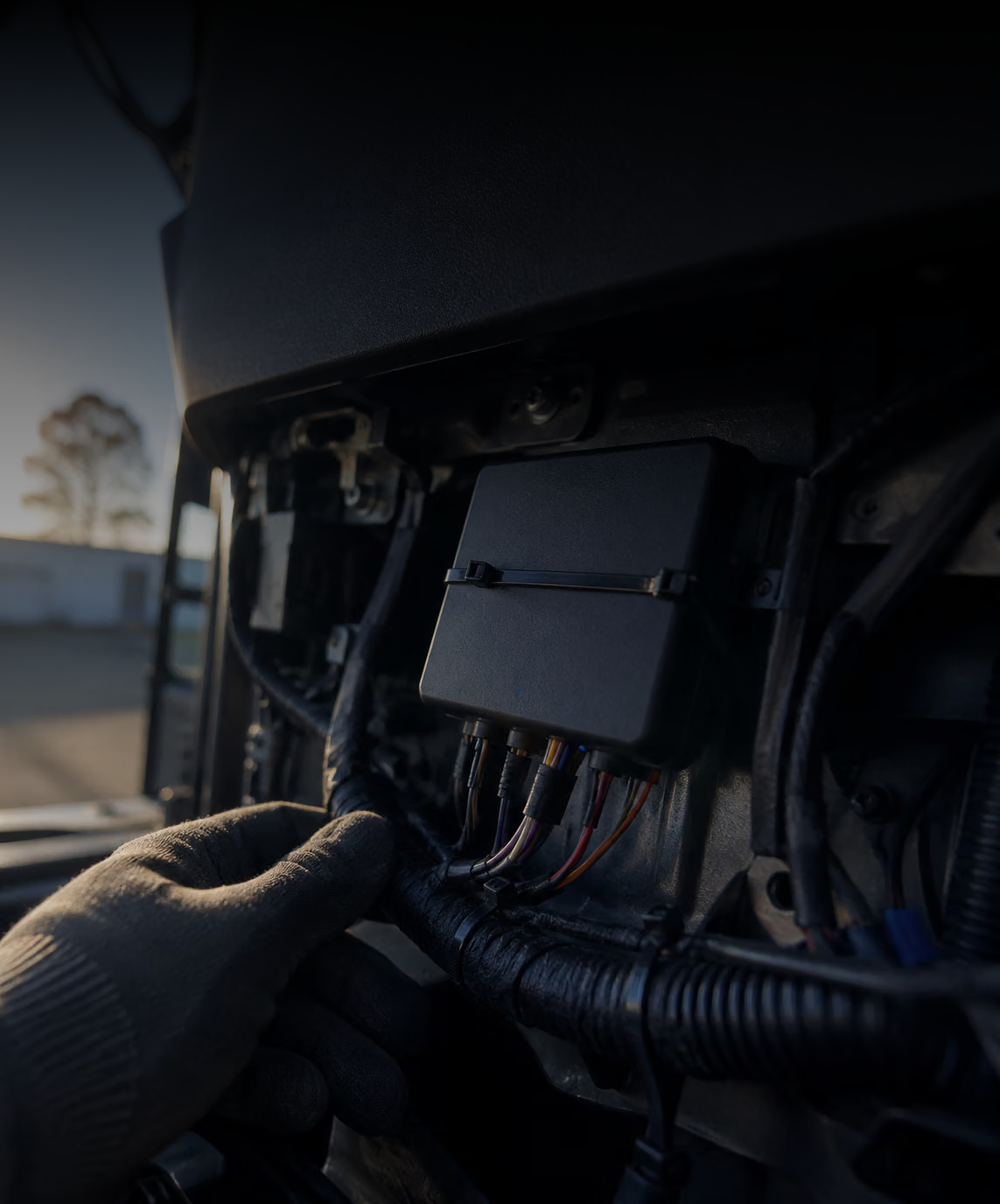
Role Based Access, Audit Logs, Encryption and Contractor Separation
Bring Every Moving Part Together
See Connected Operations in action.