Transport Management Software Australia
One Platform. Complete Visibility. Total Control.
Bring dispatch, fleet management and compliance together in one Australian built transport management platform. Plan jobs, manage drivers, track deliveries and keep your compliance records organised, without juggling separate systems.
How Saphyroo Keeps Your Transport Operations Moving
From booking and dispatch to proof of delivery, manage every job, vehicle and driver in one connected platform.
Dispatch
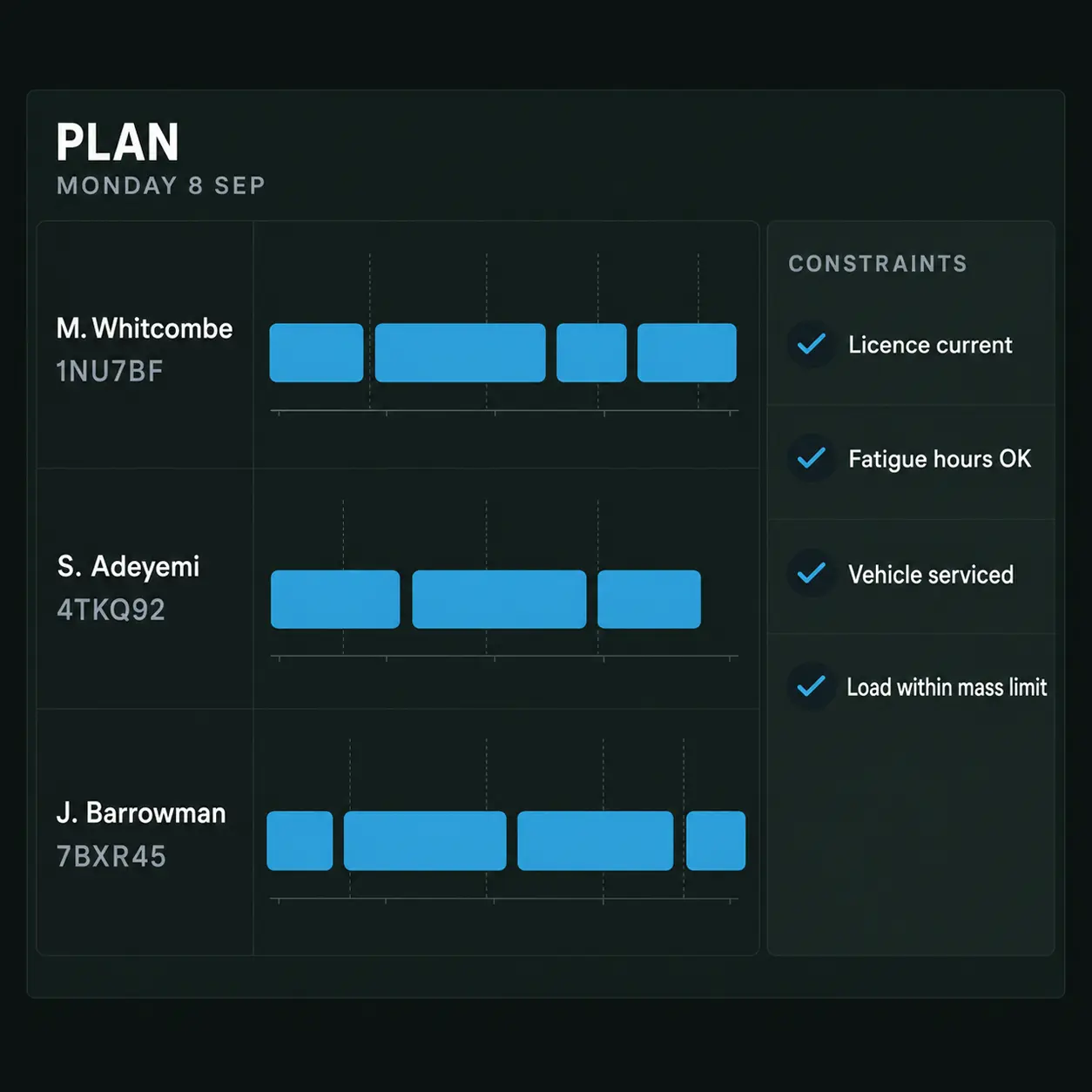
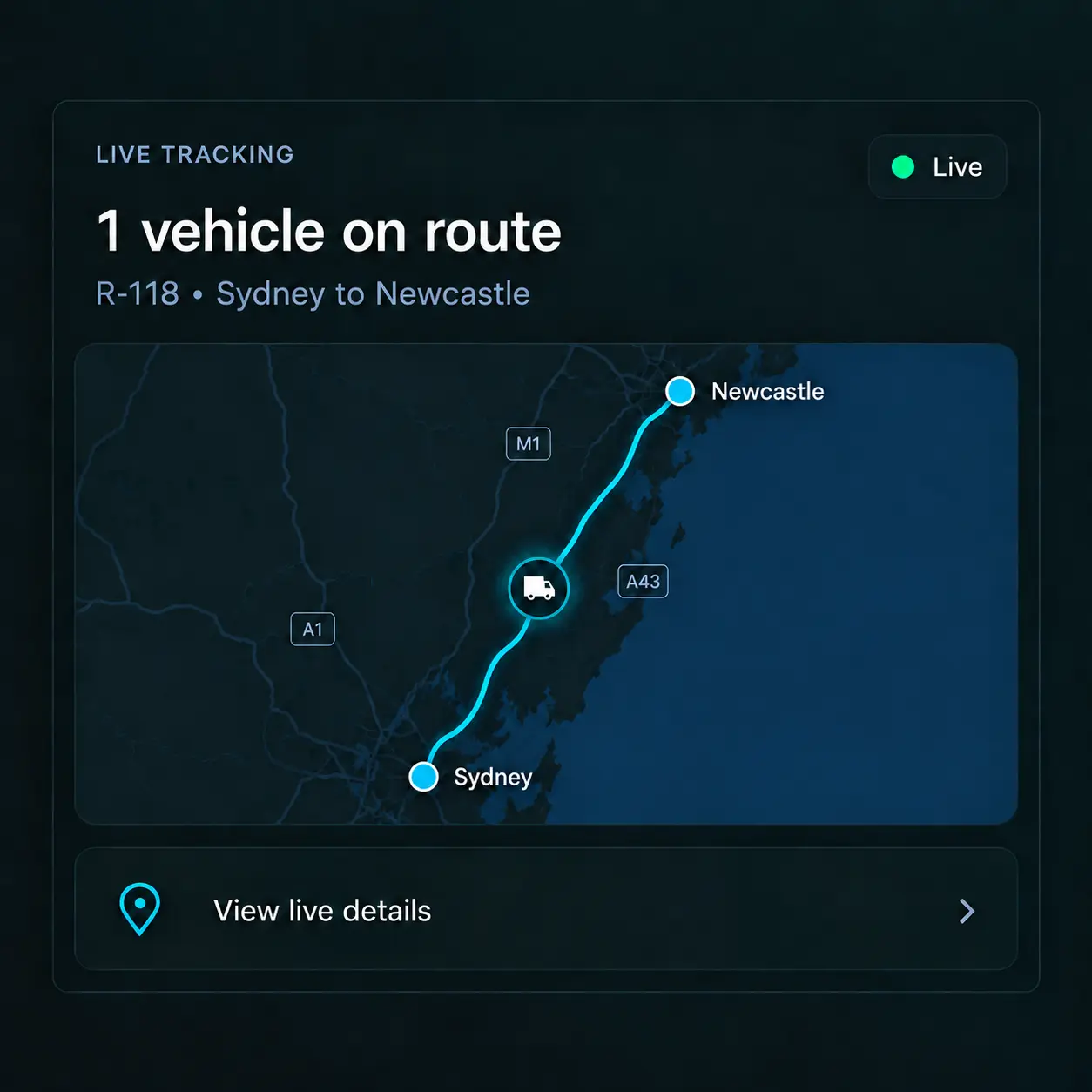
Assign jobs directly to the driver app, complete with stops, delivery times and instructions. Drivers can continue working when mobile coverage drops, with records syncing once they're back online.
Track
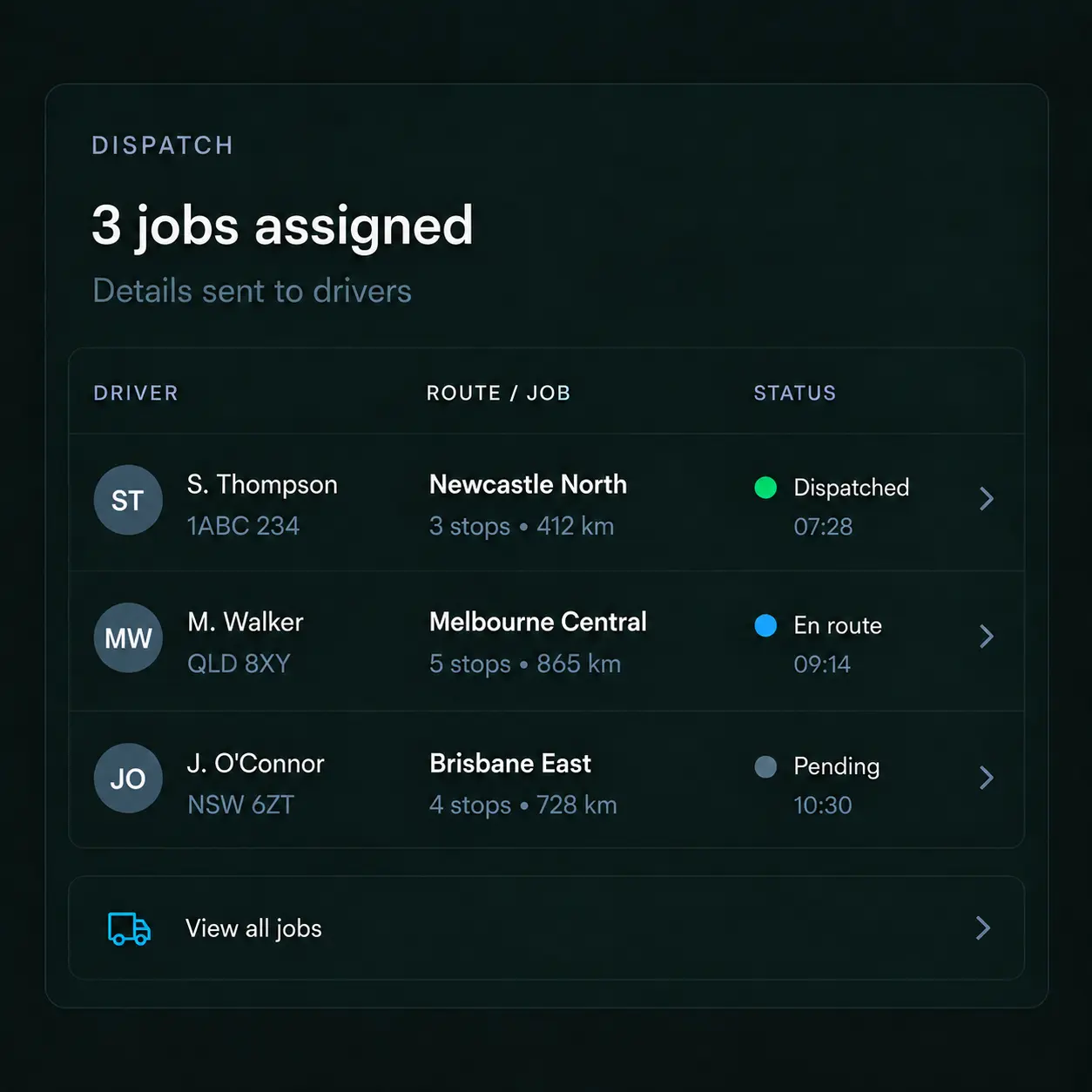
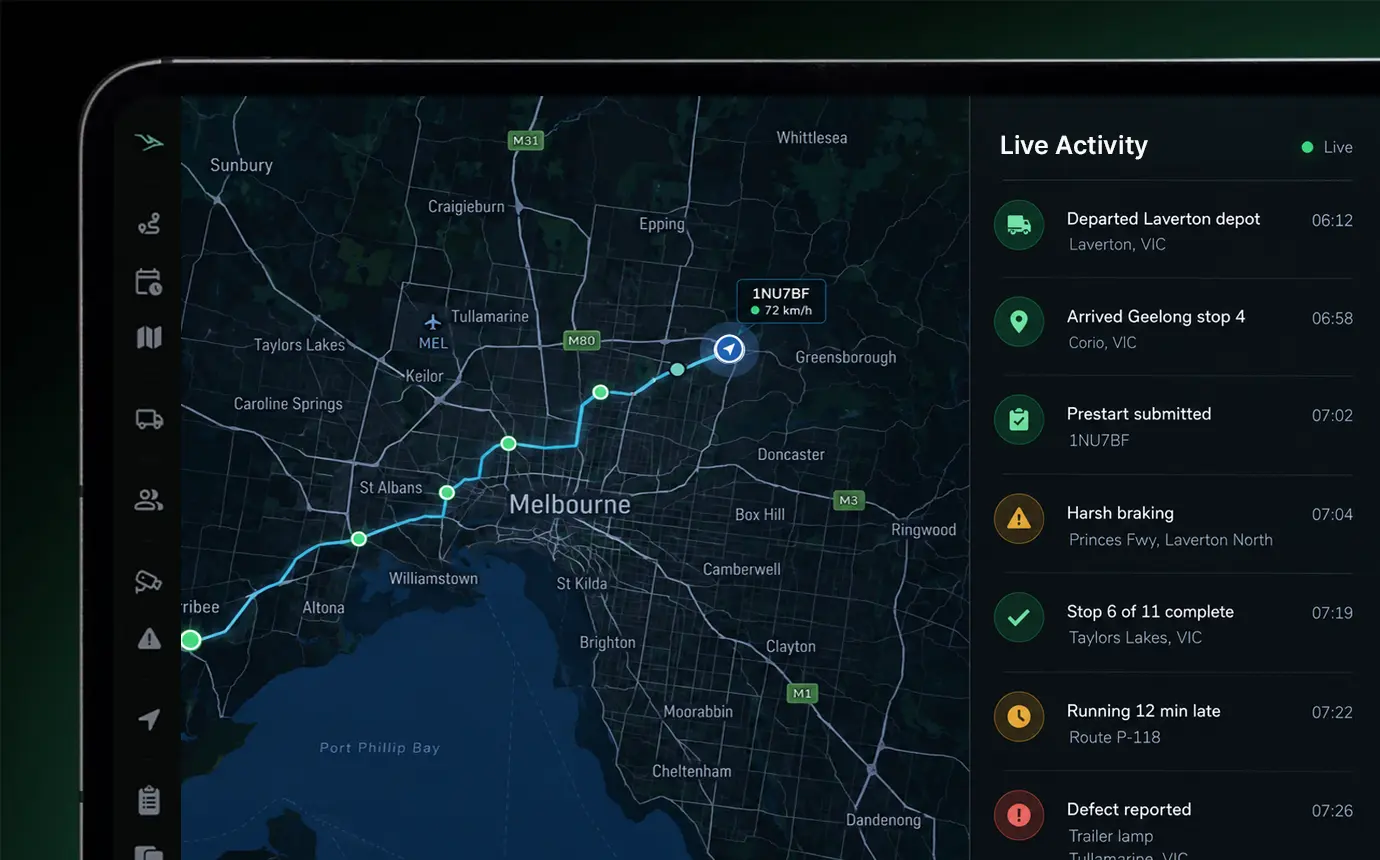
Monitor vehicle locations through GPS tracking and follow job progress from dispatch to delivery. Receive geofencing alerts when vehicles enter or leave depots, sites and customer locations.
For additional safety visibility, Vision360 provides AI-powered cameras to help identify driver fatigue, distraction and other safety events.
Deliver & Record
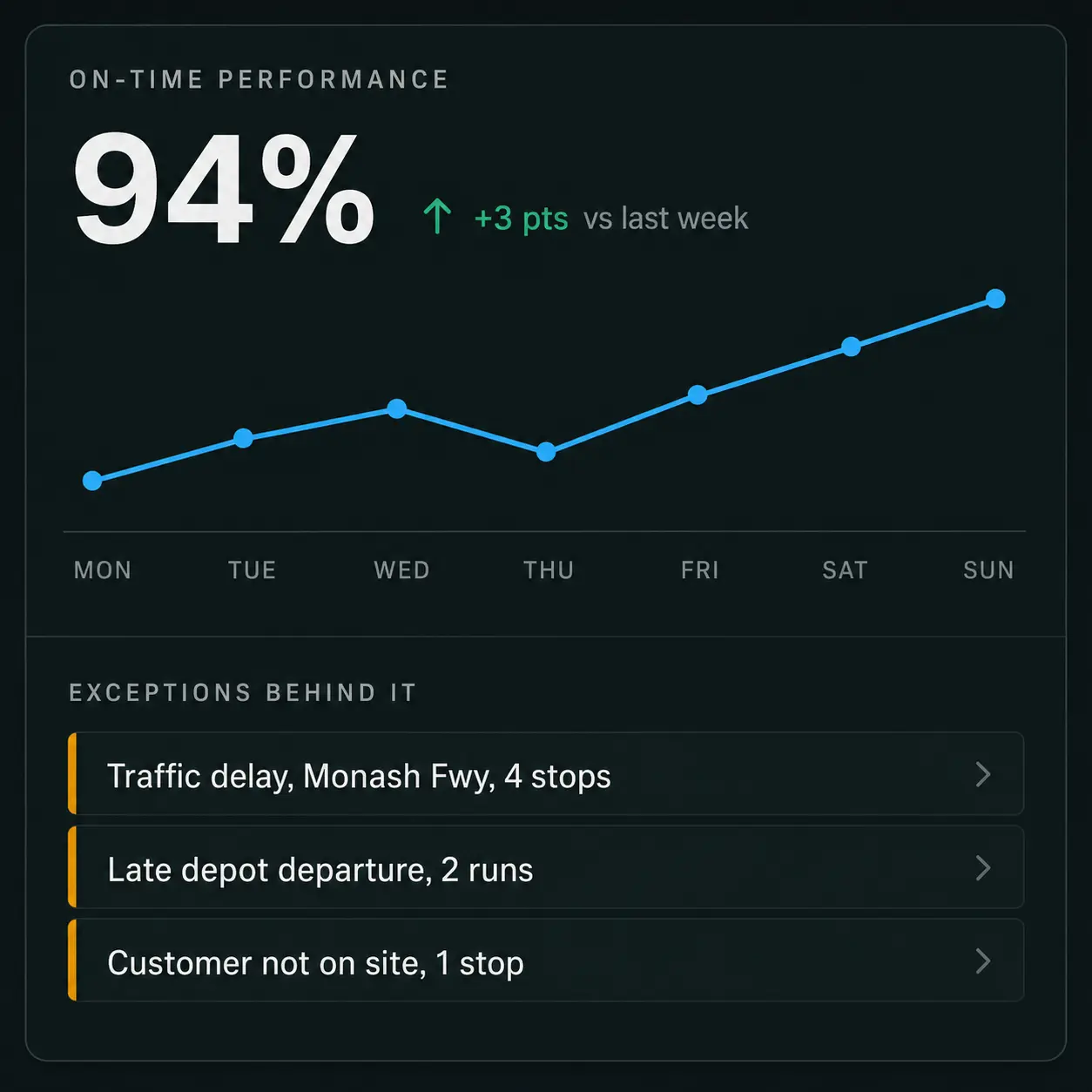
Drivers capture proof of delivery with photos, signatures and timestamps, giving your team easy access to delivery records to confirm completed jobs, speed up invoicing and resolve disputes.
Pricing
Drive360
From A$1 per user a day
On a 36-month term. Excludes GST.
- Billed only on the days each driver uses it
- Choose from 12, 24 or 36 month plans
- Hardware is available on a rental basis
Australian Compliance
Keep Your Compliance Records Organised and Audit Ready
The amended Heavy Vehicle National Law (HVNL) commenced on 1 August 2026, placing greater emphasis on demonstrating how safety and compliance are managed in practice.
Saphyroo brings driver records, fatigue information, vehicle inspections and compliance documentation together in one platform, making it easier to access the evidence needed for audits and compliance reviews.
Customer Spotlight
“Drive360 has given us excellent visibility across our operations, bringing fleet, drivers and documentation together in one place and helping our supervisors manage everything smoothly.”
 ManiOwner, Wavicle Logistics
- Fleet
- 51 trucks, ~100 drivers
- On Drive360 since
- November 2025
Command Centre
Know What's Happening Across Your Fleet
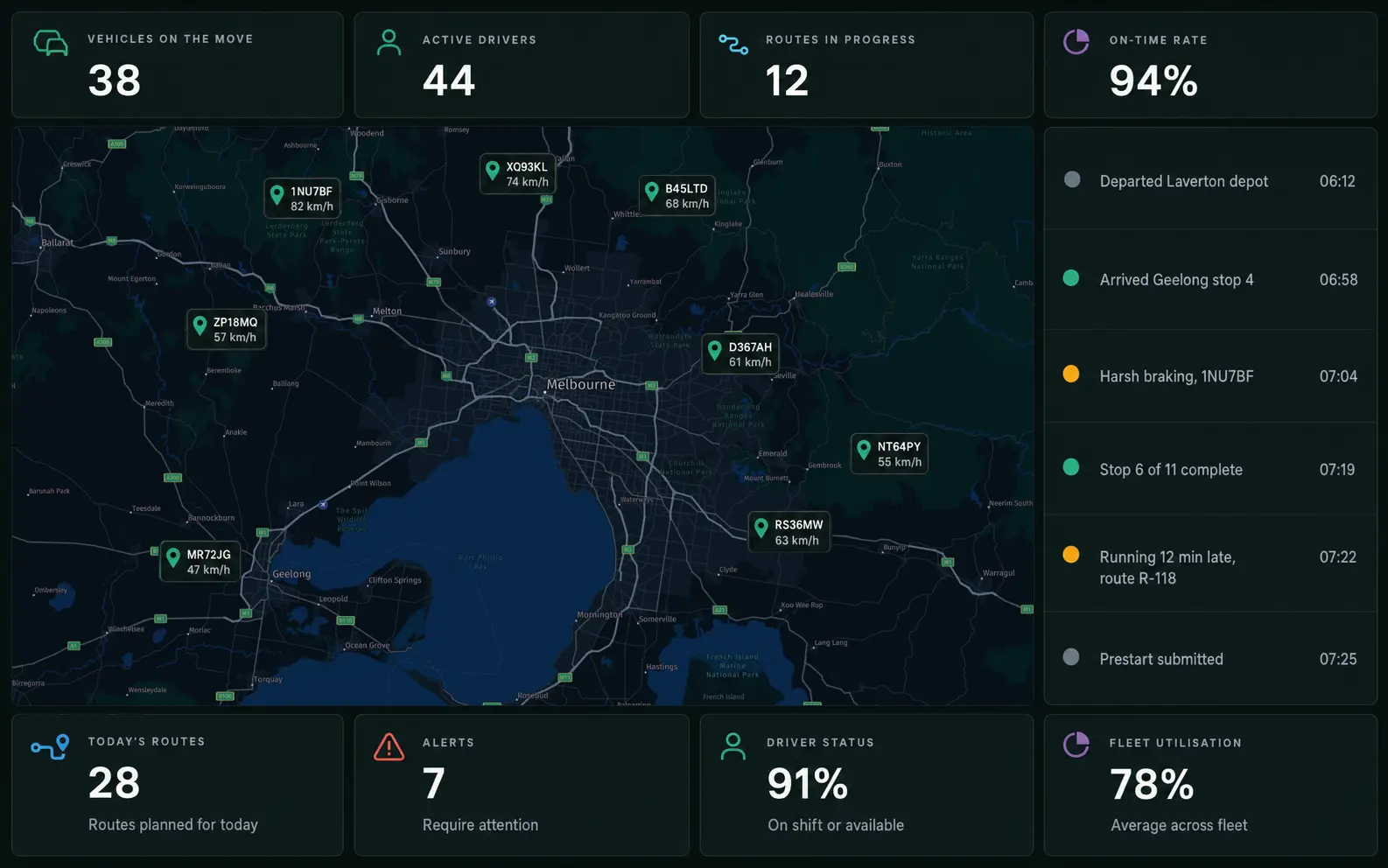
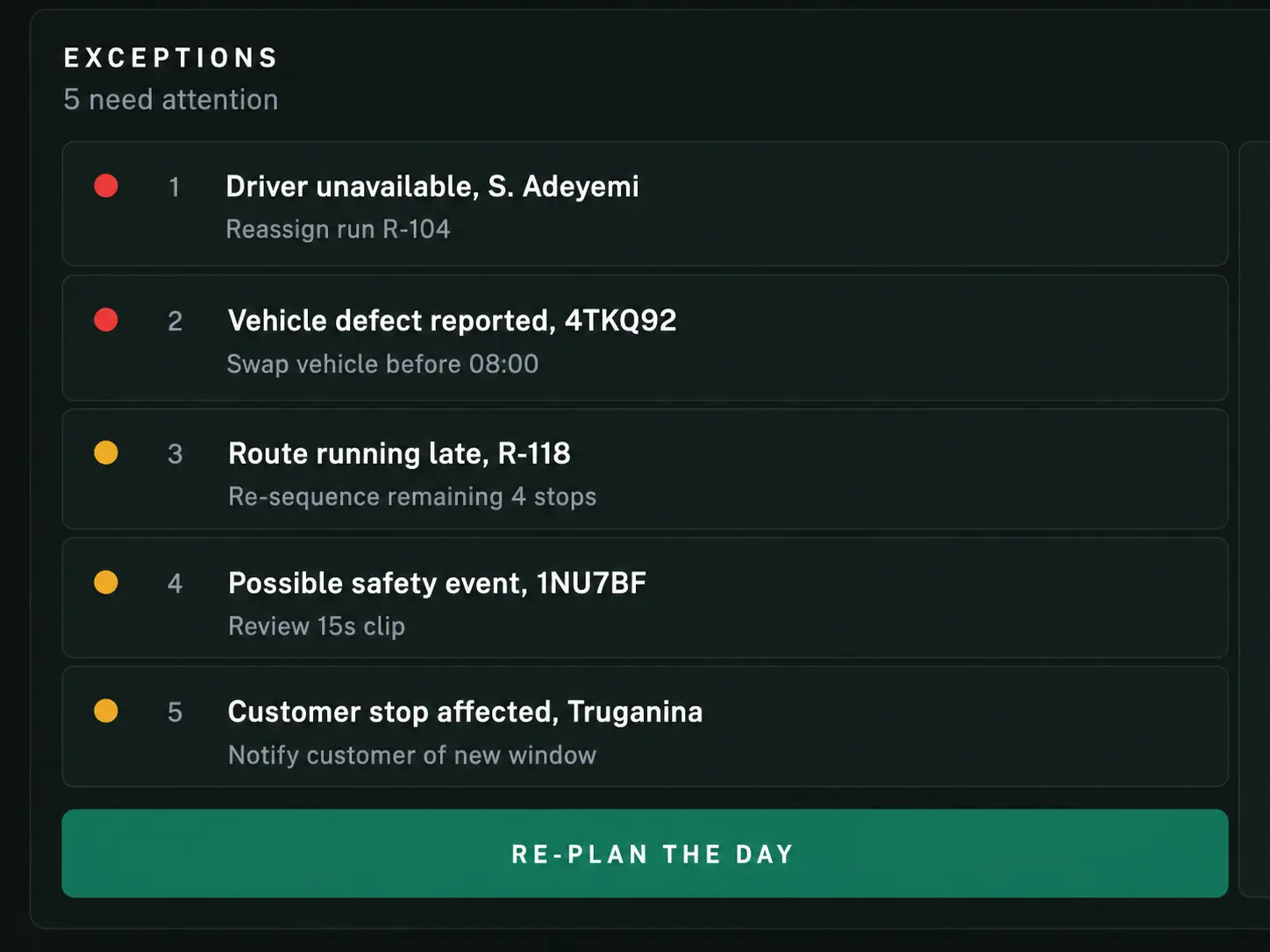
See active jobs, driver activity, vehicle locations and operational performance from one central dashboard. Spot delays, monitor progress and access the information your team needs on one screen.
Capabilities
Everything You Need to Run Your Transport Operations
Dispatch & Job Management
Plan daily runs, assign jobs to drivers and vehicles, and make adjustments when plans change. With integrated route optimisation, organise stops, update schedules and send job instructions directly to drivers.
Pre Start Checks & Defect Management
Drivers complete pre start checks through the app, adding photos and reporting defects as they go. Relevant teams are notified so issues can be reviewed, repairs arranged and vehicles returned to service.
Fatigue & Driver Hours
See how long drivers have worked, when they've taken breaks and how much driving time they have remaining. Receive fatigue alerts as drivers approach their limits, so schedulers can check driver hours before assigning more work.
Driver Licences & Documents
Keep driver licences, inductions and training records in one place. Receive automatic expiry reminders and check driver documentation before assigning jobs, without chasing paperwork.
Vehicle Tracking & Customer Updates
Monitor vehicle locations with GPS tracking, follow delivery progress and receive geofencing alerts. Keep customers informed with delivery updates, ETAs and tracking links.
Reporting & Fleet Insights
Access information on driver activity, vehicle utilisation, completed jobs and recurring operational issues. Filter reports to find the details you need and identify opportunities to improve daily fleet performance.
Built for Australian Transport Operators
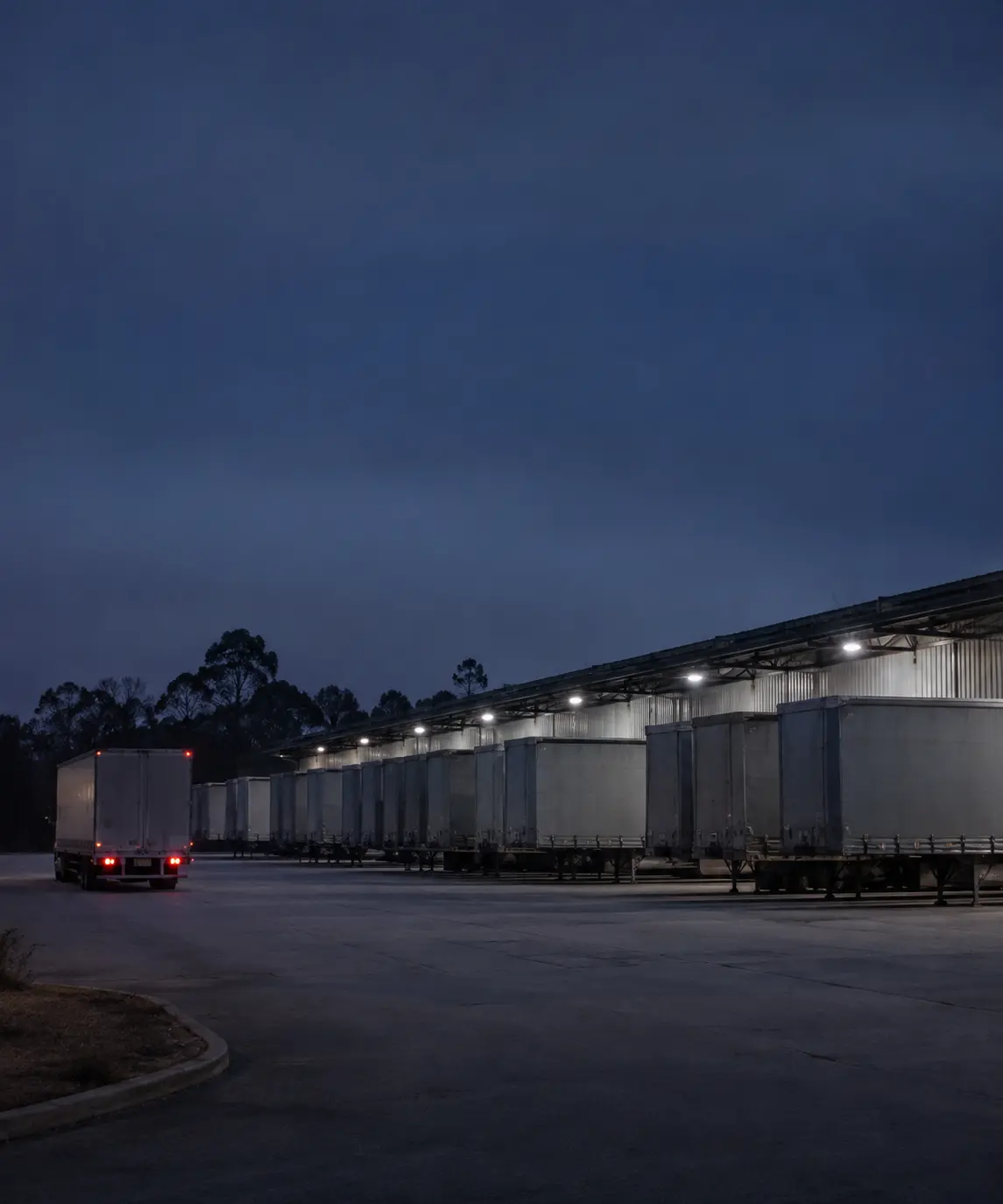
Manage daily dispatch, multi stop deliveries, driver hours and proof of delivery across metro and regional operations.
- Linehaul, Distribution & General Freight
Freight & Logistics
Manage daily dispatch, multi stop deliveries, driver hours and proof of delivery across metro and regional operations.
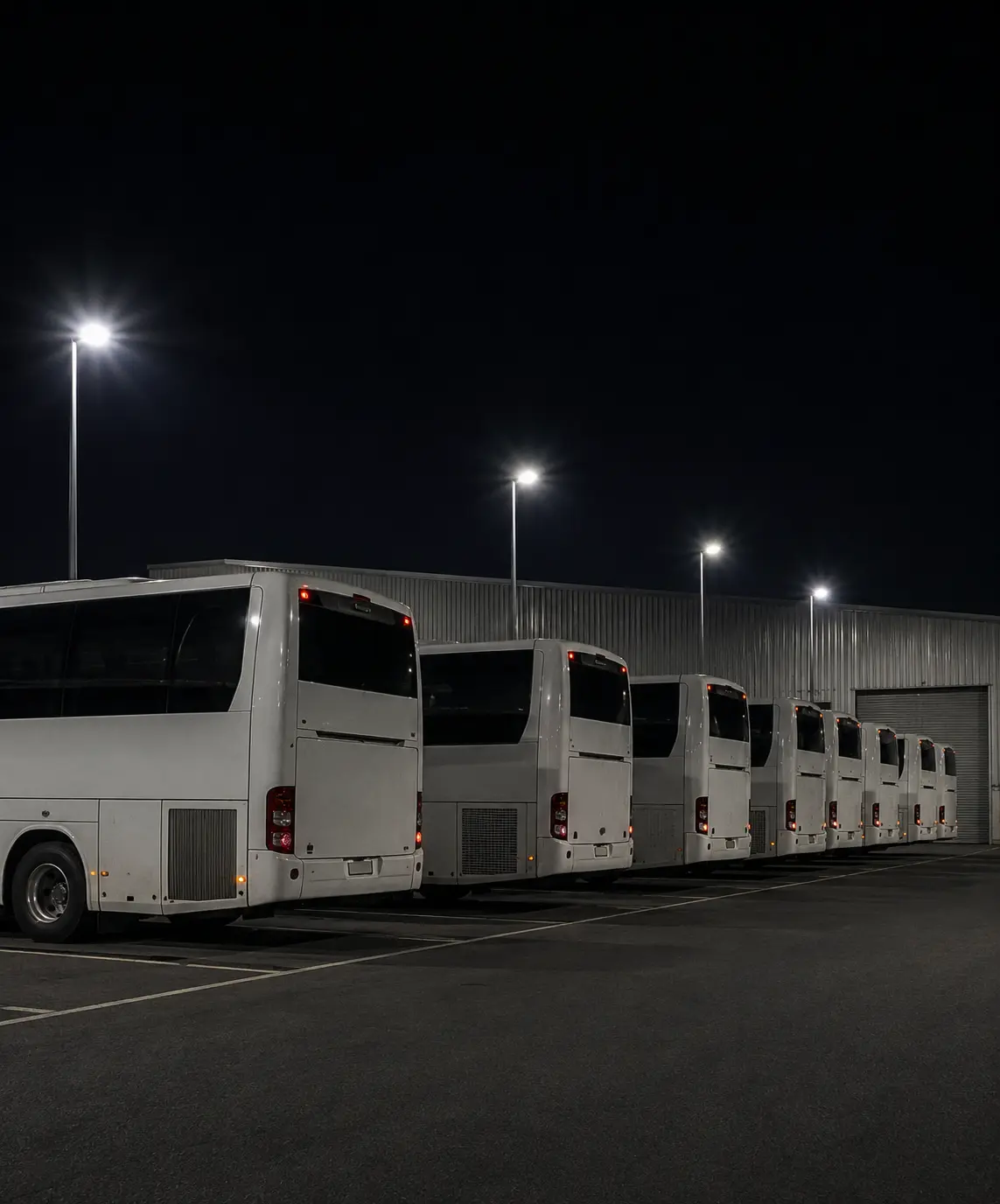
Passenger Transport
Keep vehicle inspections, driver records, scheduling and fleet activity organised across passenger transport operations.
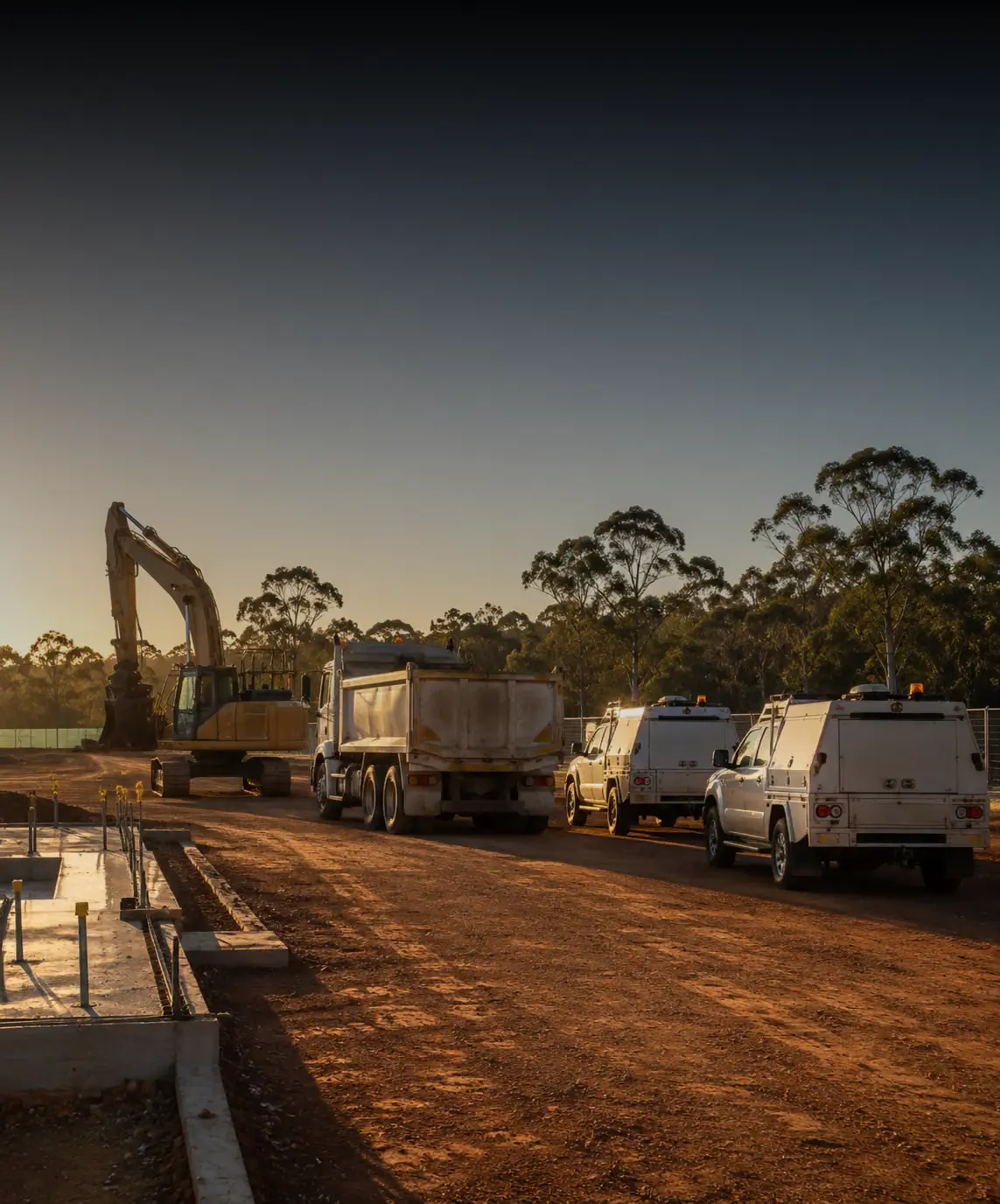
Site & Industrial Fleets
Monitor vehicles, manage pre-start checks and defects, and keep operational and compliance records accessible across worksites.
Saphyroo vs Paper & Spreadsheets
Still managing transport operations with paper run sheets, spreadsheets and phone calls? See how bringing everything into one connected platform makes daily operations simpler, faster and easier to manage.
Frequently Asked Questions
What is transport management software?
Transport management software helps operators manage daily operations, from job bookings and dispatch to vehicle tracking and proof of delivery. Saphyroo brings these functions together with driver management, pre-start checks, fatigue monitoring and compliance records in one connected platform. Learn more about what a transport management system does.
How much does Saphyroo cost?
Drive360 starts from A$1 per user per day for last-mile operations and A$2 per user per day for heavy haulage. Route360 starts from A$60 per vehicle per month. Choose from 12, 24 or 36 month plans, with the best value available on a 36 month term. Hardware is available on a rental basis. All prices exclude GST. Explore our pricing and plans.
Is Saphyroo built for heavy vehicles?
Saphyroo supports prime movers, B-doubles, rigid trucks, vans and other commercial vehicles. Built for Australian transport operations, it brings together scheduling, pre-start inspections, fatigue management and Chain of Responsibility records. From linehaul and general freight to last mile delivery, construction, waste and passenger transport, Saphyroo supports fleets across a wide range of industries.
Does Saphyroo help with Chain of Responsibility?
Yes. Saphyroo helps operators maintain records of job scheduling, driver activity, vehicle checks and site movements, making it easier to access supporting evidence when required. While software alone doesn't guarantee compliance, having accurate, accessible records can make managing Chain of Responsibility obligations and preparing for audits much easier.
Can drivers use Saphyroo without mobile coverage?
Yes. The driver app supports offline functionality, allowing drivers to continue completing jobs, pre-start checks and proof of delivery when mobile coverage is unavailable. Information syncs once connectivity is restored.
Does Saphyroo integrate with accounting software?
Saphyroo can support accounting system integrations on request. Let us know which software you use when booking a demo, and our team can discuss the available integration options.
How long does Saphyroo take to set up?
Setup time depends on your fleet size, chosen features and operational requirements. Our team helps configure vehicles, drivers and initial jobs to get your operation started.
Can Saphyroo manage subcontractors?
Yes. Manage subcontractors alongside your own fleet in one system. Assign jobs, coordinate deliveries and capture proof of delivery, keeping your transport operations organised regardless of who's completing the work.
See How Saphyroo Works for Your Fleet
Bring one of your real jobs to the demo and see how Saphyroo handles it, from planning and dispatch through to proof of delivery.