Vision360
Turn 360 visioninto intelligence.
AI that helps identify potential risk, giving your team the video, data and context to review events and support safer driving.
Works with the cameras you already run.
01
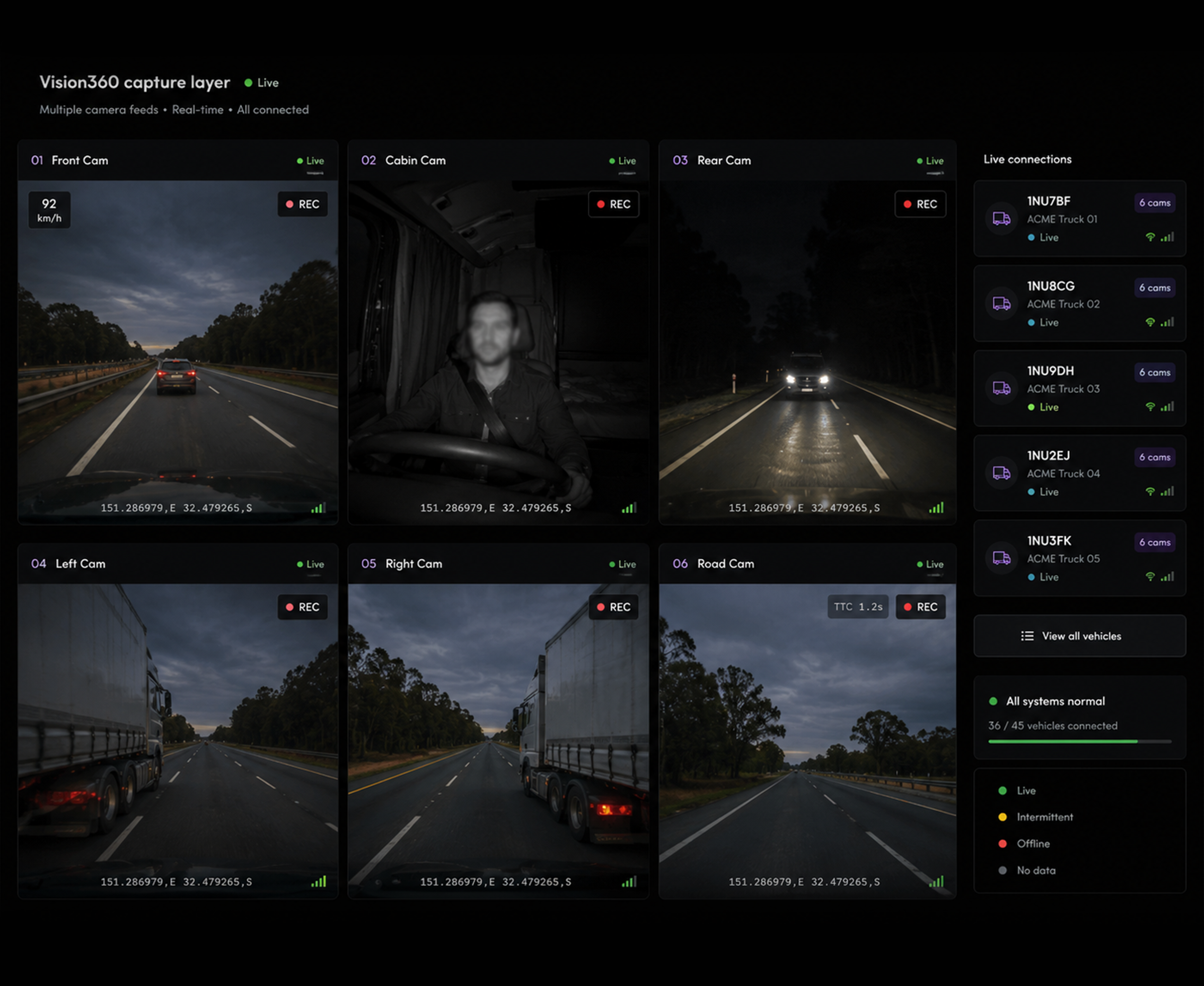
Video telematics from every angle
Connect road facing, driver facing and site cameras, and the video feeds you already run, into one capture layer. Vision360 takes what each one sees and puts it on the same timeline.
02
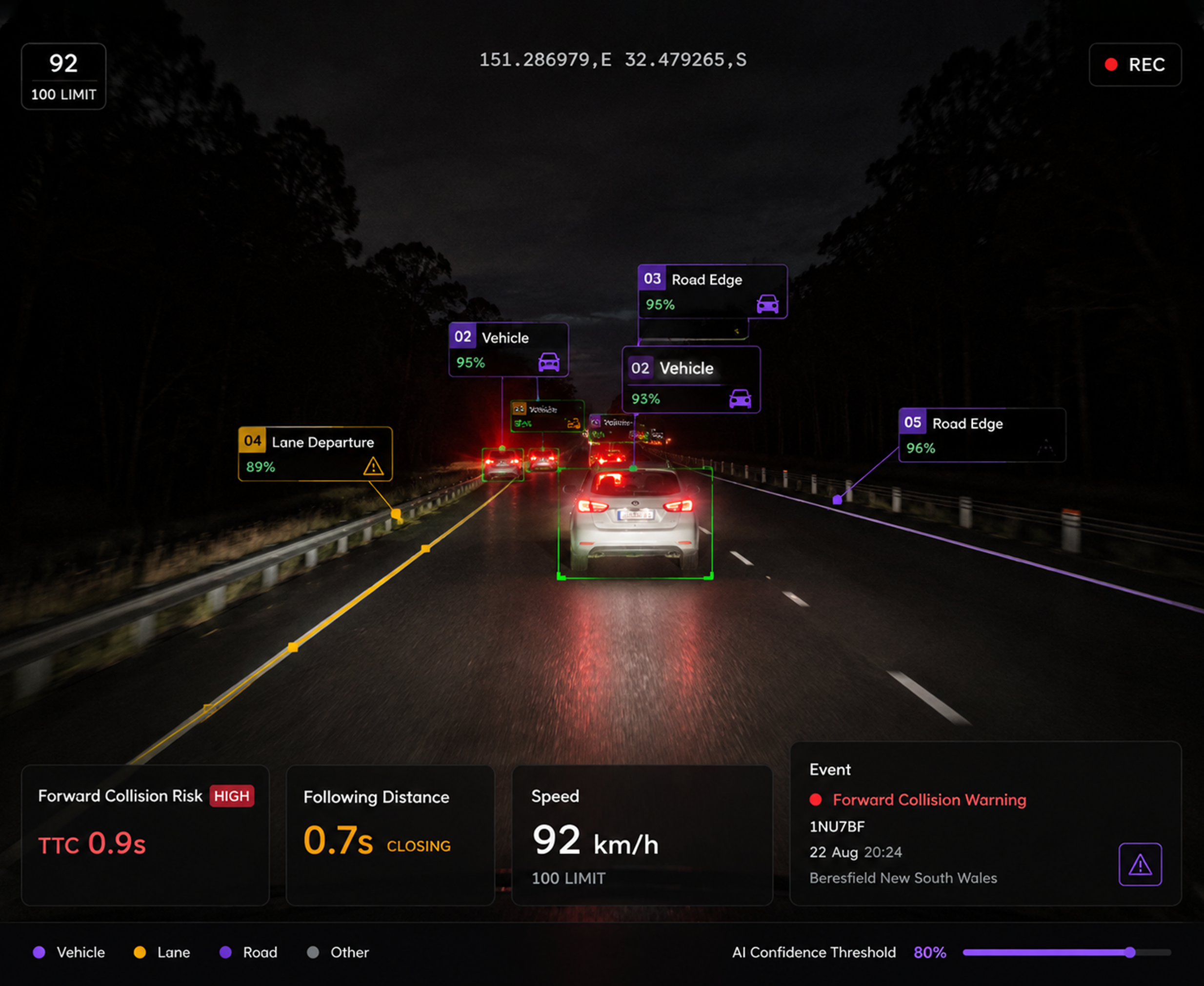
Intelligence Behind Every Frame
AI interprets video in real time, turning what cameras see into actionable intelligence rather than footage somebody has to go and watch.
03
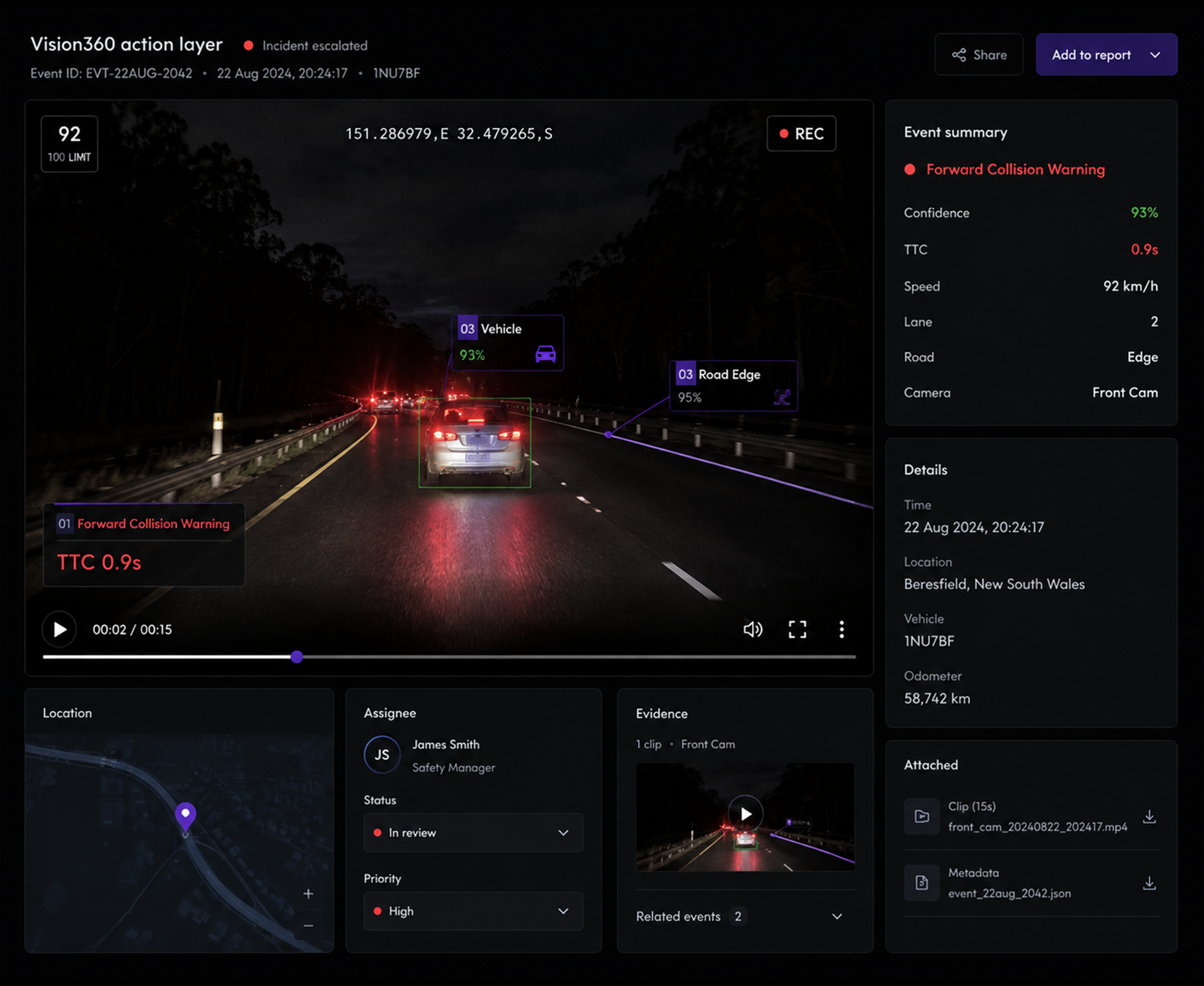
Turn Intelligence Into Action
An event becomes an alert, an alert becomes an incident, and the incident carries its own evidence to whoever has to close it out.
04
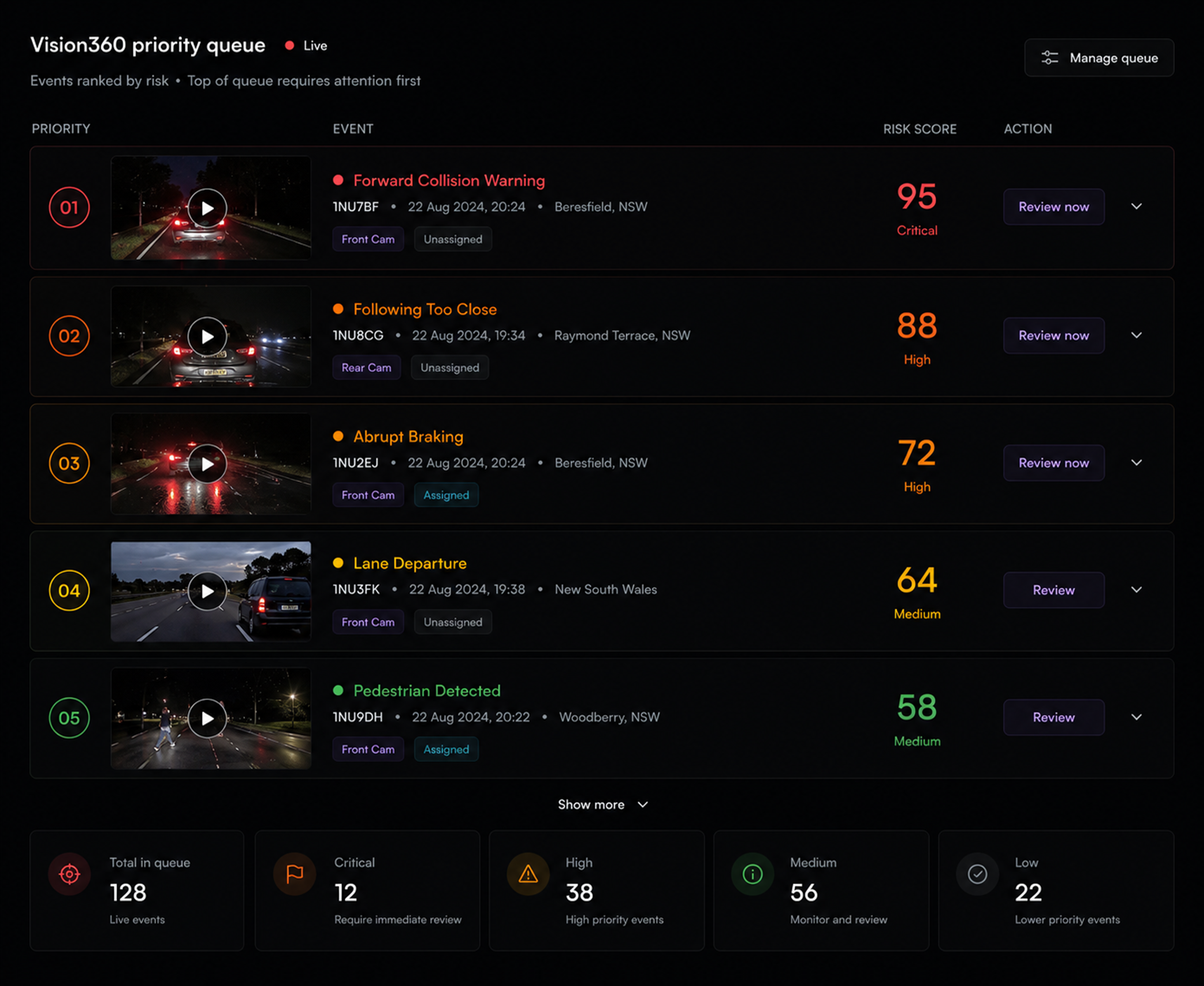
See What Matters First
AI filters the noise, finds what matters and prioritises what is critical, so the queue in front of your team is the short one that needs a decision.
Detect What Mattersto Your Operation
Choose the AI detections that matter most to your business. Use one or combine multiple as your needs evolve.
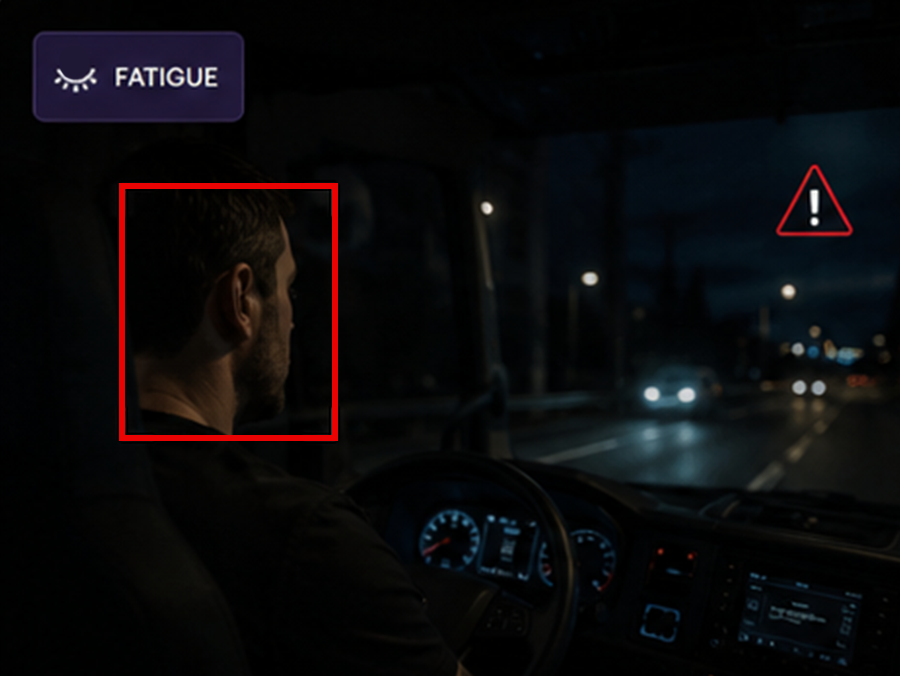
Fatigue and drowsiness. Eye closure, yawning and micro sleep spotted in real time, before it becomes an incident.
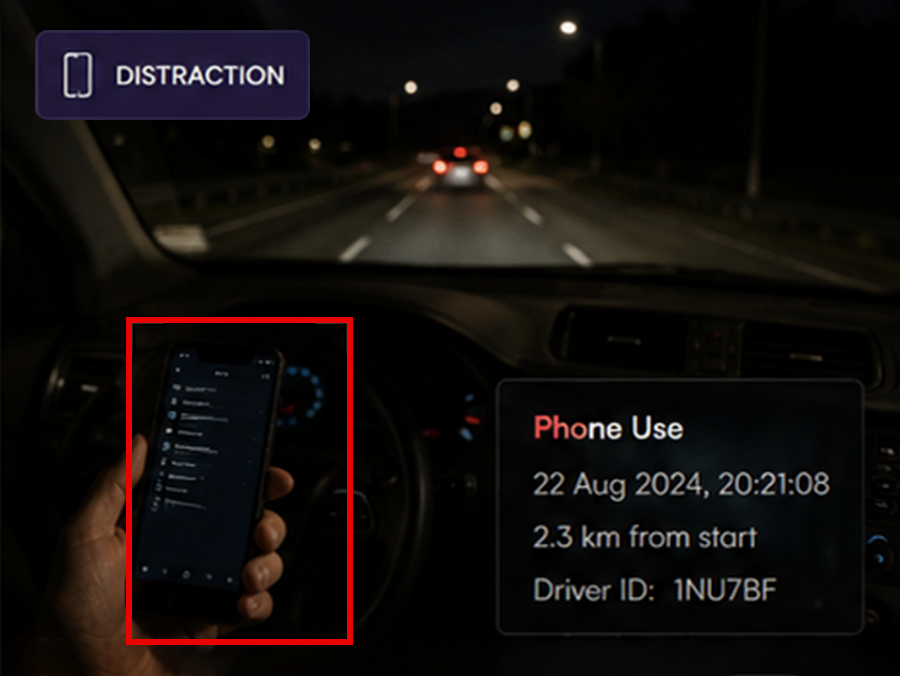
Distracted driving. Phone use and eyes off the road, judged with the context around them.
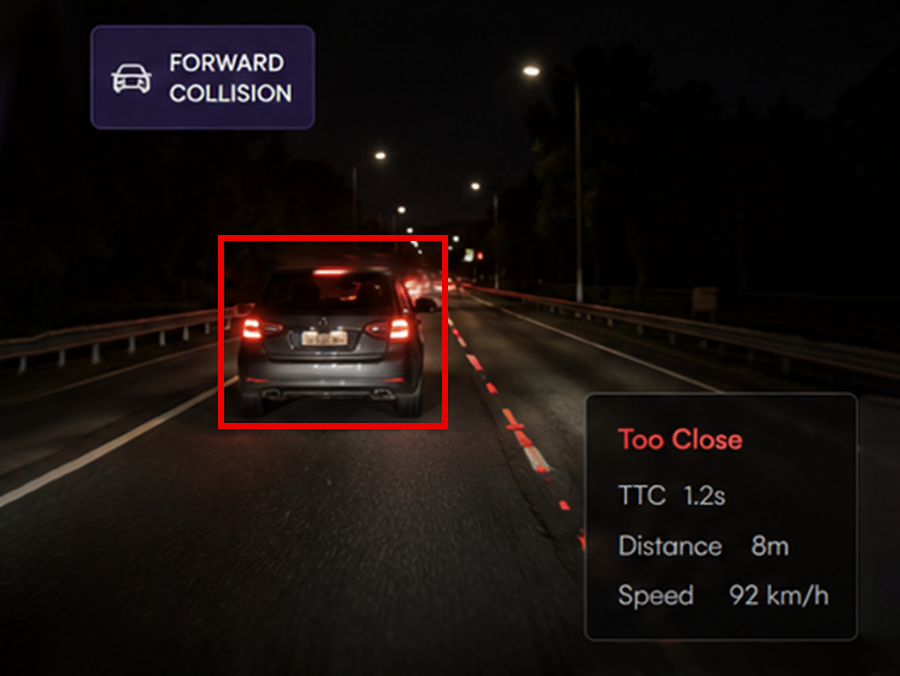
Forward collision and near miss. Time to collision on the road facing camera, logged whether or not anything was hit.
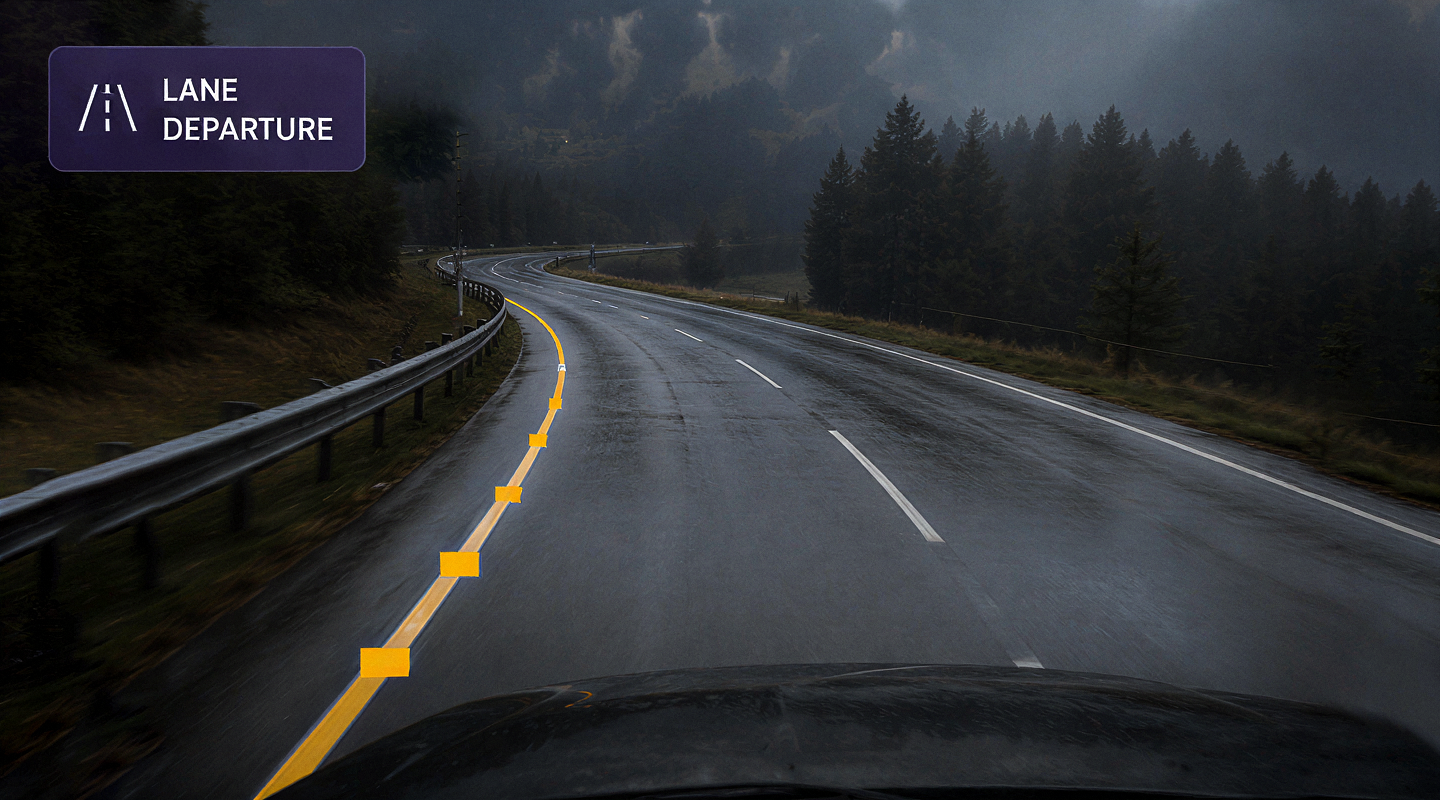
Lane departure and swerving. Drifts, weaves and wrong direction events, with the clip either side of the moment.
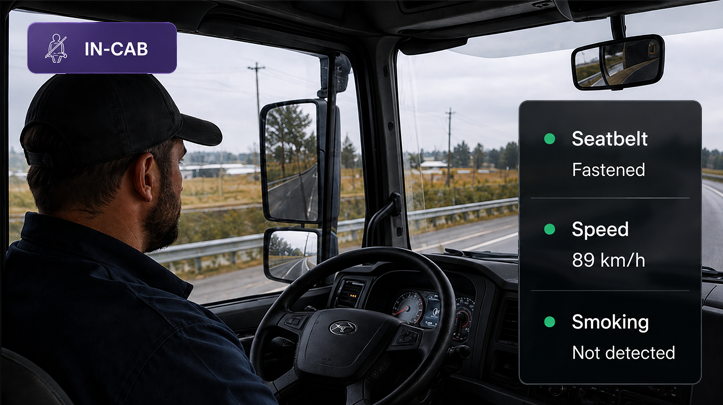
In cab safety and speeding. Seatbelt, smoking and speeding events captured against the vehicle and the driver.
Vision that Adapts

Transport and logistics
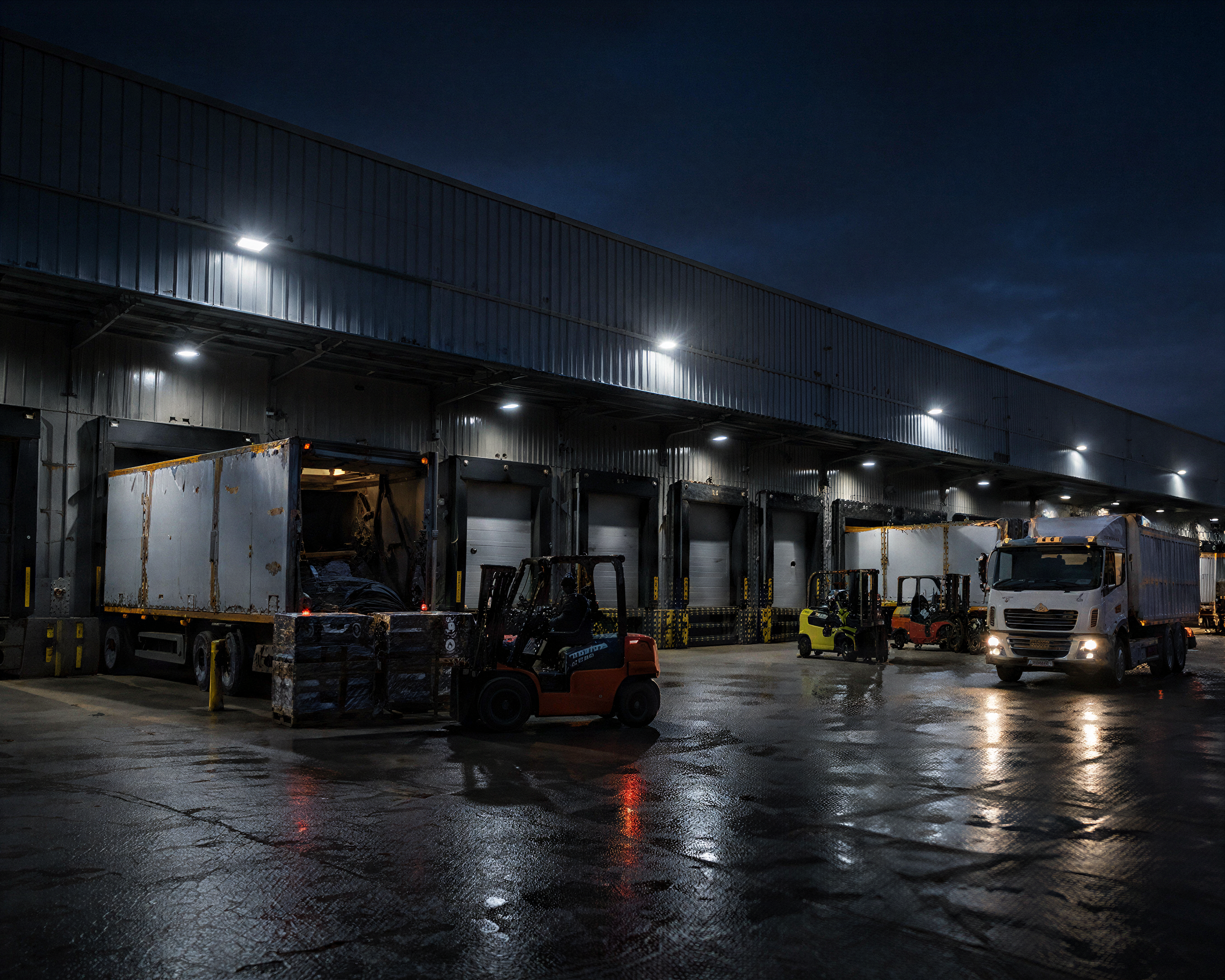
Warehousing and distribution

Construction and sites
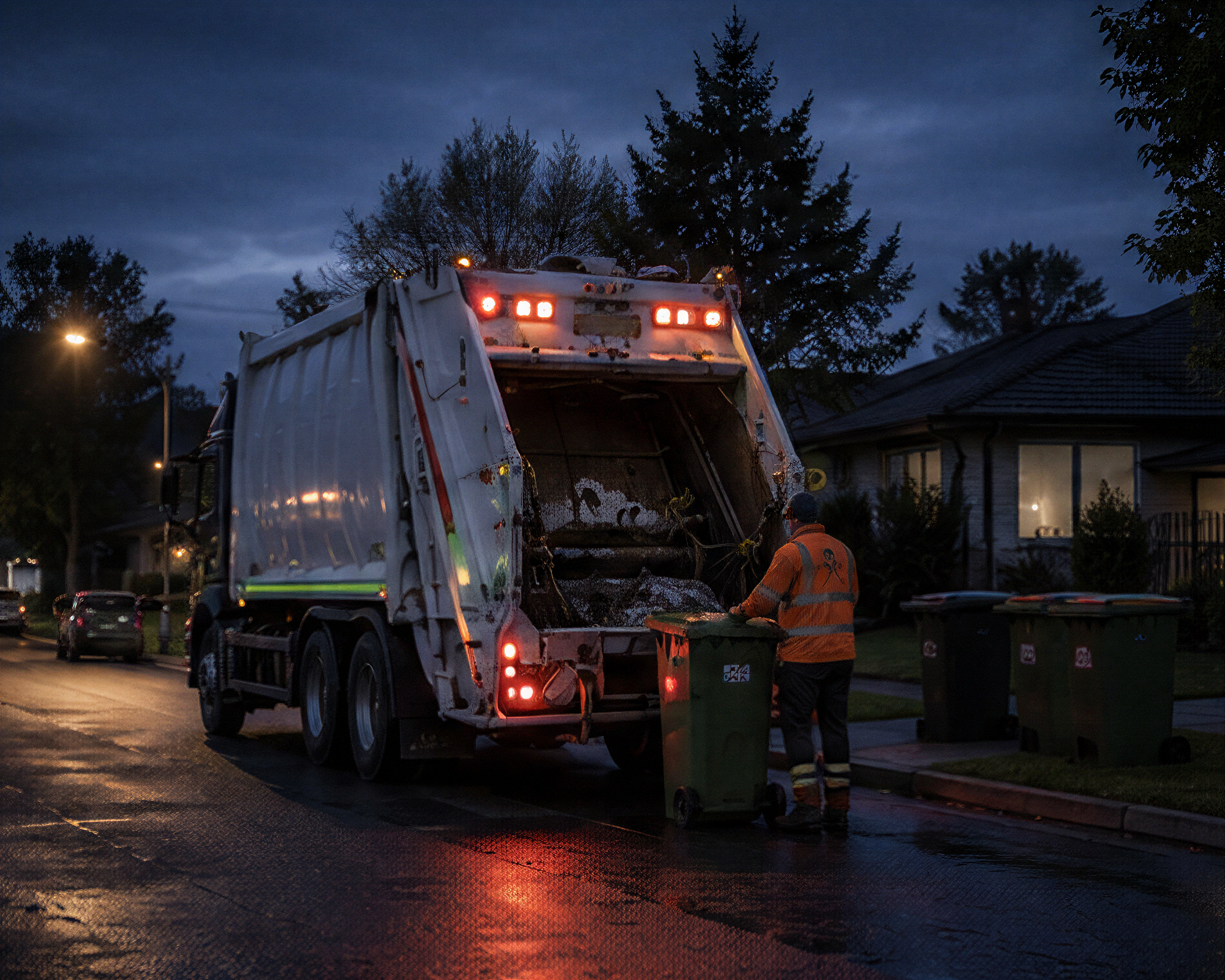
Waste and recycling
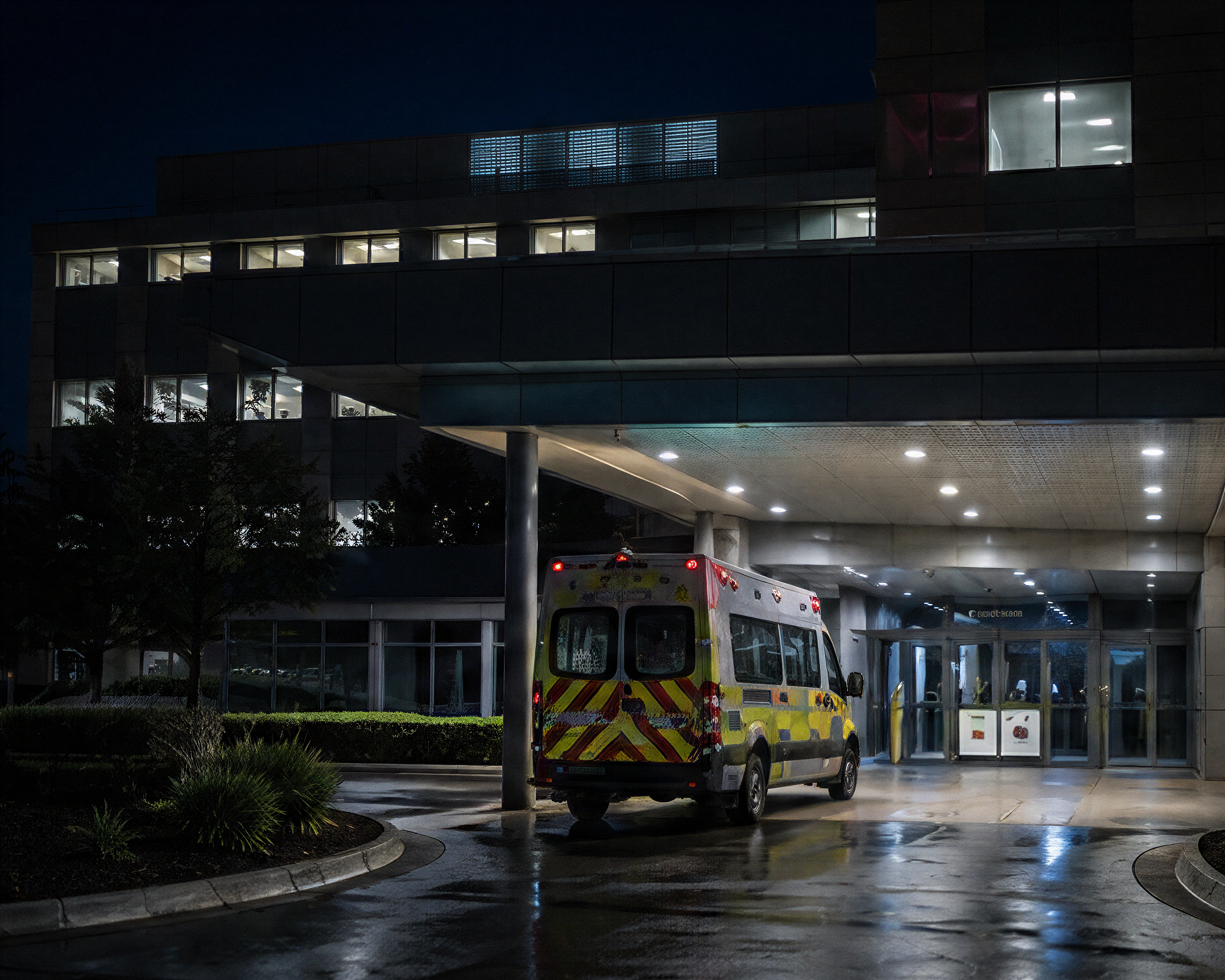
Healthcare
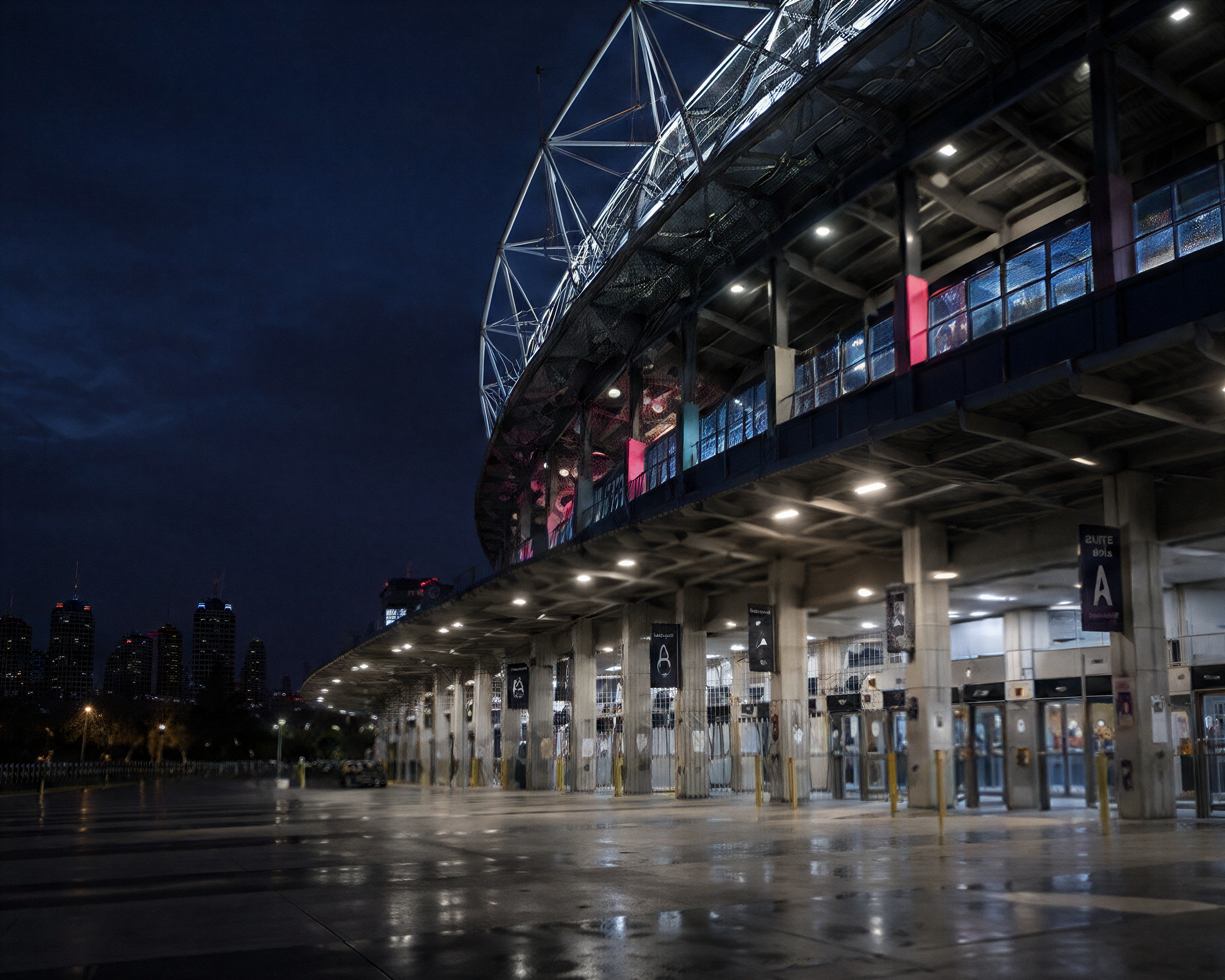
Stadiums and venues
Use the cameras you have.Add ours where you need them.See all of it in one place.
Use your existing camera infrastructure or add Saphyroo devices where you need them, all connected through Vision360.
Explore hardware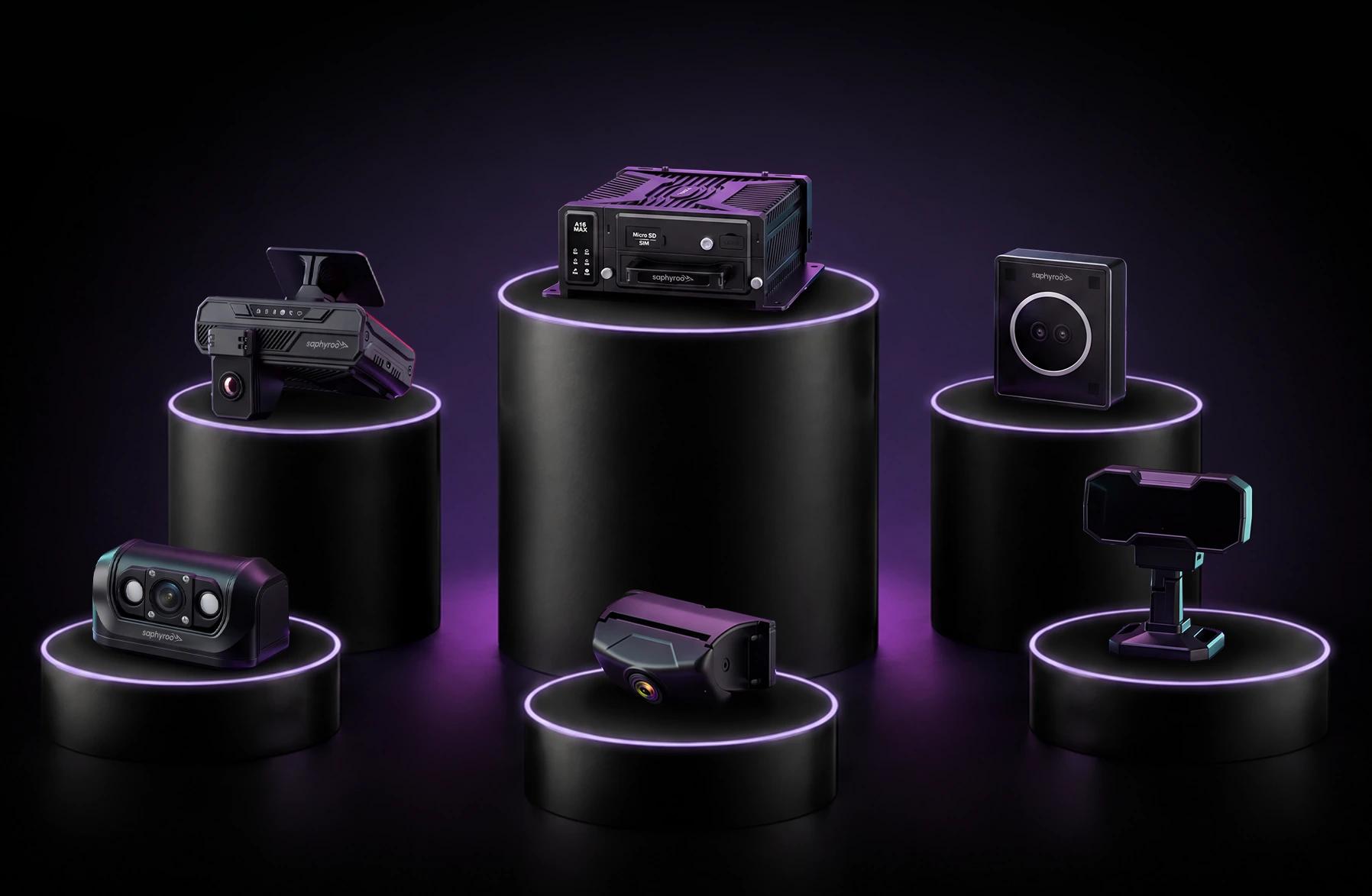
Do I have to replace the cameras I already run?
No. Vision360 connects your existing camera infrastructure, and you add Saphyroo devices only where there is a gap to fill.
What does Vision360 actually detect?
Fatigue and drowsiness, distraction, forward collision and near miss, lane departure and swerving, harsh driving, and in cab events such as seatbelt, smoking and speeding. You choose which of them you want, and you can add more as your needs change.
What happens when an event is detected?
The right people are notified, the clip and its metadata are captured automatically, and an incident is raised with the evidence already attached, so nobody has to go and find the footage.
Is the footage kept as evidence?
Yes. The clip either side of the event is retained against the incident along with location, vehicle and driver, so the record stands up when it is needed.
How does Vision360 work with Drive360 and Route360?
They are one platform. Vision360 detects the event, Drive360 carries the driver, vehicle and compliance context, and Route360 replans the work the incident affected.
Every Vision360 Feature
- GPS Fleet TrackingLive location, history & geofences
- GPS Asset TrackingTrailers, plant & portable assets
- Fleet TelematicsHealth, fuel & utilisation data
- Fatigue & Drowsiness DetectionSpot it in real time
- Distracted Driving DetectionPhone use, eyes off road
- Forward Collision & Near-MissTime to collision, road-facing
- Tailgating & Following DistanceSustained unsafe following
- Lane Departure & SwervingDrifts, weaves & wrong direction
- Harsh Braking & CorneringJudged with the context around it
- Collision Detection & CaptureBefore, during and after impact
- Live View & Multi-CameraEvery available angle, in sync
- Video Search & RetrievalFind and share the right footage
- Incident InvestigationOne workspace, all the evidence
- Alerts & Escalation RulesThe right person, automatically
- Driver CoachingTurn events into better habits
- Safety Analytics & Risk TrendsWhere risk appears, and why
- Seatbelt, Smoking & SpeedingIn-cab safety & speeding events
See Vision360 in Action
Discover how Vision360 turns video into intelligence you can act on.