[ Driver monitoring system ]
A Driver Monitoring System that Sees the Risk
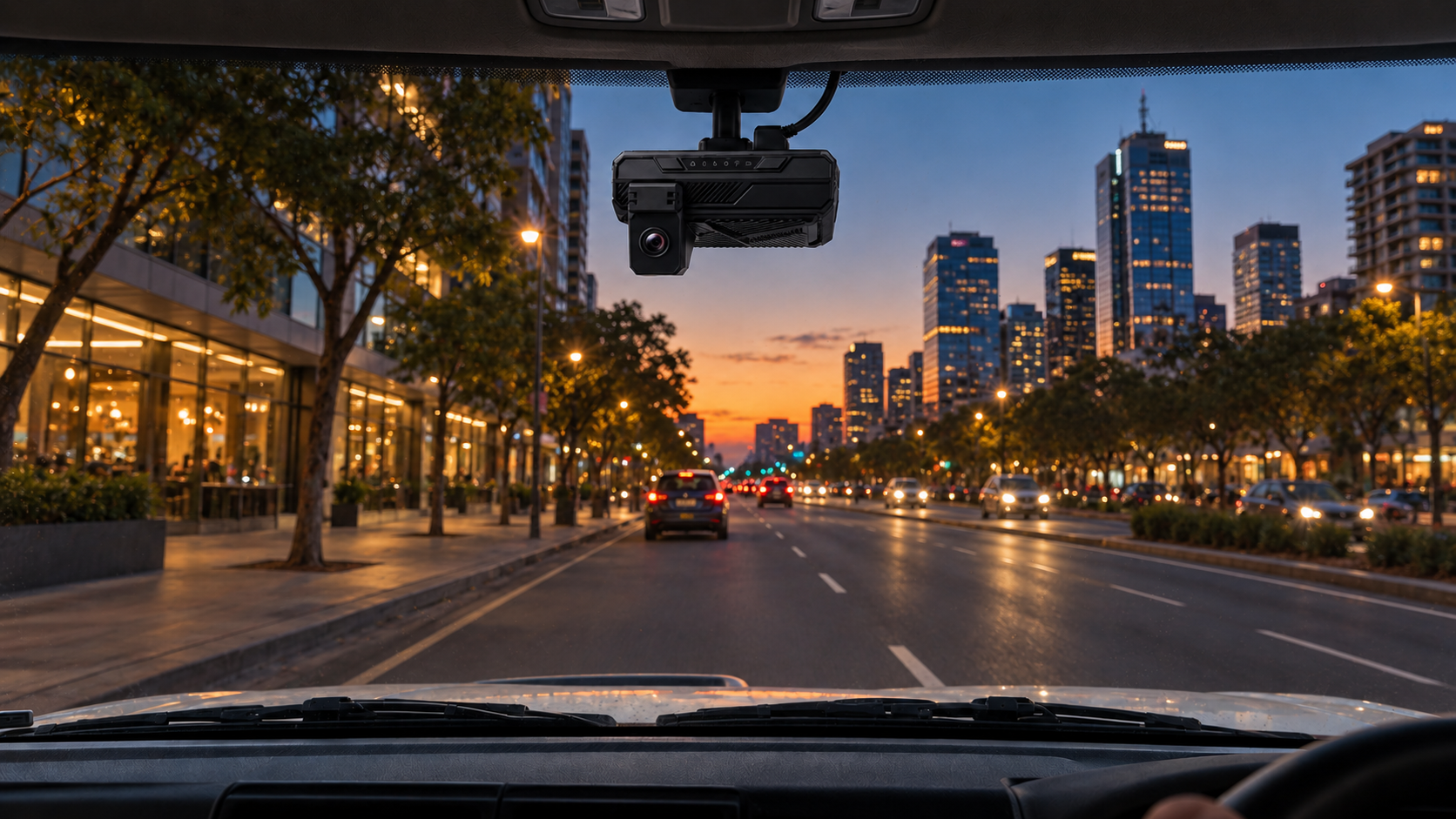
AI cameras in the cab watch for fatigue and distraction as they happen, alert the driver in the moment and keep the footage so your team can review what actually took place.
How it works
Driver Monitoring, From Behaviour to Action.
01
The camera watches the driver, not the road only
A driver facing camera runs continuously while the vehicle is in motion, analysing on the device rather than streaming everything back.
02
A risk is detected as it happens
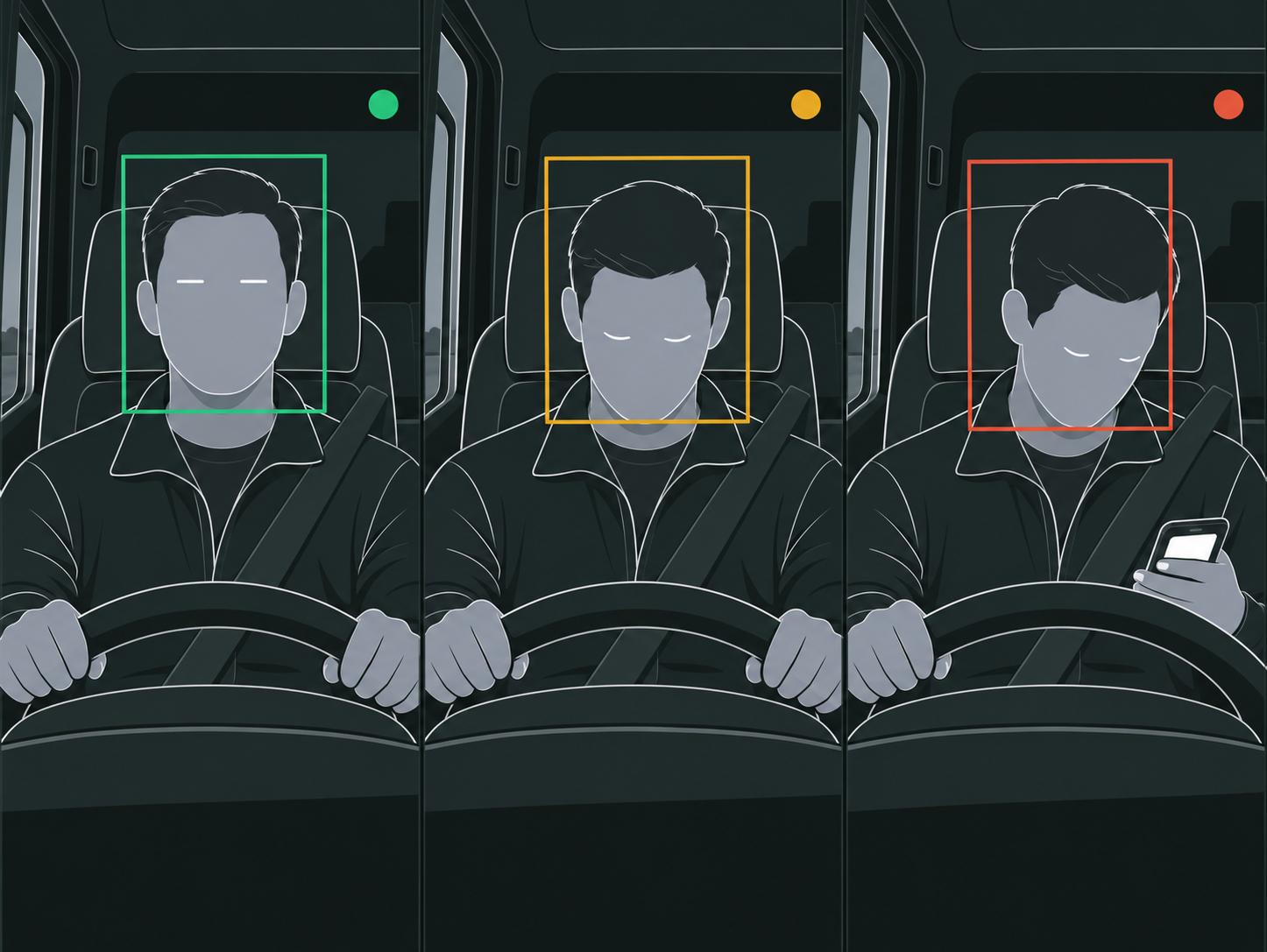
Eye closure, head position, phone use and other supported behaviours are recognised in the moment, not found later in a review.
03
The driver is alerted first
An in-cab alert gives the driver the chance to correct it themselves, which is the only intervention that prevents the incident rather than recording it.
04
The event reaches the right person with its footage
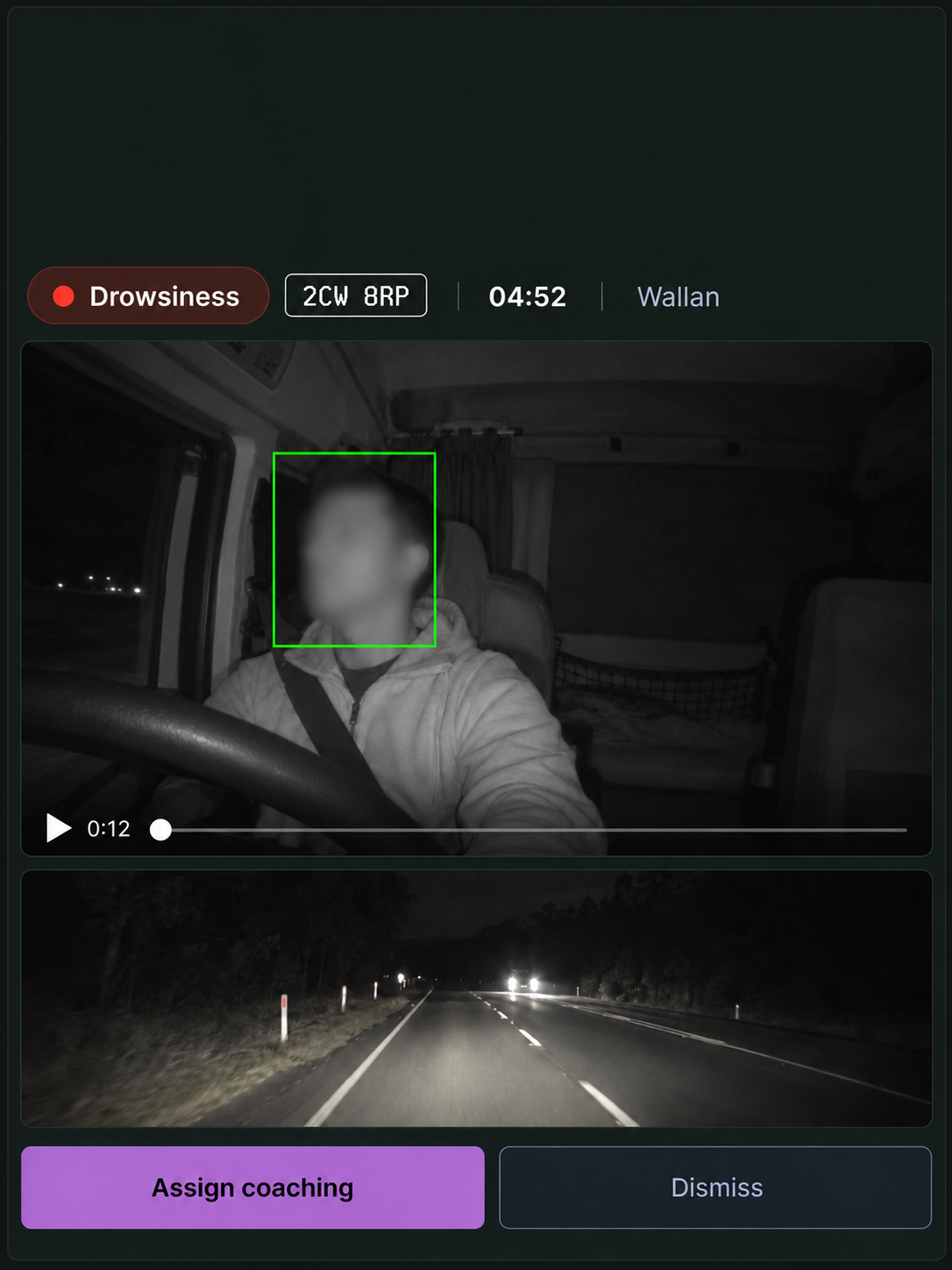
The event, its severity and the video are held together, so a manager reviews what happened instead of taking a guess from a data point.
What it detects
The Behaviours that Precede an Incident
Fatigue
Eye closure, blink rate and head nodding, the signs a driver rarely reports themselves. Detection is from camera analysis, so it does not depend on the driver declaring anything.
Distraction
Eyes away from the road for a sustained period, whether that is a handset, a screen or something inside the cab.
Phone use
Handling a phone while the vehicle is moving, recognised as its own event so it can carry its own policy.
Smoking and seatbelt
Supported in-cab standards, each with its own rule for when it triggers, who is told and how severity escalates.
Additional features
Fatigue Detection
Eye closure and head position while the vehicle is in motion.
Distraction Detection
Sustained attention away from the road ahead.
Seatbelt Detection
Non use whenever the vehicle is moving.
Harsh Driving Events
Braking, acceleration and cornering above your thresholds.
Forward Collision Warning
Closing distance on the vehicle in front.
Lane Departure
Drifting out of lane without an indicator.
Tailgating
Following distance held below the safe gap.
Live Camera View
Look at any connected vehicle now, not after the fact.
Incident Investigation
The footage, the data and the timeline in one record.
Driver Coaching
Turn a repeated event into a conversation with evidence.
Safety Analytics
Which behaviours, which vehicles, which depots, over time.
Configurable Policies
Set what triggers, who is alerted and how severity is handled.
Seen, Then Acted On

In the cab
The driver hears it before it becomes an incident
In the office
The event arrives with its footage attached
With the driver
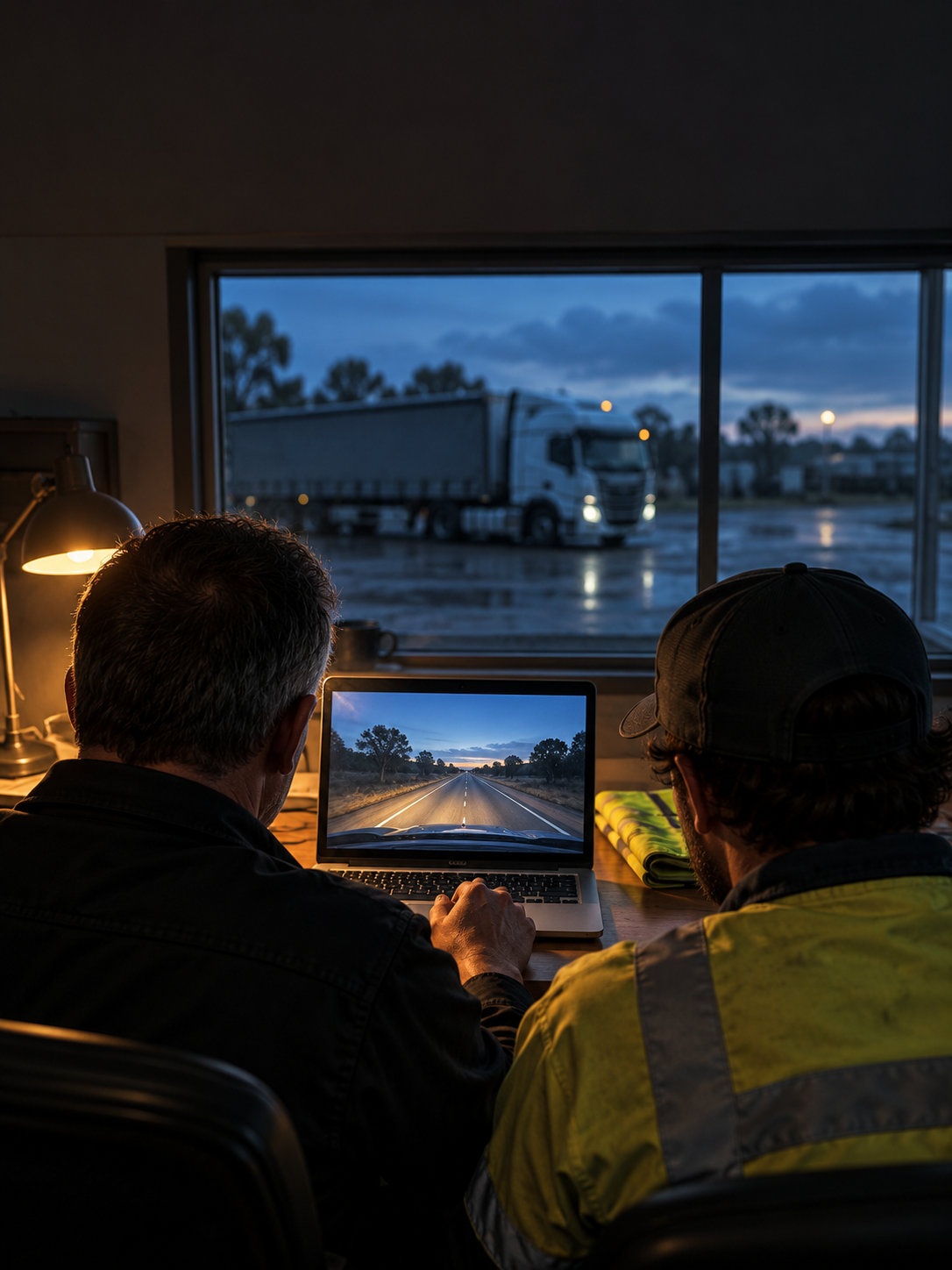
A coaching conversation that starts from evidence
Frequently Asked Questions
What a driver monitoring system does, and what it does not.
Talk to us about your fleetWhat is a driver monitoring system?
A camera and software system that watches for the driver behaviours known to precede an incident, fatigue and distraction above all, alerts the driver at the time and keeps the footage so the event can be reviewed properly.
Does it record the driver all the time?
The camera analyses continuously while the vehicle is in motion, but footage is kept around events rather than as a permanent recording of the whole shift. What is retained, and for how long, is configurable.
Is the driver alerted, or only the manager?
The driver first. An in cab alert is the only part of this that can prevent the incident rather than document it. Who else is notified, and at what severity, is set per event type.
Will it flag things that are not real?
Every event type has its own policy, so you set the threshold, whether the driver is alerted and how severity escalates. Events arrive with their footage, so a reviewer can confirm rather than assume.
Does it work with the rest of the platform?
Yes. Detection comes from Vision360, speeding is measured against your Drive360 speed rule, and coaching and analytics run on the same record, so one event does not live in three places.
Does it need a driver-facing camera?
For fatigue and distraction, yes: those are recognised from the driver's face and head position. Road-facing detections such as forward collision, lane departure and tailgating do not.
See the Risk While There Is Still Time to Act
Fatigue and distraction are the two behaviours a driver will not report. A demo on your own vehicles is the fastest way to see what a camera picks up that a data point does not.