Operational Efficiency
Get More From Every Hour With Operational Efficiency Software
Saphyroo connects people, planning and live operations to reduce wasted time, make better use of resources and respond faster when the day changes.
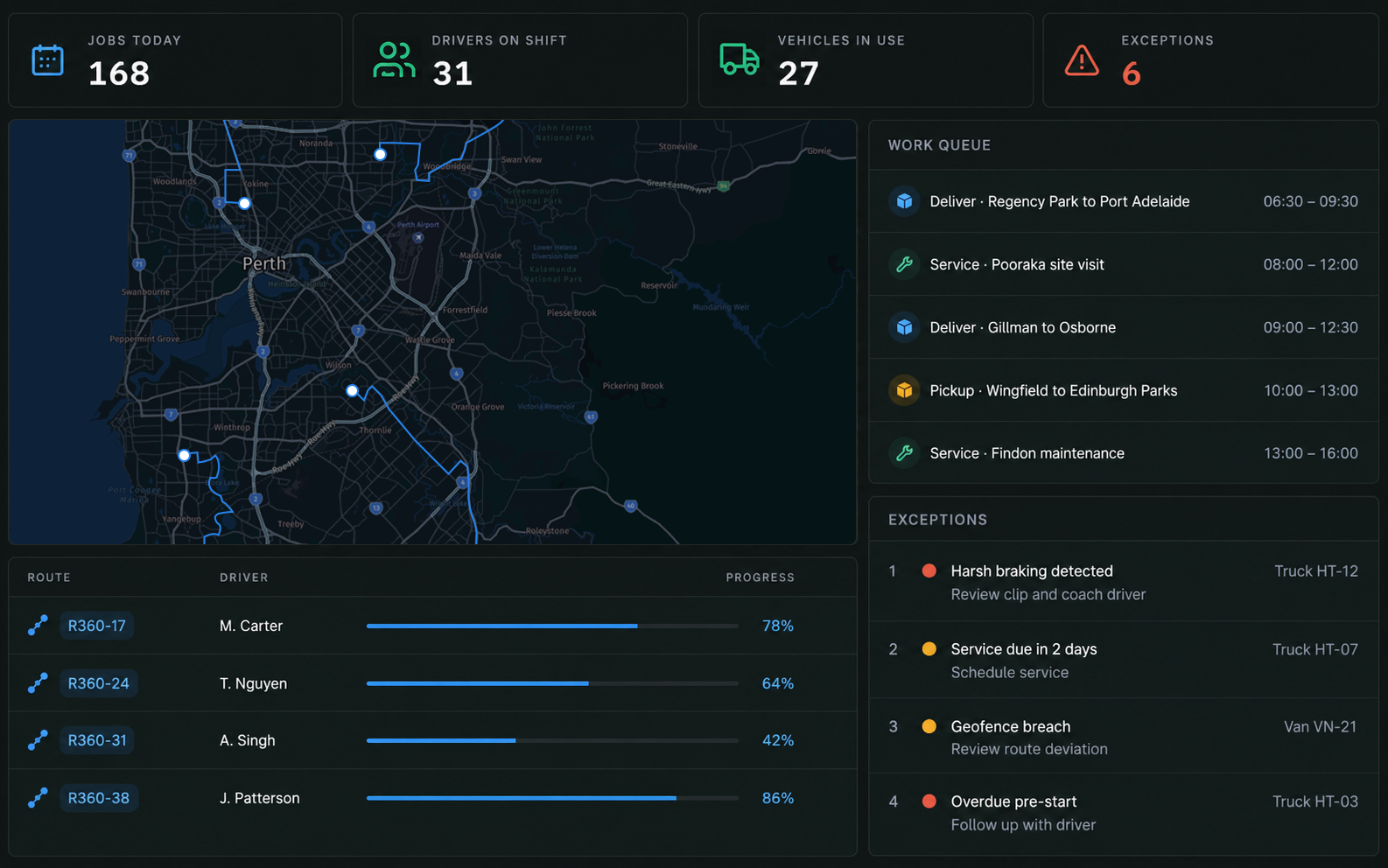
Operational Efficiency at Every Step of the Job
Work comes in once and stays connected through planning, execution and completion.
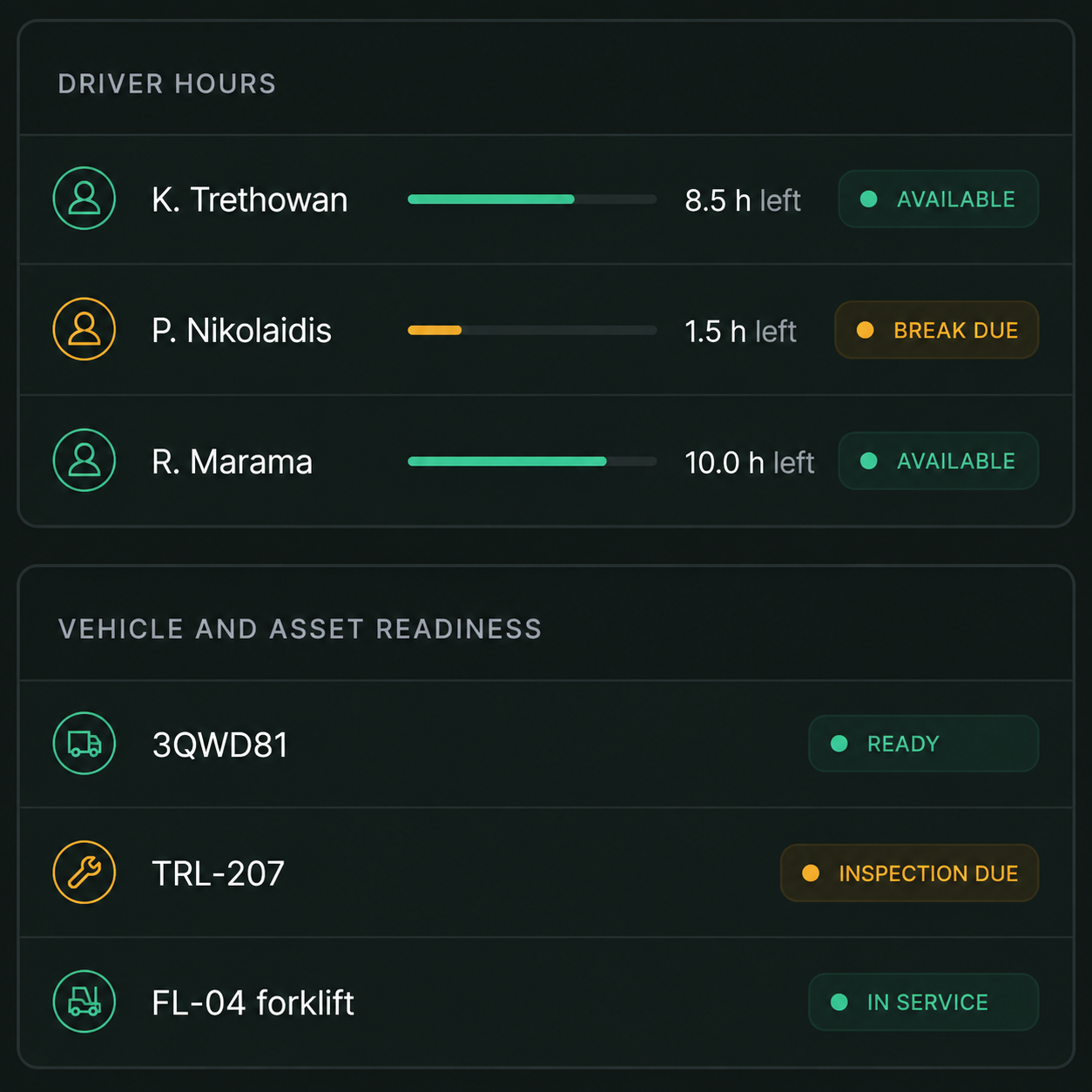
1Understand Capacity
See available people, vehicles, equipment, skills and constraints before work is committed.
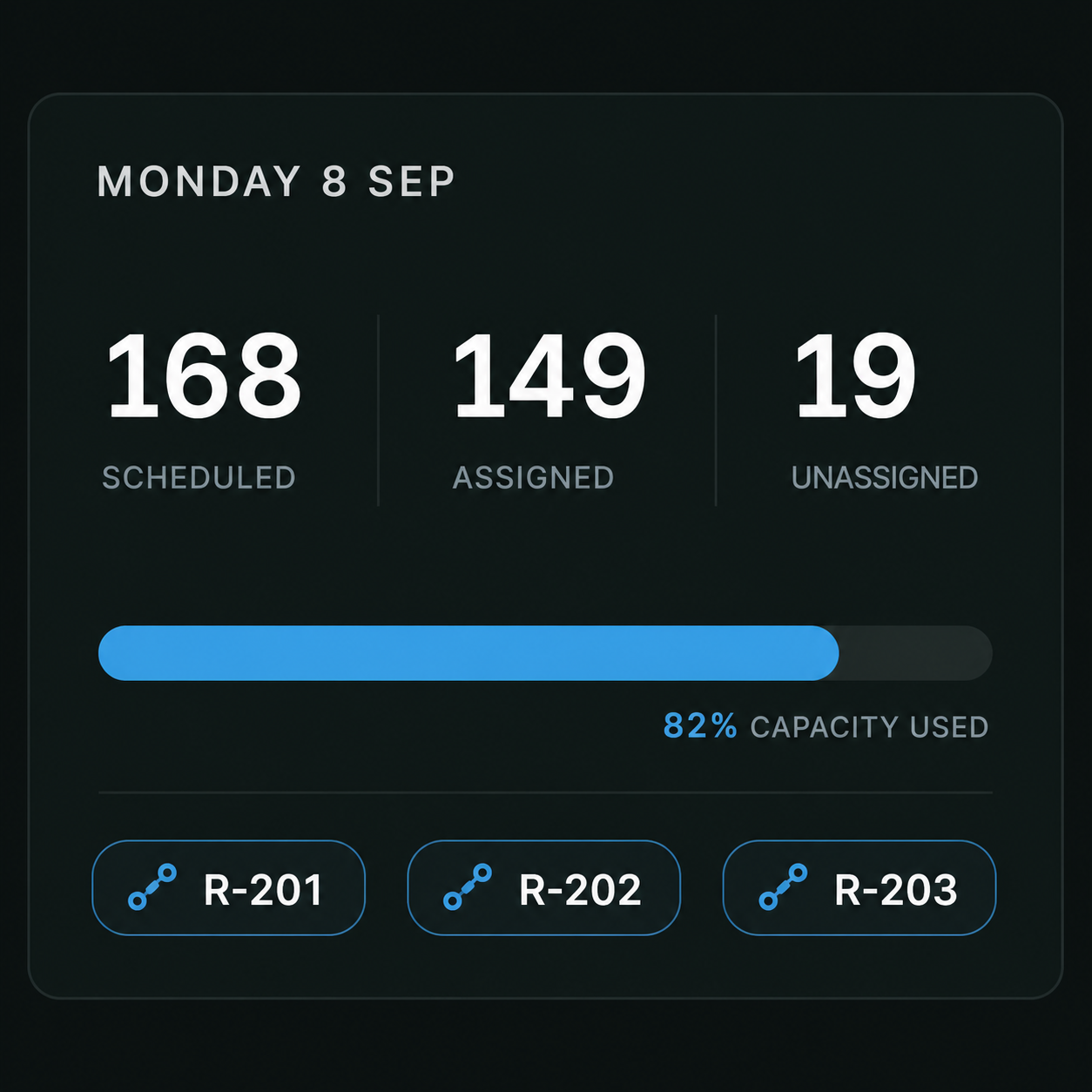
2Plan & Assign
Route360 optimises routes and schedules around your requirements, then matches work with the right people, vehicles and equipment.
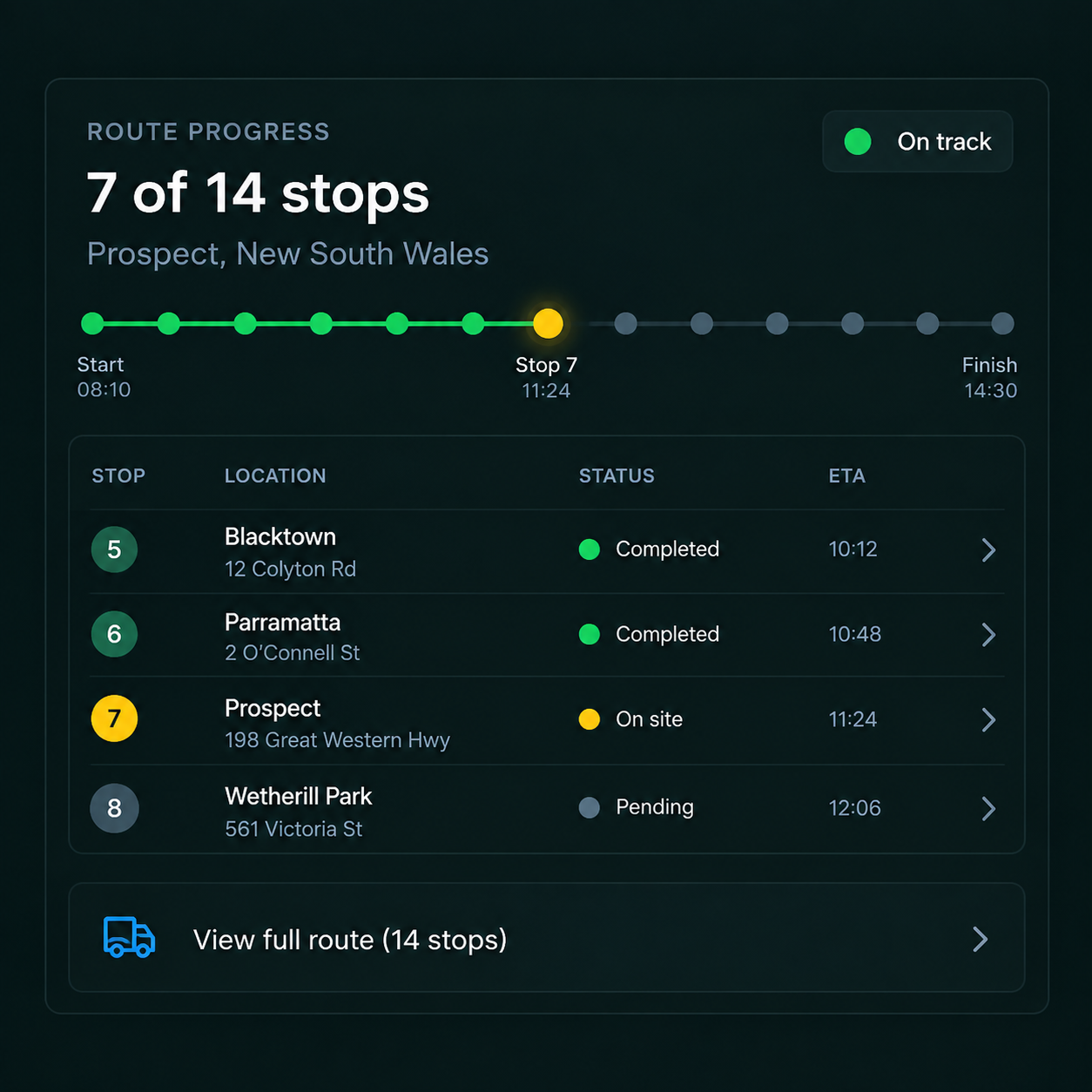
3Execute & Adapt
Follow progress, dwell times and ETAs as work runs and re optimise when conditions or priorities change.

4Complete & Improve
Capture proof, notes and quantities at completion, then use the data to understand performance, costs and service outcomes.
Control centre
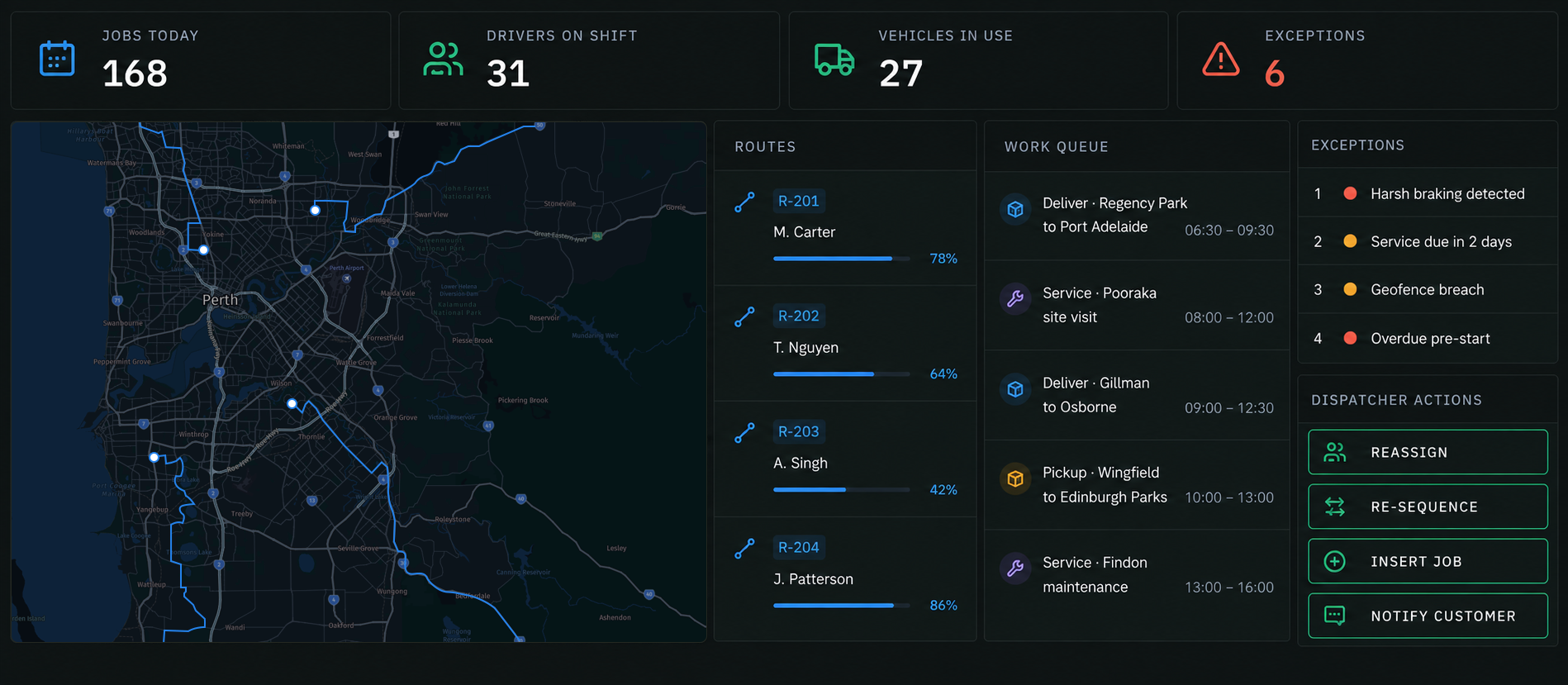
One Operating View for Every Resource, Route and Exception
Bring jobs, drivers, vehicles and assets into one live view. See what’s on track, surface what needs attention and act without switching between systems.
MAKE EVERY HOUR COUNT
Find the Gaps. Get More From the Day.
Capacity, Constraints & Workload Planning
Plan around the realities of the day, including hours and breaks, skills, shifts, vehicle capacity, equipment, time windows, service duration, depot schedules, site access and task dependencies.
Fit Urgent Work Into the Plan
See the impact before adding urgent work. Compare time, distance, cost and on time performance across available options before choosing where it fits.
Breakdown & Dynamic Replanning
When a vehicle becomes unavailable, identify the affected work, replan around available resources and update ETAs for the customers impacted.
Dwell & Lost Time Reduction
Measure site dwell against your thresholds, identify where time is being lost and reoptimise remaining stops when delays affect the plan.
Field Execution
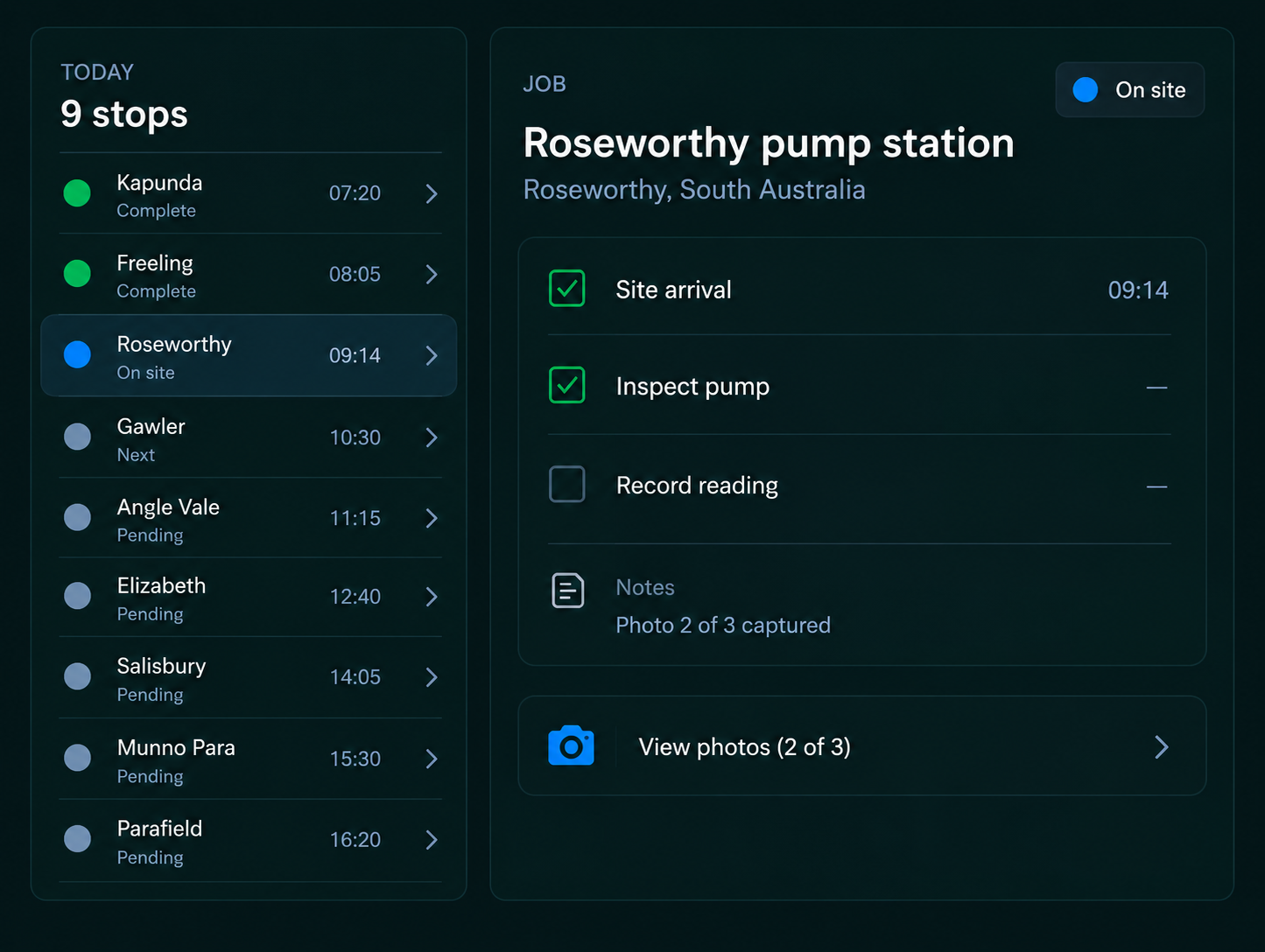
Give drivers an optimised stop sequence, navigation, forms, checklists and proof tools, with offline working and automatic sync when connectivity returns.
Built to Connect With the Systems You Already Use
Teams
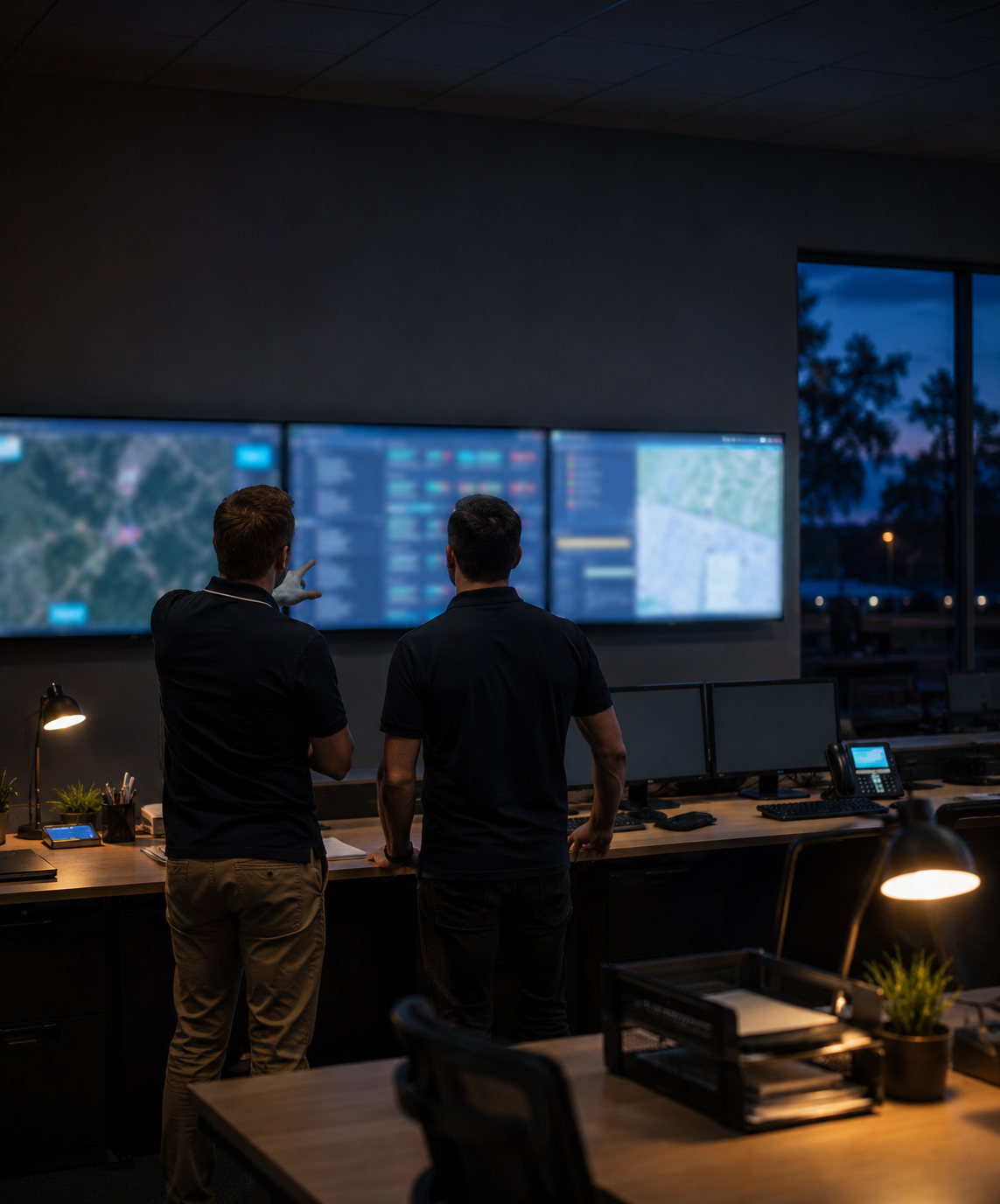
Operations, Dispatch, Transport & Depot Teams
Industries
Transport, Field Service, Food & Beverage, Construction & Mining

Systems
ERP, TMS, WMS, CRM & Maintenance Systems

Get More From the Operation You Already Have
Connect people, vehicles, time and work so your existing capacity is easier to plan, use and improve.