Fatigue Management
Stay Ahead of Fatigue Risk
Keep fatigue information connected, spot potential risks earlier and take action when it matters.
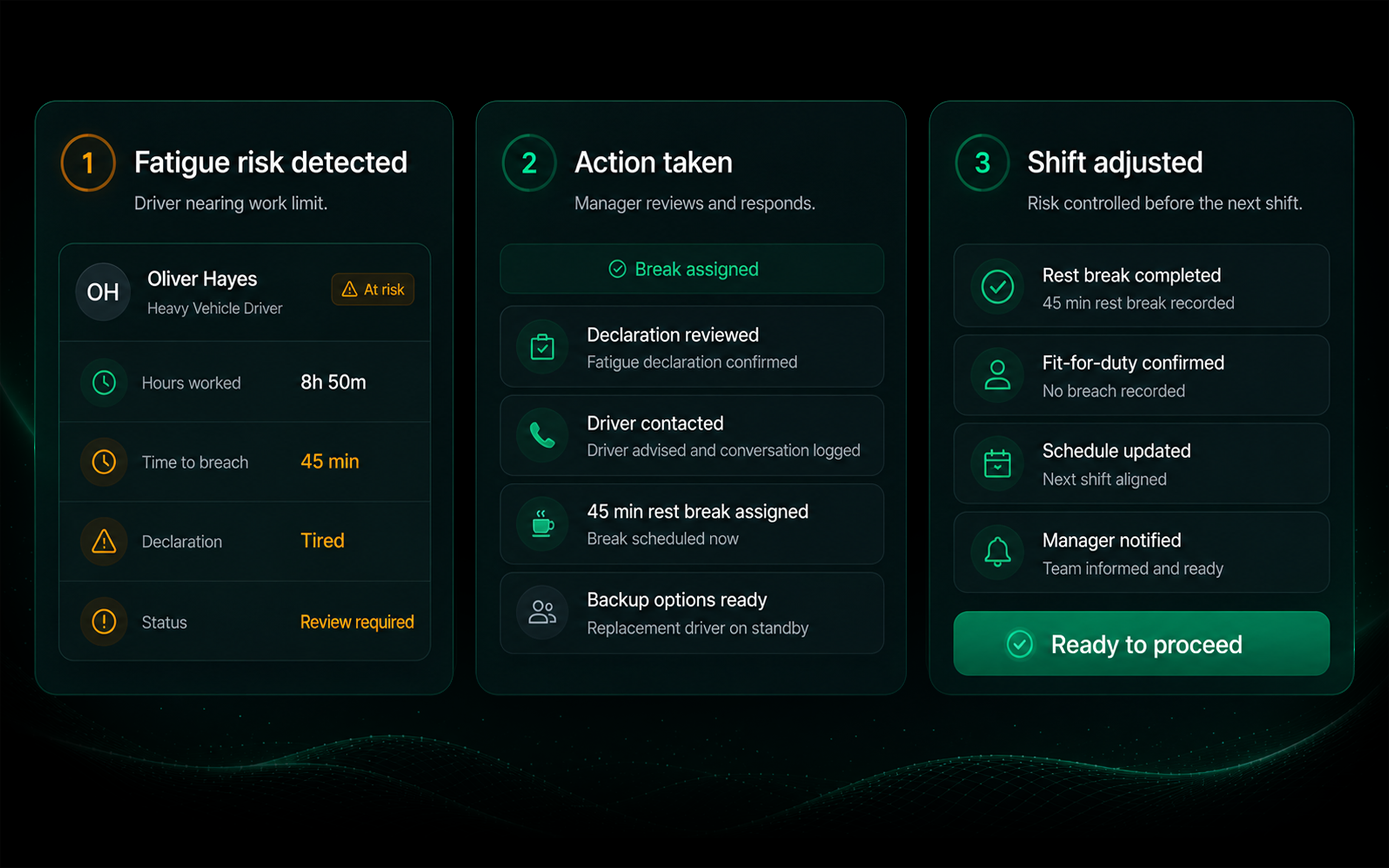
SIMPLIFY FATIGUE MANAGEMENT
- Reduce reliance on paper logs and manual records
- Eliminate scattered fatigue information
- See work and rest hours in one place
- Surface fatigue declarations sooner
- Flag thresholds that need attention
- Keep fatigue actions and records connected
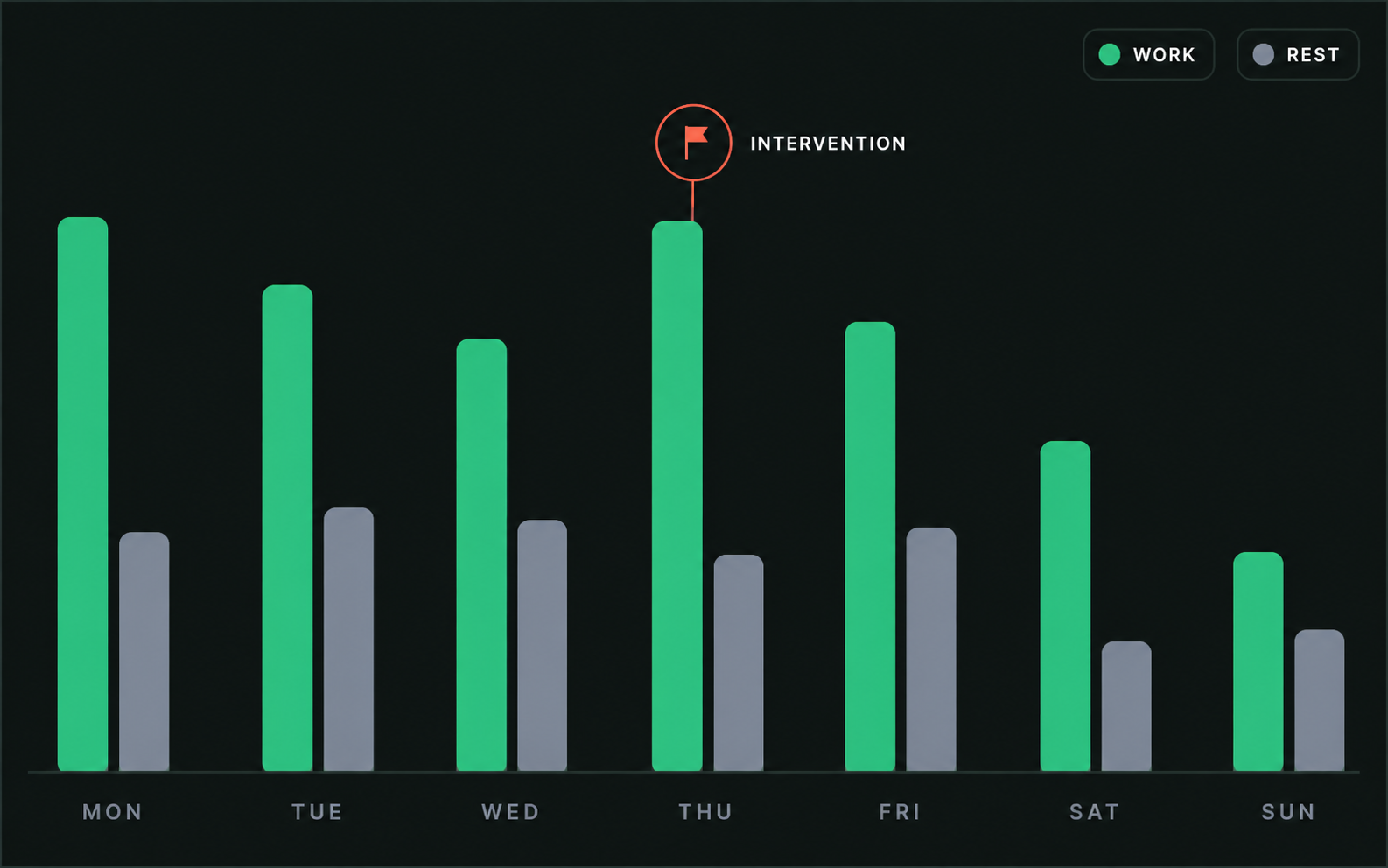
Fatigue risk and intervention
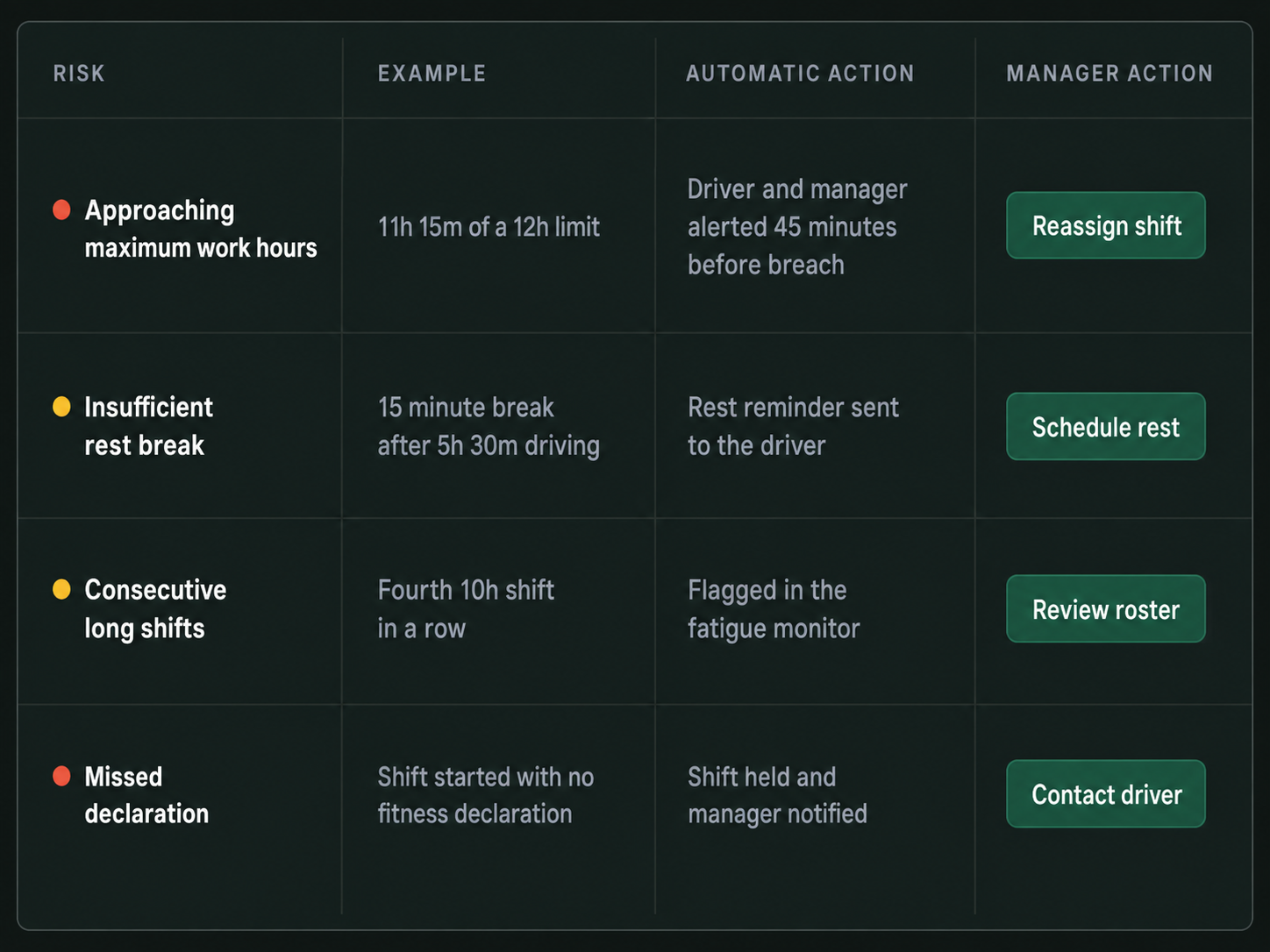
Fatigue lifecycle
1
Set
Configure fatigue rules, thresholds and requirements.
2
Capture
Record work hours, rest periods and driver declarations.
3
Monitor
Track hours and rest against configured thresholds.
4
Flag
Surface fatigue risks and alert the right people.
5
Act
Review the risk and take the appropriate action.
6
Record
Keep decisions, actions and outcomes on record.
Keep Fatigue Risk in View
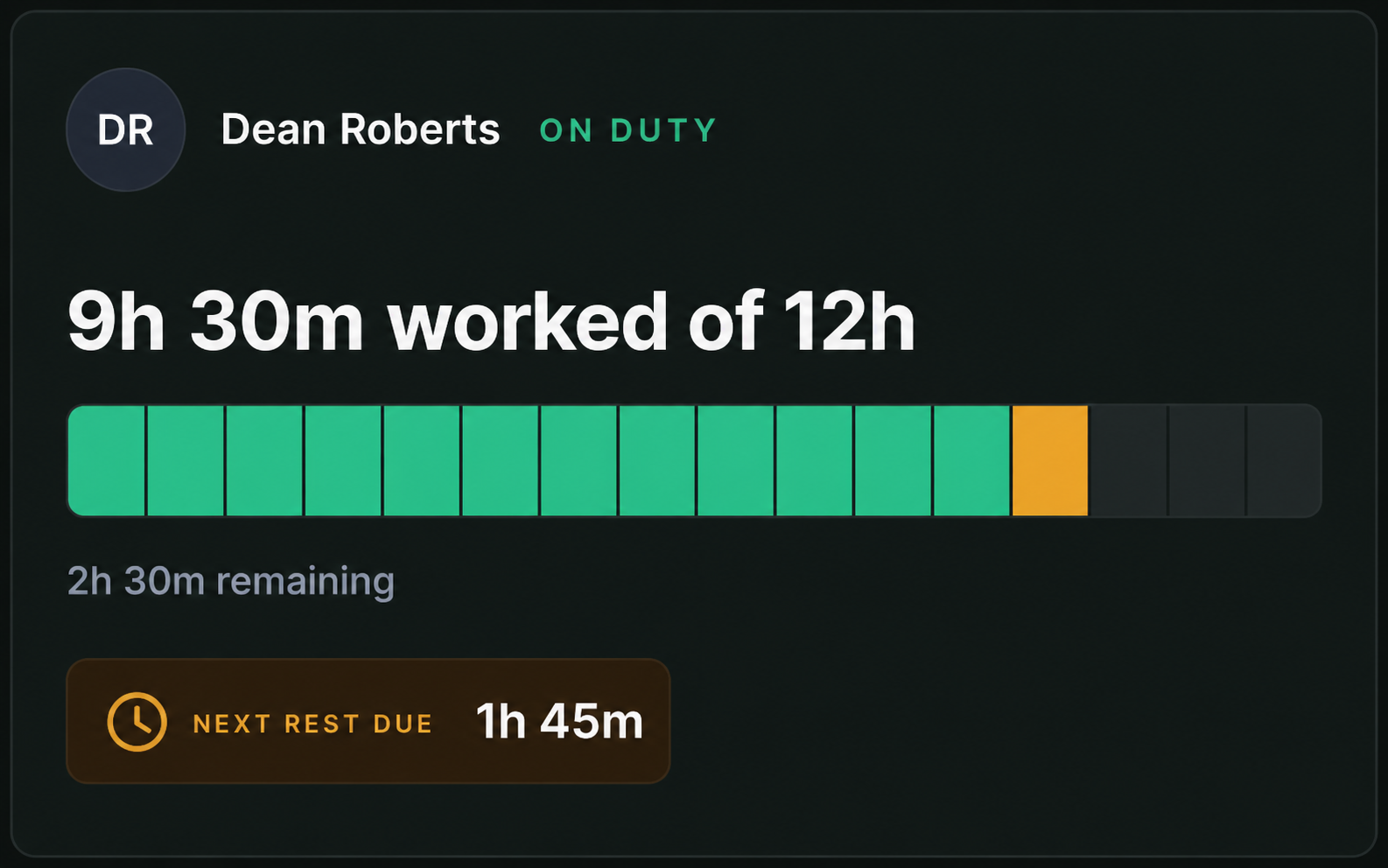
Work & Rest Monitoring
- Work hour tracking
- Rest period monitoring
- Cumulative hours
- Configured rule thresholds
- Live driver status
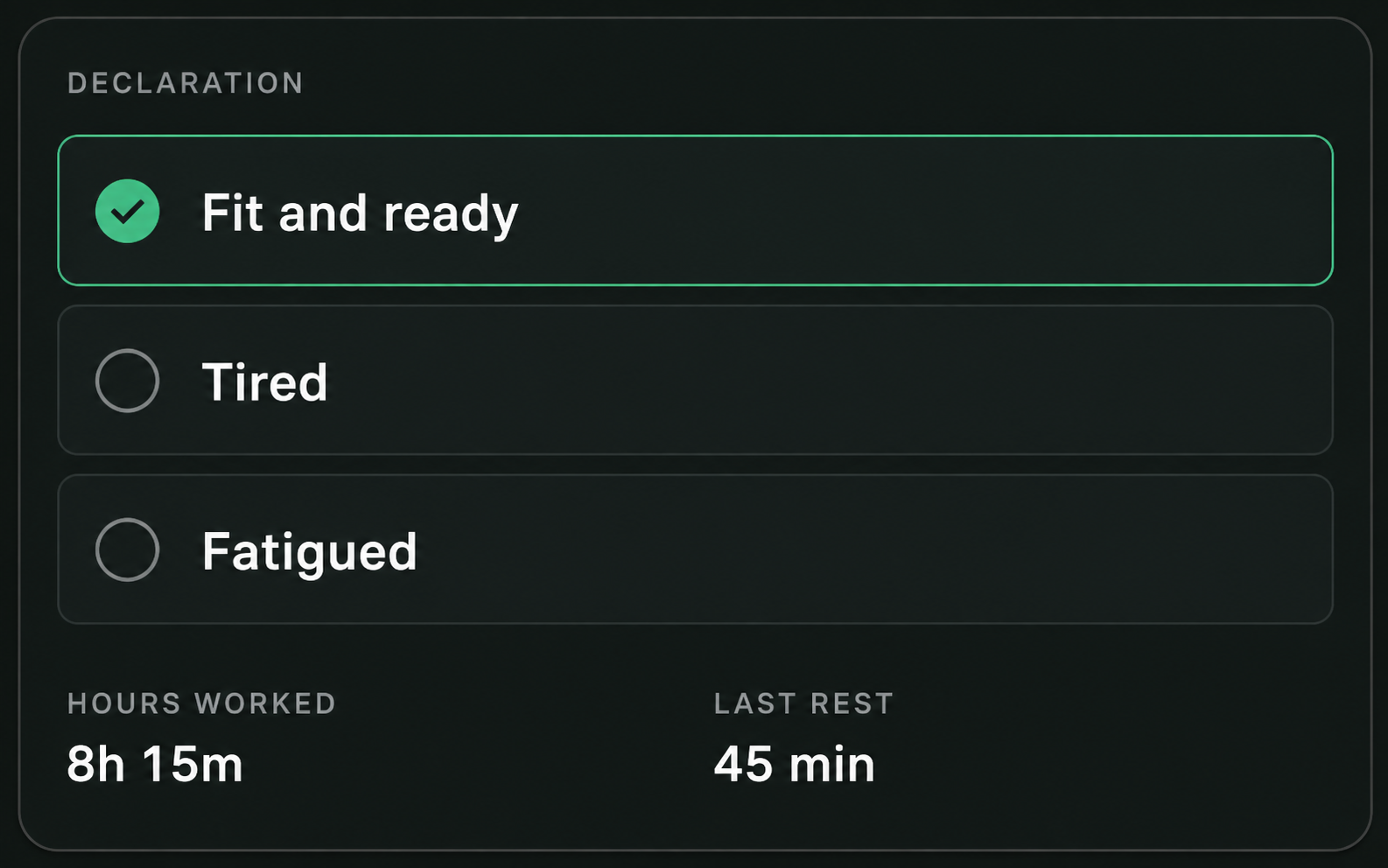
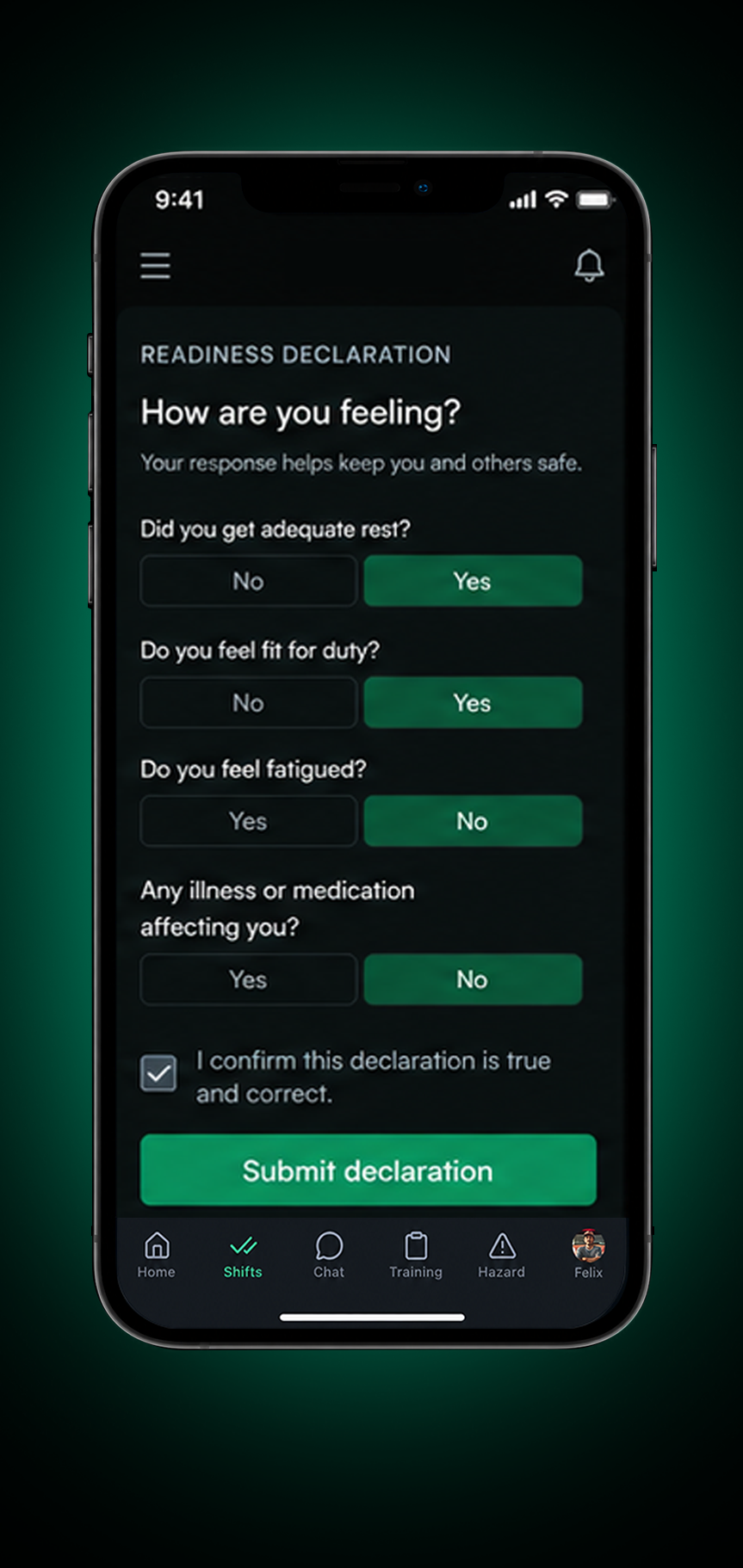
Driver Declarations
- Pre shift declarations
- In shift updates
- Fitness status
- Driver comments & notes
- Time & location records
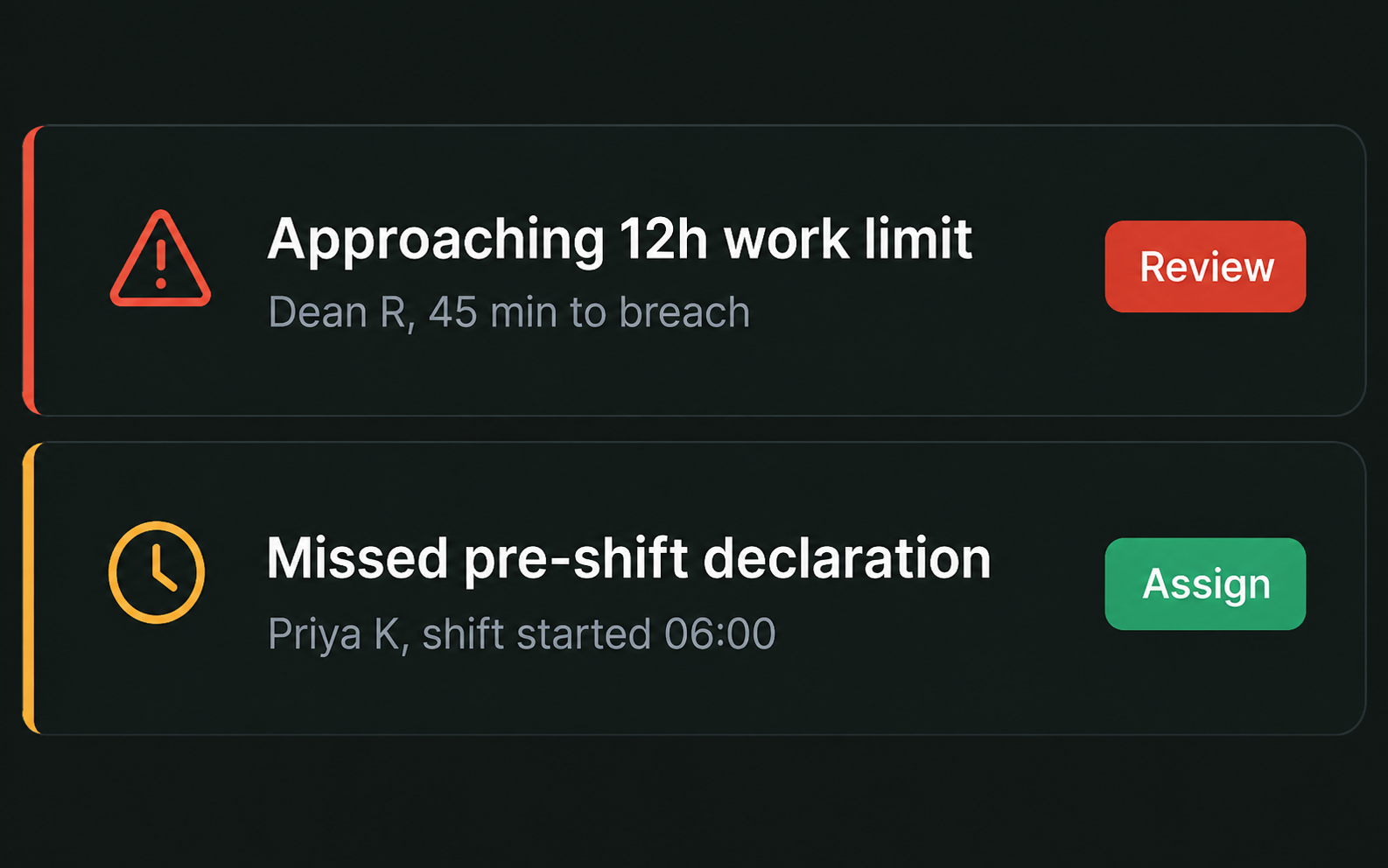
Risk Alerts & Exceptions
- Threshold alerts
- At risk notifications
- Exception tracking
- Escalation workflows
- Manager actions
Fatigue Records & Reporting
- Complete fatigue history
- Intervention records
- Exportable reports
- Trend visibility
- Supporting compliance records
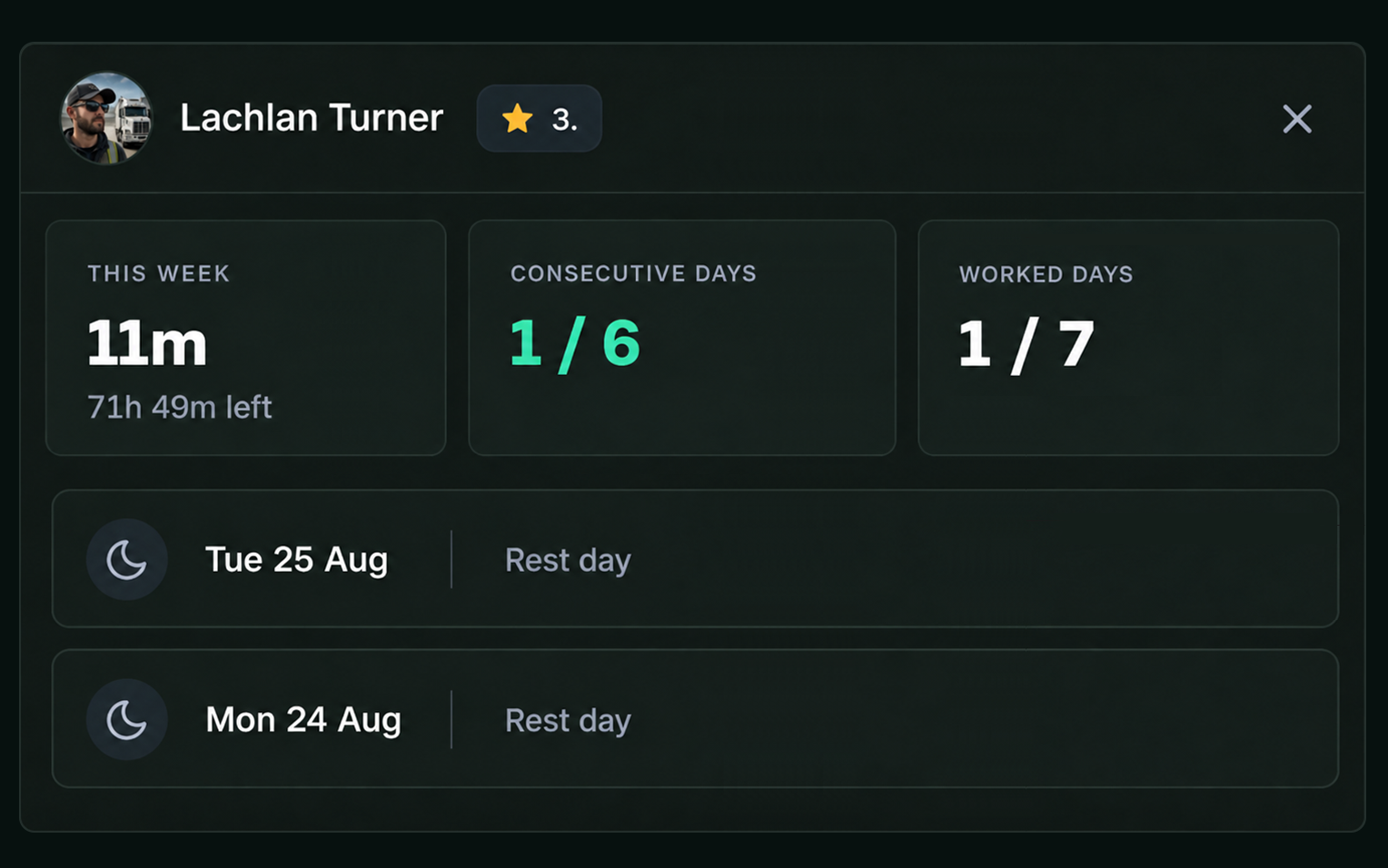
Fatigue history
Every Shift in Fatigue Management Software
Work, rest, declarations and actions together in one clear record.
- Current status & shift
- Recent work & rest
- Next rest due
- Interventions & outcomes
- Exportable records
DRIVER & MANAGER WORKFLOW
From Declaration to Action
- Driver submits their readiness status
- Fatigue risk or an exception is surfaced
- Manager reviews the driver’s status and context.
- The appropriate action or shift adjustment is made.
- The decision and outcome are captured in Drive360.
1. Declare
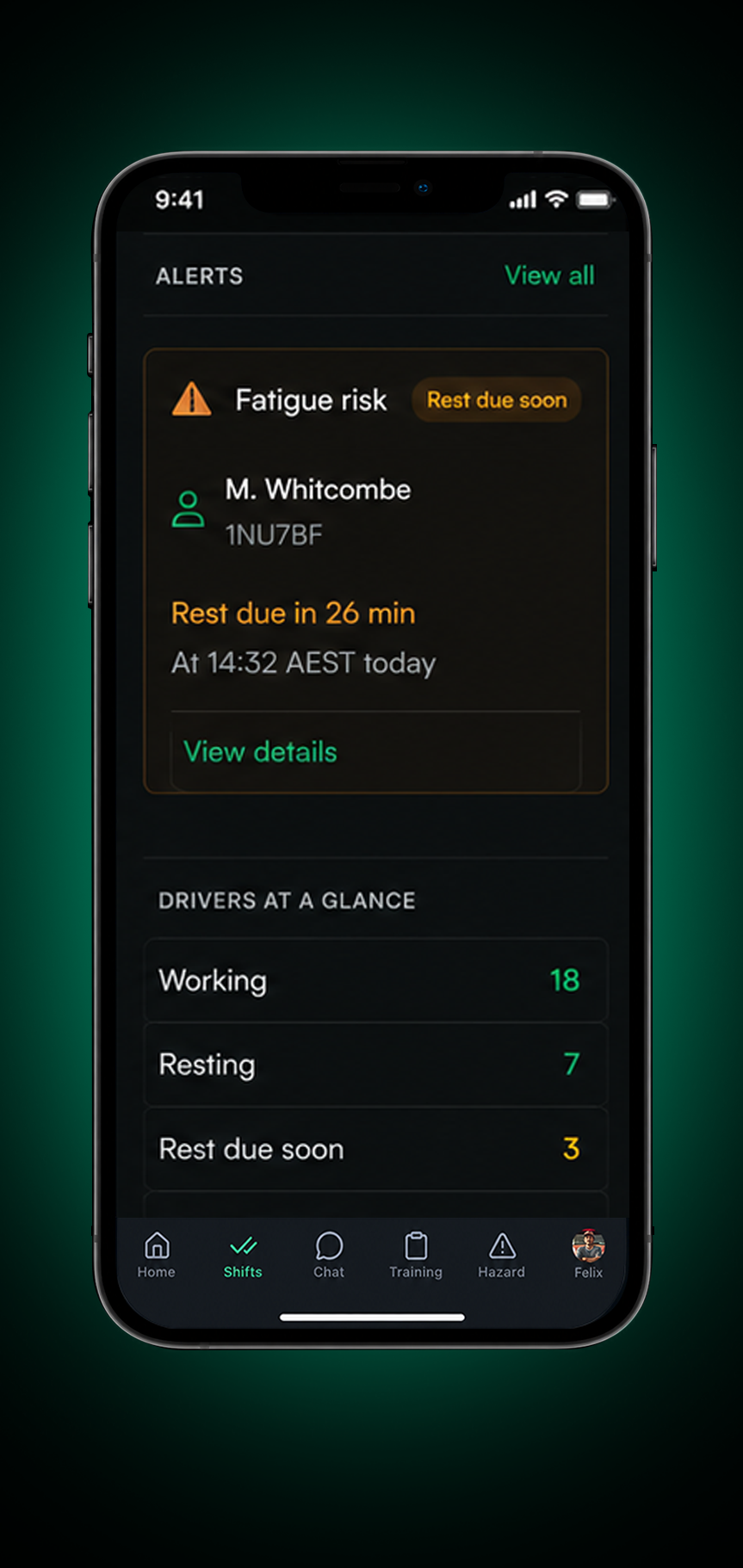
2. Flag
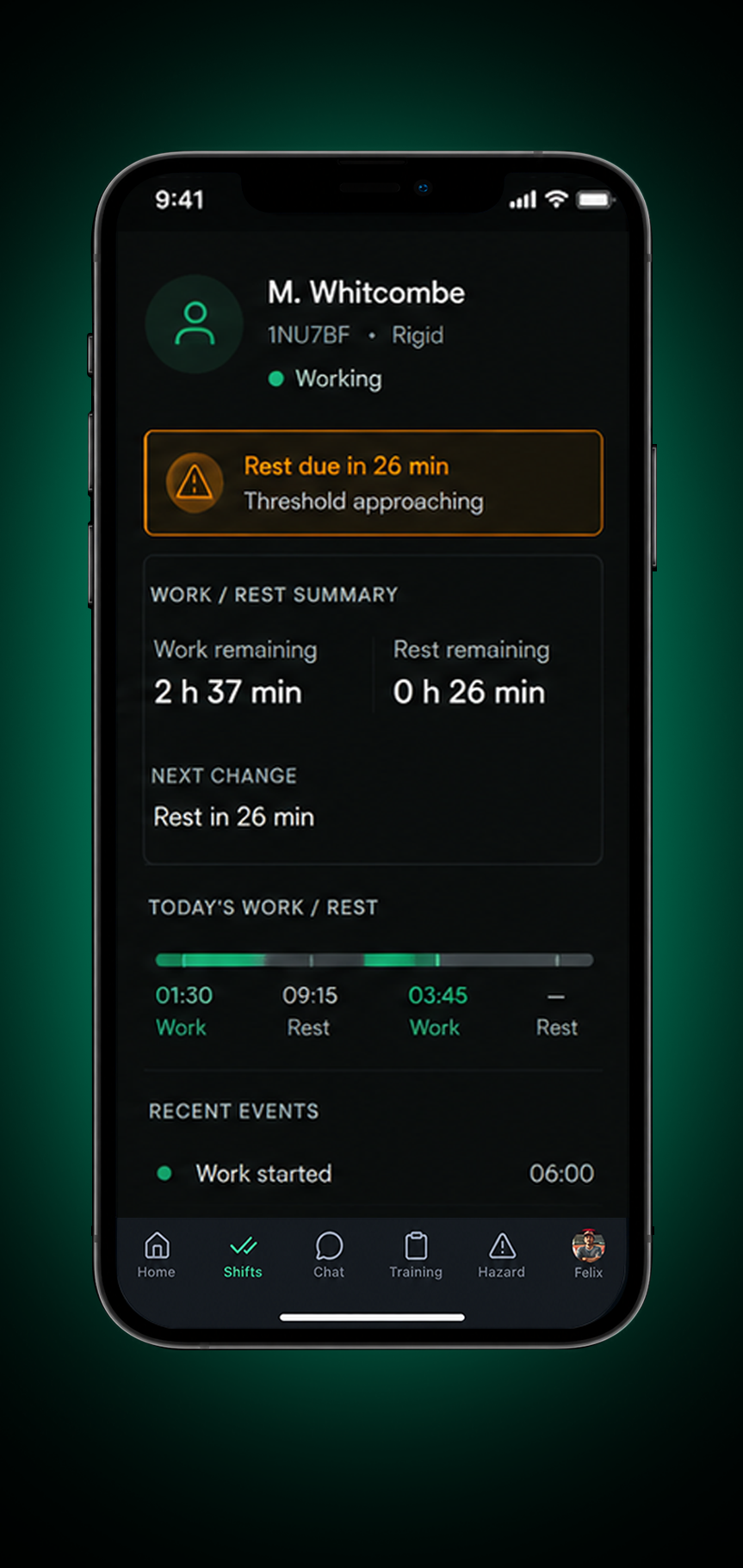
3. Review
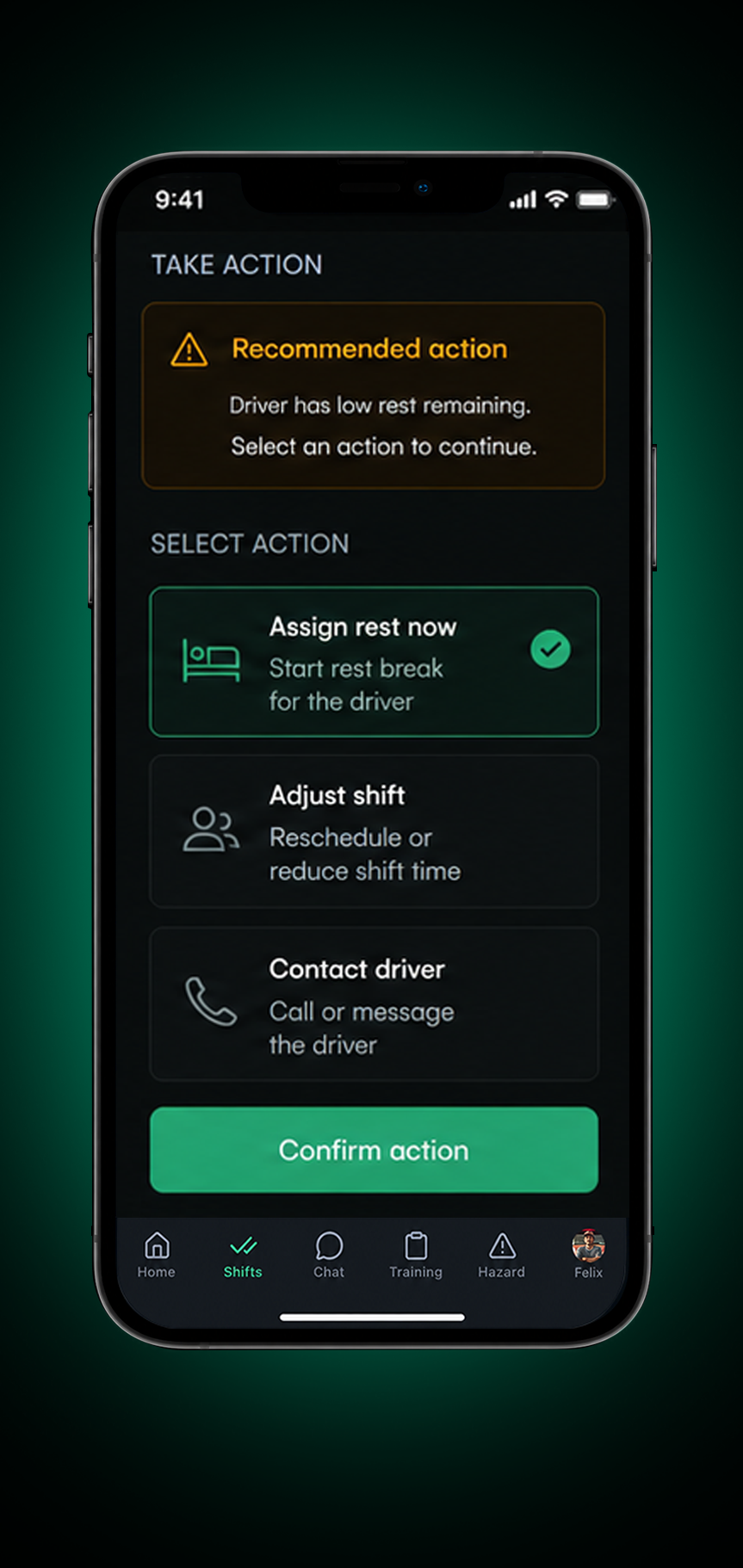
4. Act
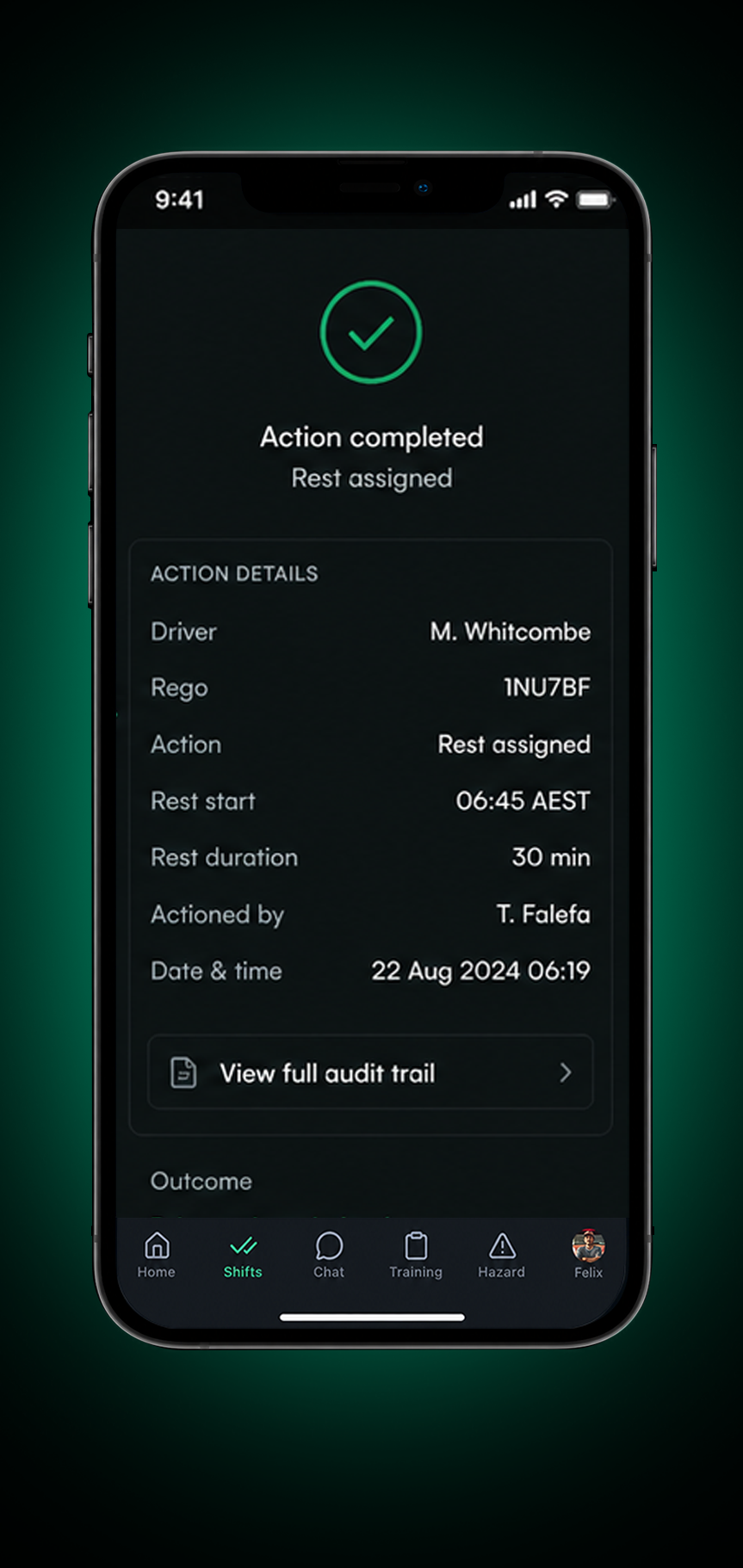
5. Record
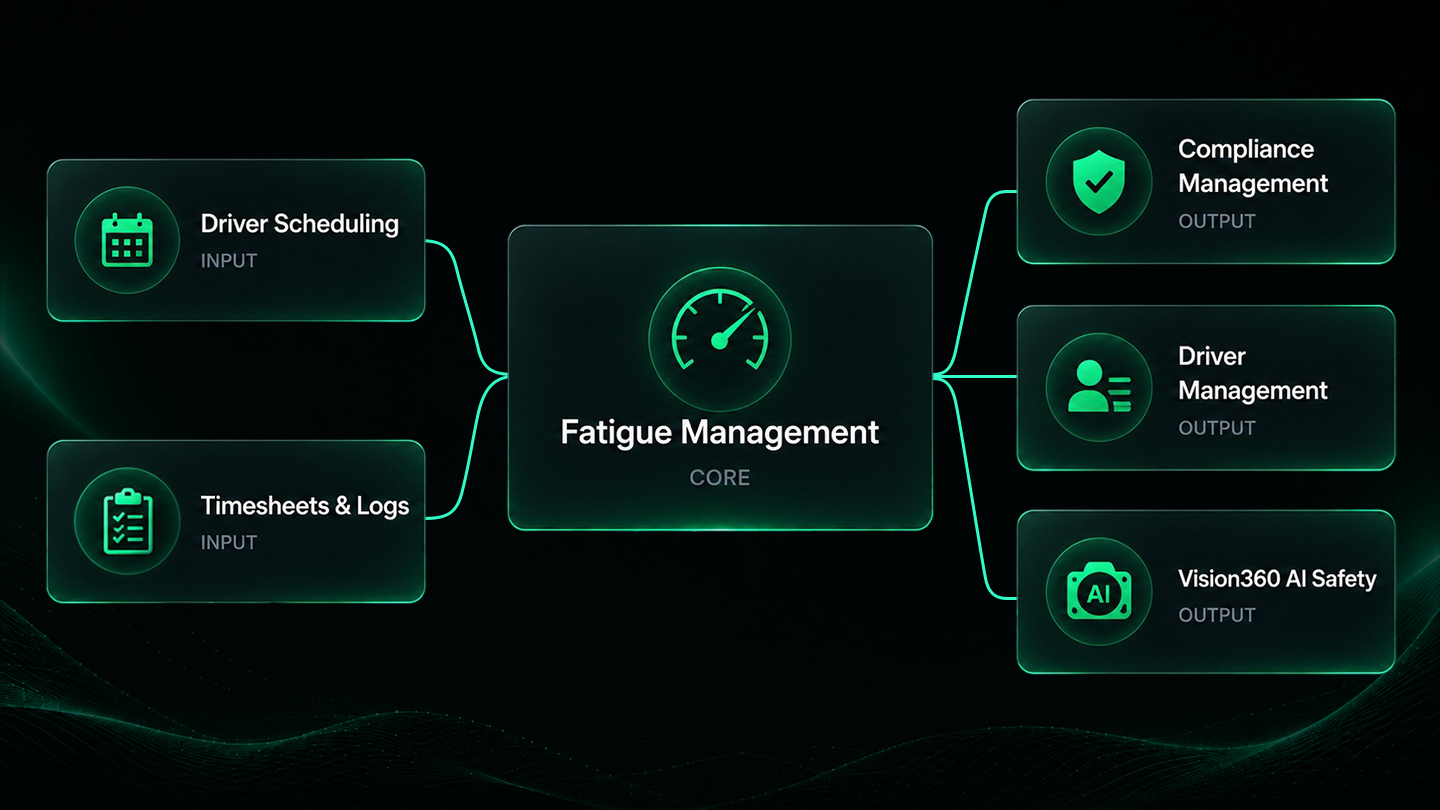
Connected Drive360 Workflows
Fatigue management connects with Drive360 modules so the right information flows across your operation.
Better Fatigue Visibility. More Informed Decisions.
Clearer Driver Status
See declarations, work hours, rest and current status in one view.
Earlier Risk Visibility
Surface fatigue risks and approaching thresholds sooner.
Faster Manager Review
Give managers the context they need to respond quickly.
Better Informed Shift Decisions
Use work, rest and fatigue history when planning upcoming shifts.
Clearer Accountability
Track interventions, actions and outcomes.
Connected Fatigue Records
Keep fatigue history and supporting records together and ready for review.
Frequently Asked Questions
What does Drive360 track for fatigue management?
Drive360 records work hours, rest periods, driver declarations and configured fatigue thresholds, giving managers a current view of driver status.
Can drivers submit fatigue declarations from the app?
Yes. Drivers can submit readiness declarations before or during a shift, including their status, comments and supporting time and location records.
Can fatigue rules and thresholds be configured?
Yes. Teams can configure the rules, thresholds and requirements used by their operation.
What happens when a driver is flagged as at risk?
Drive360 raises the relevant exception and can alert the appropriate manager. The manager can review the driver’s status and context before deciding what action is appropriate.
Can managers review a driver’s fatigue history?
Yes. Work and rest periods, declarations, exceptions, interventions and outcomes are retained in the driver’s fatigue history.
Does Drive360 keep a record of fatigue interventions?
Yes. Managers can record actions and outcomes against the relevant fatigue event, creating a clear history for future review and compliance processes.
Know What Needs Attention Before the Next Shift
See how Drive360 connects fatigue monitoring, declarations and interventions in one simple workflow.
- No lock in contracts
- Quick and easy setup
- 24/7 support