Customer Notifications
Keep Customers Informed from Dispatch to Delivery
Send delivery windows, live tracking links, ETA updates and completion notifications through one connected customer experience.
- Automated delivery updates
- Arabic & English customer messaging
- Branded live tracking
- Real time ETA updates
- Delivery status and proof
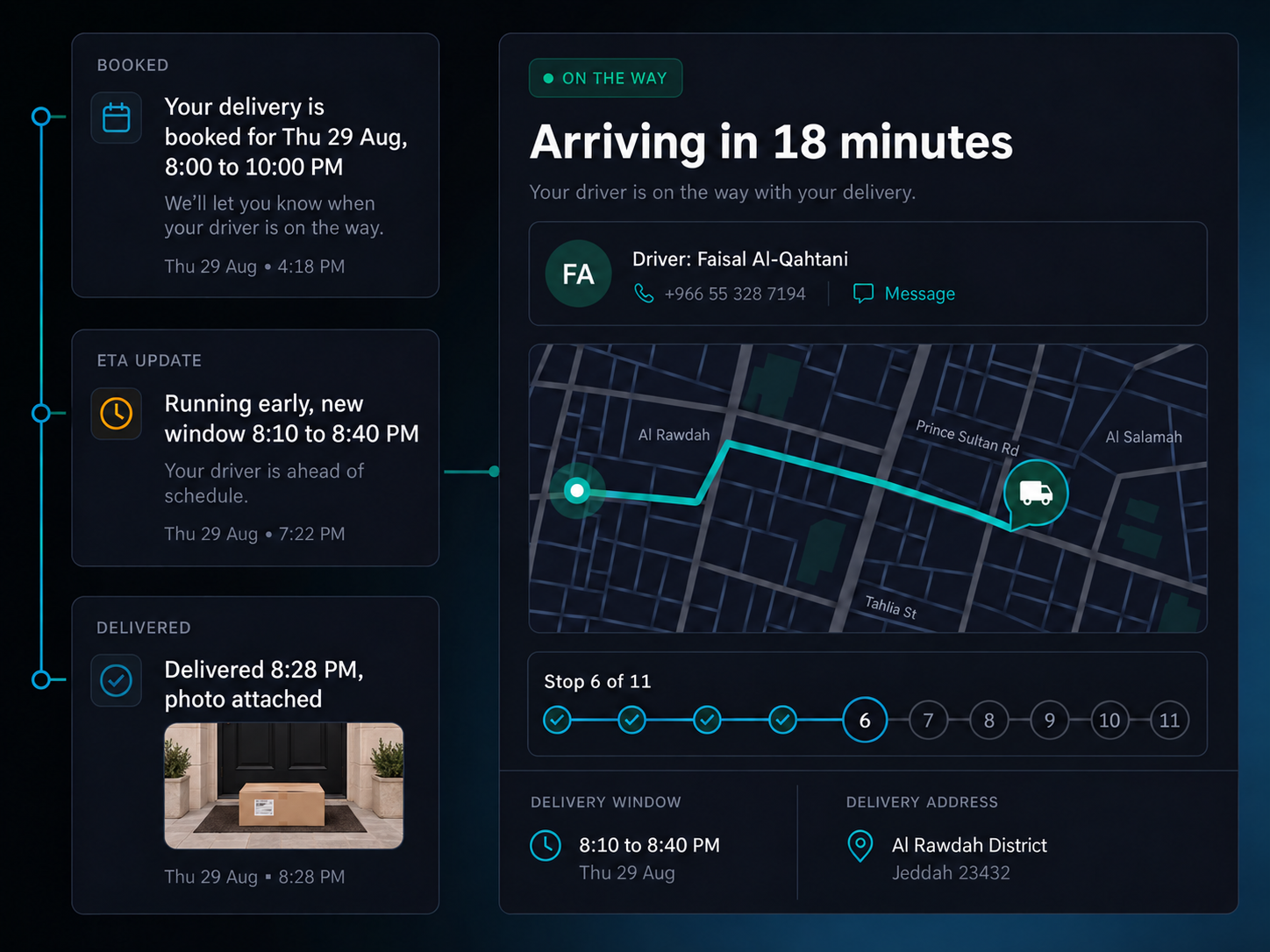
Every Delivery. Every Update. One Connected Journey.

Route published. Send the first customer update once the route is confirmed.
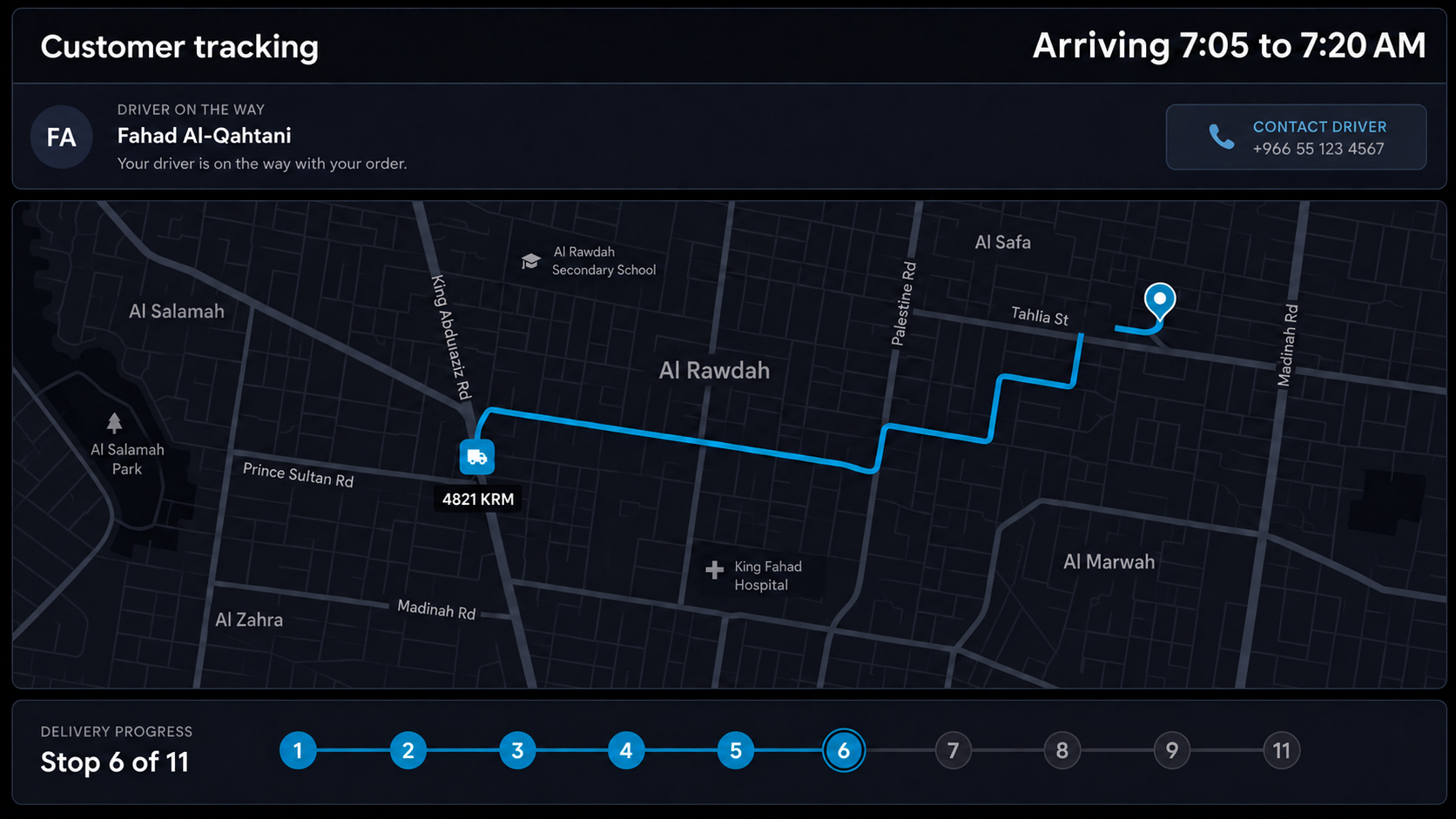
Customer tracking page. Show live delivery status, estimated arrival, stop progress and the latest update on your branded tracking page.
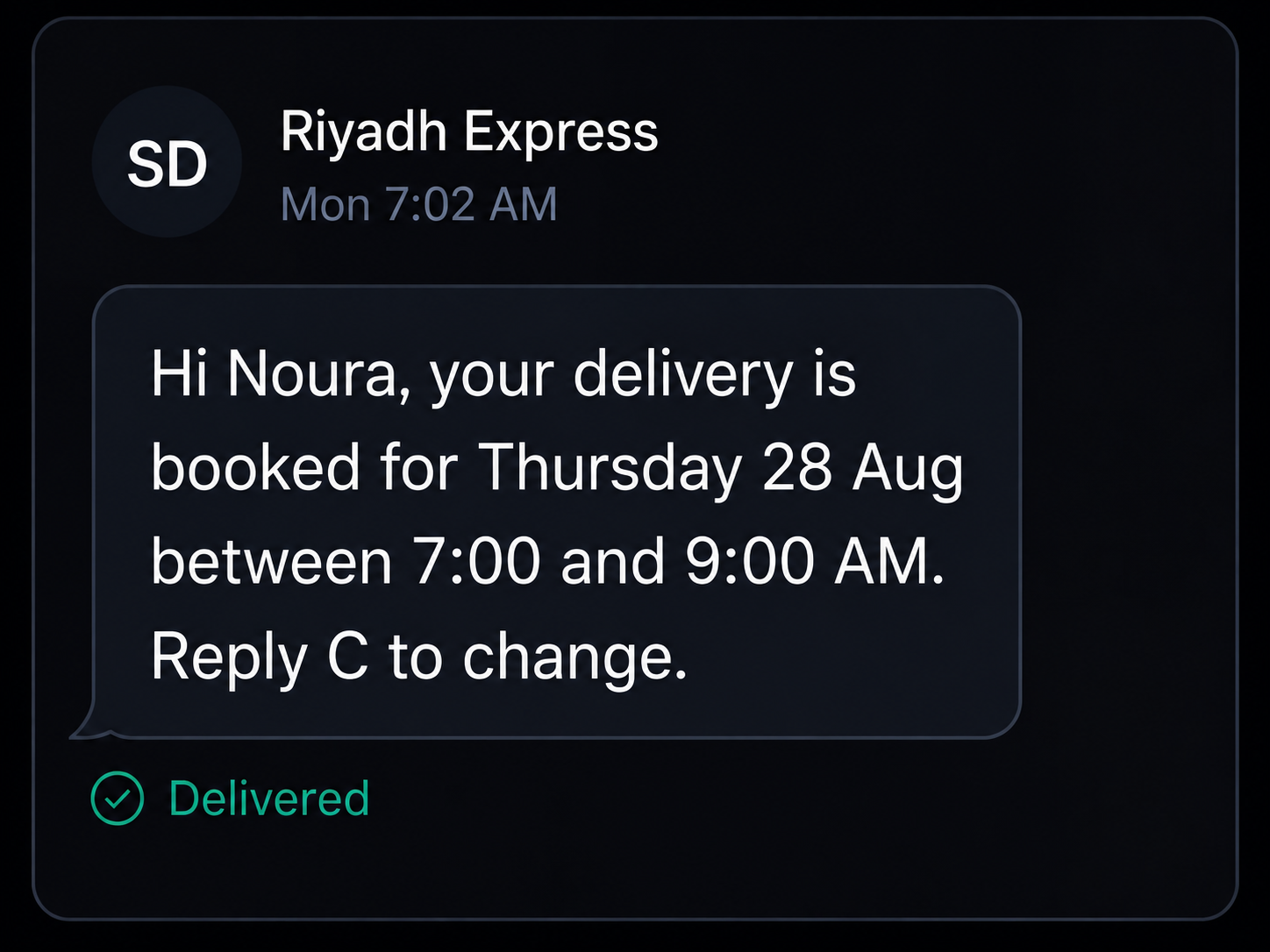
Delivery window sent. Give customers an expected delivery window before arrival, helping them plan around the delivery.
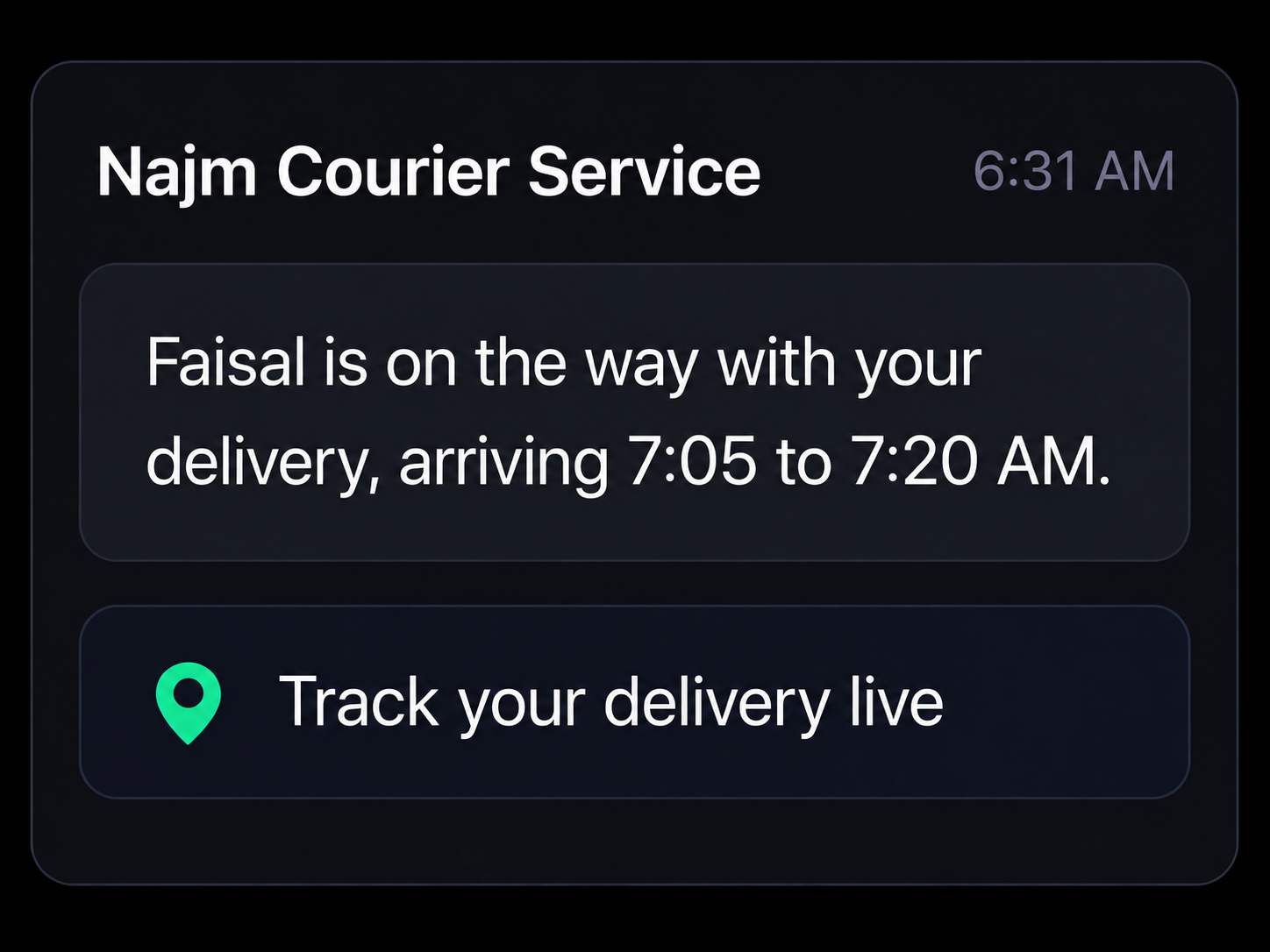
Driver dispatched. Let customers know when the delivery is on its way and share relevant driver, vehicle and tracking information.
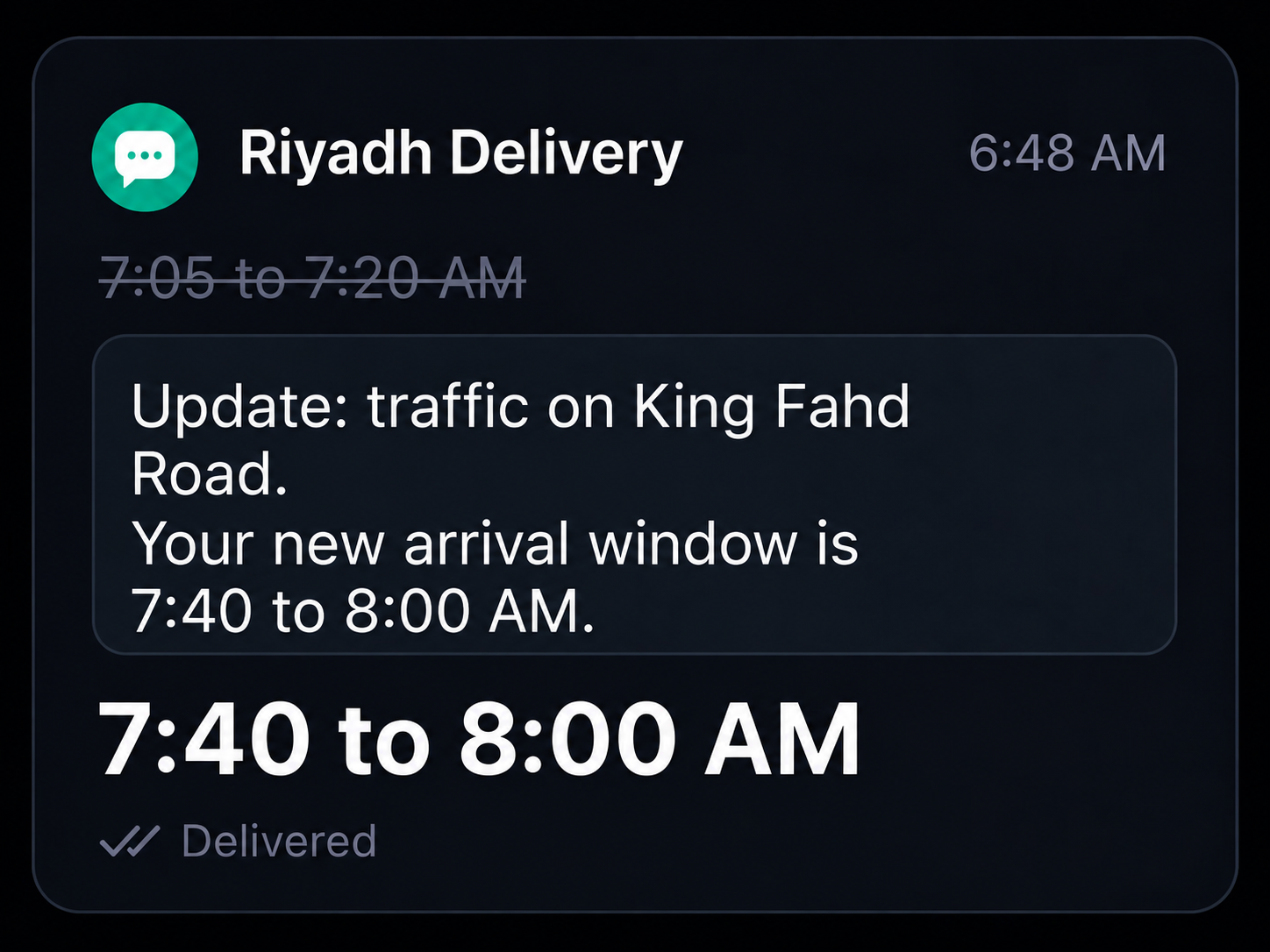
ETA updated. Keep customers informed when the expected arrival time changes.
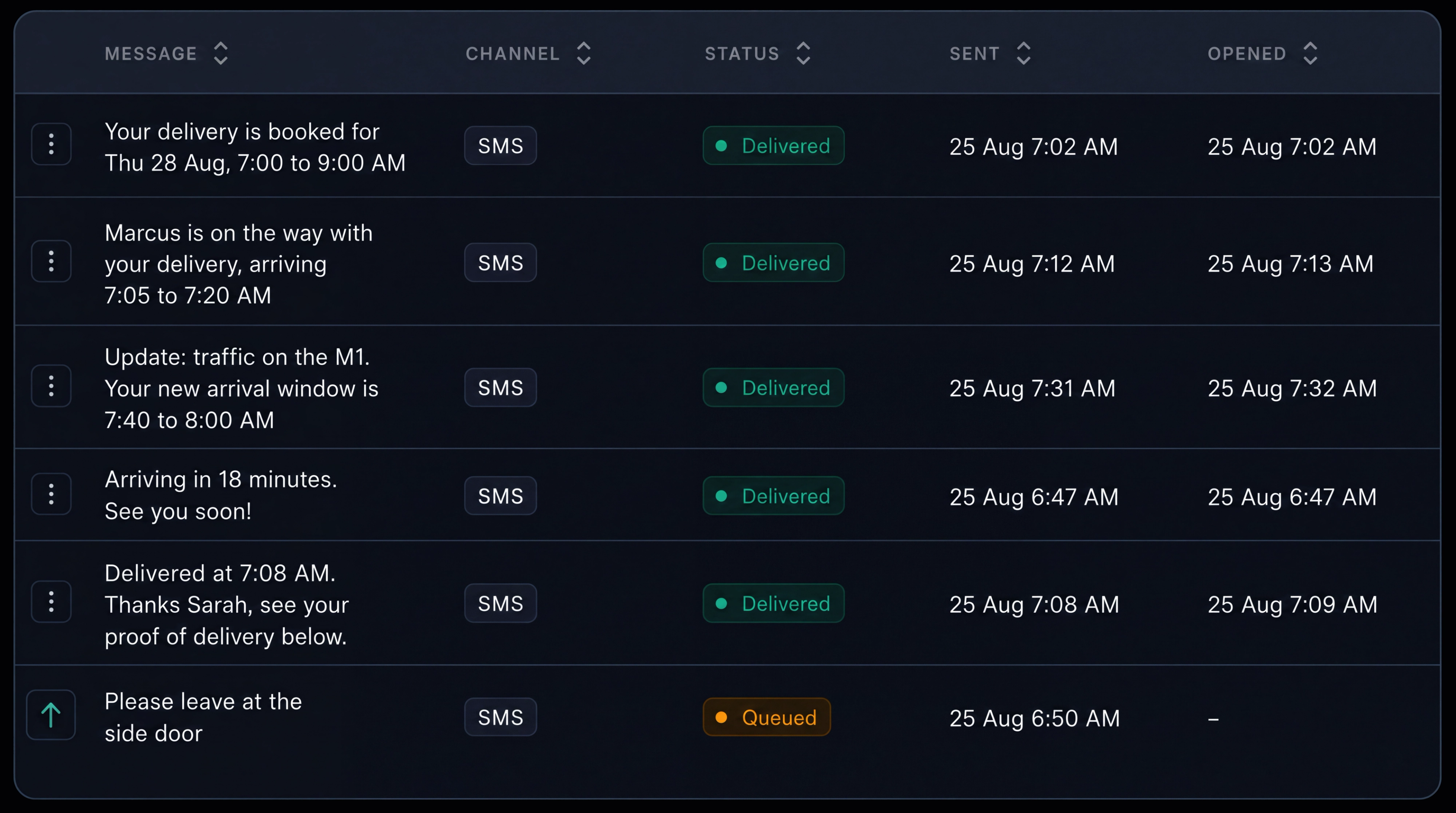
Message history retained. Keep a record of what was sent, when it was sent, how it was delivered and any customer reply against the job.
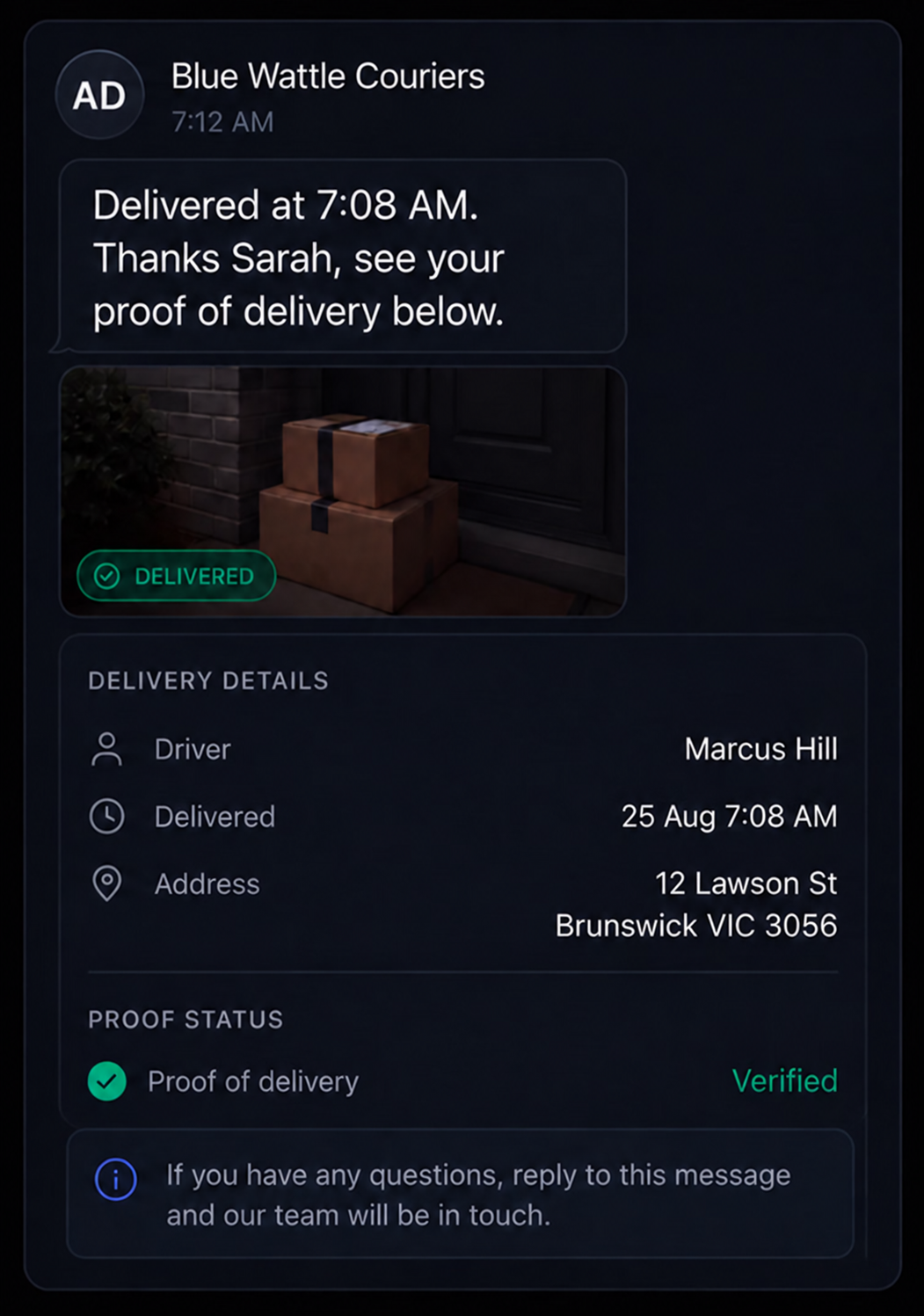
Delivery completed. Share completion details and proof of delivery where required.
Control What Customers See and When
Choose which updates are sent, how they’re delivered and what information customers can see through their tracking link.
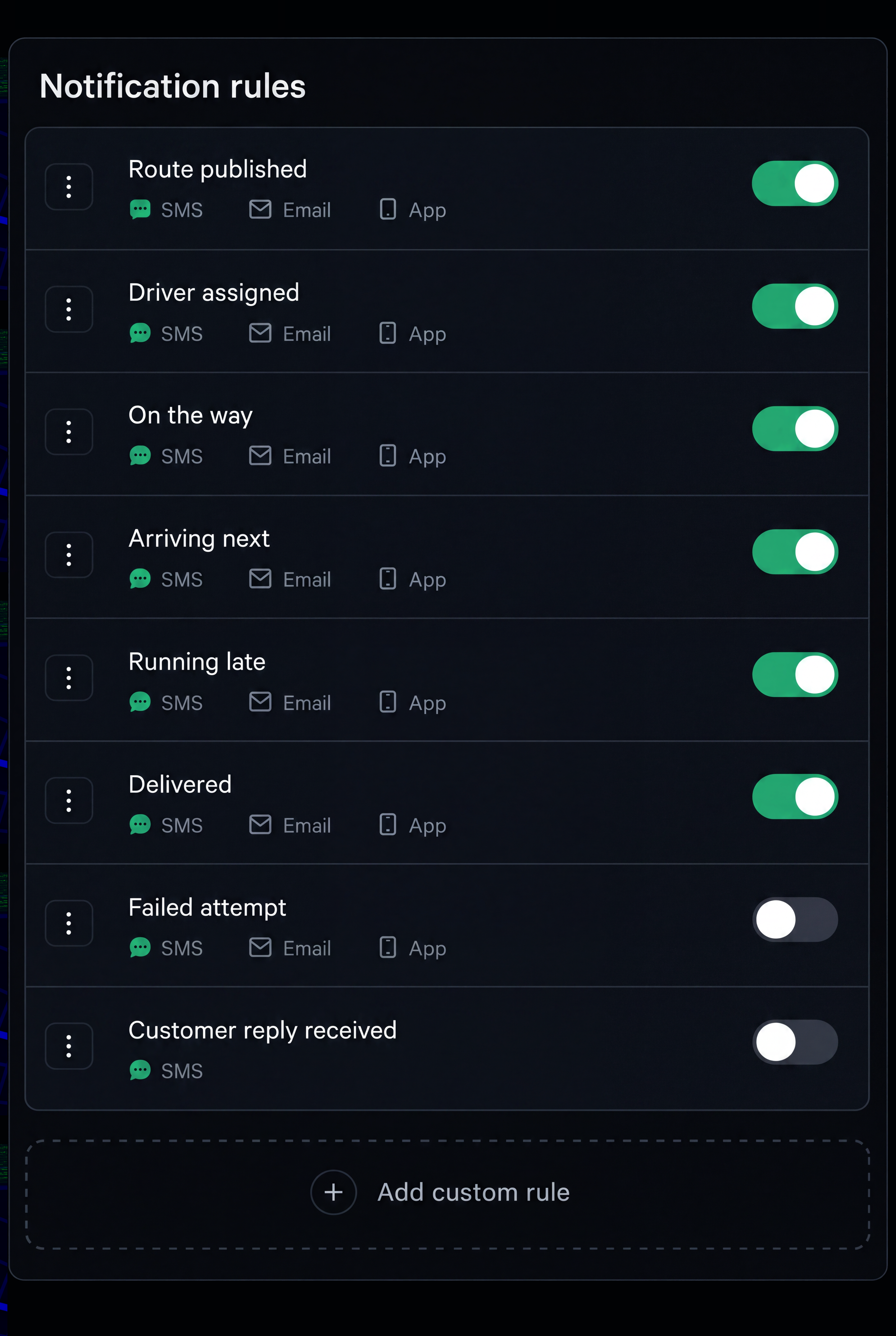
Notification rules
Choose which delivery events trigger notifications, when they are sent and which channels are used, with the option to create custom rules.
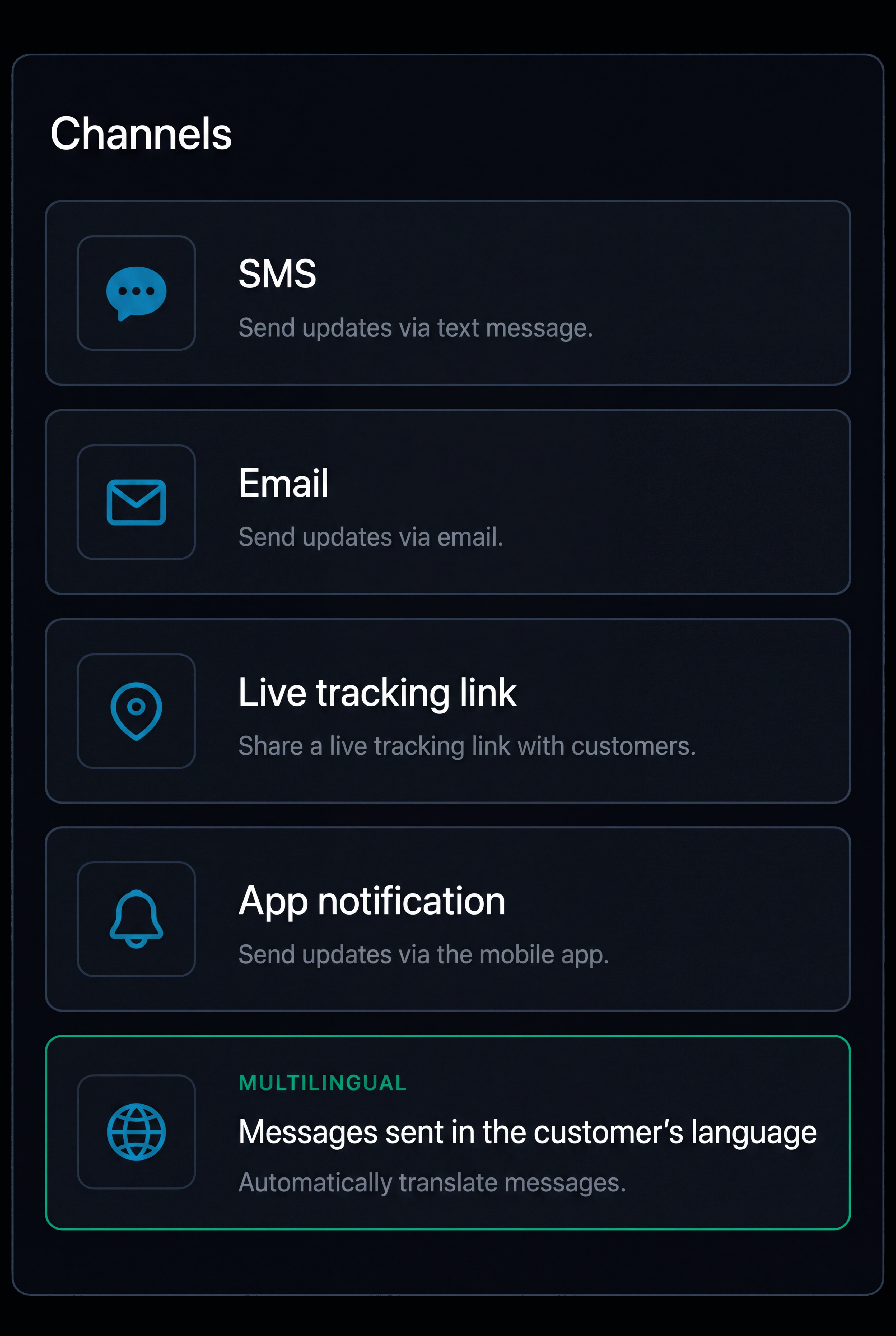
Supported channels
Send updates by SMS, email, live tracking link or in app notification, with multilingual messaging based on the customer’s preferred language.
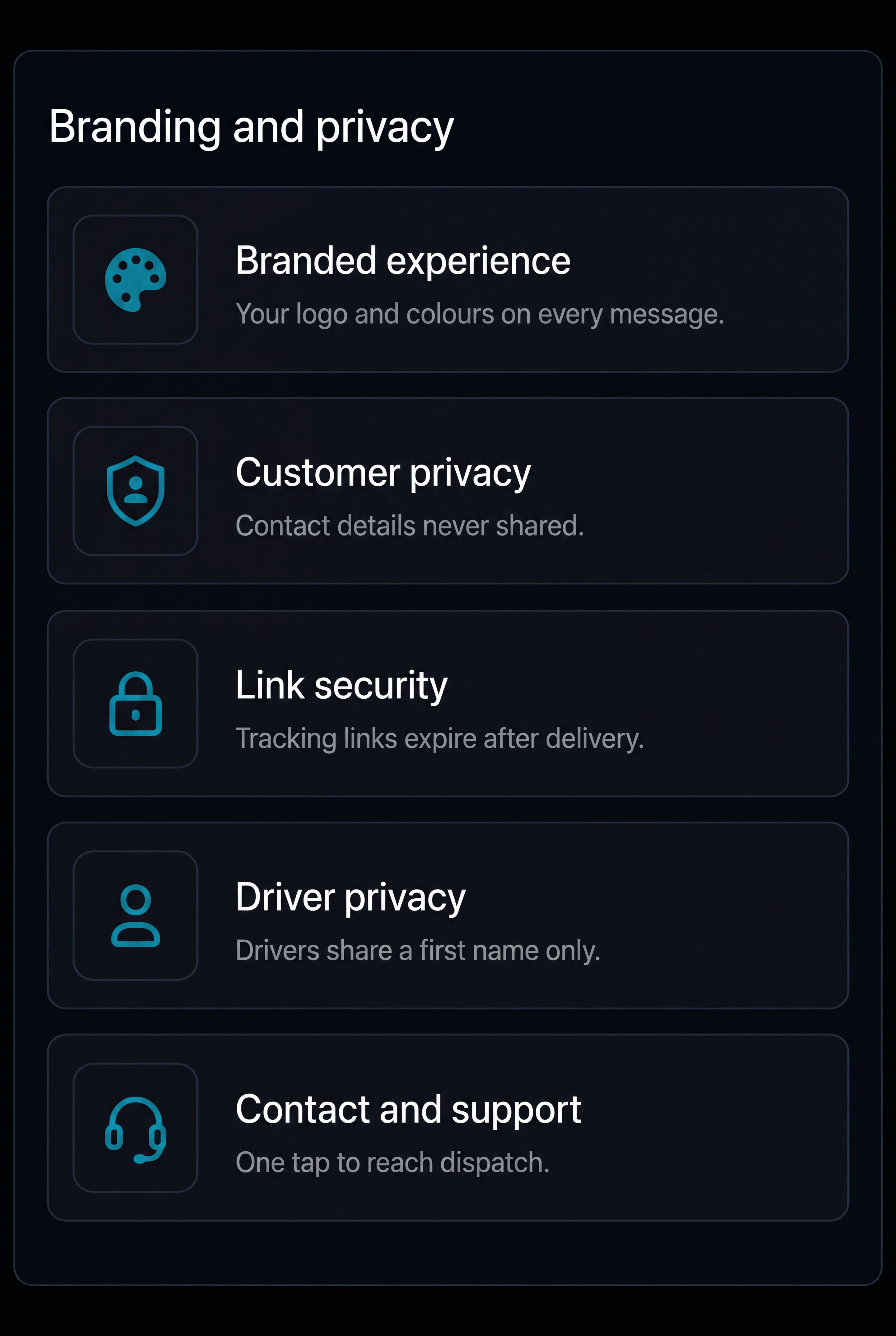
Branding and privacy
Use your own branding and control the information shown to customers, including delivery status, driver and vehicle details, location visibility and contact information.
BUILT FOR SAUDI DELIVERY OPERATIONS
Built Around the Way Deliveries Move Across the Kingdom
From high volume city deliveries to intercity movements, compounds, construction sites and industrial locations, Route360 keeps customers informed while giving your operation control over what is shared.
Arabic & English Communication
Send delivery updates in the customer’s preferred language, helping businesses communicate clearly across Saudi Arabia’s diverse customer base.
National Address Information
Keep relevant Saudi National Address information connected to the delivery, helping customers and drivers work from the same location details.
Compounds, Sites & Gate Access
Keep gate information, site contacts, access instructions and delivery requirements connected to the job, giving drivers the information they need before arrival.
Driver & Vehicle Information
Share relevant driver and vehicle details with the customer where appropriate, helping them identify the delivery when it arrives.
Live Delivery Status
Keep customers informed from dispatch through arrival and completion, with current delivery status and ETA available through the tracking experience.
Additional features
Message templates
Create reusable templates for different delivery events and customer groups.
Exception updates
Keep customers informed when a delay, reschedule or other delivery change affects their job.
Customer replies
Keep customer responses connected to the relevant delivery.
Delivery progress
Show customers the progress of their delivery without exposing the rest of the route.
Live tracking
Give customers a dedicated link to follow delivery status and ETA.
Proof of Delivery
Share relevant completion information and proof once the delivery is completed.
Delivery windows
Send expected delivery windows before arrival.
Arrival updates
Notify customers as the driver approaches.
Arabic & English Templates
Create customer communications in Arabic and English for different audiences.
Message Status
See whether customer messages have been sent or require attention.
Frequently Asked Questions
Which channels can customers be reached on?
Customer updates can be sent through SMS, email and live tracking links, with communication set around different stages of the delivery journey.
Can customer notifications be sent in Arabic?
Yes. Customer messaging can support Arabic and English, allowing delivery updates to be provided in the customer’s preferred language.
Can customers see driver and vehicle information?
Yes. Relevant driver and vehicle information can be included in the customer tracking experience where appropriate, alongside delivery status and ETA.
What happens to a message that does not arrive?
Undelivered messages are flagged and retried, with the communication history showing the channel, time sent, delivery status and whether the message was opened.
What happens when a delivery is delayed?
When the expected arrival changes, the latest ETA can be reflected in the customer tracking experience and an updated notification can be sent to keep the customer informed.
How much of the route can customers see?
Customers can be given the information relevant to their own delivery without exposing other customer stops or the wider route. This can include delivery status, ETA, relevant driver and vehicle information and delivery details.
Give Every Customer a Clearer View of their Delivery
Keep customers informed from dispatch to completion, with clear delivery information built around operations across Saudi Arabia.
- Secure, role based access
- Complete audit trail of every change
- Communication via app, SMS and email
- Available across web and mobile