Every job. Every technician. Every customer.
Field Service Management That Gets Crews to Jobs Faster.
Saphyroo connects jobs, field crews, vehicles and sites in one platform, giving teams the visibility and control to coordinate work across cities, projects and remote locations.

- Job & prioritySee what needs attention, where it is and how urgently it needs to be handled.
- Crew & capabilityKnow who is assigned and whether they have the right skills and requirements for the work.
- Live ETASee when crews are expected to arrive as they move between sites.
- Job progressFollow work from assignment to completion, with live vehicle location where available.
- Respond fasterSend the right crew, vehicle and equipment to the job from the start.
- Reduce repeat visitsConfirm skills, equipment and job requirements before crews are dispatched.
- Keep field teams visibleMaintain visibility over crews travelling and working across distributed and remote sites.
- Keep service commitments on trackMonitor response times, job progress and completed work across the operation.
Assess, Dispatch and Close Every Field Service Job
- 01
Assess & Prioritise
Capture each request and assess it by location, urgency, service requirement and the resources needed to complete it.
- 02
Assign & Dispatch
Match the right crew, vehicle and equipment to the job, plan the journey and provide an expected arrival time.
- 03
Travel & Work
Track crews as they travel between sites, keep job status visible and capture the required checks as work begins.
- 04
Complete & Review
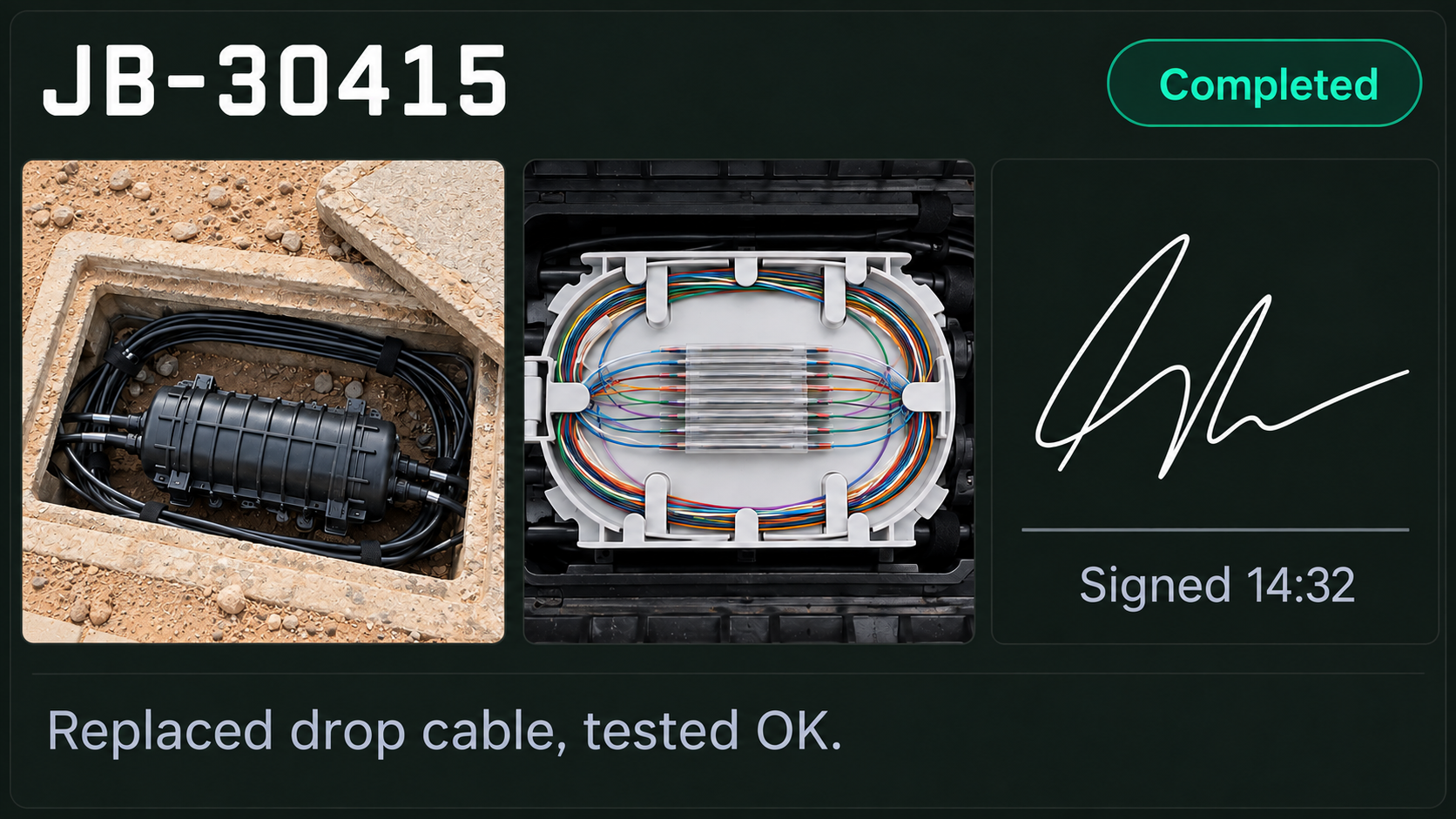
Capture photos, readings, notes and sign off, then keep a clear record of the work completed and any follow up required.
Scheduling & dispatch
Get the Right Crew to the Right Job
Skills & requirements
Assign work around the skills, qualifications and site requirements each job needs.
Vehicle & equipment readiness
Confirm the right vehicle, tools and equipment are available before dispatch.
Service areas & travel
Balance location, travel time, working hours and workload when assigning jobs.
Urgent & emergency work
Insert high priority jobs while seeing the impact on the rest of the day.
Response & service tracking
See which jobs are on track, delayed or need attention before commitments are missed.
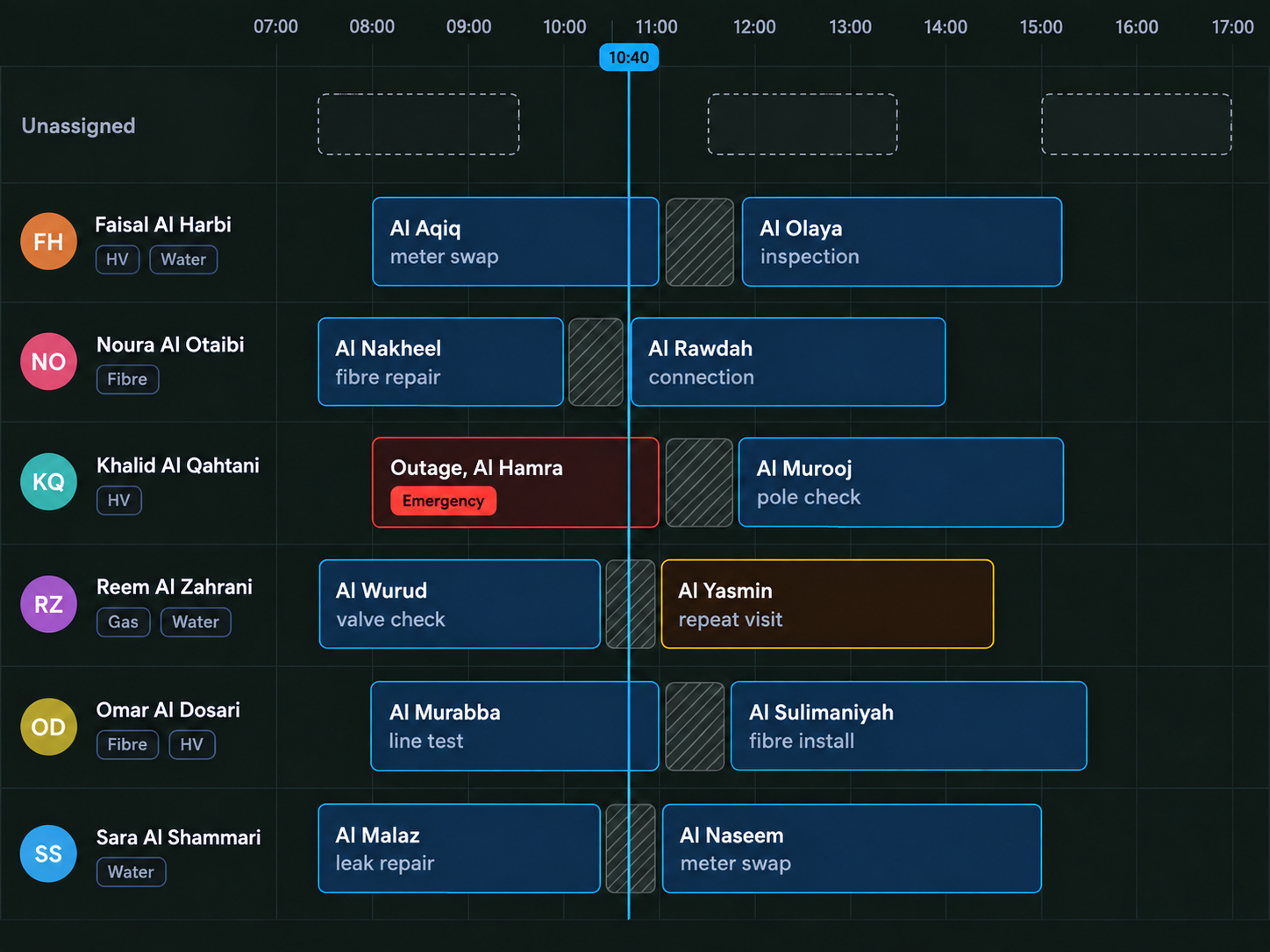
Field operations control centre
Every Crew. Every Job. One Operational View.
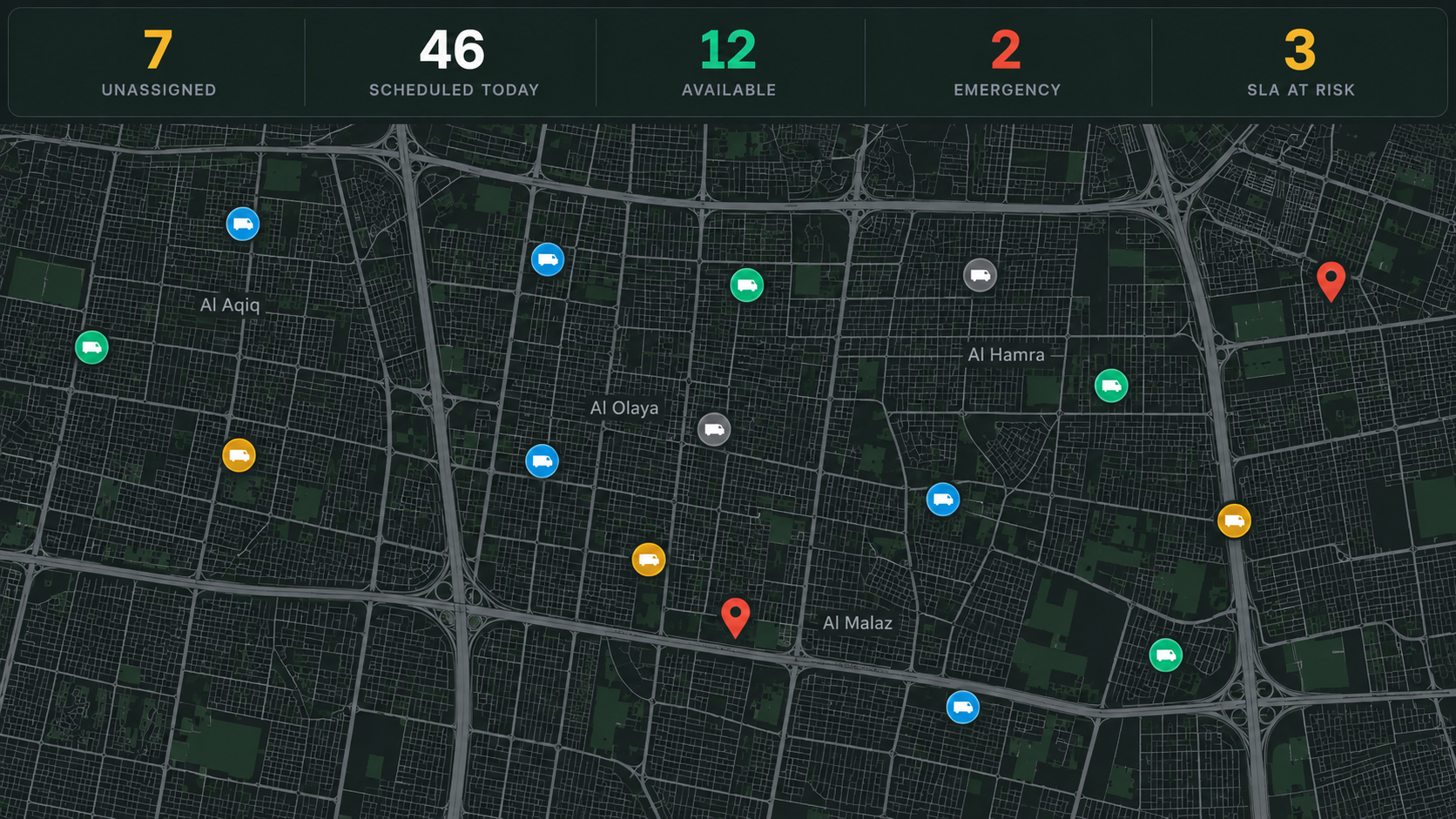
The day
Know what needs attention
See unassigned work, scheduled jobs, available crews, urgent requests and jobs at risk of delay.
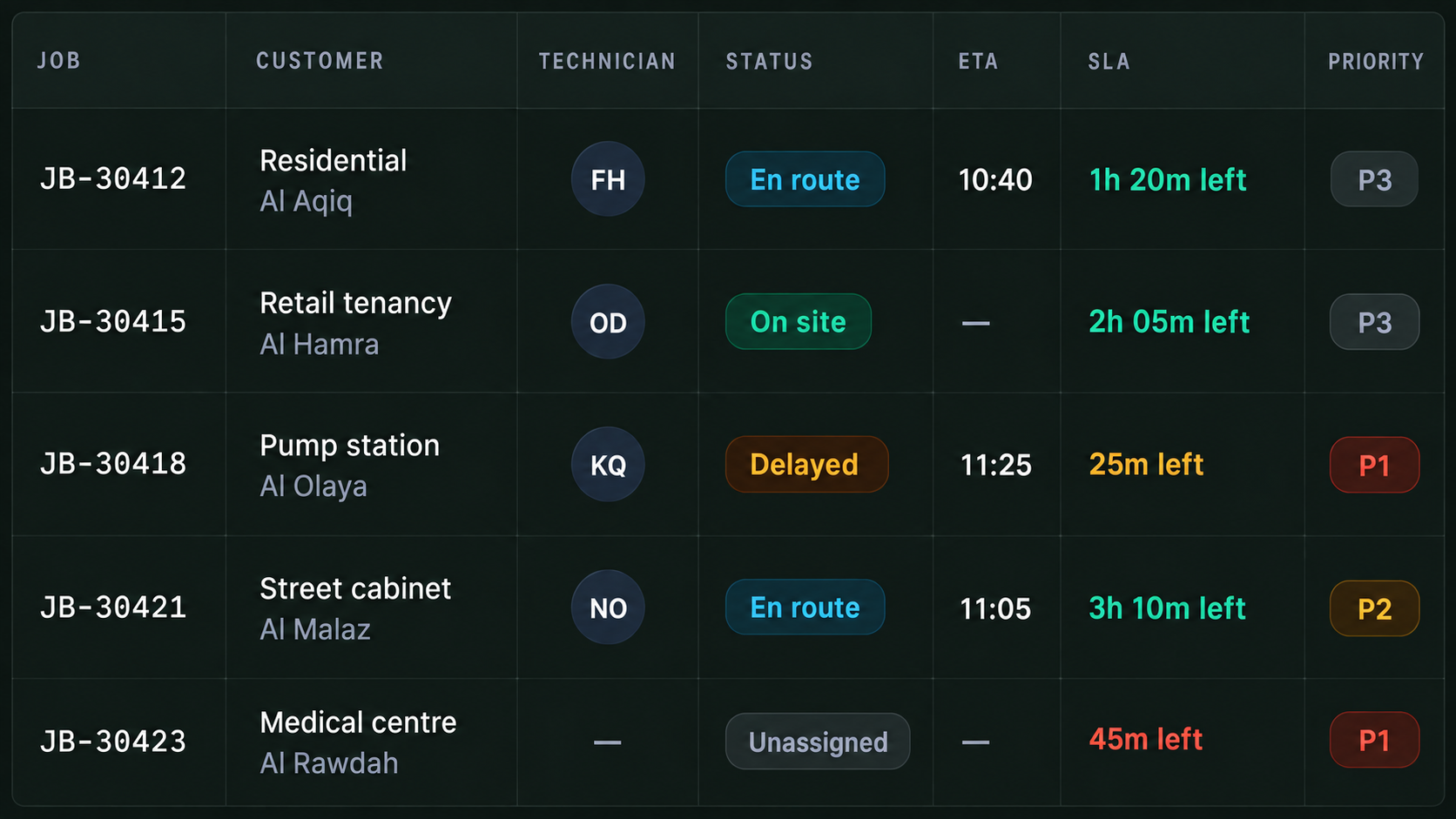
Live jobs
See every active job
Track the assigned crew, vehicle, location, status, ETA and priority while work is underway.
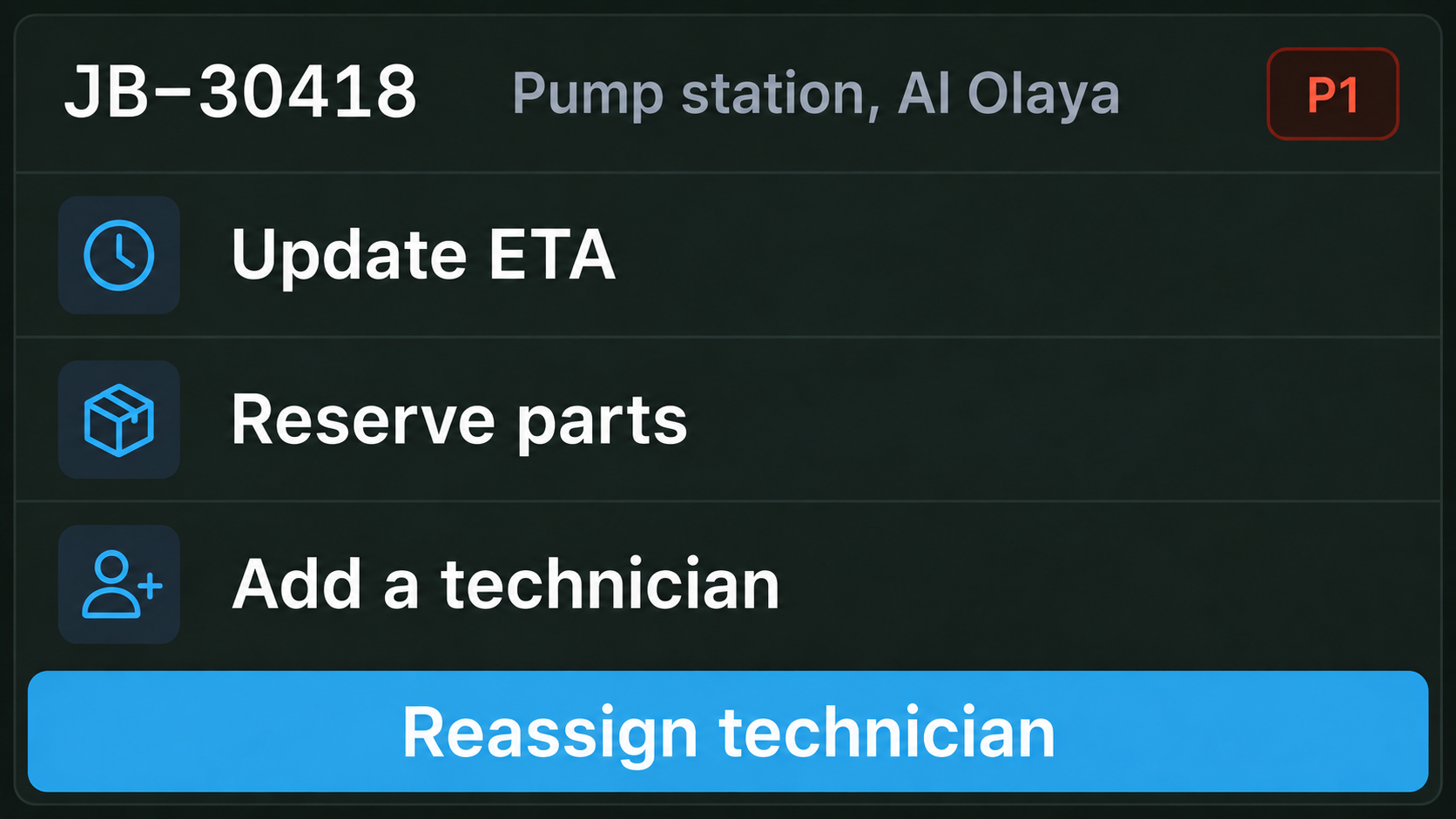
Respond as priorities change
Reassign jobs, dispatch additional crews, insert urgent work and adjust the day as conditions change.
Keep crews & equipment ready
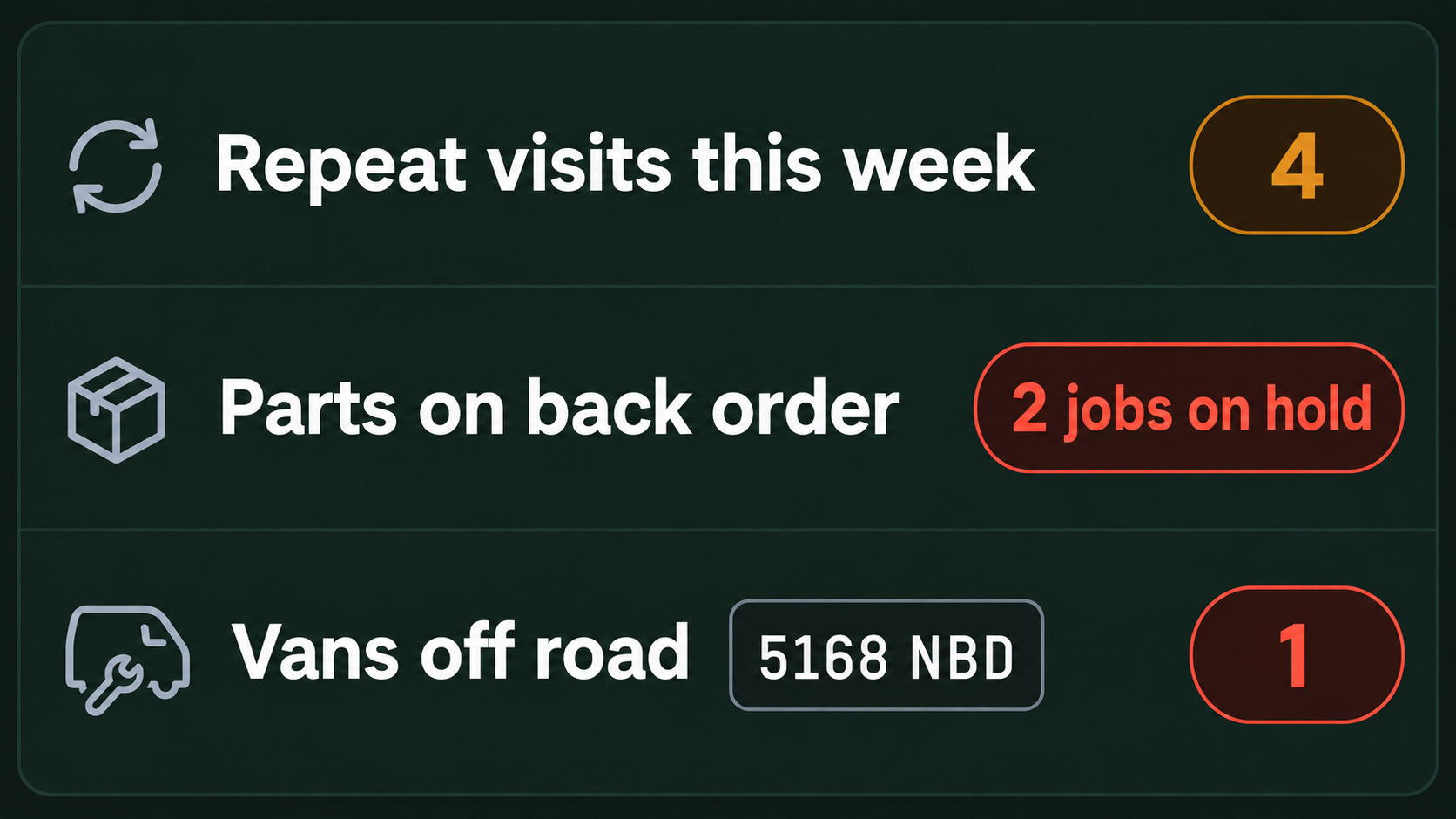
Surface unavailable vehicles, equipment issues, maintenance requirements and anything that could delay the next job.
Capture the work completed
Keep photos, readings, signatures and notes attached to the job, creating a clear record of what was completed, where and when.
Built for the Services Saudi Arabia Depends On

Utilities
Power, water and essential infrastructure
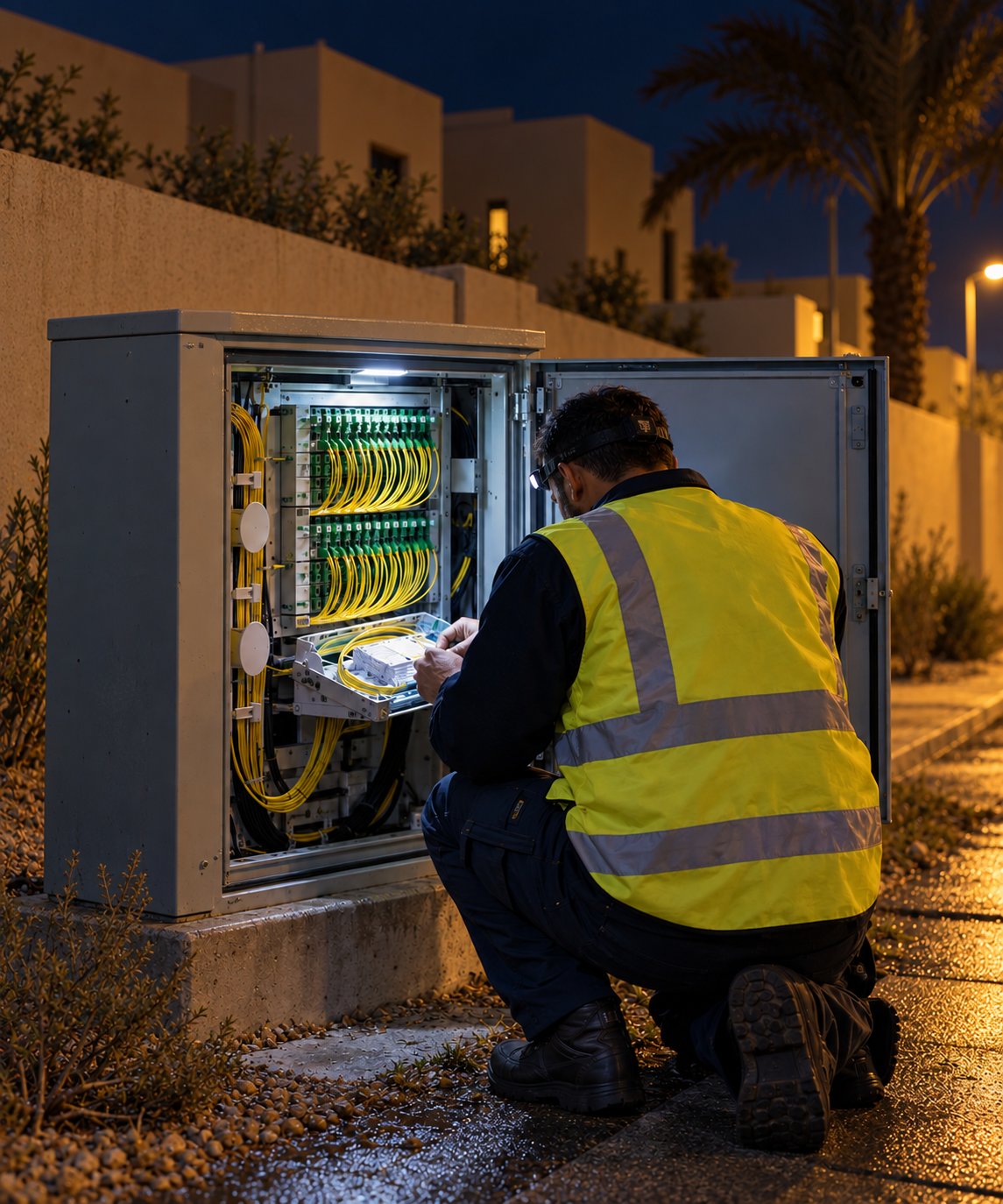
Telecom
Fibre, towers and network infrastructure

FACILITIES & MAINTENANCE
Planned and reactive field maintenance
Hardware Built for Field Operations
Cameras, trackers and connected hardware give teams greater visibility across vehicles, crews and equipment working in the field. Capabilities depend on vehicle, connectivity, hardware and configuration.

AI Dash Cameras
Road and driver facing cameras with configured in cab safety alerts.

GPS Vehicle Trackers
Track live location, journey history and vehicle movement across service areas.

Vehicle Camera Kits
Add rear, side and work area visibility around field vehicles.
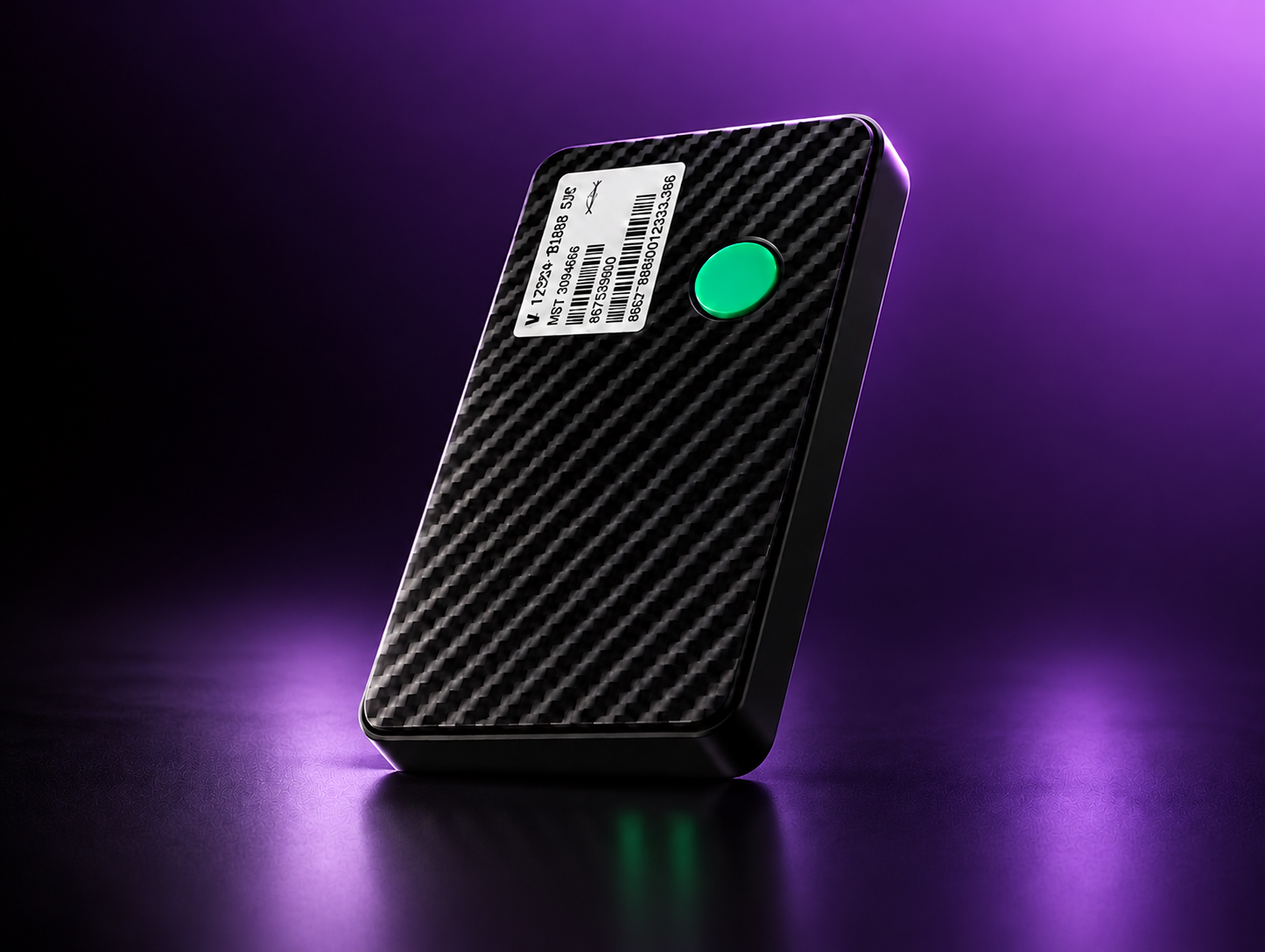
Asset Trackers
Keep tools, equipment and portable assets visible across vehicles, depots and field locations.

In Cab Displays
Give drivers greater visibility around the vehicle through configured camera views.
More for Field Operations Teams
View all →
Guide
First-time fix, and the three things that break it
Skills, parts and travel, and why dispatching on distance alone costs you the second visit.

Guide
Giving a customer an arrival time you can keep
Where ETAs go wrong on a field round, and what to change so they hold.
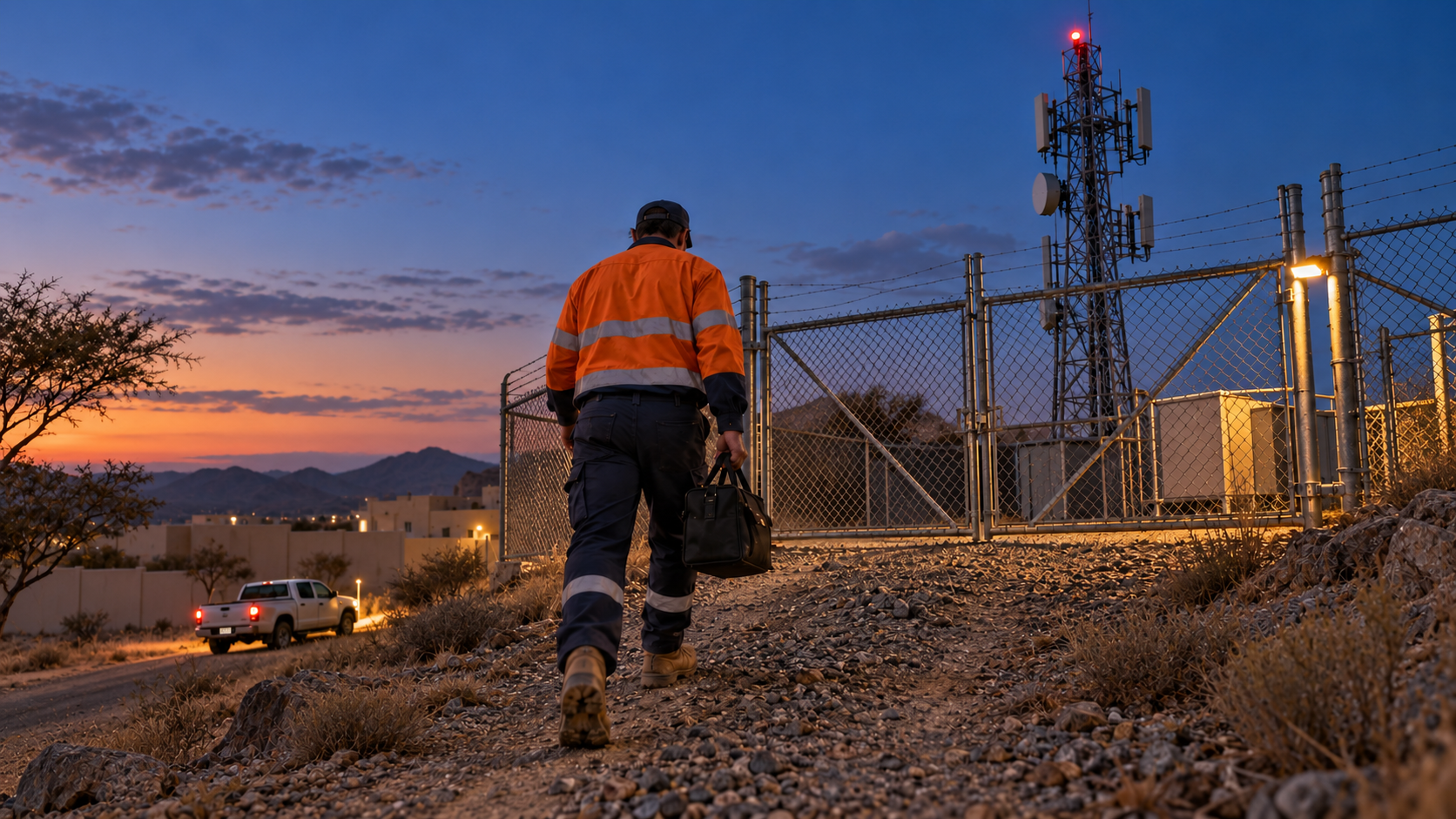
Guide
Lone working and site risk for field crews
What to monitor, what to alert on, and what to leave alone.
Respond Faster. Keep Every Field Operation Moving.
Route360 plans the journey. Drive360 keeps jobs, vehicles and crews moving. Vision360 keeps risk visible on the road. One platform connecting field operations across cities, projects and remote sites.