Commercial Vehicle Routing
Not Every Road Fits Every Vehicle
Route360 plans each route around the vehicle you’re sending, accounting for its dimensions, road restrictions, access requirements and delivery constraints.
- Vehicle dimensions, weight and axle limits
- Low bridges, tunnels and height restrictions
- Articulated vehicles, HGVs, coaches and other commercial vehicles
- Vehicle specific and special access requirements
- Turn restrictions, access times and road restrictions
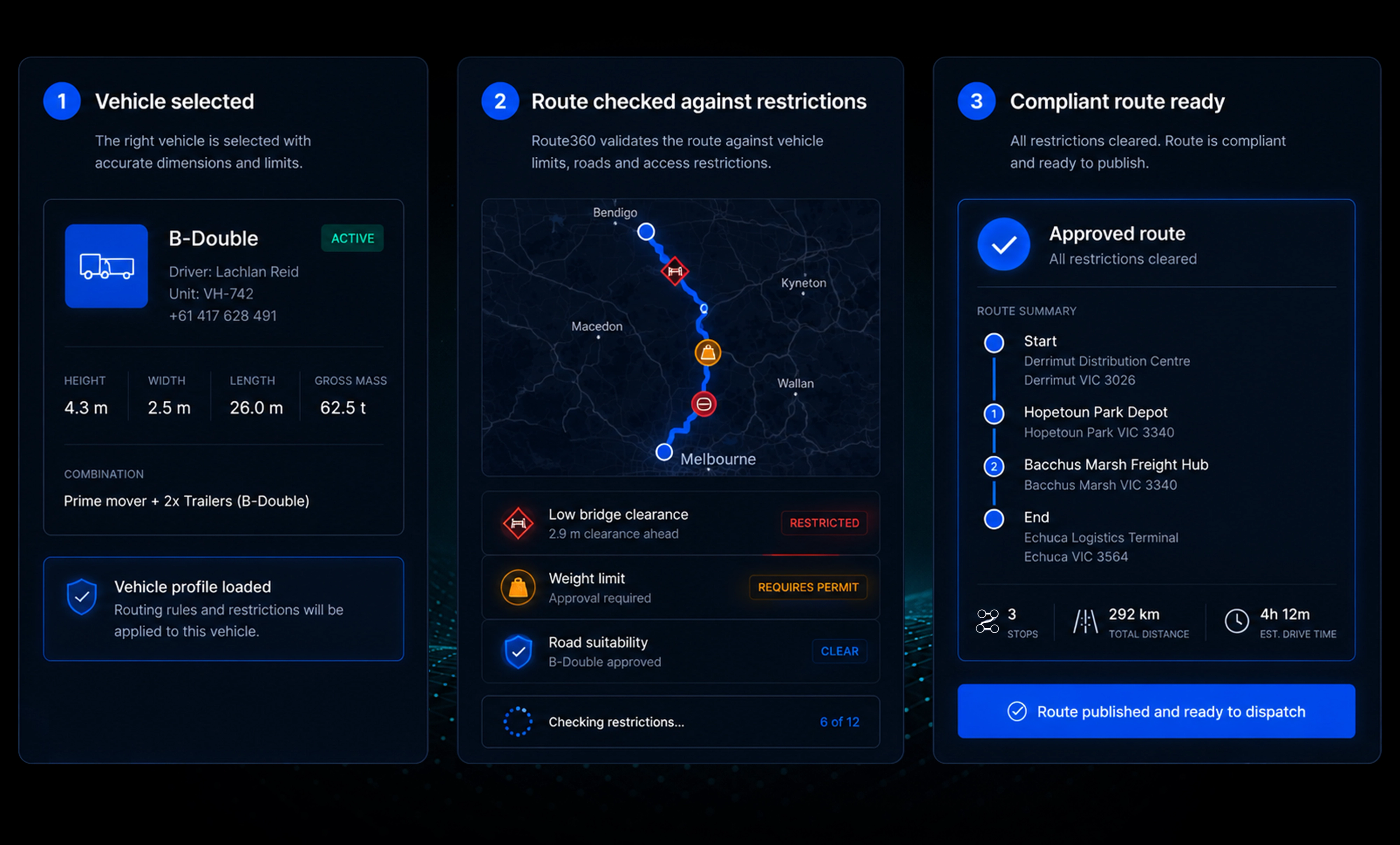
Commercial routing
Plan Around the Restrictions that Matter
Route360 accounts for vehicle dimensions, road access, clearances, vehicle restrictions, movement restrictions, time constraints and site access before the route is published.

Know the Vehicle Fits the Route Before the Journey Begins
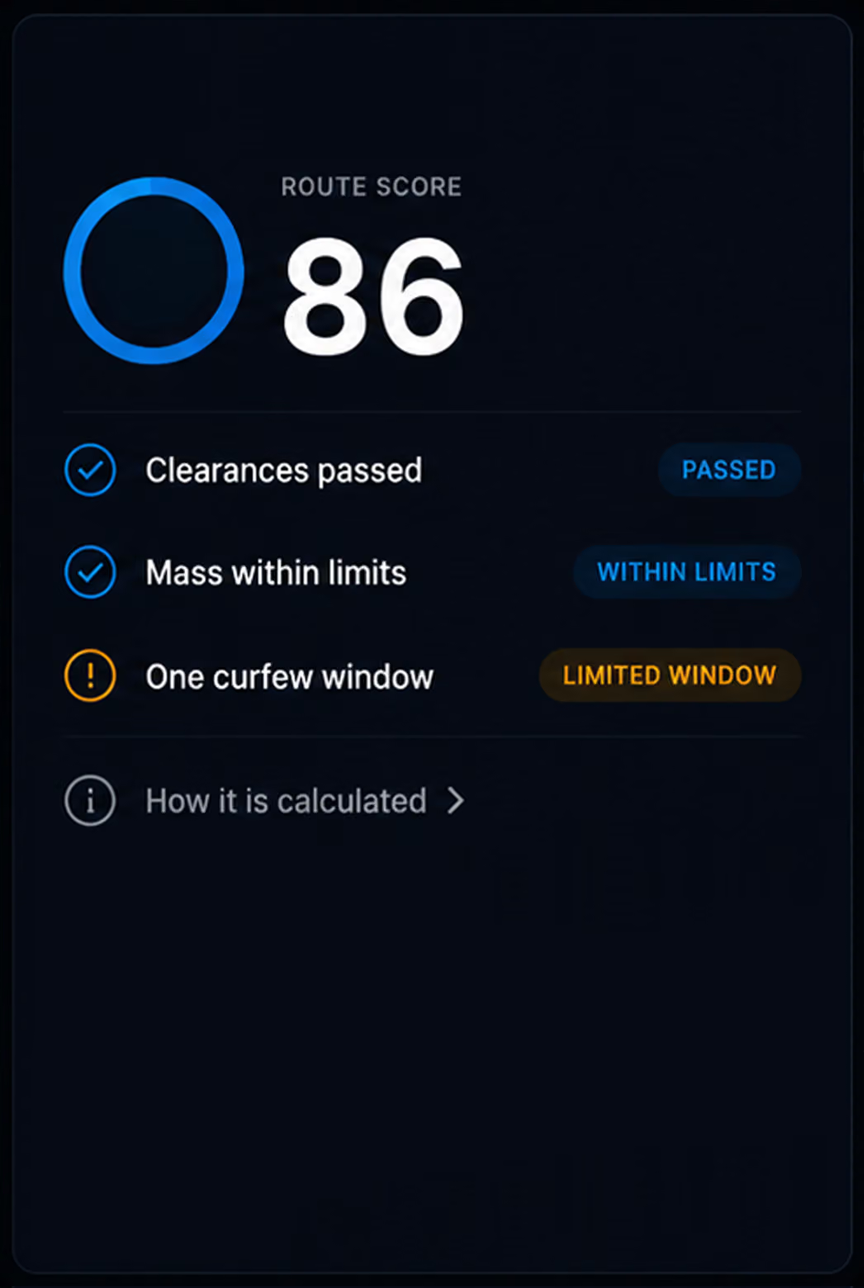
Route score. See how well the route matches the vehicle, with the factors behind the score clearly explained.
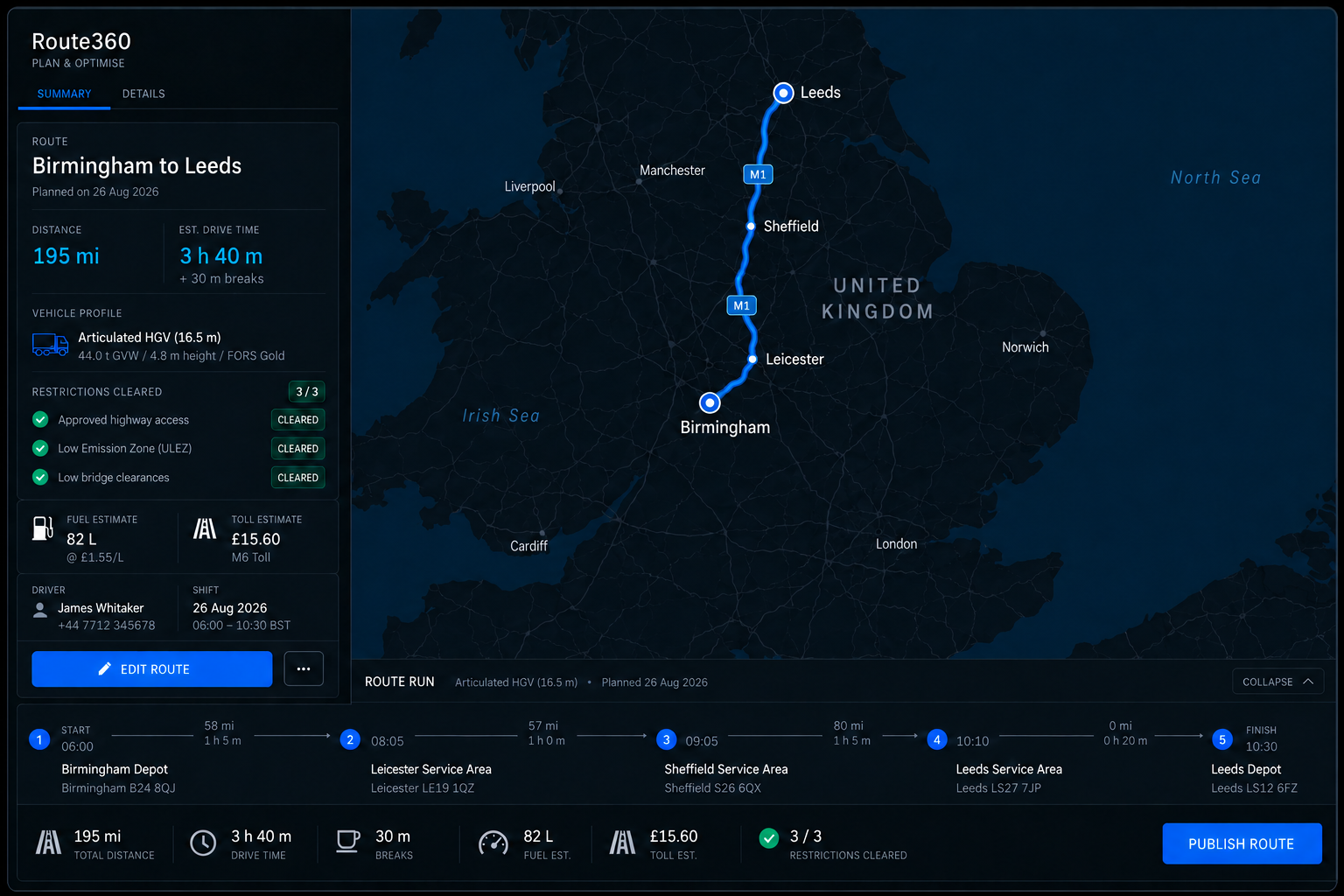
Relevant restrictions, clearly accounted for. See distance, drive time, stops, restrictions, warnings and the route score together in one clear summary.
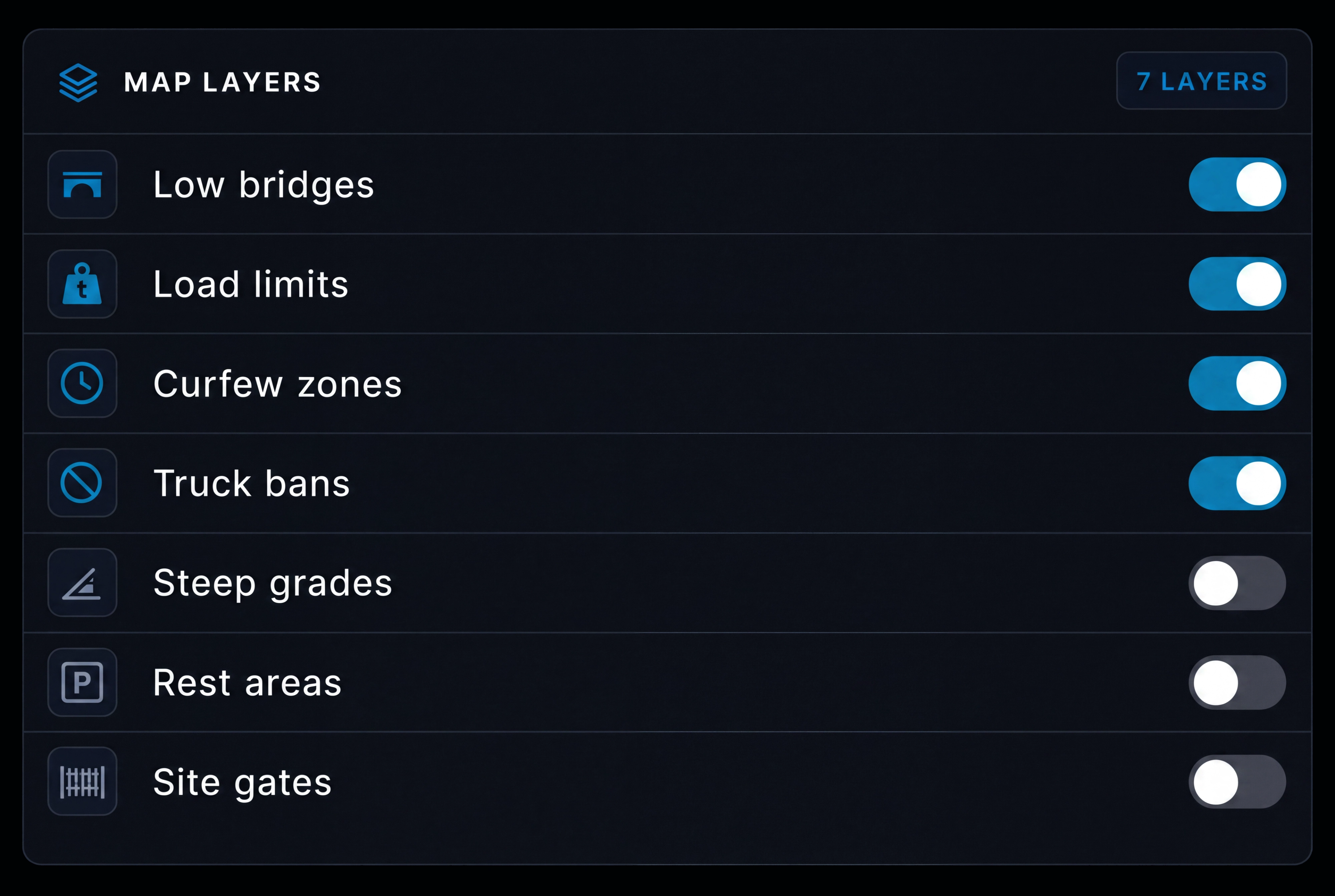
Map layers. See the restrictions that matter to your vehicle directly on the map, and switch each layer on or off as needed.

Warnings before you go. See height, weight, turn, dangerous goods and access restrictions before the route is published.

Checked before publishing. Vehicle profile, height clearance, weight and axle limits, road class, site access and hazard requirements are checked before the route goes out.
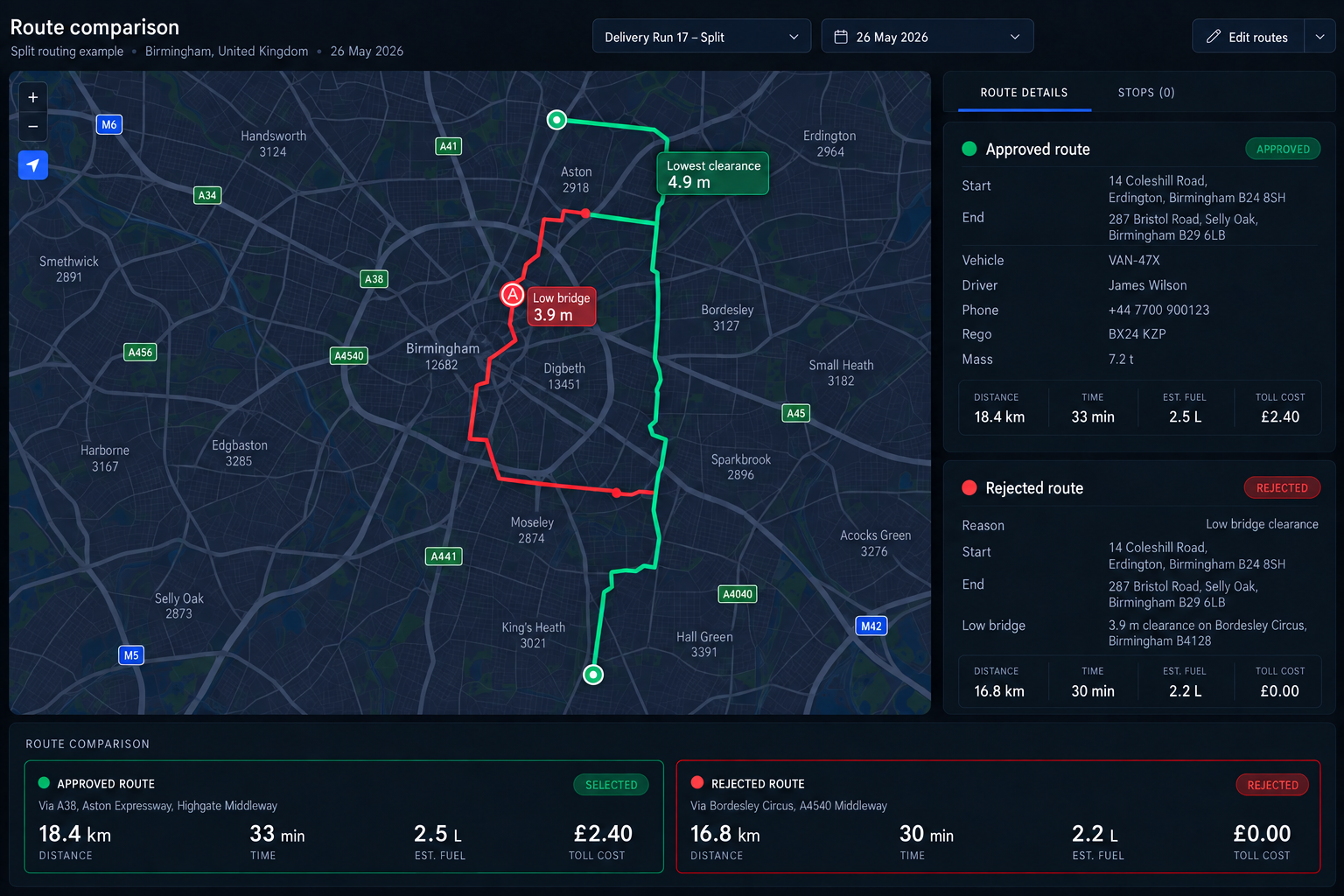
See what determines each route. Understand how vehicle requirements, road restrictions, clearances and access rules shape the route that’s ultimately selected.
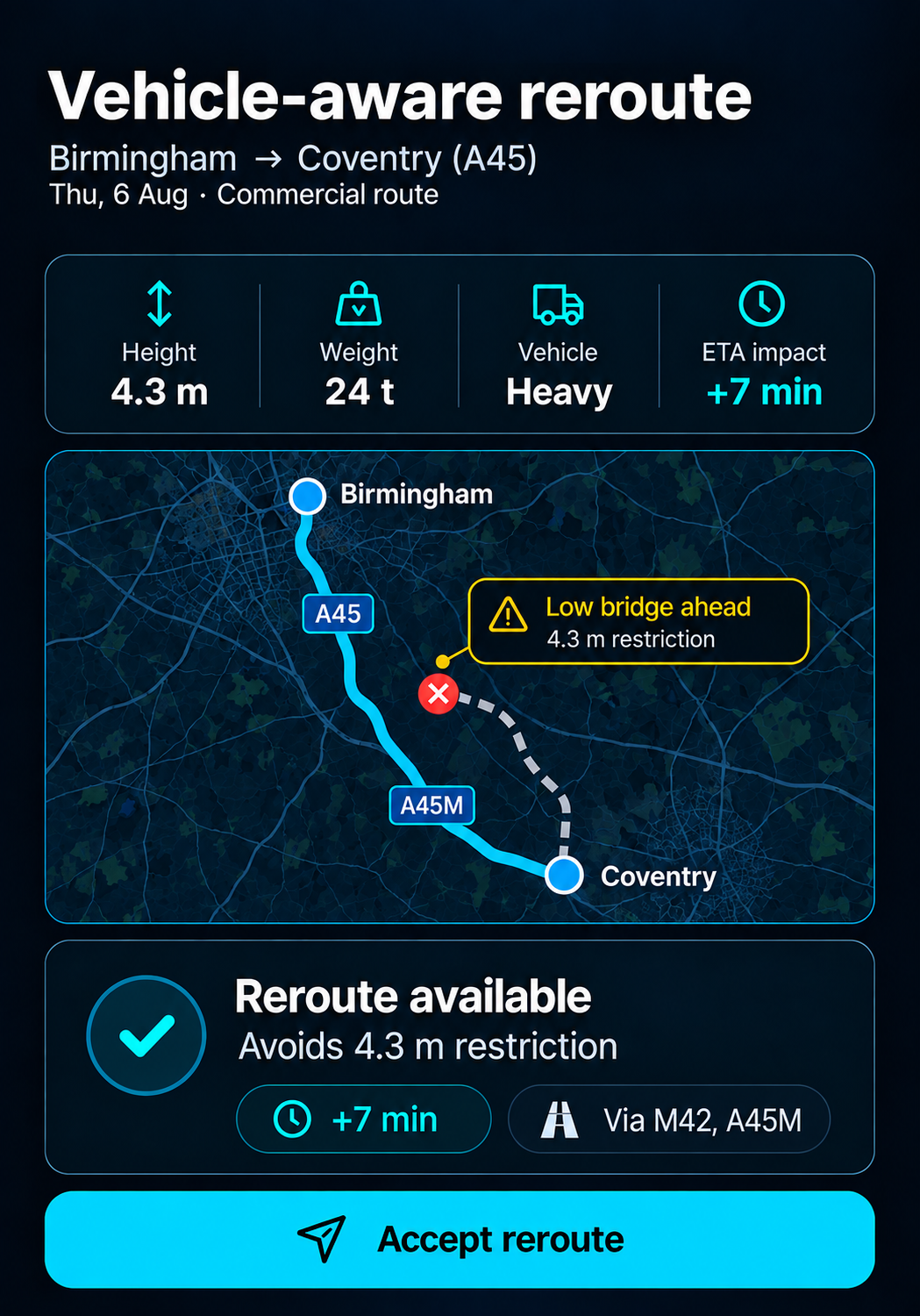
Reroute without losing the rules. Alternatives are built around the same vehicle requirements and access restrictions.
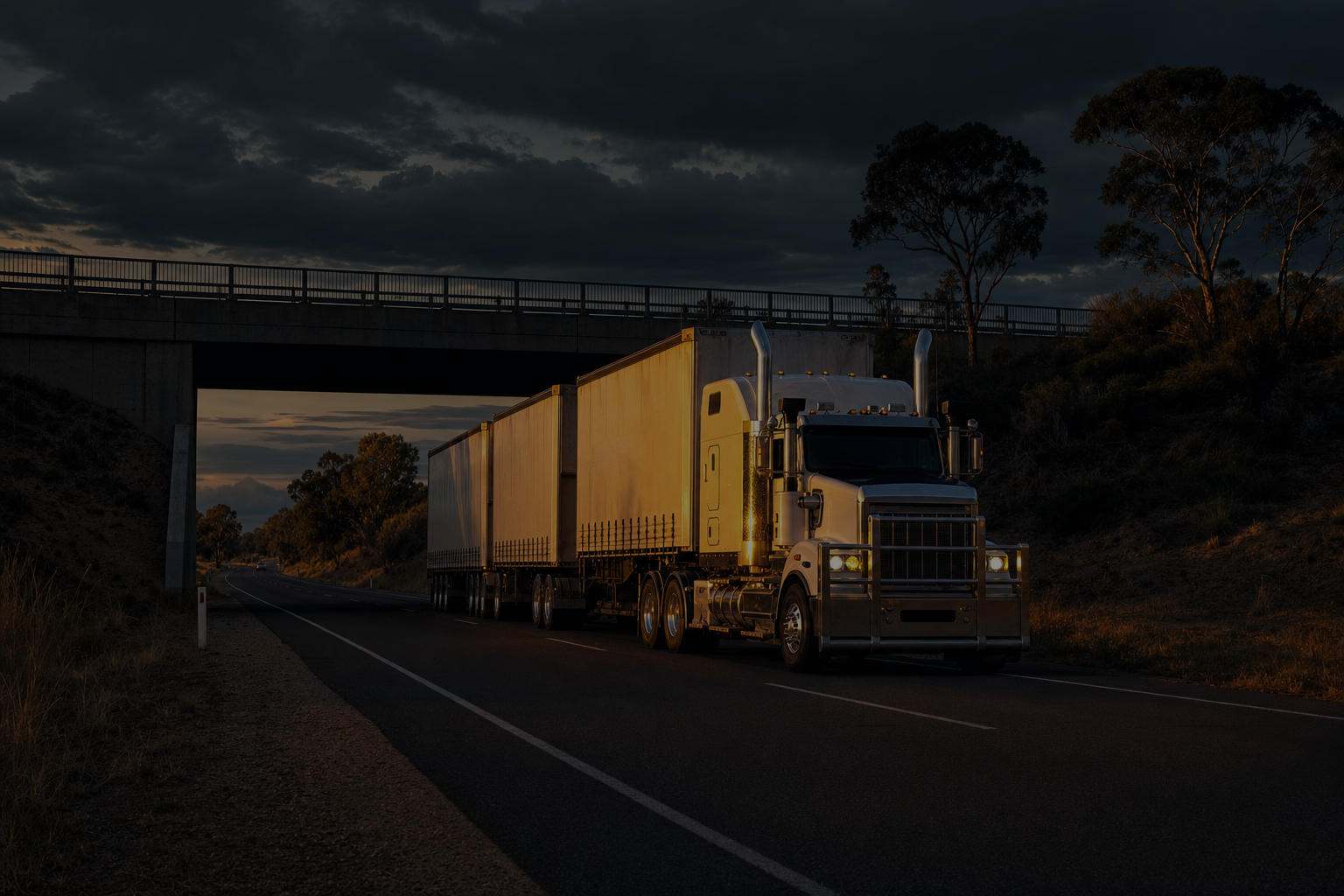
Rerouting Built Around the Vehicle
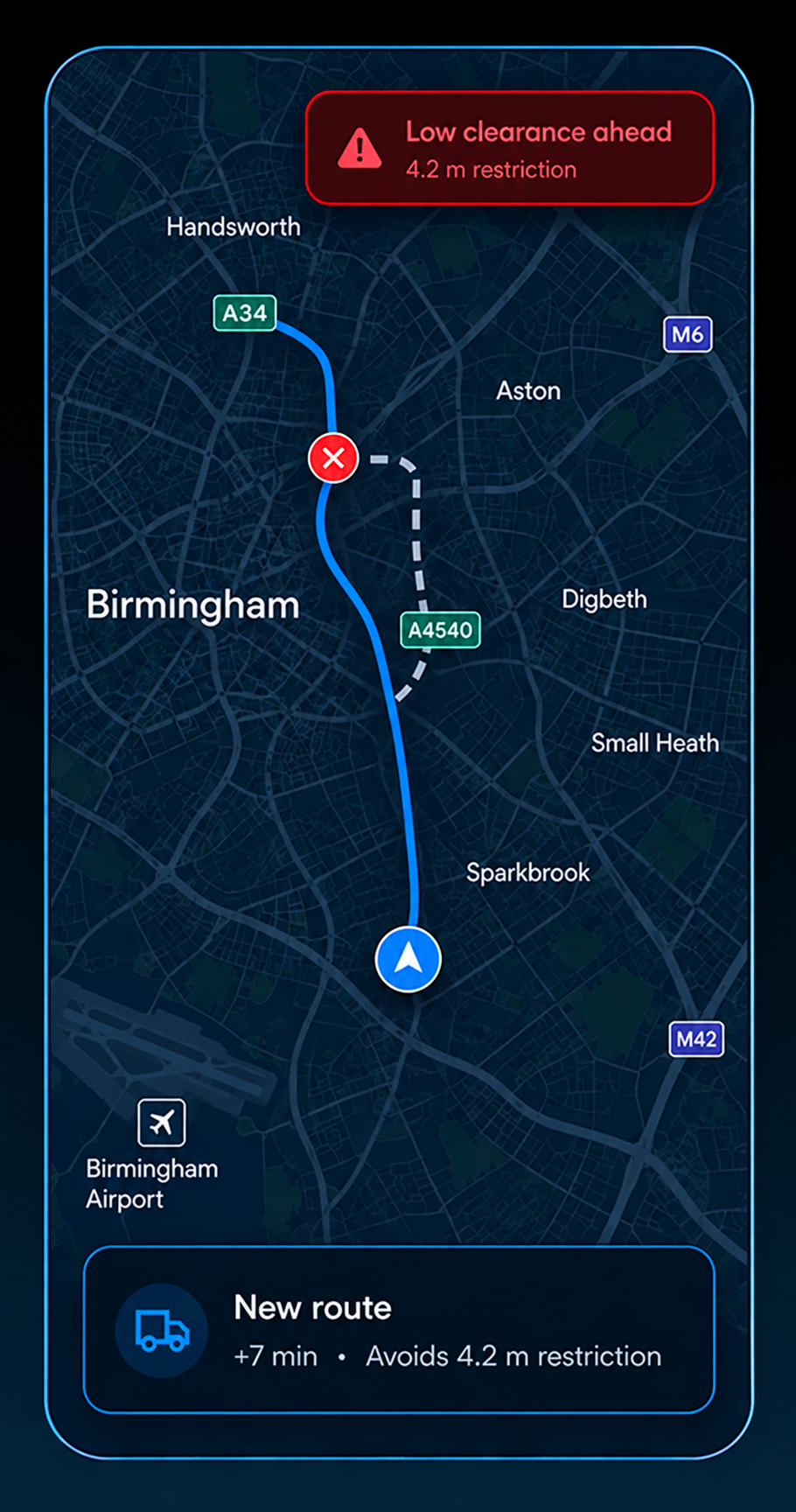
Rerouting keeps the vehicle profile in the calculation. Route360 checks the alternative against the vehicle's constraints, warns the driver before the turn and shows the dispatcher the impact.
- 1
Incident detected.
Road closures, accidents, oversize incidents and restriction changes are identified in real time.
- 2
Alternative route found.
The new route respects the vehicle profile, access rules and configured restrictions.
- 3
Restriction warning.
Height, weight, turn, hazardous goods and access warnings are shown before the driver reaches the restriction.
- 4
Reroute checked.
The alternative route is checked against the vehicle and access constraints before it is applied.
- 5
Dispatcher updated.
The new ETA and reason for the reroute are shown on the dispatch board in real time.
Additional features
Reusable profiles
Create once and apply across the fleet.
Commercial map data
Show restrictions directly on the map instead of buried in a list.
Restriction Checks
Flag routes with restrictions that require additional review before they are published.
Heavy Vehicle Routing
Build routes around heavy commercial vehicle requirements and restrictions.
Vehicle Access Rules
Apply configured vehicle and road restrictions when planning and rerouting.
Clearance Warnings
Surface relevant clearance restrictions when planning and reviewing commercial routes.
Route Scoring
Show one route score with the calculation behind it.
Route Restriction Data
Use available road restriction and clearance data when planning commercial routes.
Axle & Weight Rules
Account for axle groups, axle loads and applicable weight restrictions.
Hazardous Goods
Apply class routing, tunnel codes and segregation requirements.
Turn Restrictions
Account for no left turn, no U turn and truck only restrictions.
Site and Gate Access
Account for gate hours, dock availability and vehicle approach.
Frequently Asked Questions
Which vehicle types are supported?
Route360 can use vehicle profiles for different commercial vehicle types, with requirements such as dimensions, weight and other configured constraints used when planning routes. The exact vehicle profiles available depend on the Route360 configuration.
What restrictions does a commercial route respect?
Routes can account for configured vehicle dimensions and weight limits, axle restrictions, restricted roads and zones, clearances, turn restrictions, access requirements, time restrictions and site requirements.
What happens if the shortest route does not suit the vehicle?
Route360 can identify when a route conflicts with the vehicle requirements or configured restrictions and provide an alternative route that better fits those requirements.
Do reroutes stay within the vehicle requirements?
Yes. Reroutes use the same vehicle profile and configured access restrictions as the original route, helping prevent an alternative route from ignoring the constraints that applied to the original plan.
What is checked before a route is published?
The vehicle profile and configured routing restrictions are checked before publication. This can include vehicle dimensions, weight, axle requirements, road restrictions, clearances and site access requirements.
Plan Around the Vehicle. Route With Confidence.
Build vehicle aware routes that account for commercial restrictions and UK operating conditions before they reach the driver.
- Secure, role based access
- Audit trail of route changes
- Communication via app, SMS and email
- Available across web and mobile