Incident Management
Know the Moment. Manage What Follows.
Bring the event, evidence and response together. Vision360 brings video and vehicle context where available, while Drive360 manages what follows, from review and investigation through to corrective action and resolution.
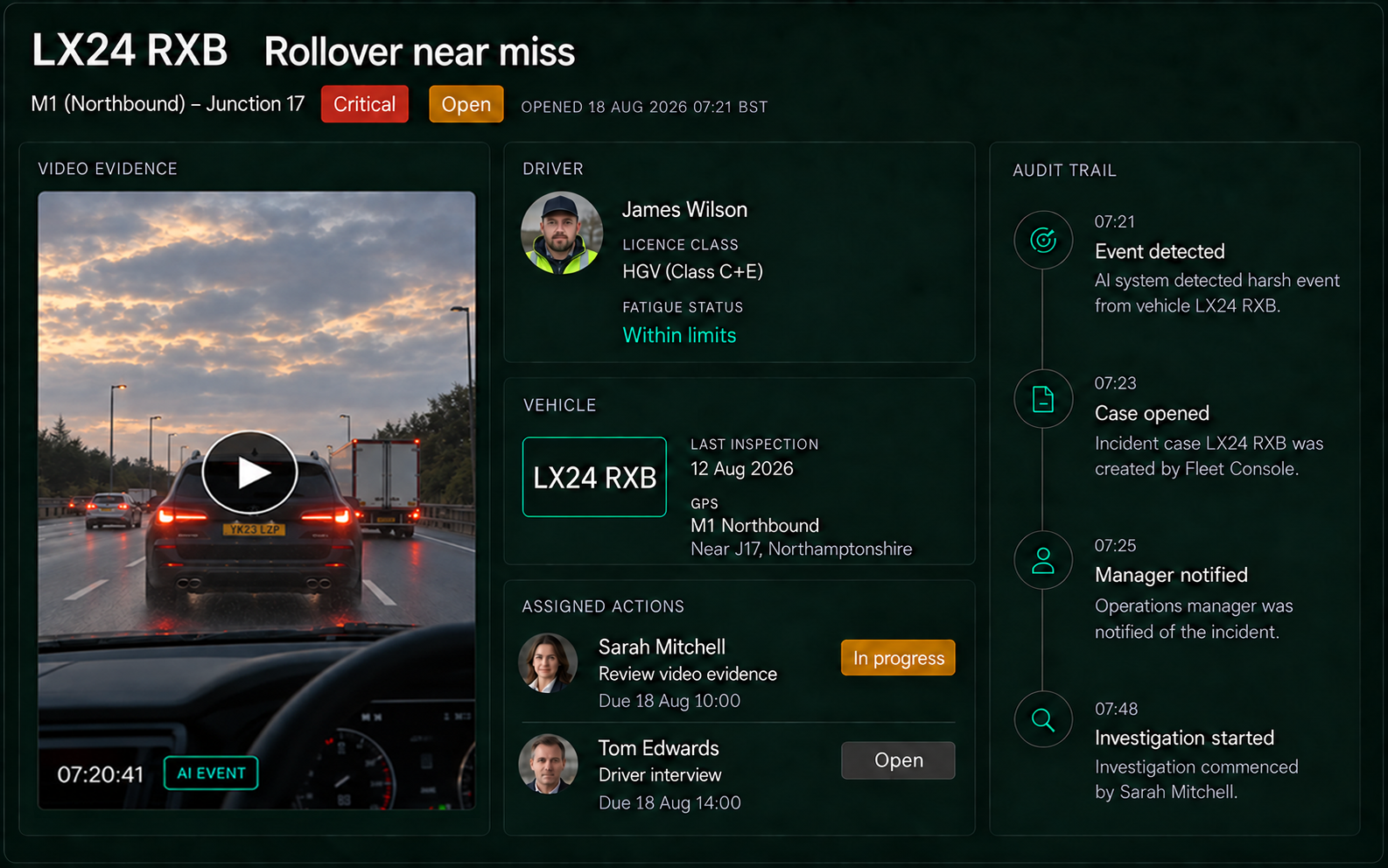
Every Step. Every Action. One Timeline.
From first alert to resolution, keep a clear record of what happened, who acted and when.
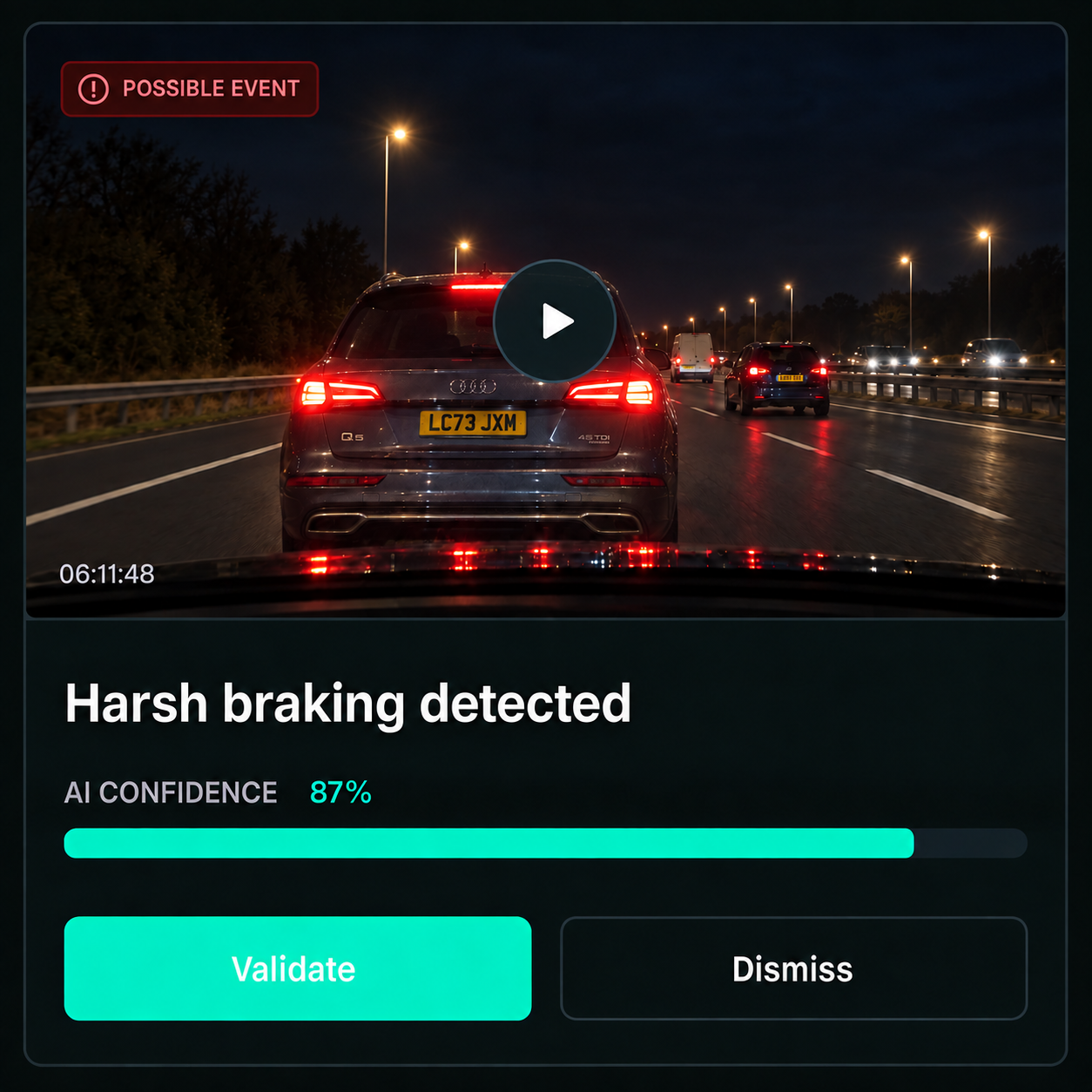
1Detect & Validate
An event is detected or reported. A person confirms what happened before it is escalated or acted on.

2Triage & Respond
Set the severity, notify the right people and assign the immediate response, with progress tracked through the case.
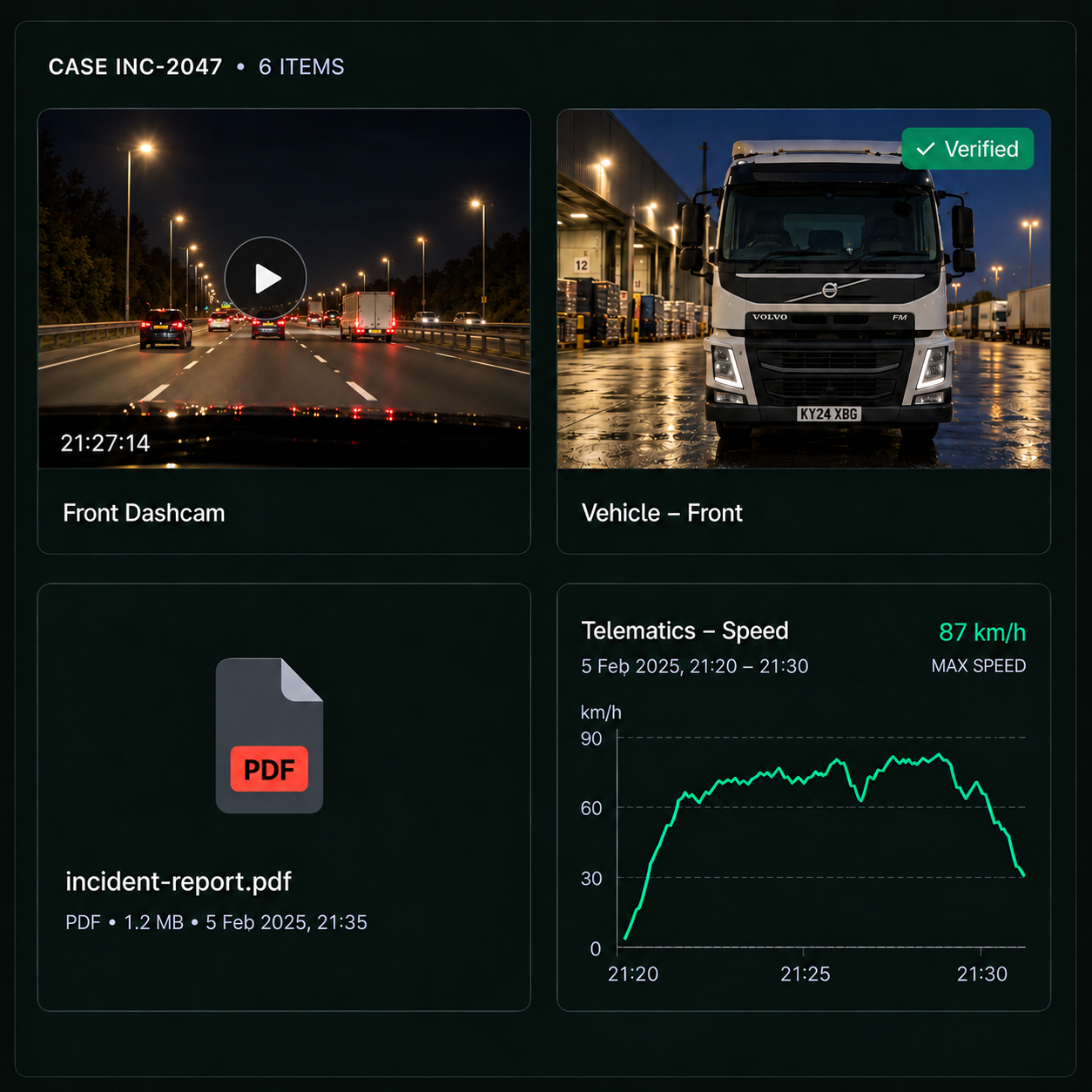
3Investigate
Bring video, telematics, driver records, vehicle history and site context into the case, so the evidence can be reviewed together rather than gathered from separate systems.
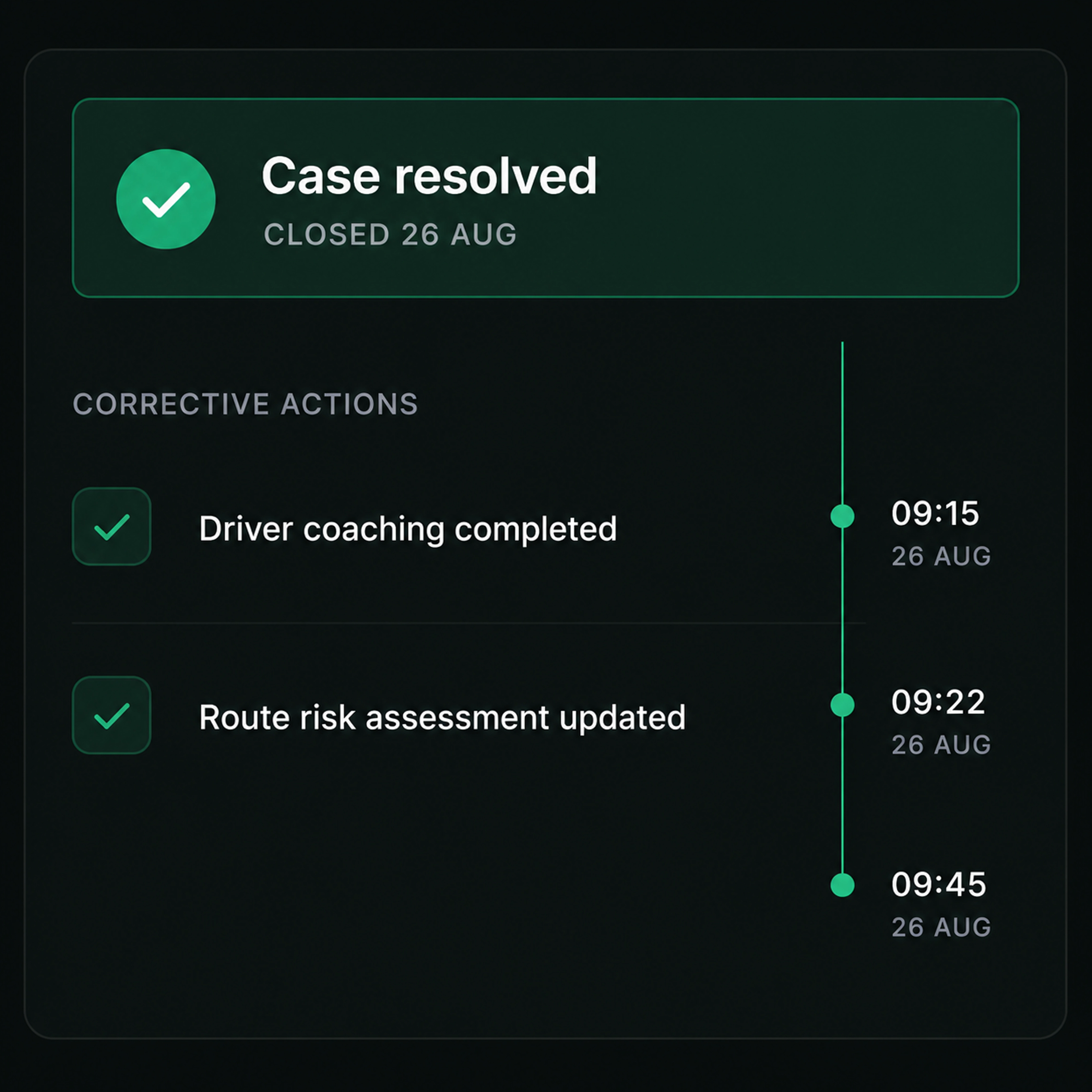
4Resolve & Learn
Assign and track corrective actions through to completion, close the case with a full audit trail and use the outcome to inform future reviews.
Incident command
One Case. The Full Picture.
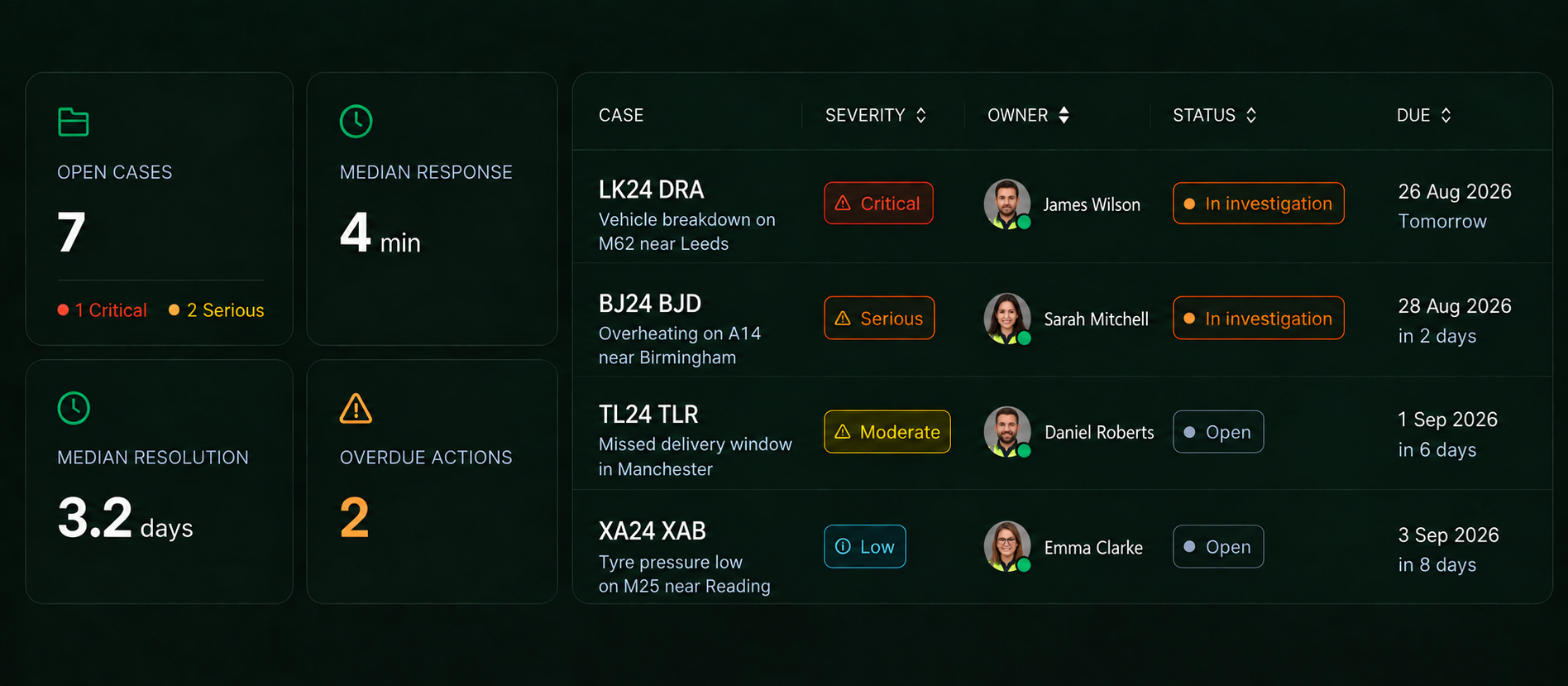
Track open incidents, severity, response times and outstanding actions in Drive360, with Vision360 evidence connected directly to the incident when you need the full context.
Inside the case
Everything the Investigation Needs, in One Place
Detection & Validation
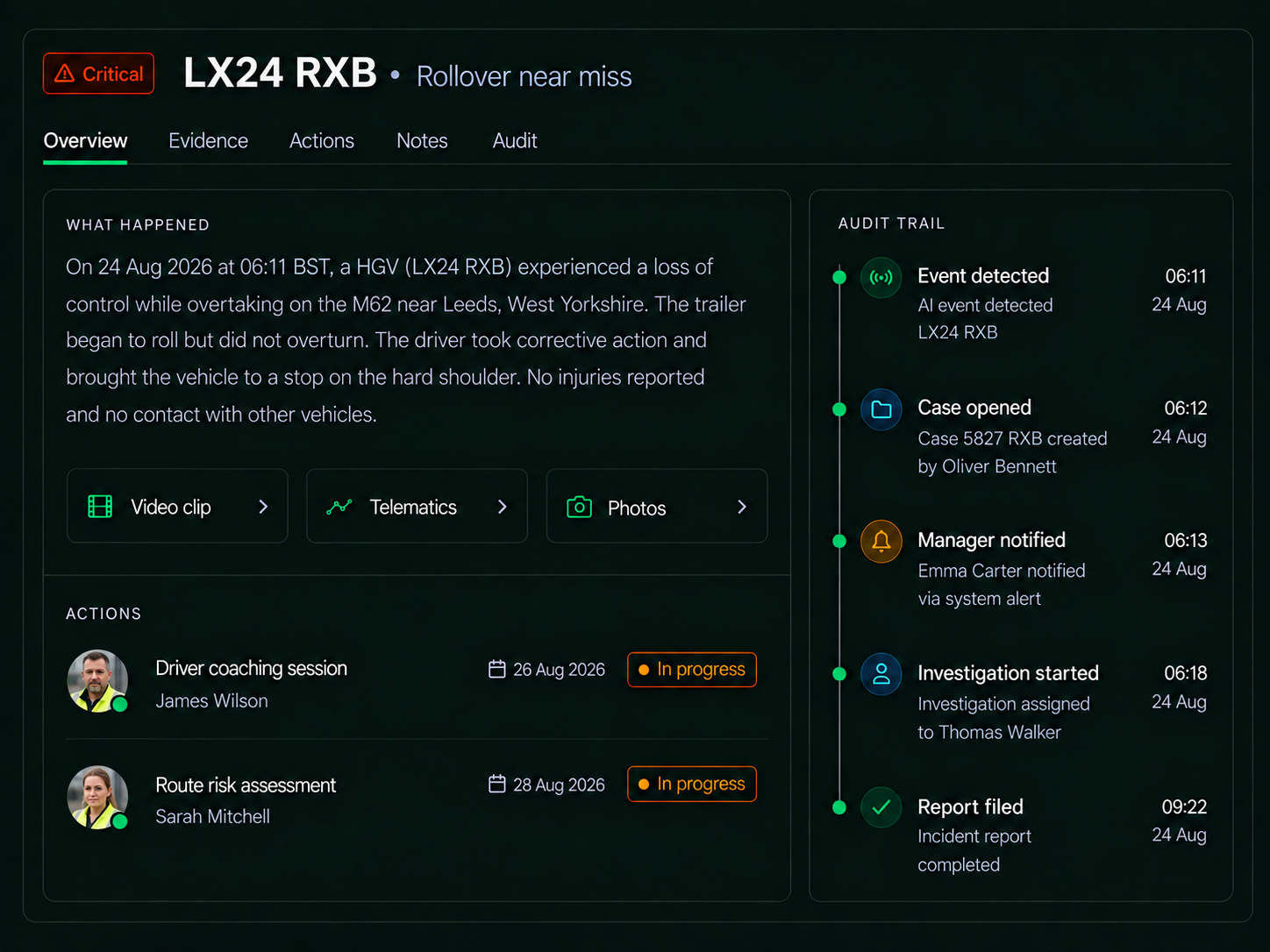
Vision360 detects collisions, harsh driving and supported safety events, with confidence, video and vehicle context. Your team reviews and confirms the event before triage.
Triage & Escalation
Set severity, notify the right people and assign the immediate response, with escalation based on defined rules.
Investigation & Reconstruction
Bring video, telematics, GPS, time, speed and event context into the case, so the sequence can be reviewed without piecing it together across systems.
Corrective Actions & Follow Up
Assign coaching, maintenance, process changes or further investigation, with an owner, due date and completion record.
Records & Reporting
Keep the case history, evidence, access and actions together, with reporting that shows recurring patterns and where action is making a difference.
Built for the Moment It Matters and Everything That Follows
Response
The first hour, with the full picture

Investigation
Video, telematics and records on the same case
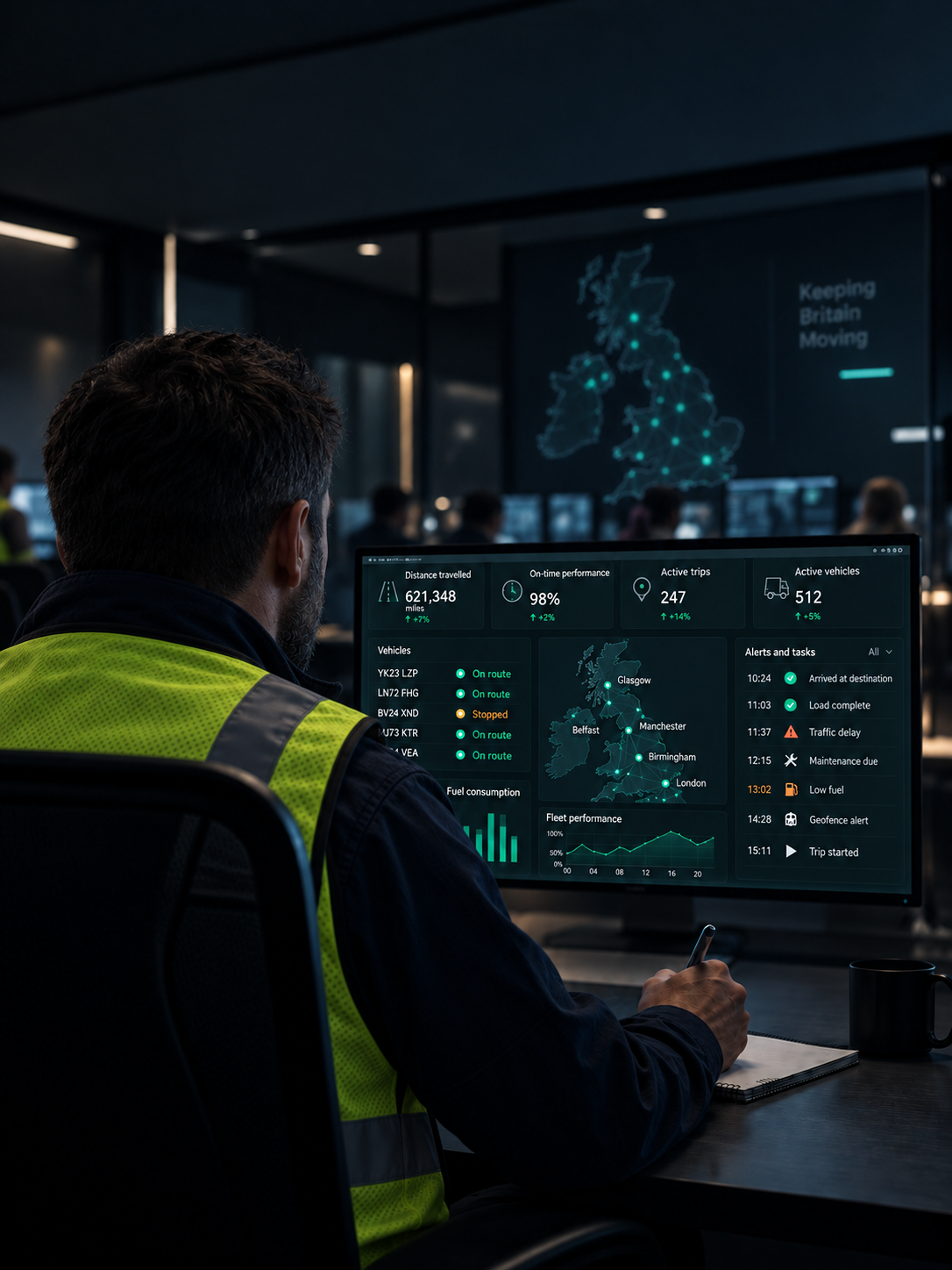
Learning
The patterns behind incidents and what changed
Respond Faster and Reduce the Impact
Vision360 brings the evidence. Drive360 keeps the response moving through to resolution.