Fleet Management System
Your HGV Fleet. Complete Control.
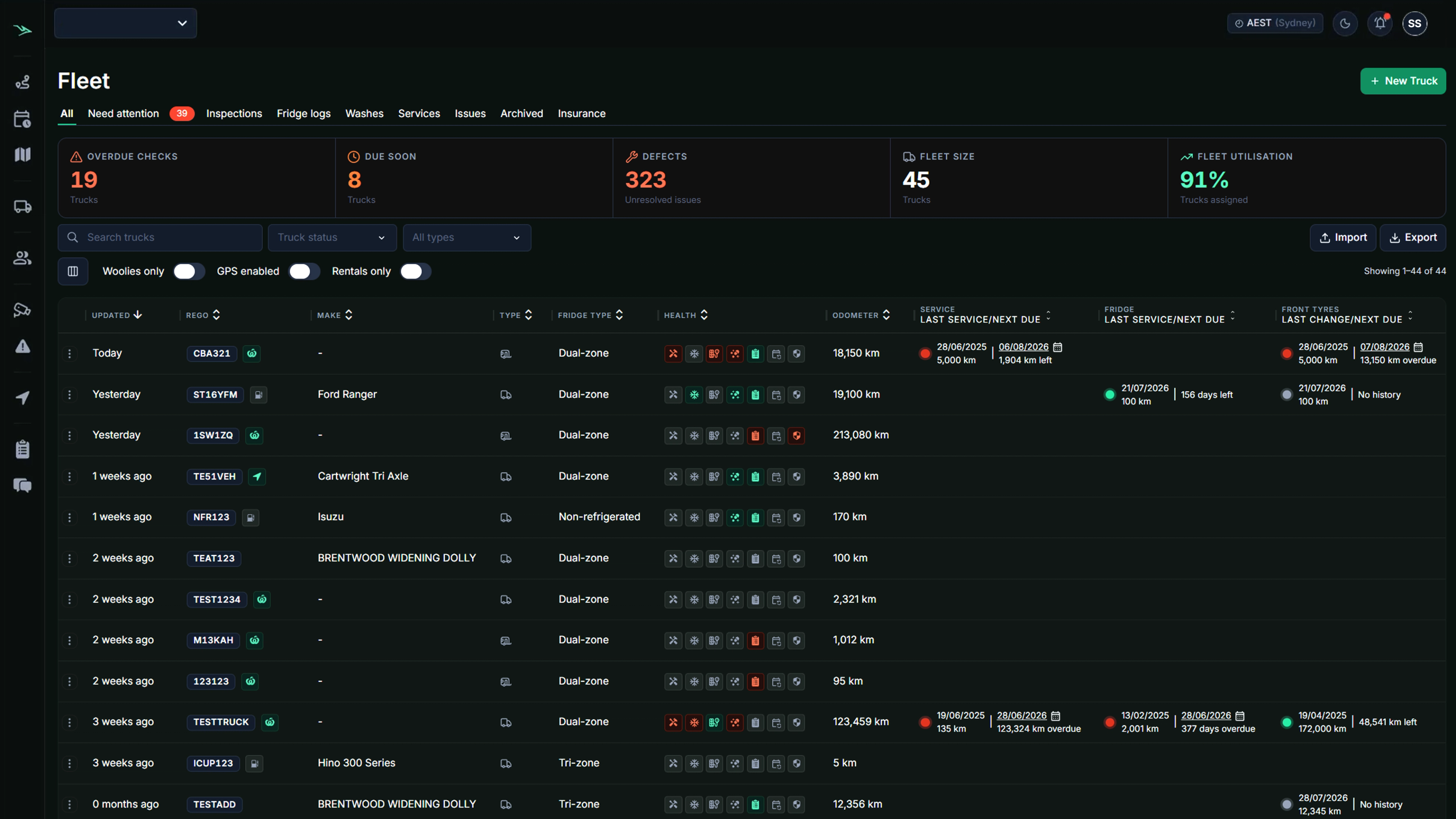
Manage vehicles, drivers, inspections and maintenance from one connected workspace, while keeping key compliance requirements, vehicle checks and important renewal dates in view.
Beyond tracking
A Map Will Not Keep Your Fleet Compliant
Knowing where a vehicle is does not tell you whether its inspection or maintenance is due, whether the driver has the right licence or qualifications, or what that vehicle has cost you this quarter.
Saphyroo brings the whole record together. Vehicles, drivers, documents, maintenance, checks and costs in one place, so the answer to any question about a vehicle is in the same system as its location.
FROM COMPLEXITY TO CONTROL
Fleet Management Software, Not Spreadsheets
Replace scattered processes and information with one live view across your drivers, vehicles and operations so you always know what’s happening and what needs attention.
- Eliminate paper based processes
- Reduce calls and messages
- Move away from multiple spreadsheets
- Connect vehicle and driver records
- Stay on top of inspections, renewals and compliance requirements
One live command centre
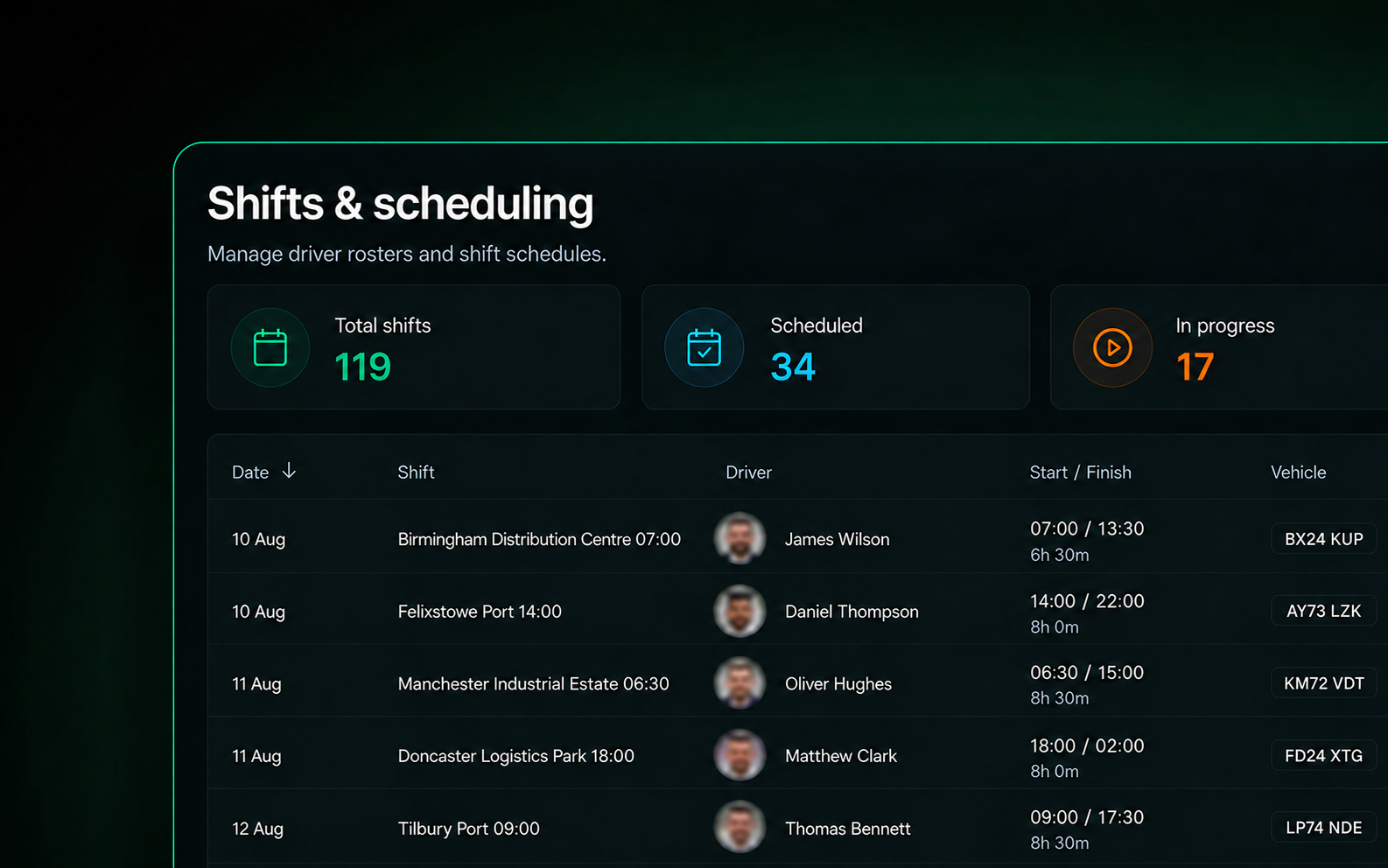
One Shift. Every Step Connected.
1
Shift Starts
Drivers start their shift and schedules are confirmed.
2
Pre Start Complete
Vehicle checks and required records are submitted digitally.
3
Fleet Goes Live
Jobs are assigned and operations get underway.
4
Issues Detected
Alerts surface in real time with relevant context.
5
Action Taken
Follow ups are assigned, tracked and resolved.
6
Records Ready
Reports, records and evidence are stored and accessible digitally.
Everything You Need for Fleet Management
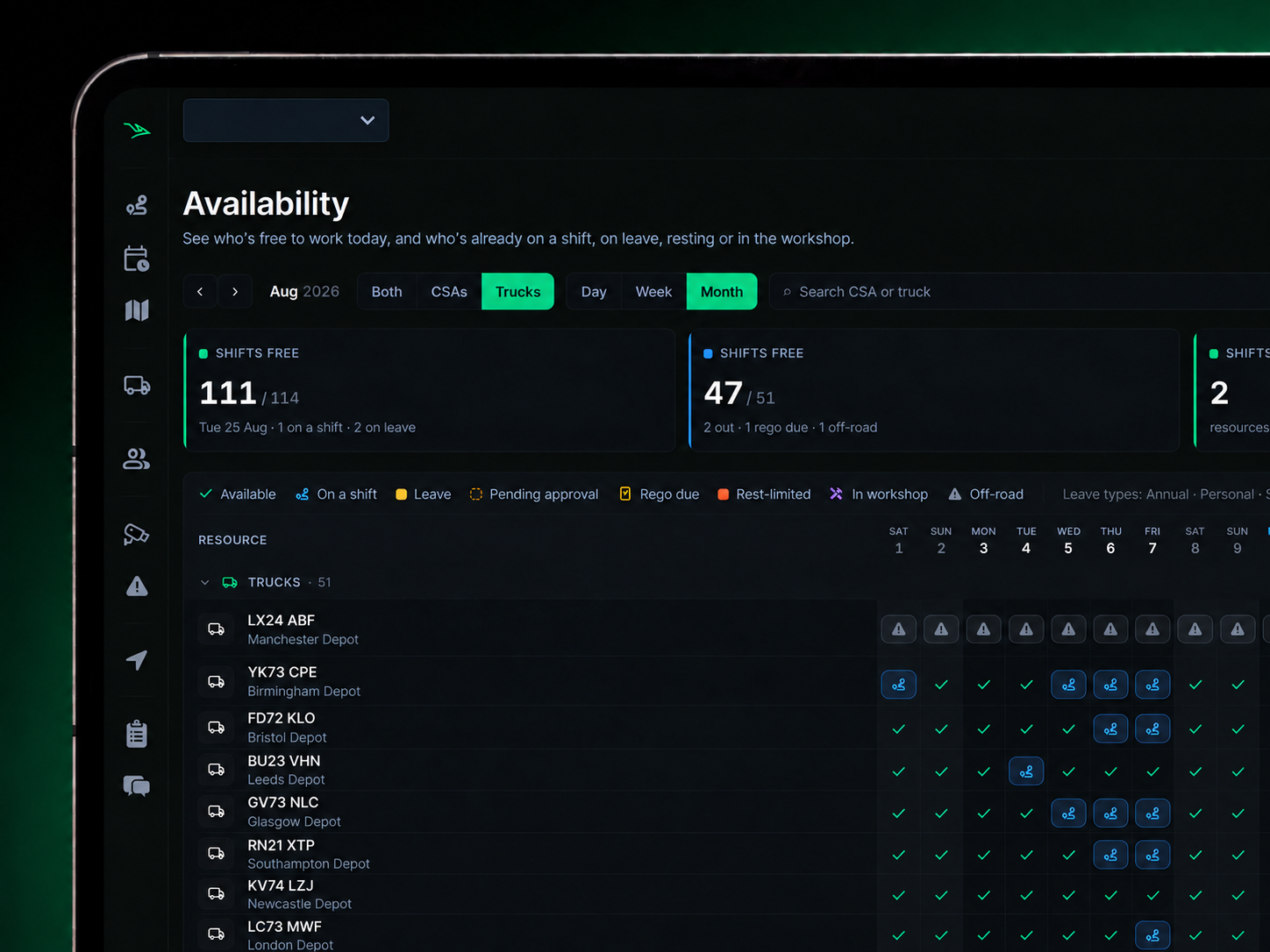
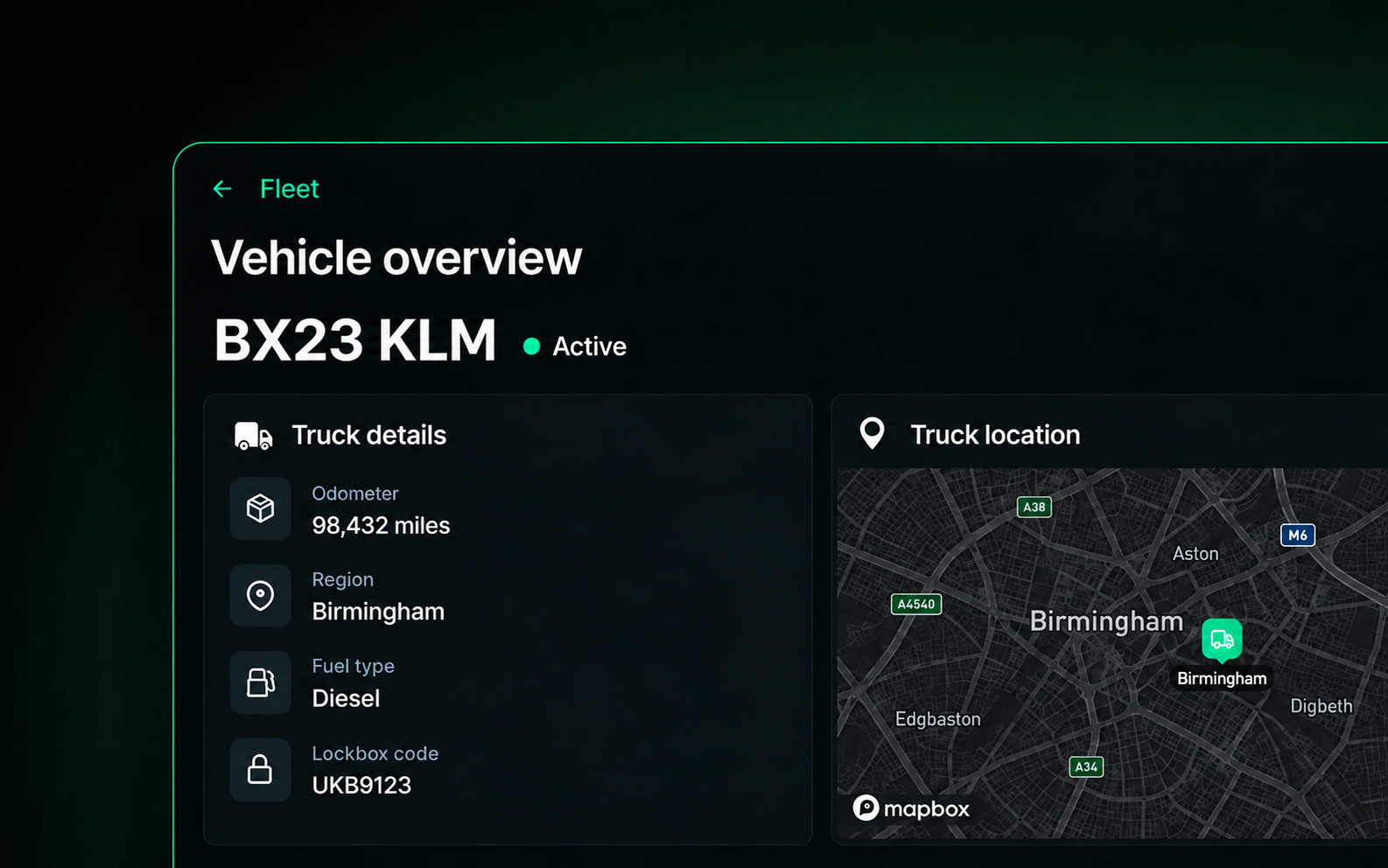
Fleet Visibility & Allocation
- Real time vehicle status
- Driver assignments
- Live location tracking
- Utilisation & availability
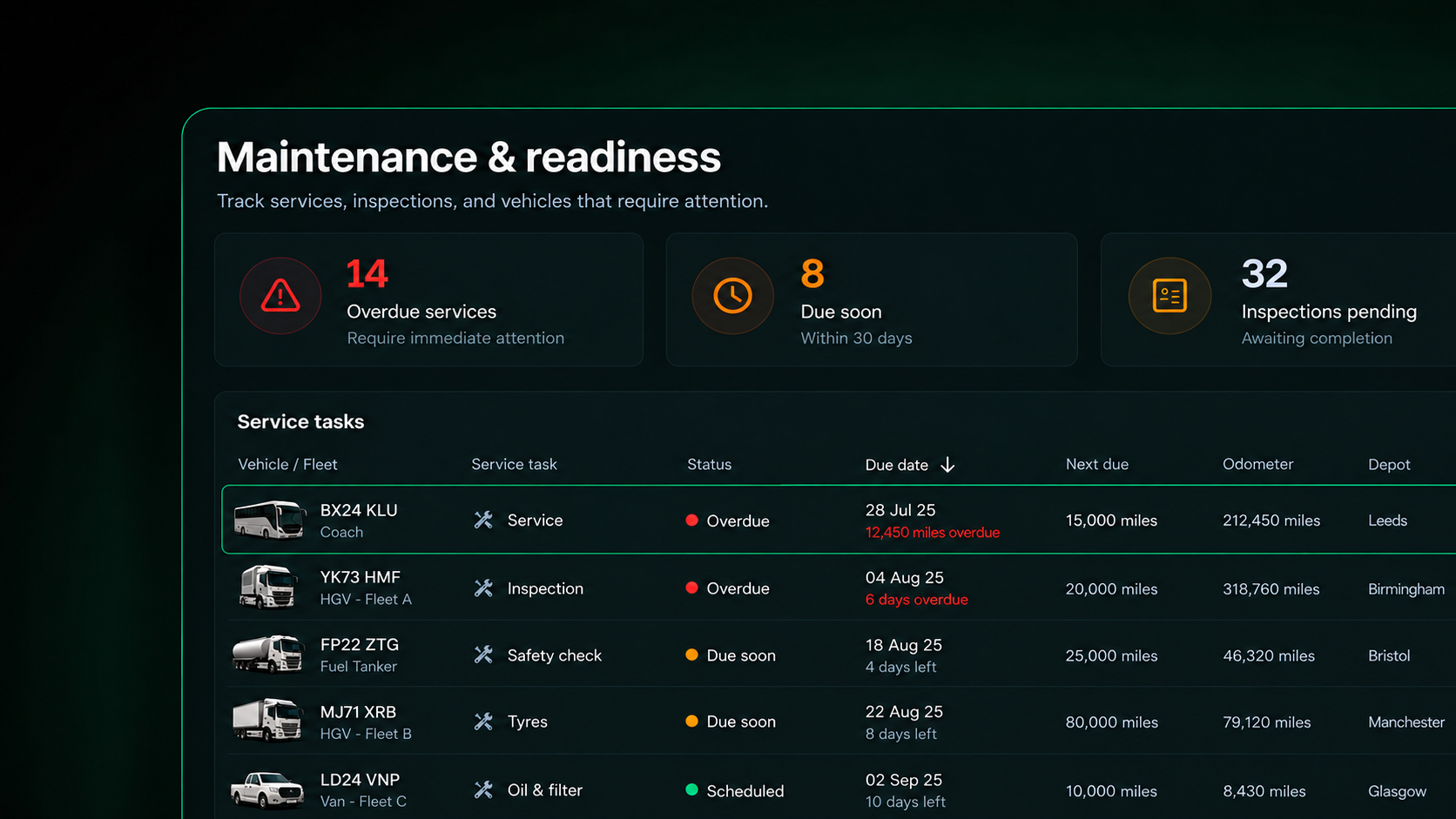
Maintenance & Readiness
- Preventative maintenance
- Work orders & defect tracking
- Service history
- Downtime visibility
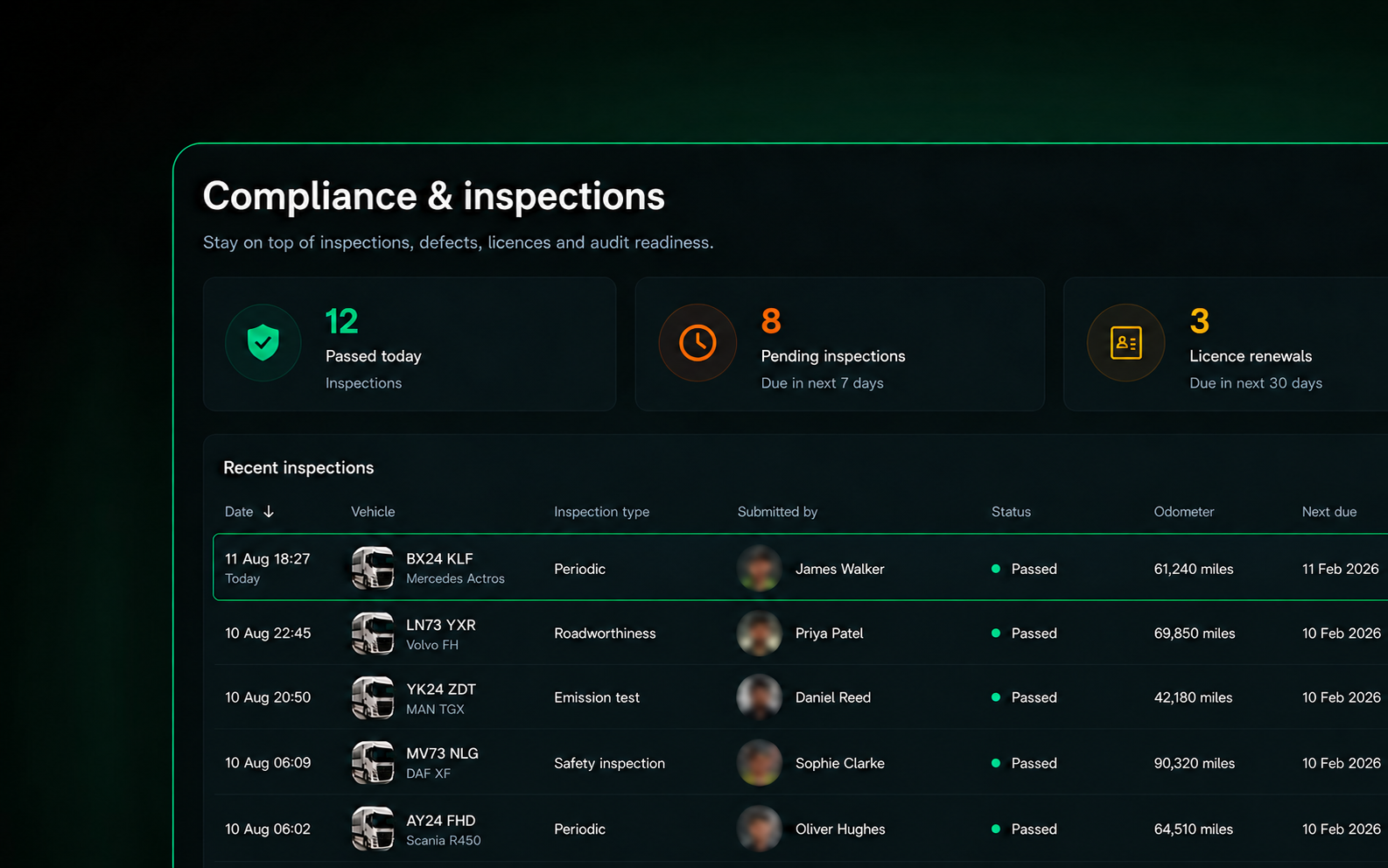
Compliance Support & Inspections
- Vehicle checks & inspection records
- Driver licences, qualifications & records
- Vehicle & operator documentation
- Defect & maintenance records
Cost & Performance
- Operating costs
- Maintenance spend
- Cost per vehicle / kilometre
- Fleet performance insights
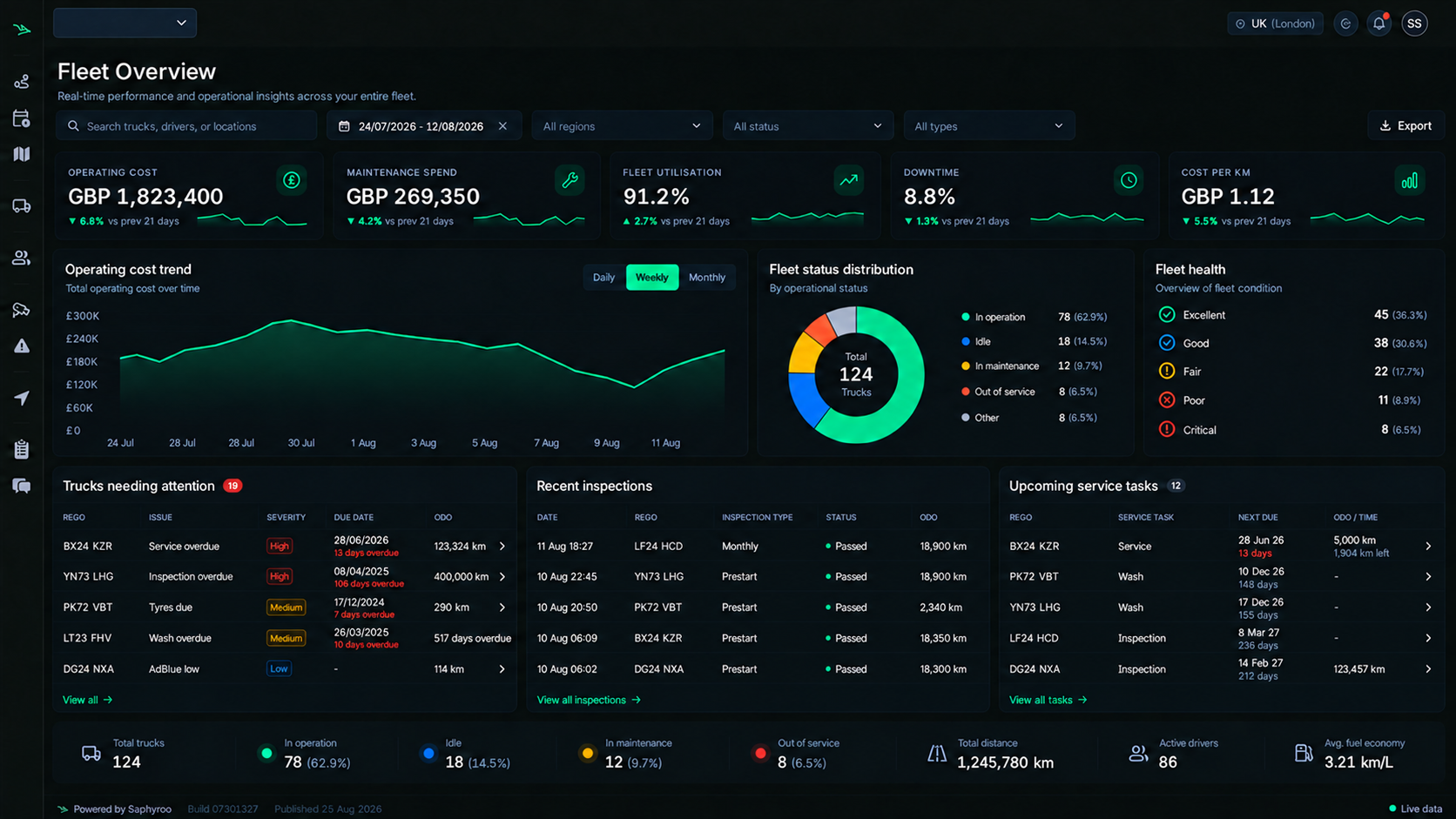
Manage Your Fleet. Maximise Its Performance.
Track costs, utilisation and performance to reduce downtime, control spend and make smarter fleet decisions.
- Total cost of ownership
- Maintenance Spend
- Utilisation & Downtime
- Cost per Kilometre
- Replacement Planning
Keep Your Entire Team Connected
Keep the road and the office working from the same live information.
- Mobile Checks & Defect Reporting
- Instant Alerts & Notifications
- Work Orders on the Go
- Photos & Evidence Captured
- Real Time Updates
- Two Way Messaging

1. Driver completes check on mobile
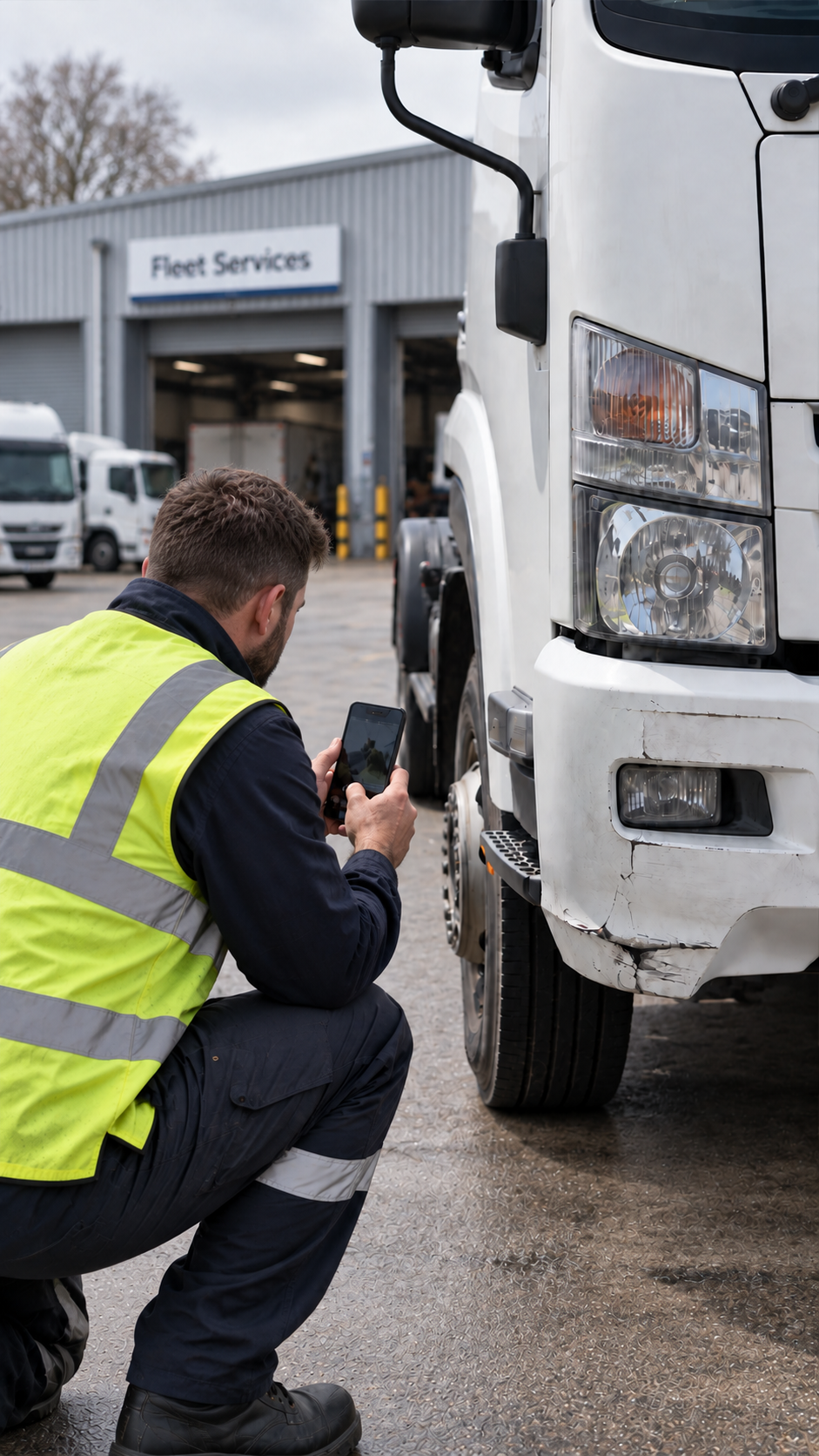
2. Defect reported with photo
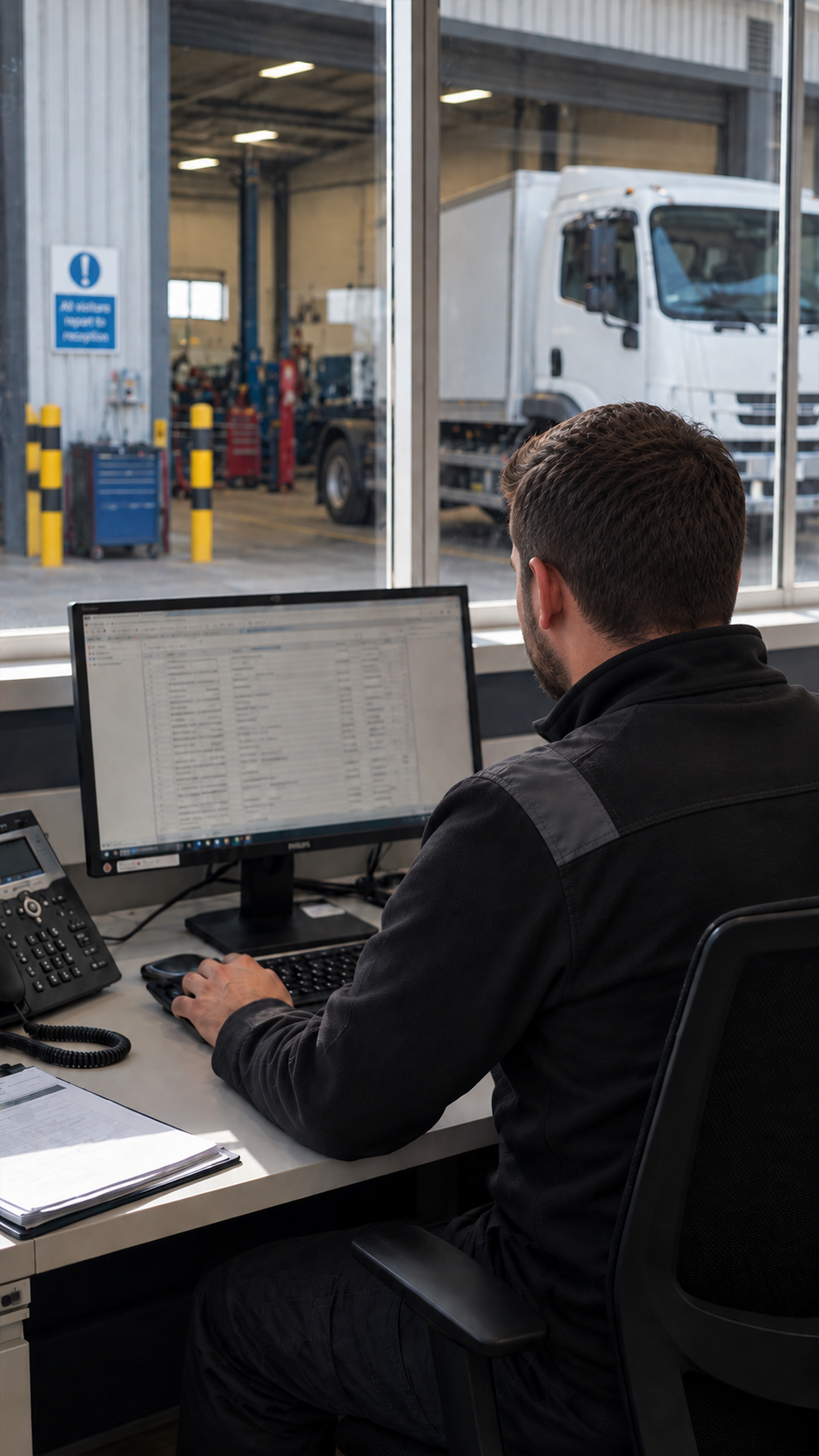
3. Work order raised
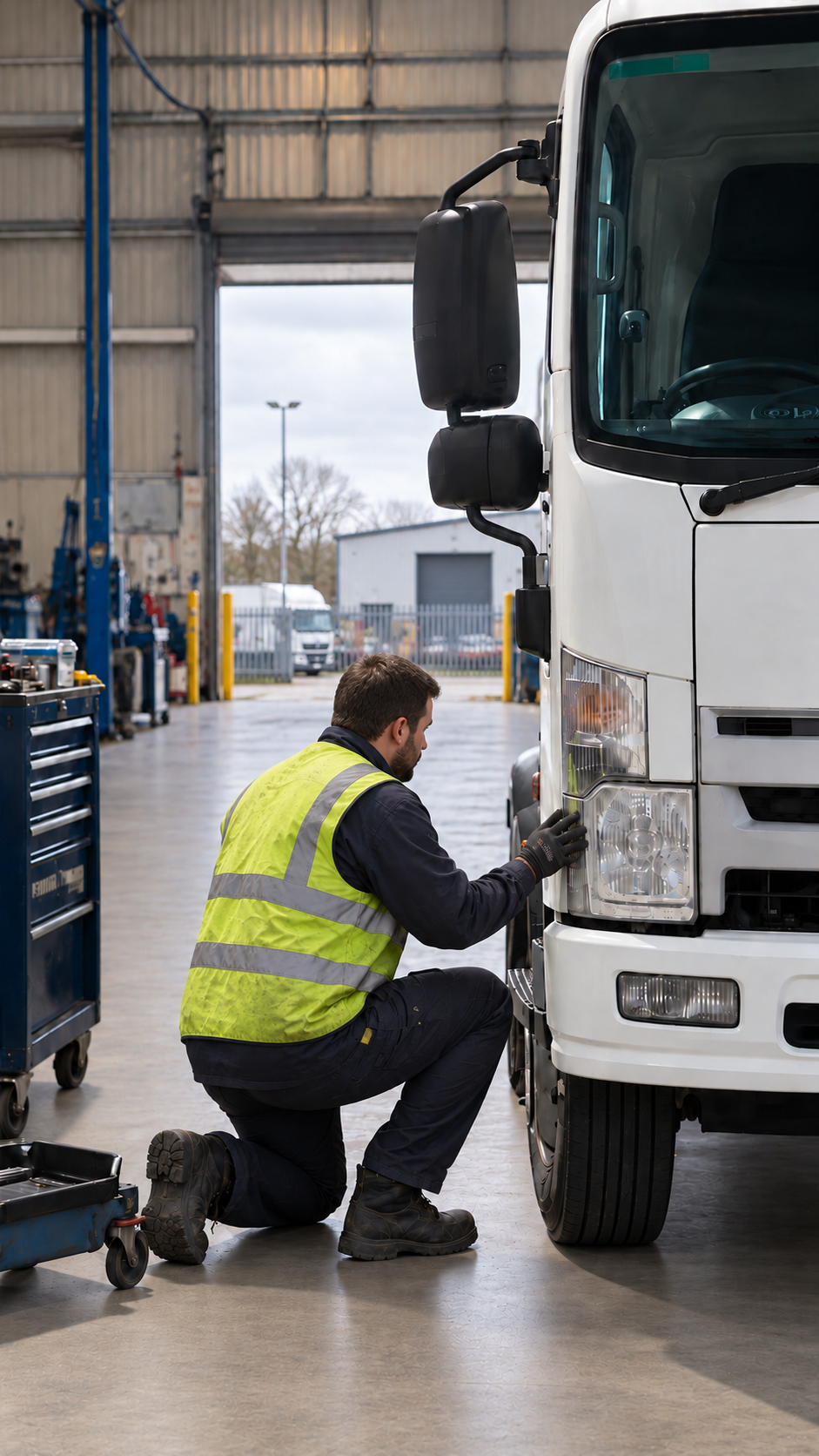
4. Repair completed
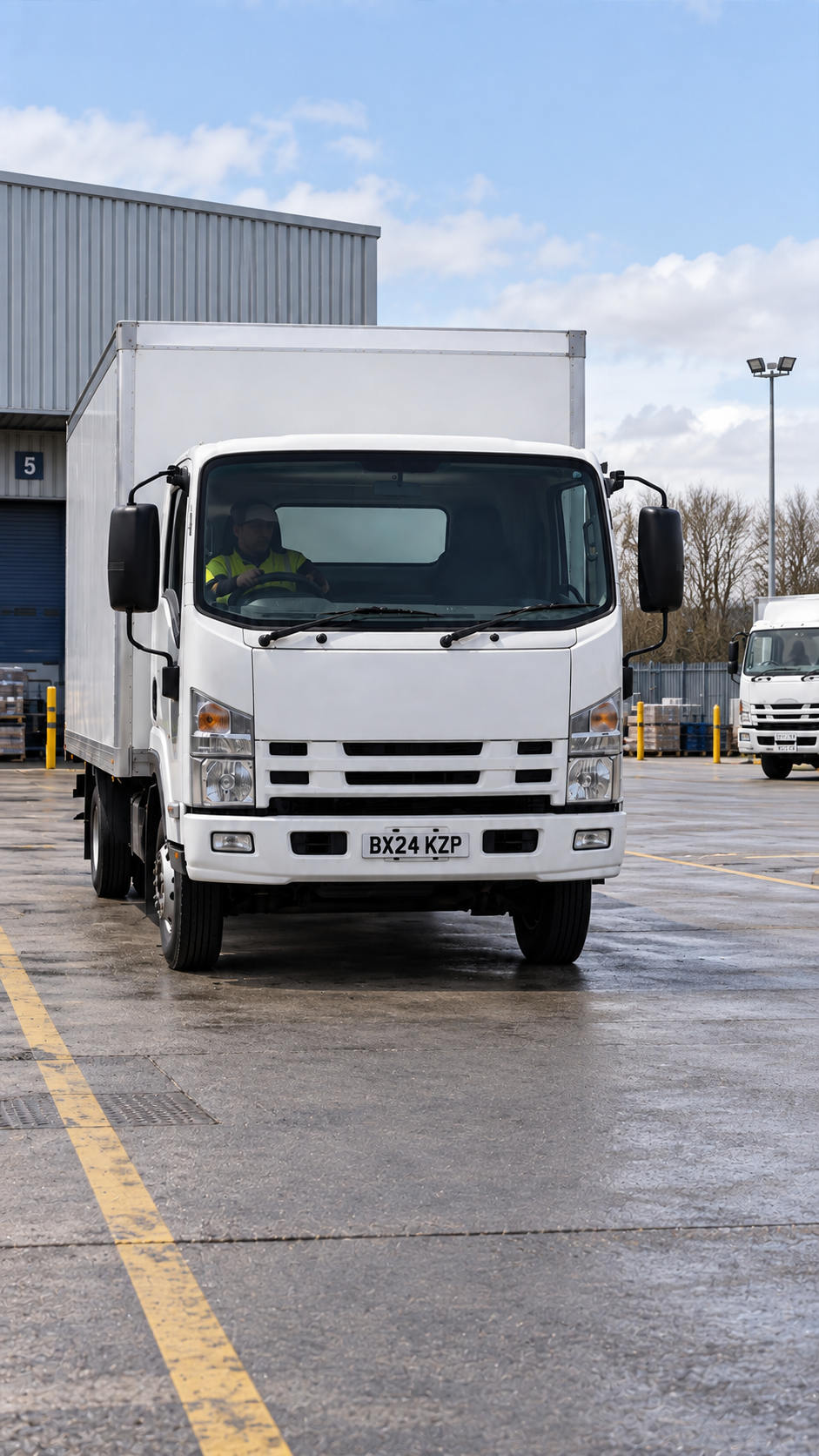
5. Vehicle returned to service
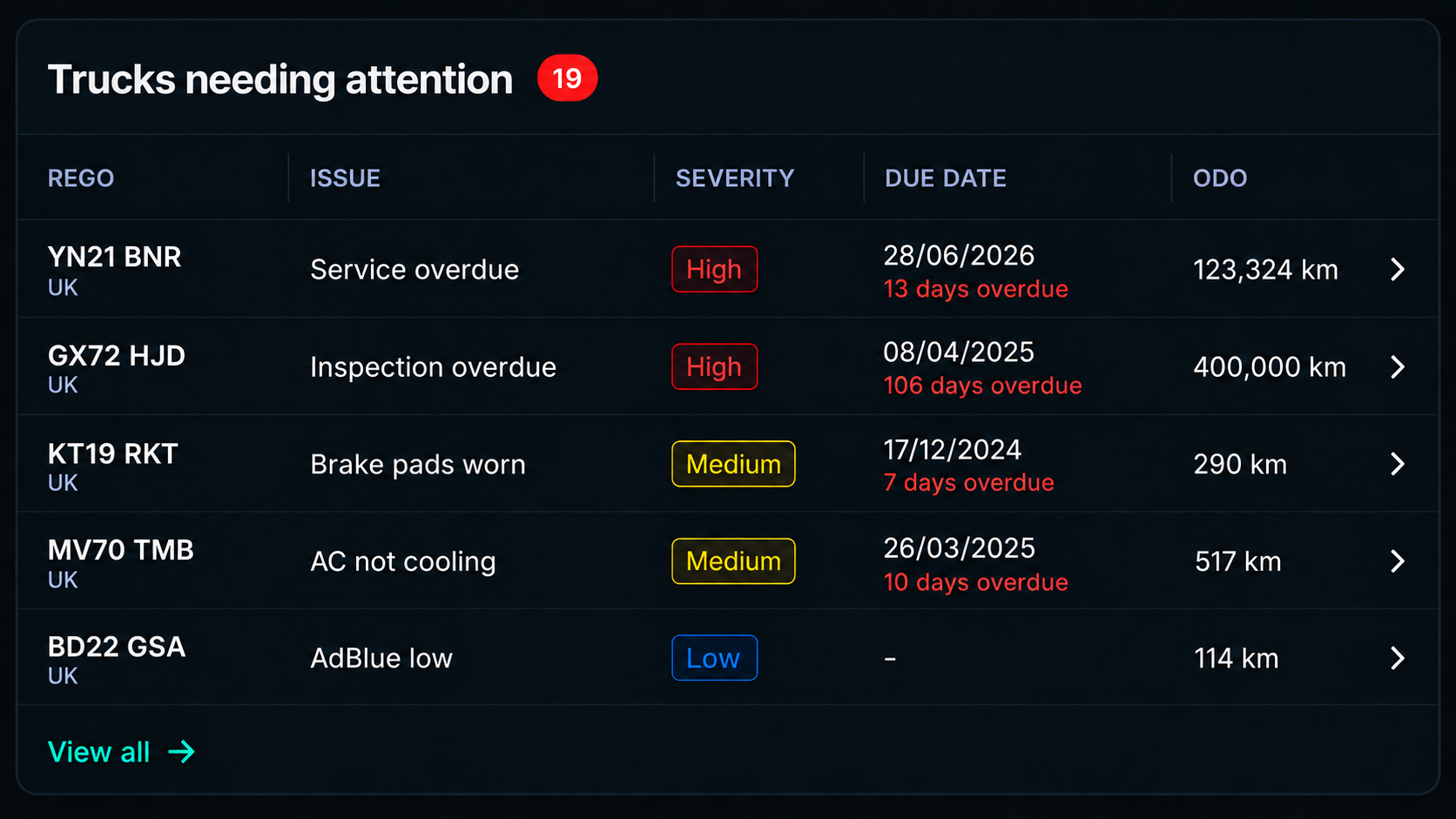
Your Fleet Command Centre. Everything in View.
See fleet status, alerts, inspections and maintenance in real time all from one place.
What Better Fleet Management Looks Like
Complete Visibility
See every vehicle, driver and job in real time.
Faster Decisions
Act on live information and respond sooner.
Better Cost Control
Understand spend and identify opportunities to improve utilisation.
Clear Accountability
See what happened, when and by whom.
Compliance Visibility
Keep important records, inspections, renewals and requirements organised and in view.
Fleet Readiness
Keep maintenance, defects and vehicle availability visible so teams know what needs attention.
Who this is for
Built for How UK Fleets Actually Run
Delivery & Distribution Fleets
Keep vehicles, drivers and daily deliveries coordinated, where every vehicle needs to stay available and every delay can affect the next job.
Contractor & Field Service Fleets
Manage vehicles operating across multiple sites, with driver records, vehicle checks, maintenance and operational information connected in one place.
Transport & Logistics Operators
Bring larger fleets, drivers, vehicles and day-to-day operations into one connected view, helping teams manage performance, compliance and fleet readiness at scale.
Passenger Transport Fleets
Keep vehicles, drivers, checks and maintenance visible across bus, coach and passenger transport operations, helping teams keep vehicles ready for service.
Frequently Asked Questions
What can Drive360 manage?
Drive360 brings vehicle, driver, inspection, maintenance, compliance and operational records into the same workspace, giving teams a clear view of what needs attention.
Can drivers complete checks from their phone?
Yes. Drivers can complete digital vehicle checks, report defects, add photos and receive work orders from the Drive360 mobile app.
How does Drive360 handle vehicle defects?
Defects can be reported with supporting photos and priority, then turned into work orders, assigned to the relevant team and tracked through to completion.
Can I track maintenance and vehicle readiness?
Yes. Drive360 keeps service history, maintenance activity, defects, downtime and upcoming work together so teams can track vehicle readiness and plan maintenance.
Can Drive360 track fleet costs and utilisation?
Yes. Fleet performance reporting can show operating costs, maintenance spend, cost per kilometre, utilisation and downtime to help teams identify where performance or spend needs attention.
Does Drive360 keep records for compliance and audits?
Drive360 keeps digital vehicle checks, defect records, licence information, supporting documents and operational records together, making important information easier to retrieve for review and audit purposes.
Bring Your Fleet Together With Drive360.
One live view. Greater visibility. Better control.