Vehicle Checks
Find Issues Before They Reach the Road
Replace paper inspections with a connected digital process for checks, photos, defects and repairs.
SIMPLIFY VEHICLE CHECKS
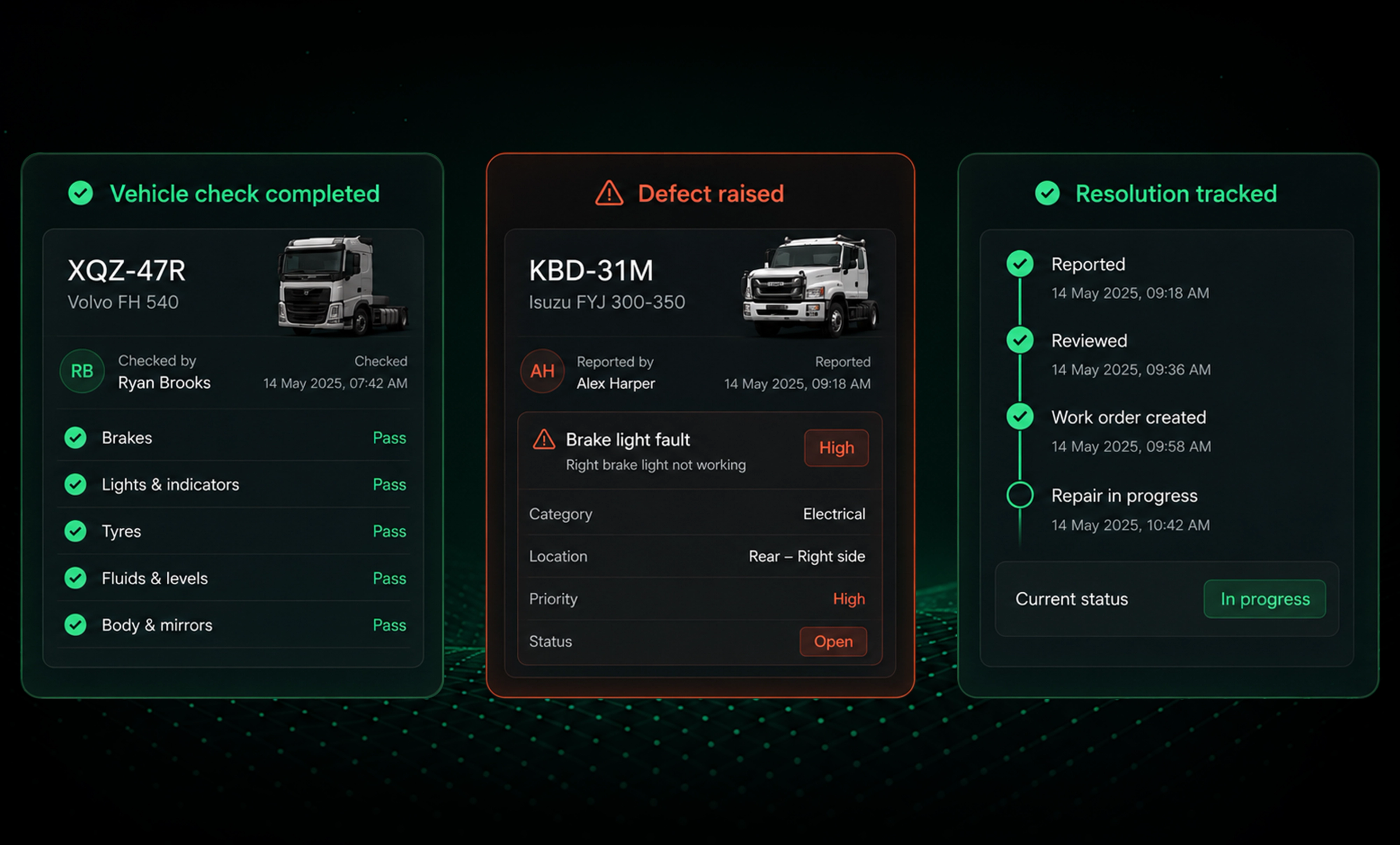
Keep Checks, Defects and Repairs Connected
- Reduce paper based inspections
- Reduce missing or incomplete records
- Capture photo evidence at the source
- Keep inspection photos out of scattered messages
- Surface defects as soon as they’re reported
- Track reported issues through to resolution
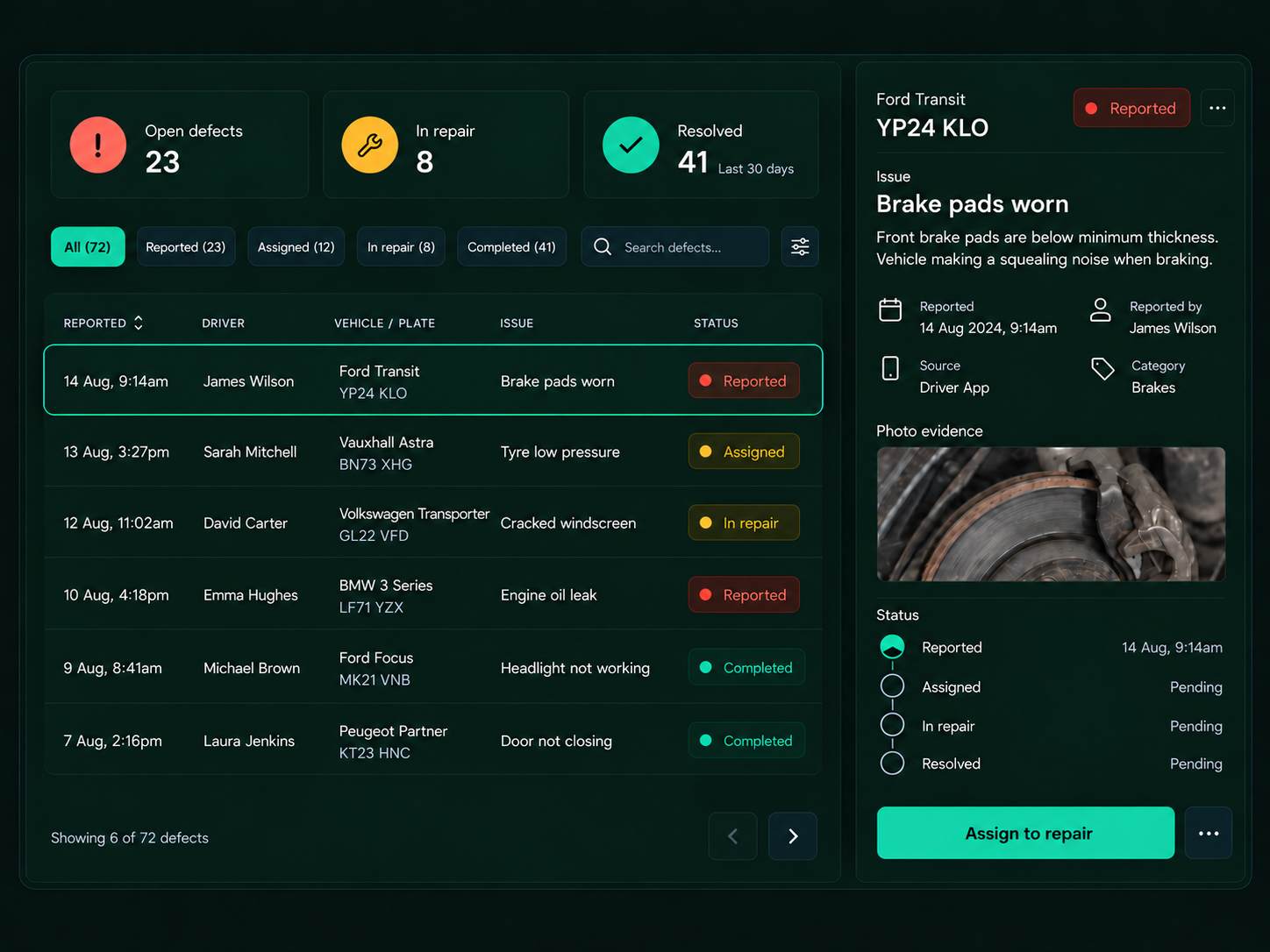
Defect triage: take the right action
Inspection lifecycle
1
Assign
Schedule the required vehicle check.
2
Inspect
Complete the guided inspection from the app.
3
Capture
Add photos, odometer readings and supporting evidence.
4
Report
Flag defects and issues as soon as they’re identified.
5
Resolve
Assign repairs and track them through to completion.
6
Return to Service
Record the vehicle’s status once repairs are complete.
Vehicle Checks That Go Beyond the Checklist
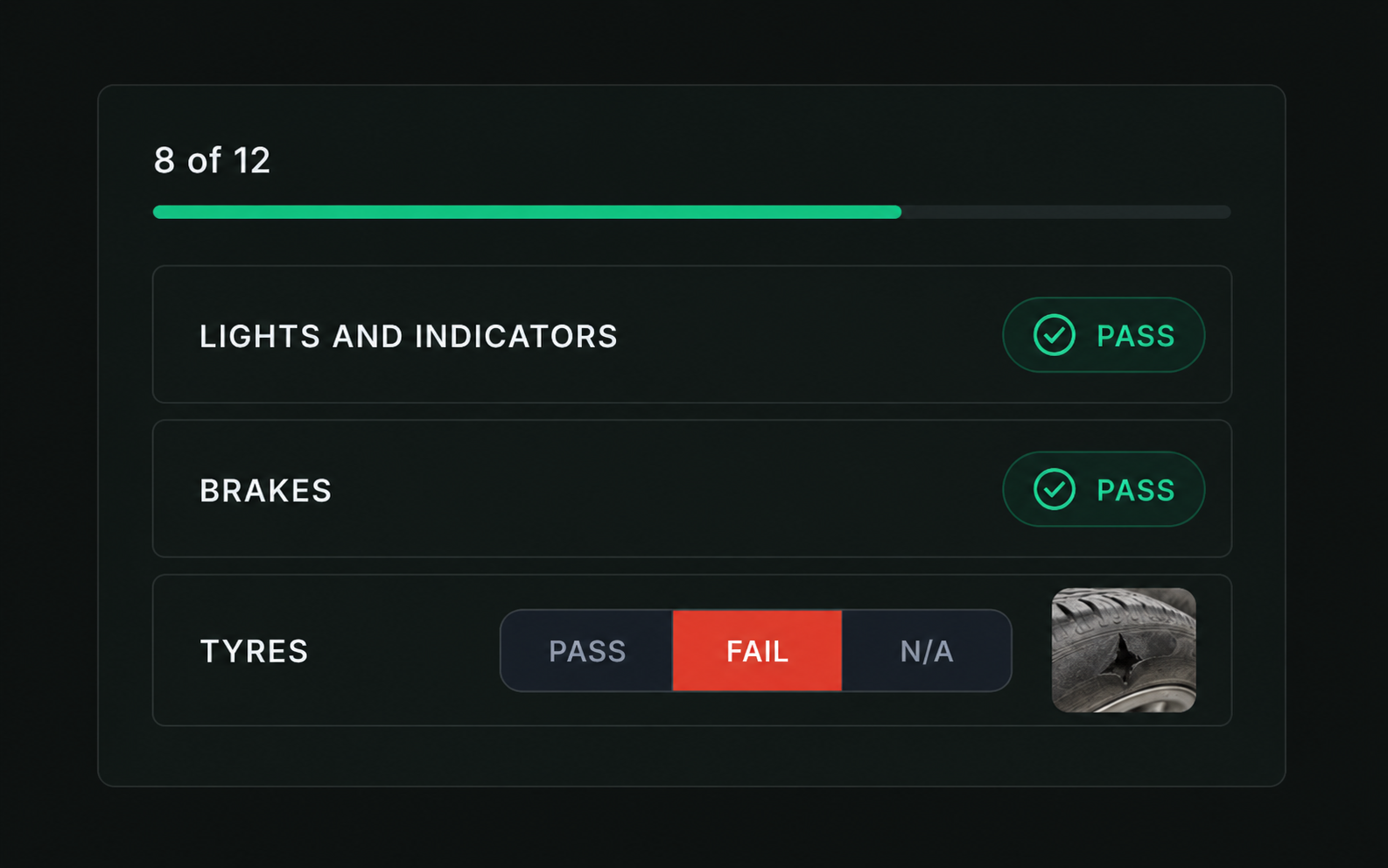
Guided Inspections
- Custom inspection templates
- Vehicle and role specific checks
- Step by step guidance
- Required fields and photos
- Digital sign off
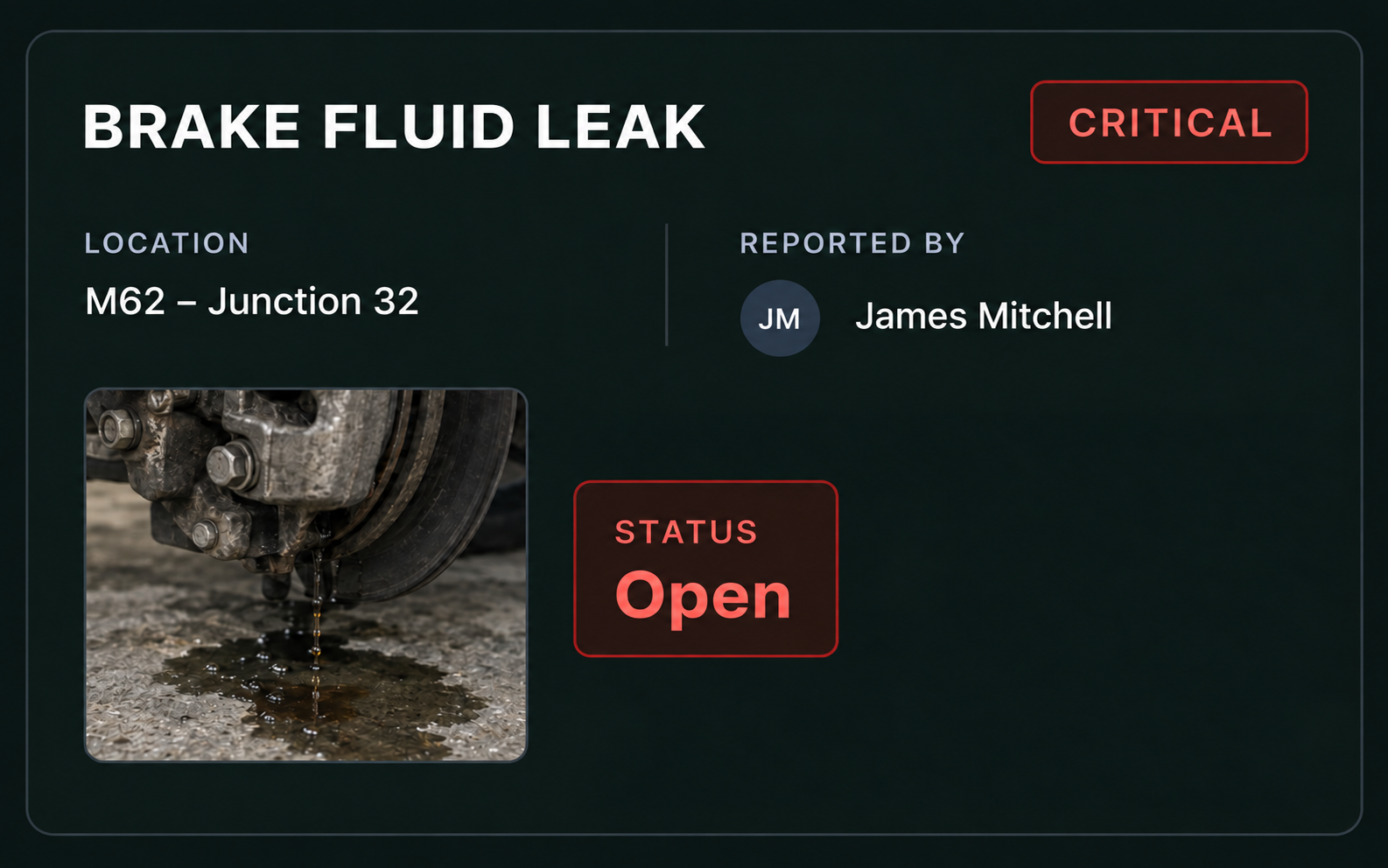
Defect Reporting
- Report defects instantly
- Set severity levels
- Capture photos and details
- Add driver notes and location
- Notify the right people
Repair & Resolution
- Create and assign work orders
- Track repair progress
- Record parts and labour
- Capture repair evidence
- Verify completion
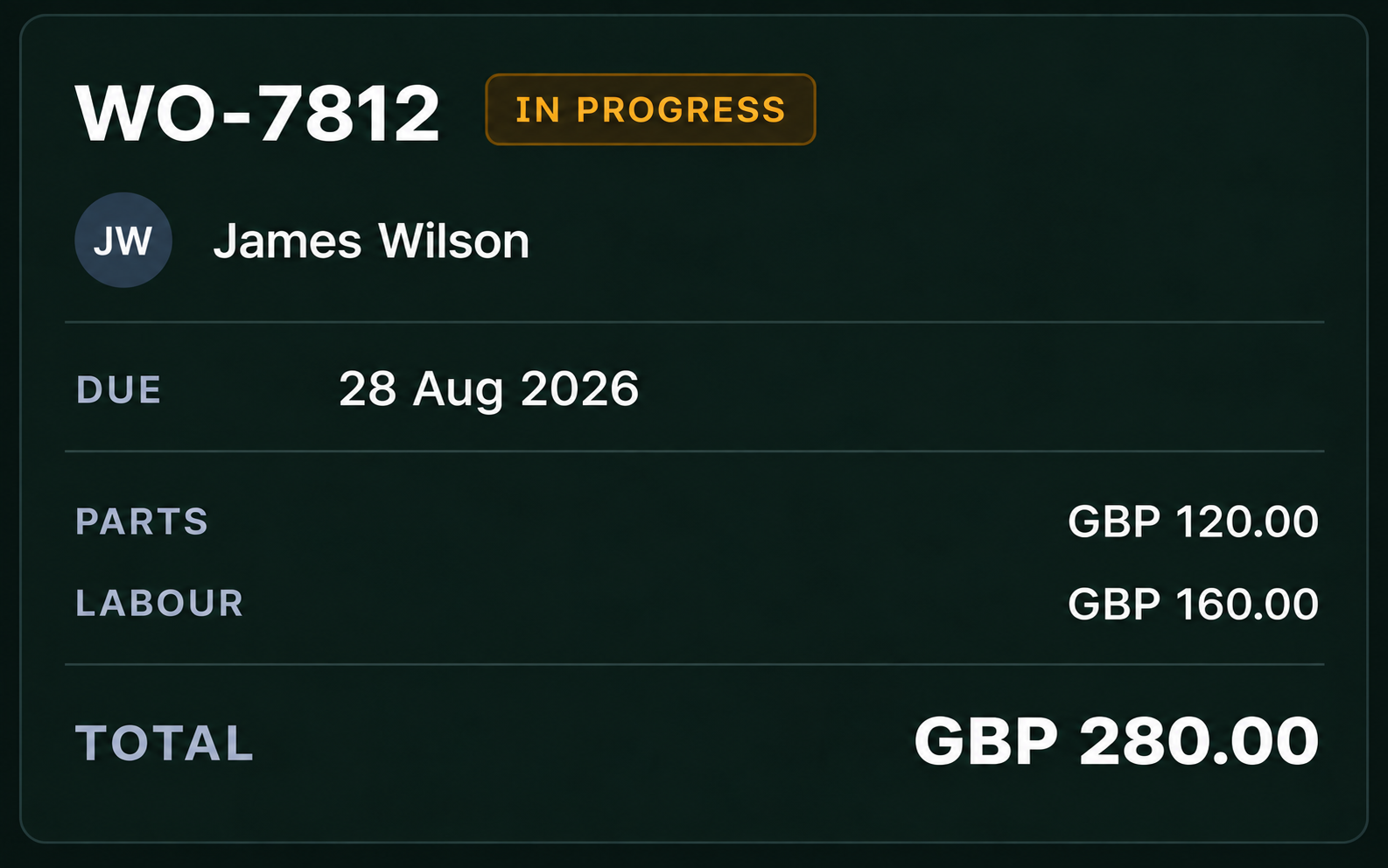
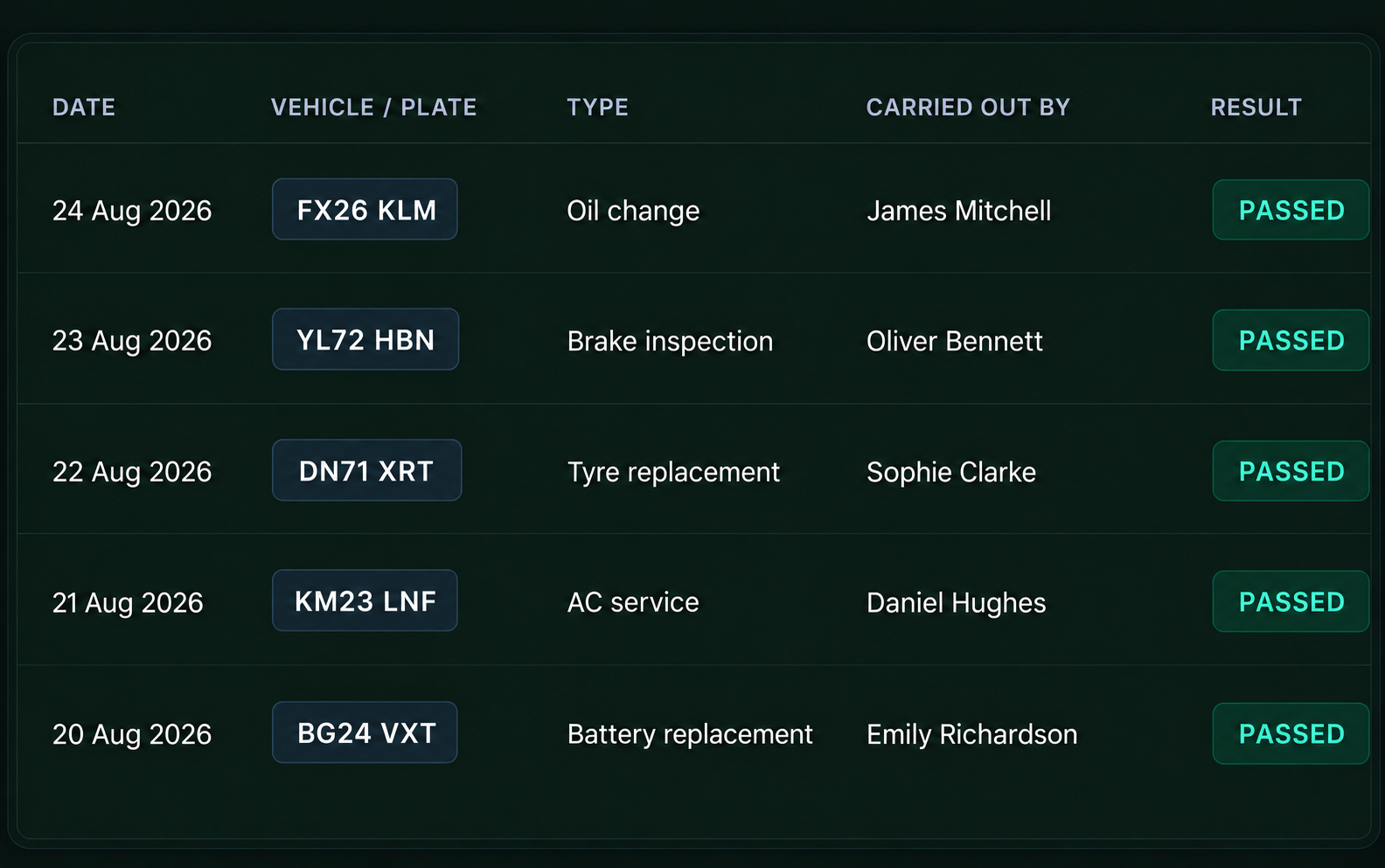
Complete Records
- Full inspection history
- Vehicle check & inspection records
- Search and filter records
- Maintain a clear record of activity
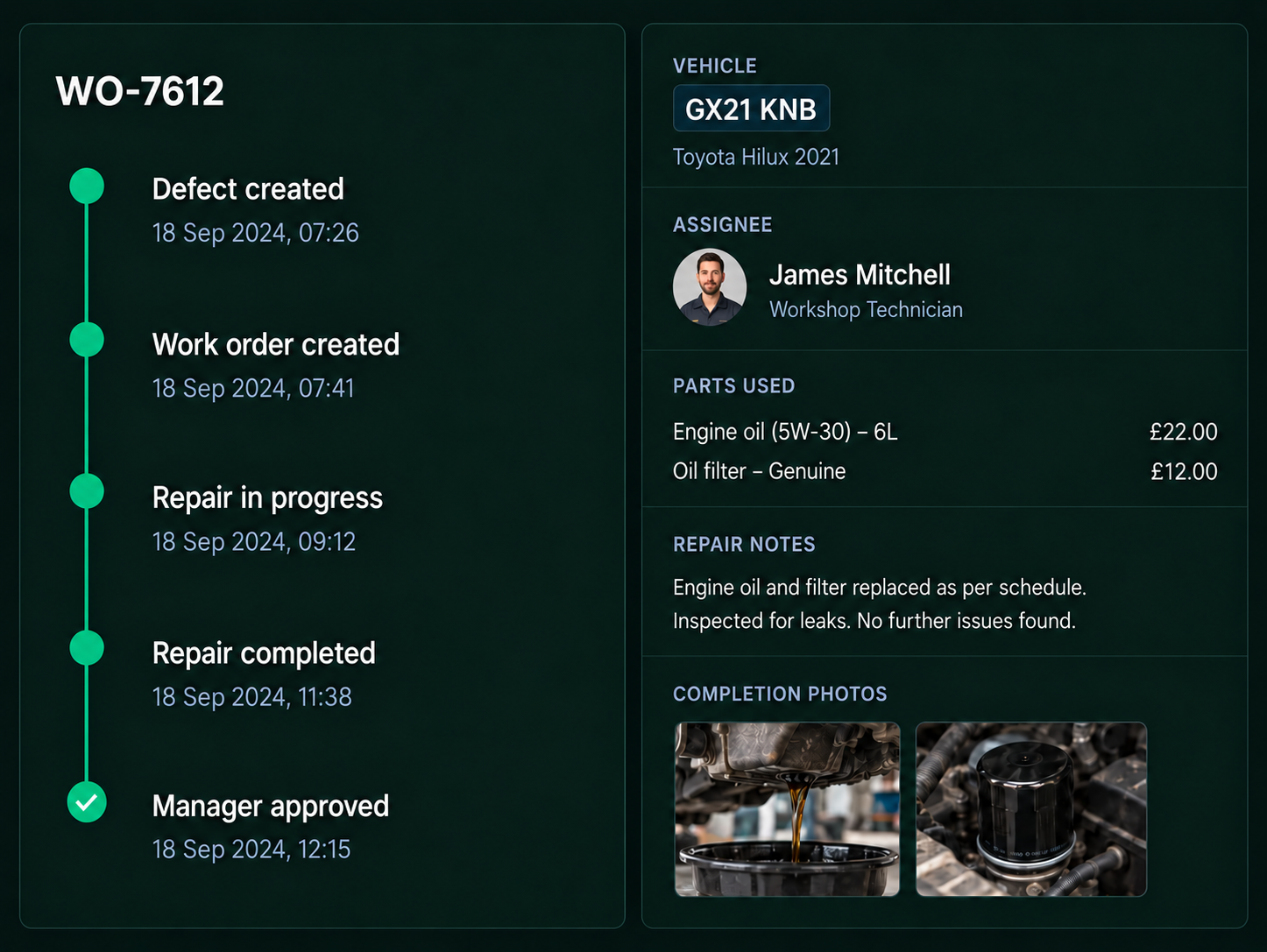
From Report to Resolution
Track every defect from report to repair, approval and return to service with evidence captured at each step.
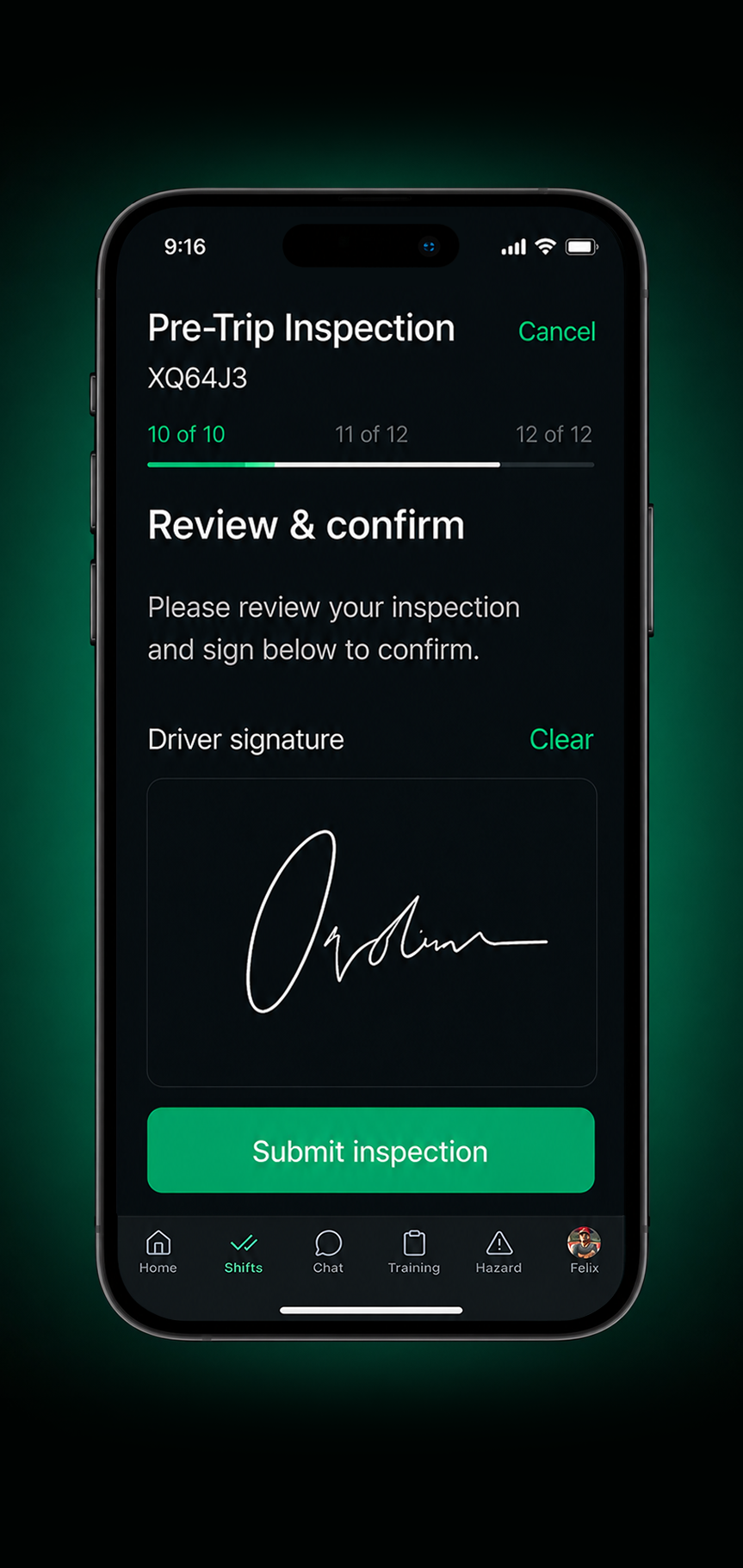
Mobile inspection workflow

1. Driver opens check
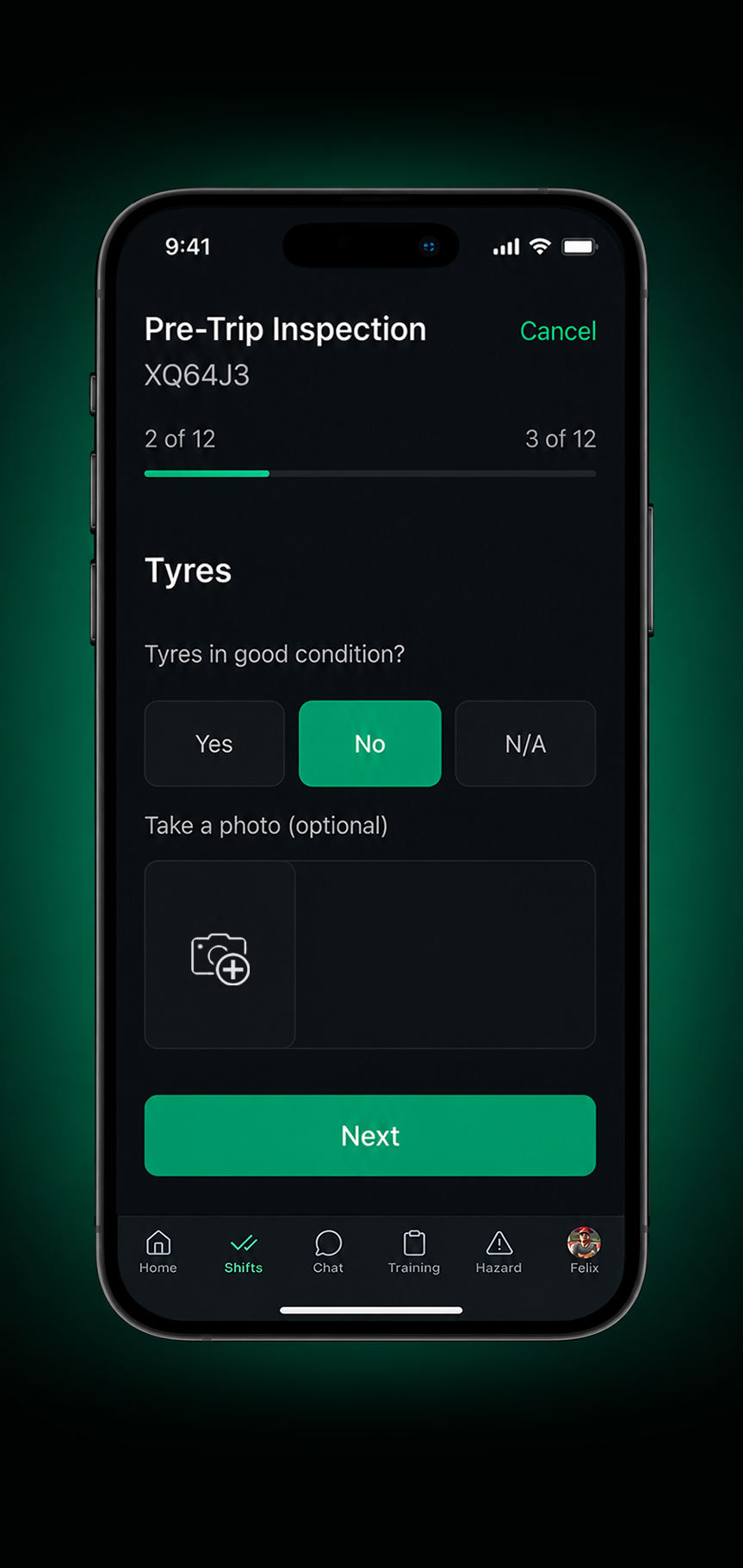
2. Completes checklist
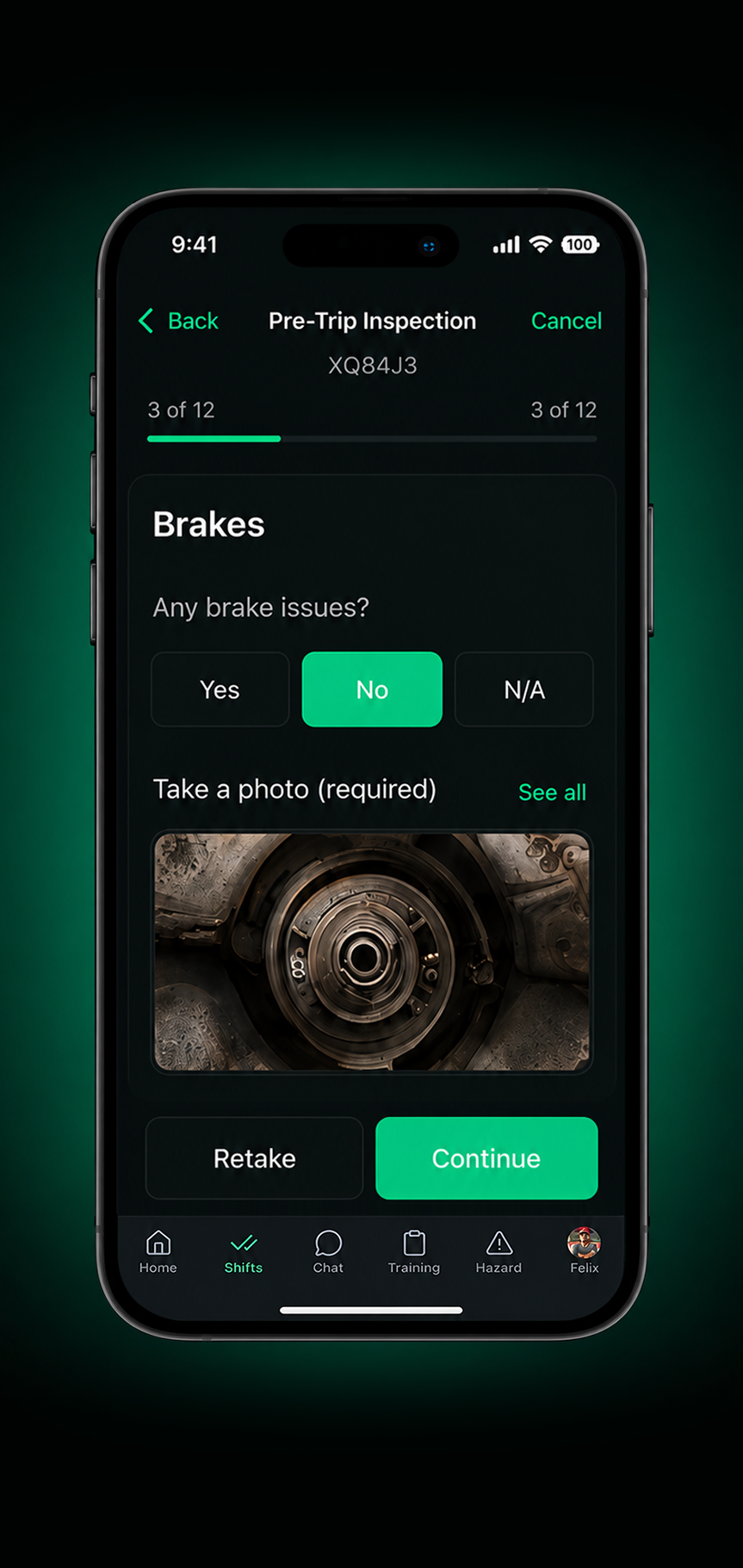
3. Adds photos
4. Reports defect
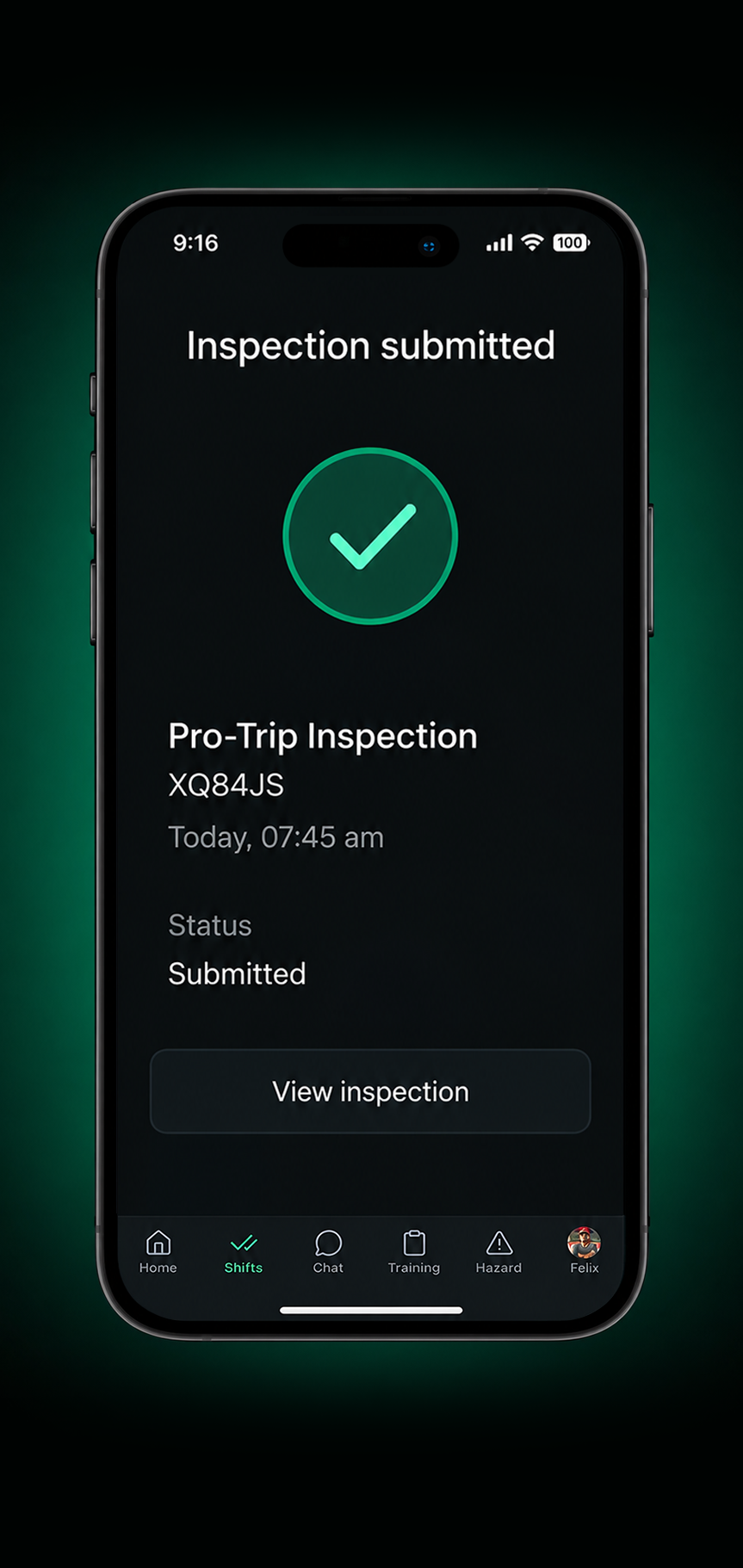
5. Signs and submits
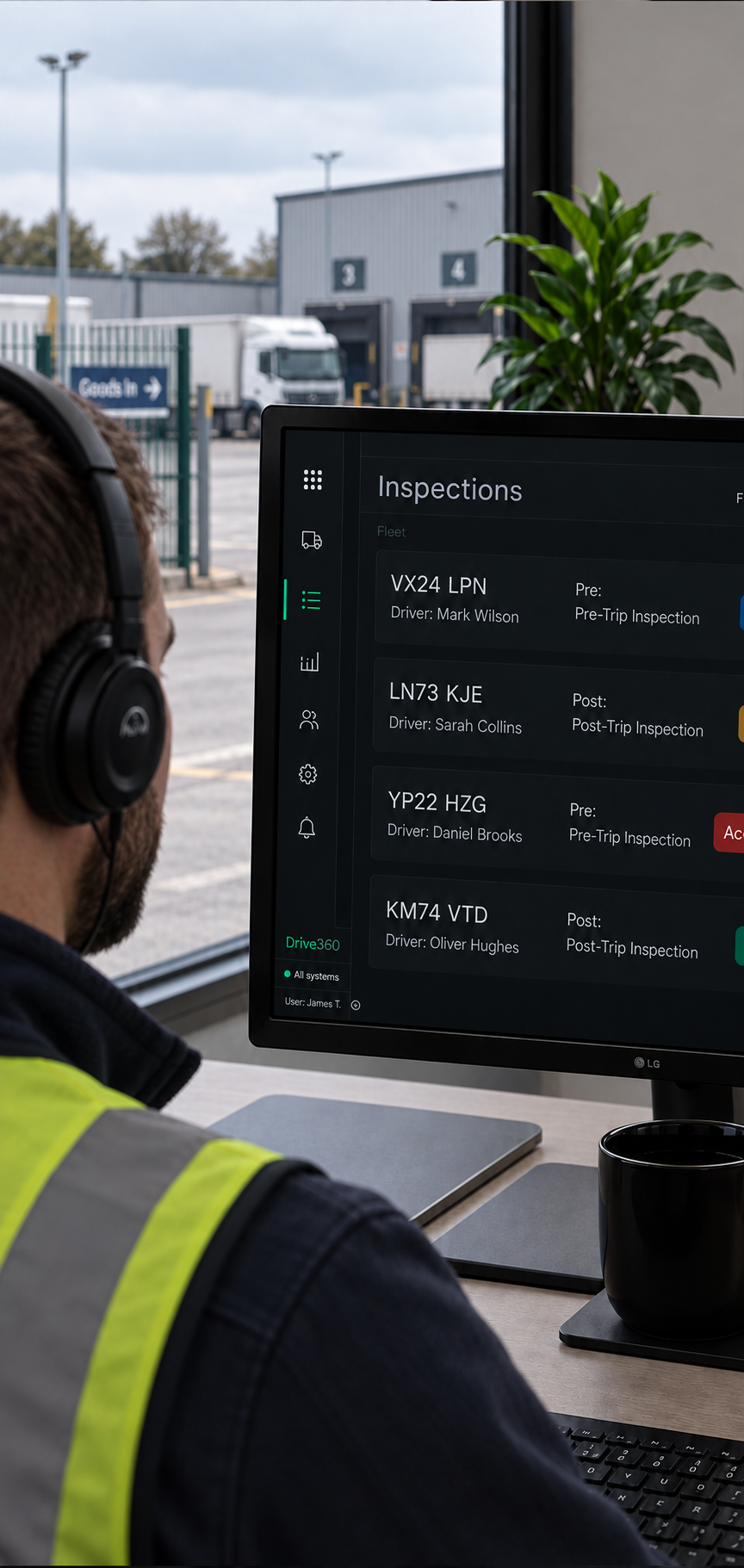
6. Manager receives alert
Connected Drive360 Workflows
Vehicle checks flow into Drive360, keeping records up to date and turning identified issues into clear follow up actions.

Outcomes that Drive Safer, Smarter Operations
More Consistent Checks
Guide drivers through each inspection and capture the information your operation needs.
Earlier Visibility of Defects
Bring reported issues into view sooner so teams can respond before they escalate.
Faster Escalation
Alert the right people as soon as an issue is reported.
Clear Repair Accountability
Track responsibility and progress from assignment through to close out.
Better Visibility of Vehicle Readiness
See checks, defects and maintenance status together when deciding whether a vehicle is ready for operation.
Records Ready When You Need Them
Keep inspection history and supporting evidence together for review and audit requirements.
Frequently Asked Questions
What can drivers include in a vehicle check?
Drivers can complete guided checklists, record pass, fail or N/A results, add odometer readings, notes, photos and digital sign off.
Can vehicle checks be customised?
Yes. Inspection templates can be configured for different vehicle types, roles and operational requirements, including required fields and photos.
What happens when a defect is reported?
The defect can be assigned a severity, with photos, notes and location captured as supporting evidence. The relevant team can then be notified and follow up work assigned.
Can defects be linked to repairs?
Yes. Reported defects can lead to work orders that are assigned, tracked through repair and supported with parts, labour, notes and completion evidence.
How does Drive360 track a vehicle after a defect?
The defect remains linked to the vehicle record through the repair process, with its status and supporting evidence tracked until the vehicle is approved and returned to service.
Are inspection and repair records retained?
Yes. Drive360 keeps inspection history, defect records, repair activity and supporting evidence together, with records available for search, review and reporting.
Know What’s Ready for the Road
See how Drive360 connects vehicle checks, defects and repairs in one process.
- Flexible configurations
- Quick and easy setup
- 24/7 support